 ▶
▶
 ▶
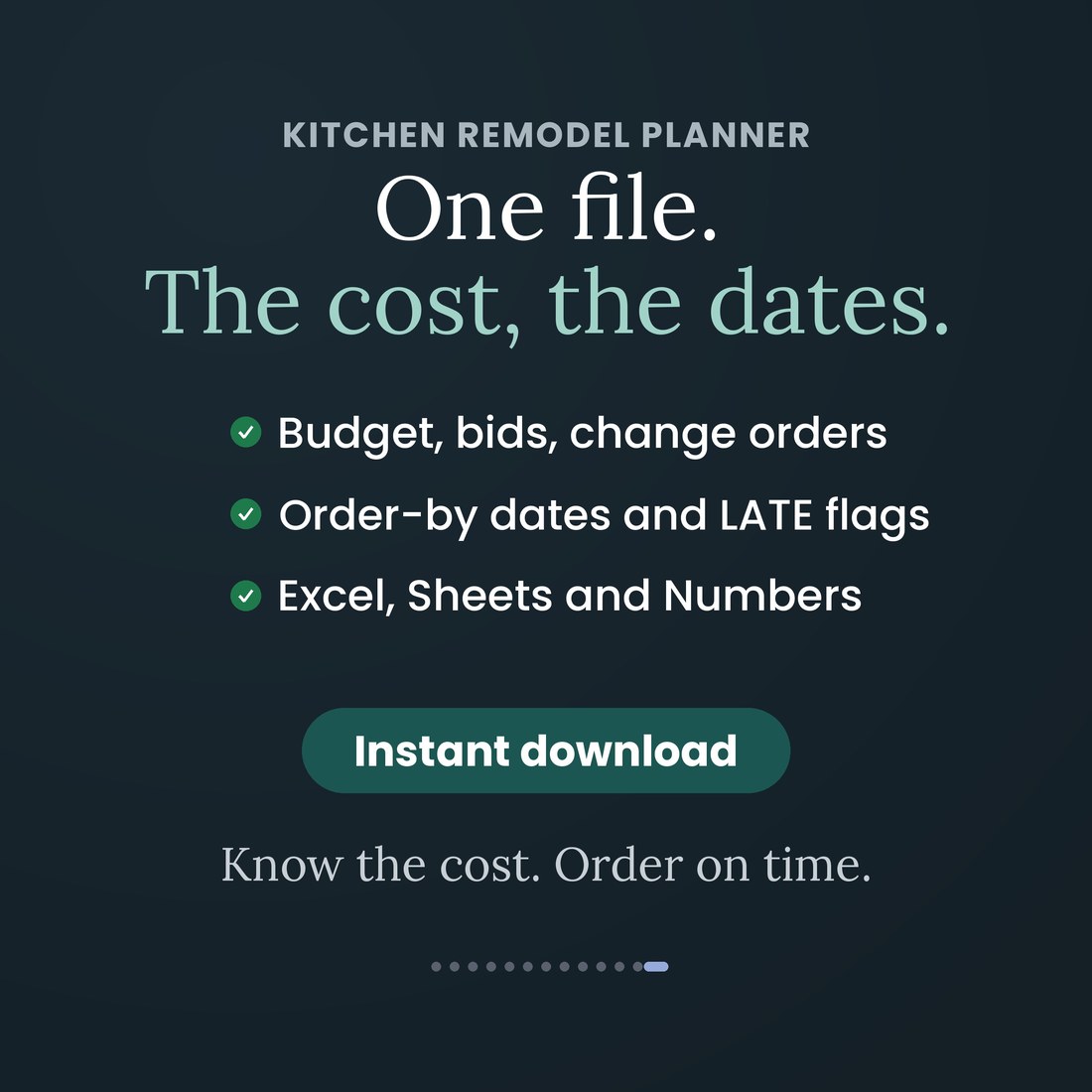
▶Kitchen Remodel Planner
Know the cost. Order on time.
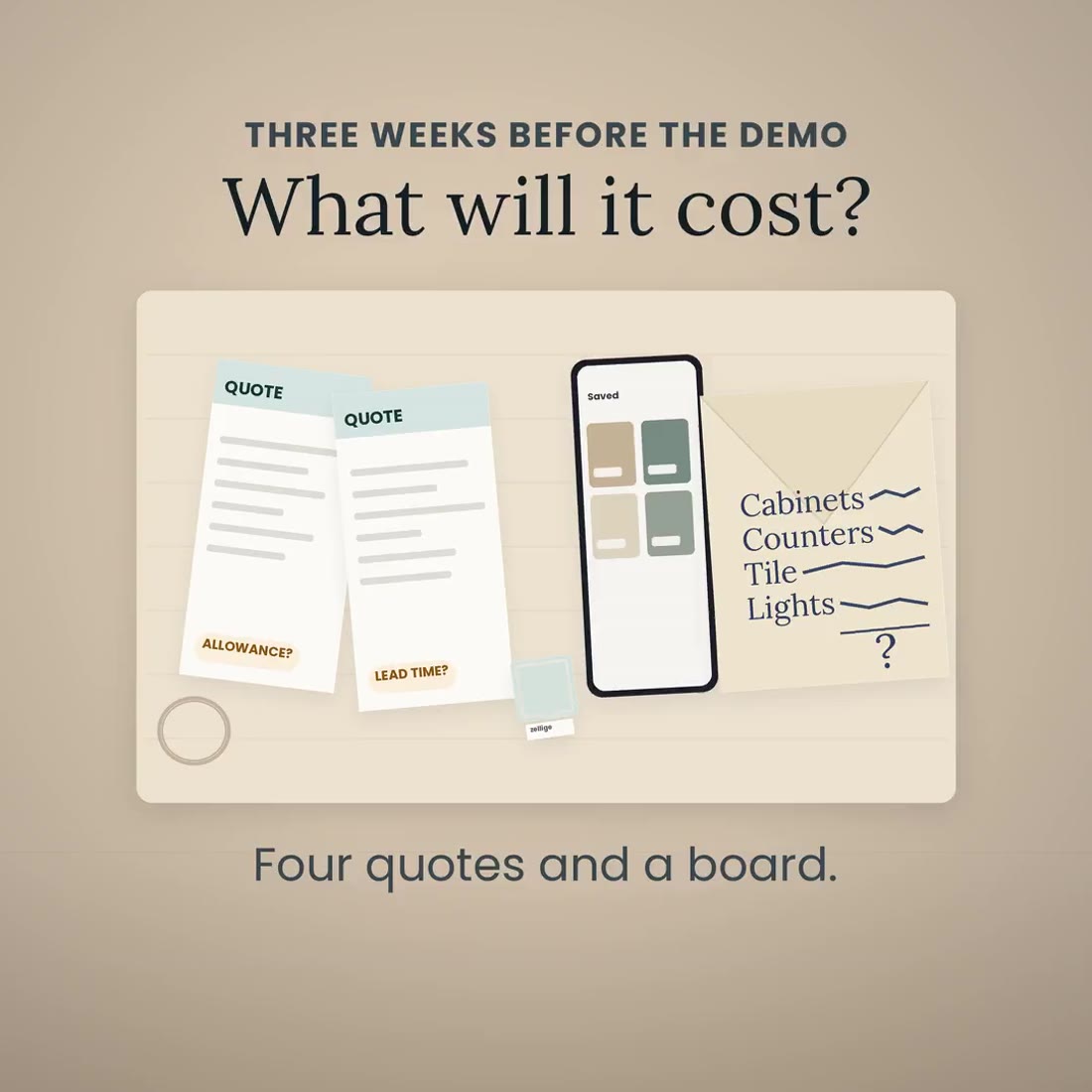
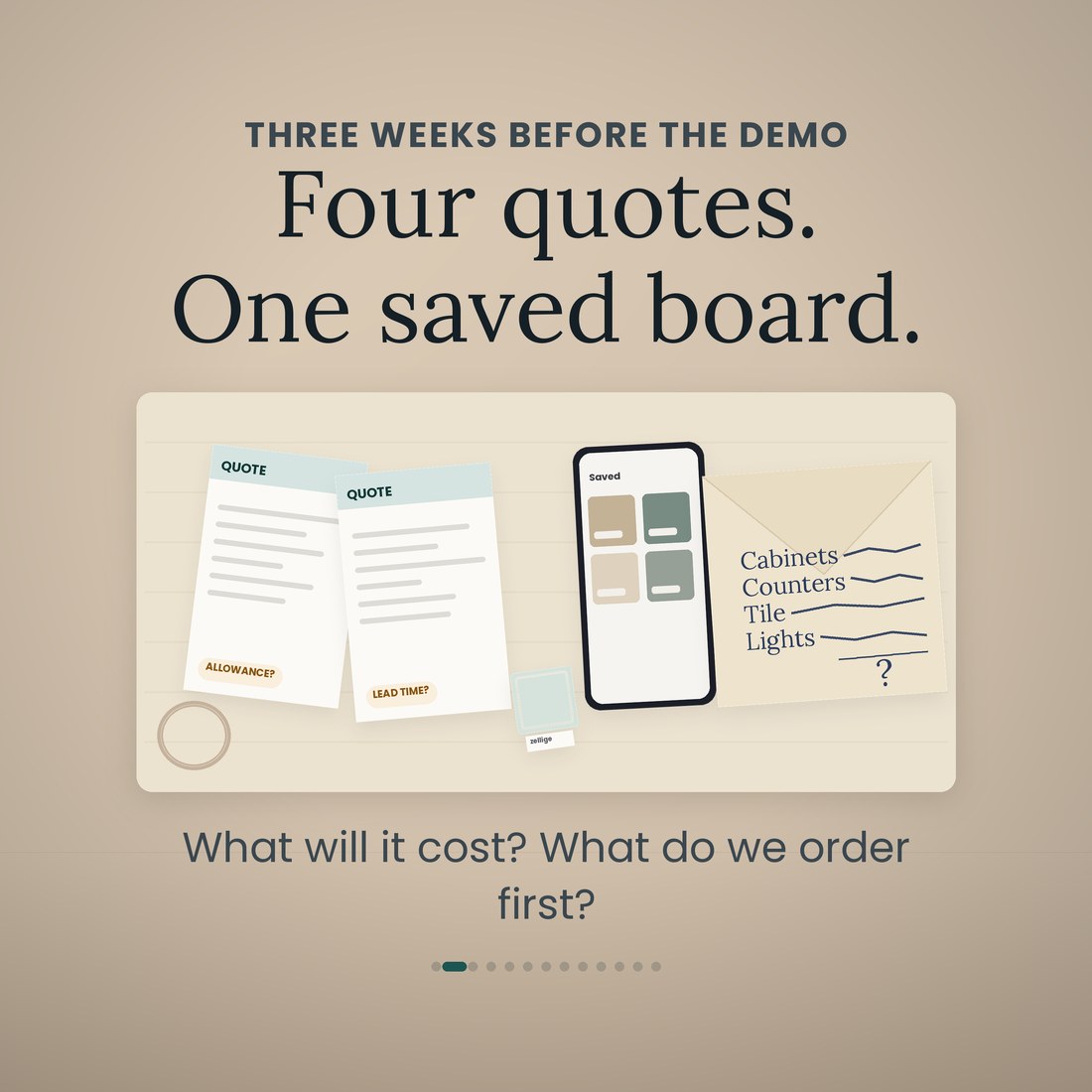
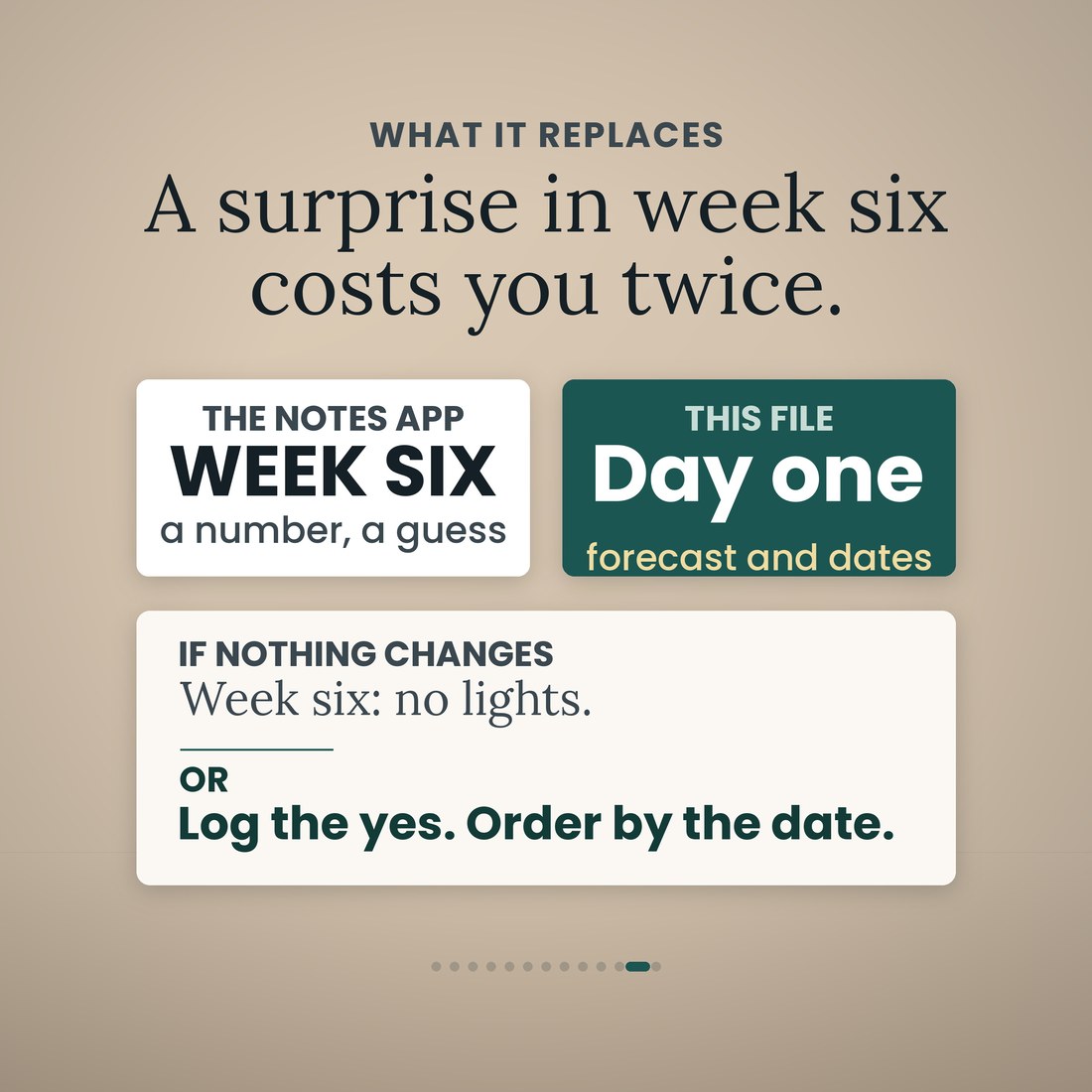
You are six weeks in, the drain line under the sink turned out to be cast iron, and there is $1,850 you never planned for. The number in your head is three quotes and a notes-app list, and it is already out of date. Then someone asks where the pendant lights are, and they are still a saved tab with a six-week lead and a crew that needs them September 30. This file keeps the cost and the dates in one place, so the forecast is always today's and nothing is late to order.
- Budget, one row per cost and nothing forecast by hand: you type the estimate, the actual, what is paid and the status, and Projected, Variance and Balance left are automatic, with the forecast — projected lines plus approved change orders — read against the total budget and the contingency left
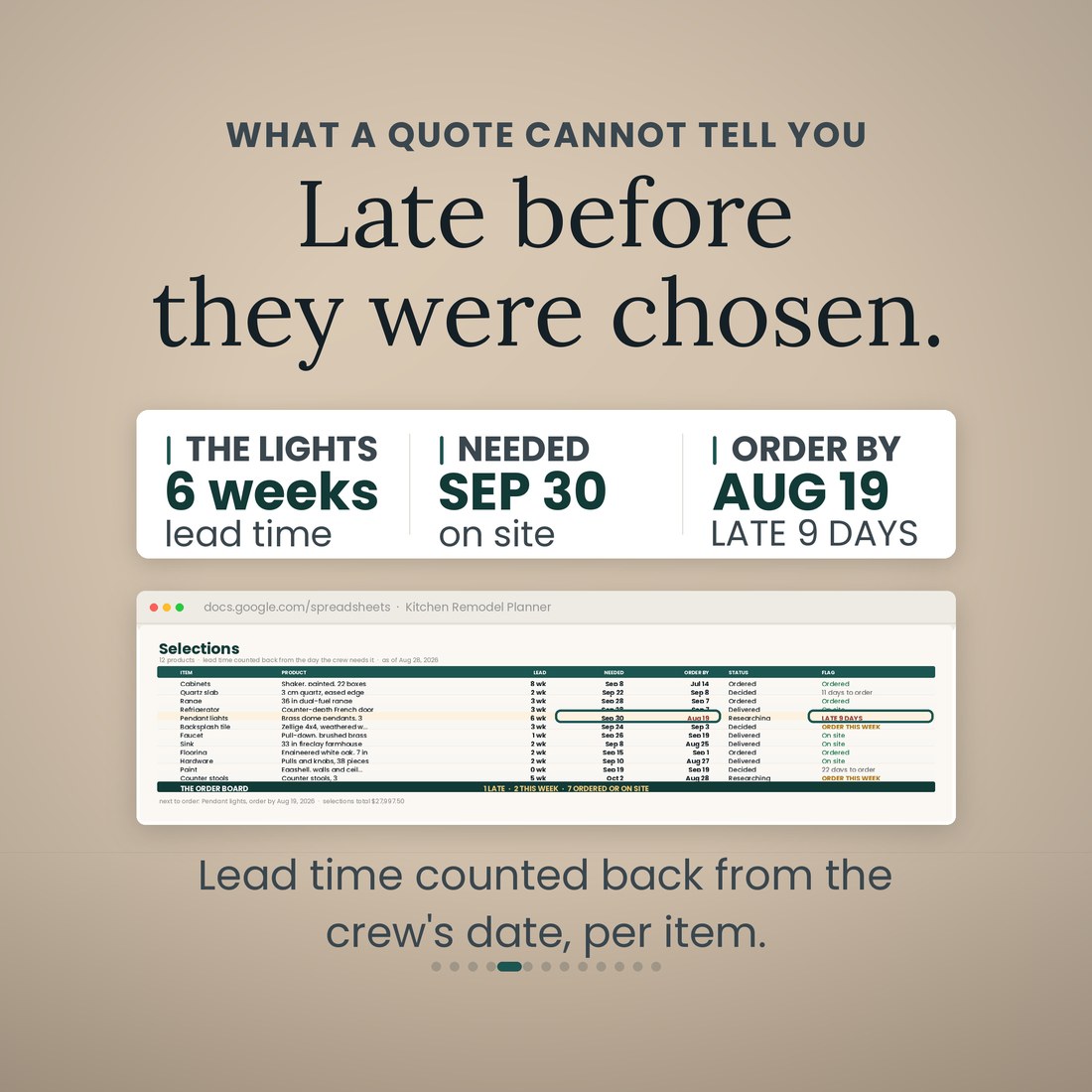
- Selections: every product with its lead time in weeks and the day the crew needs it, counted back to the ORDER-BY date and flagged LATE, ORDER THIS WEEK, the days to order, Ordered, On site or Installed, as of the date on Setup
- Bids: three quotes per job, with the lowest, your pick, the chosen figure and the saving against the highest read, never typed
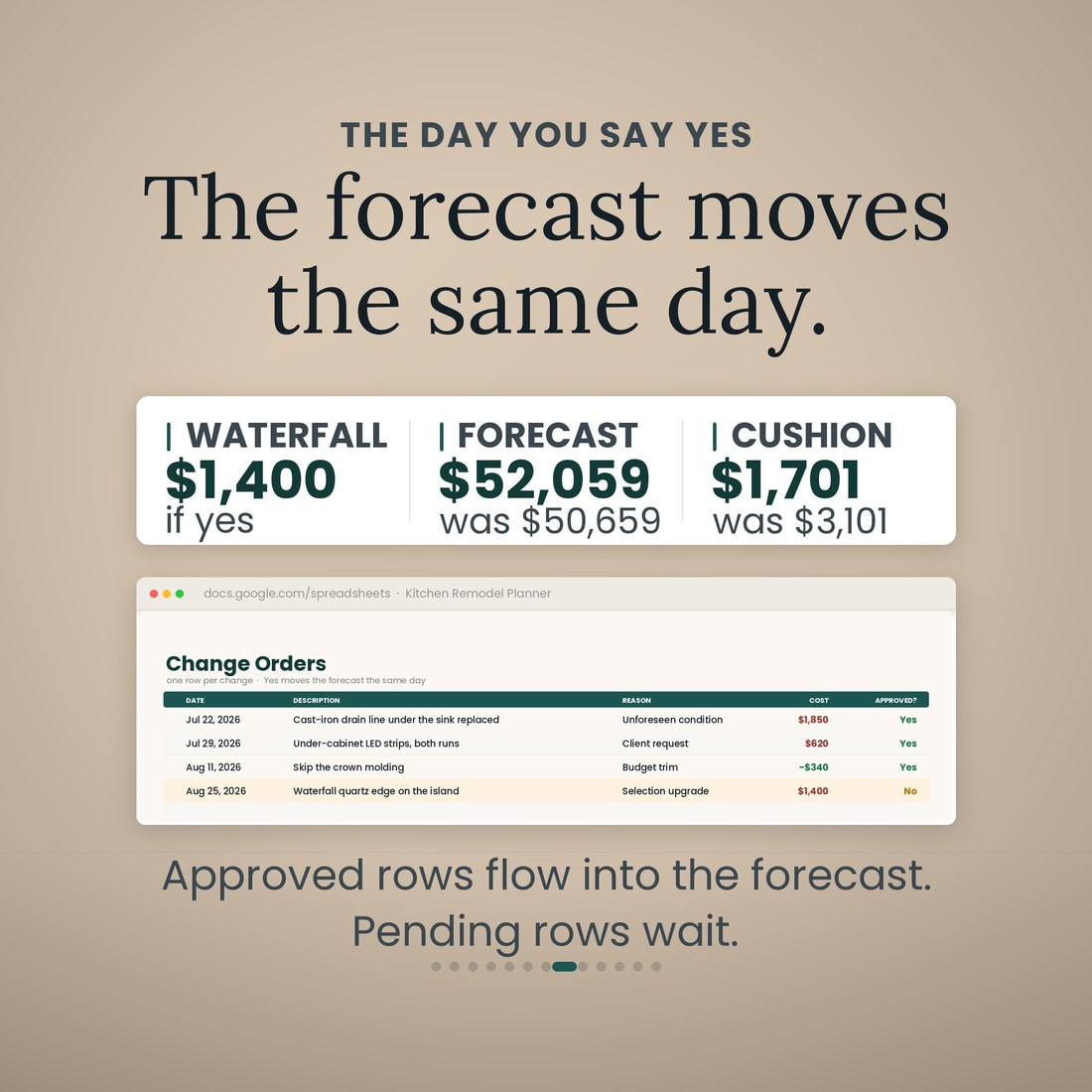
- Change Orders, where remodels blow the budget: every scope change with its reason and its cost, approved rows flowing into the forecast the same day and pending rows waiting, next to a Payments tab with the contract, deposit, three draws, retainage held, balance owed and percent paid for each contractor
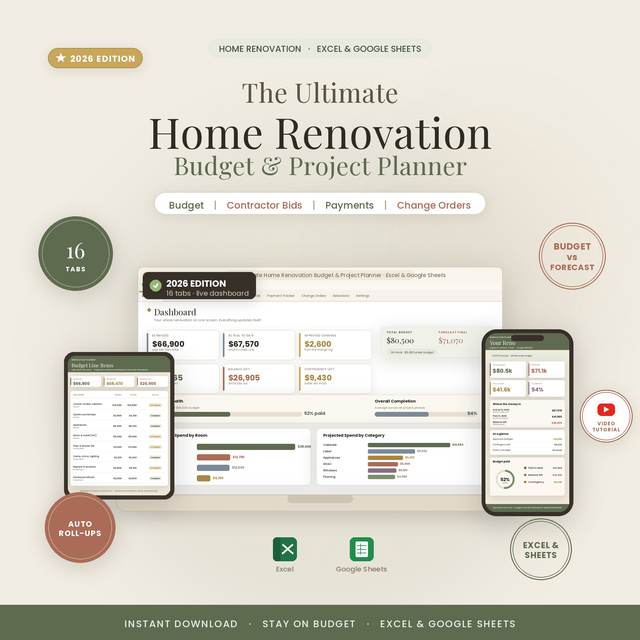
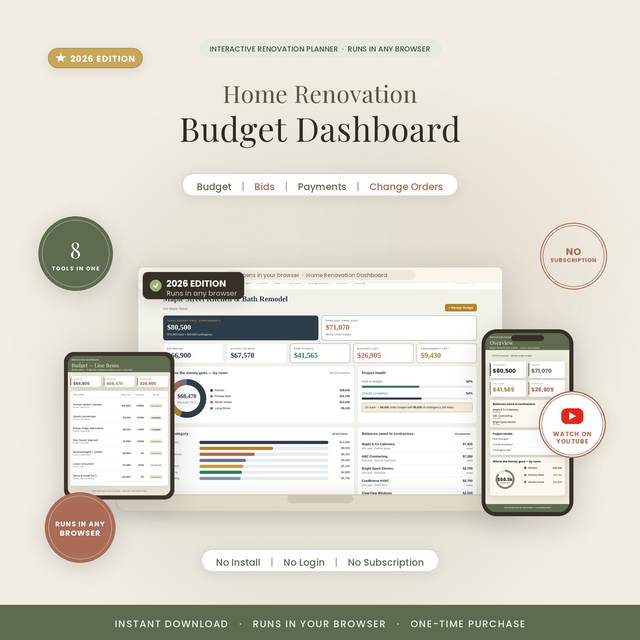
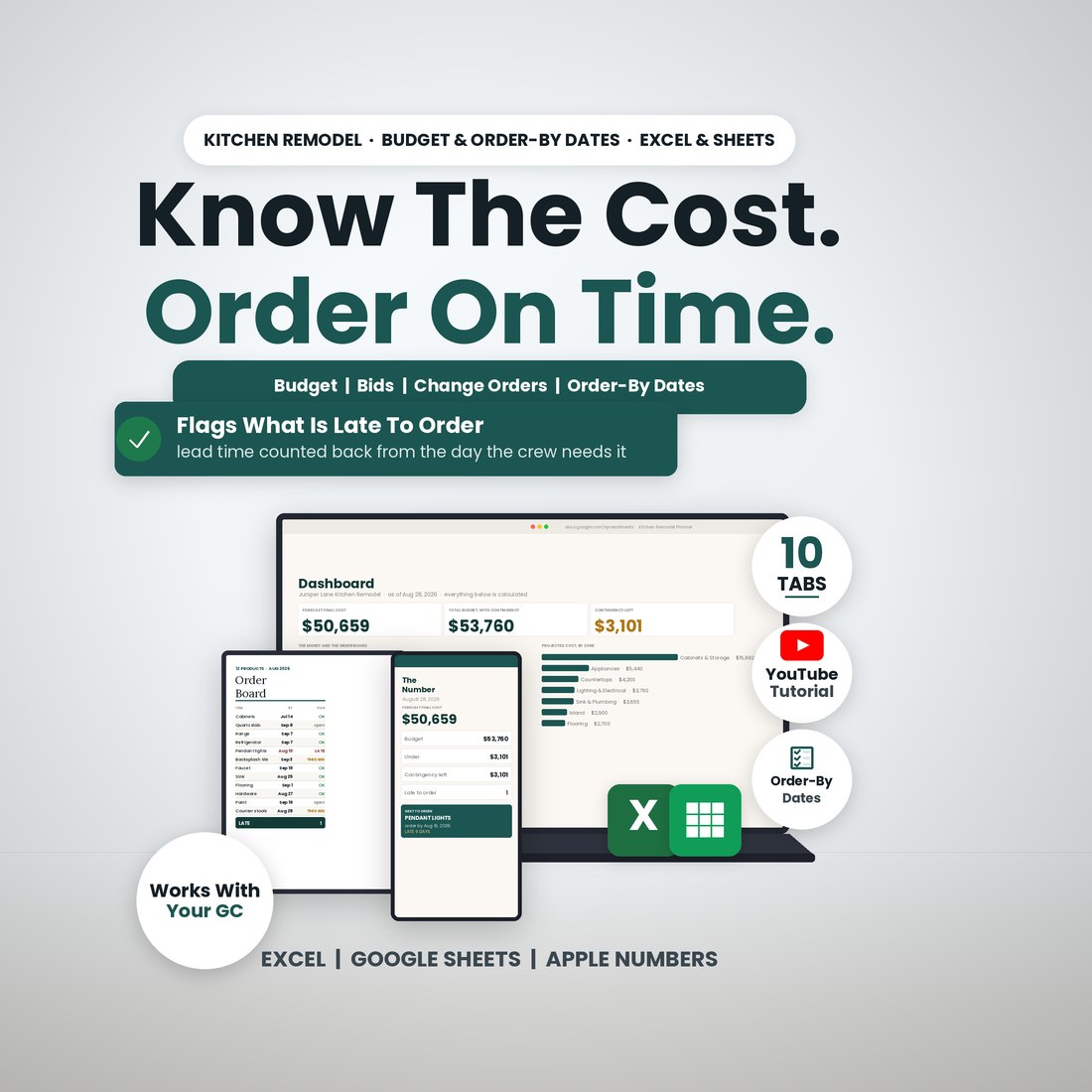
- Dashboard: the forecast against the budget, under or over, contingency left, paid to date, late to order, the next order-by date, the money by zone and by trade with two charts, the order board, and the sentence that says it in words
Overview
Know the cost. Order on time.
You are six weeks in, the drain line under the sink turned out to be cast iron, and there is $1,850 you never planned for. The number in your head is three quotes and a notes-app list, and it is already out of date. Then someone asks where the pendant lights are, and they are still a saved tab with a six-week lead and a crew that needs them September 30. This file keeps the cost and the dates in one place, so the forecast is always today's and nothing is late to order.
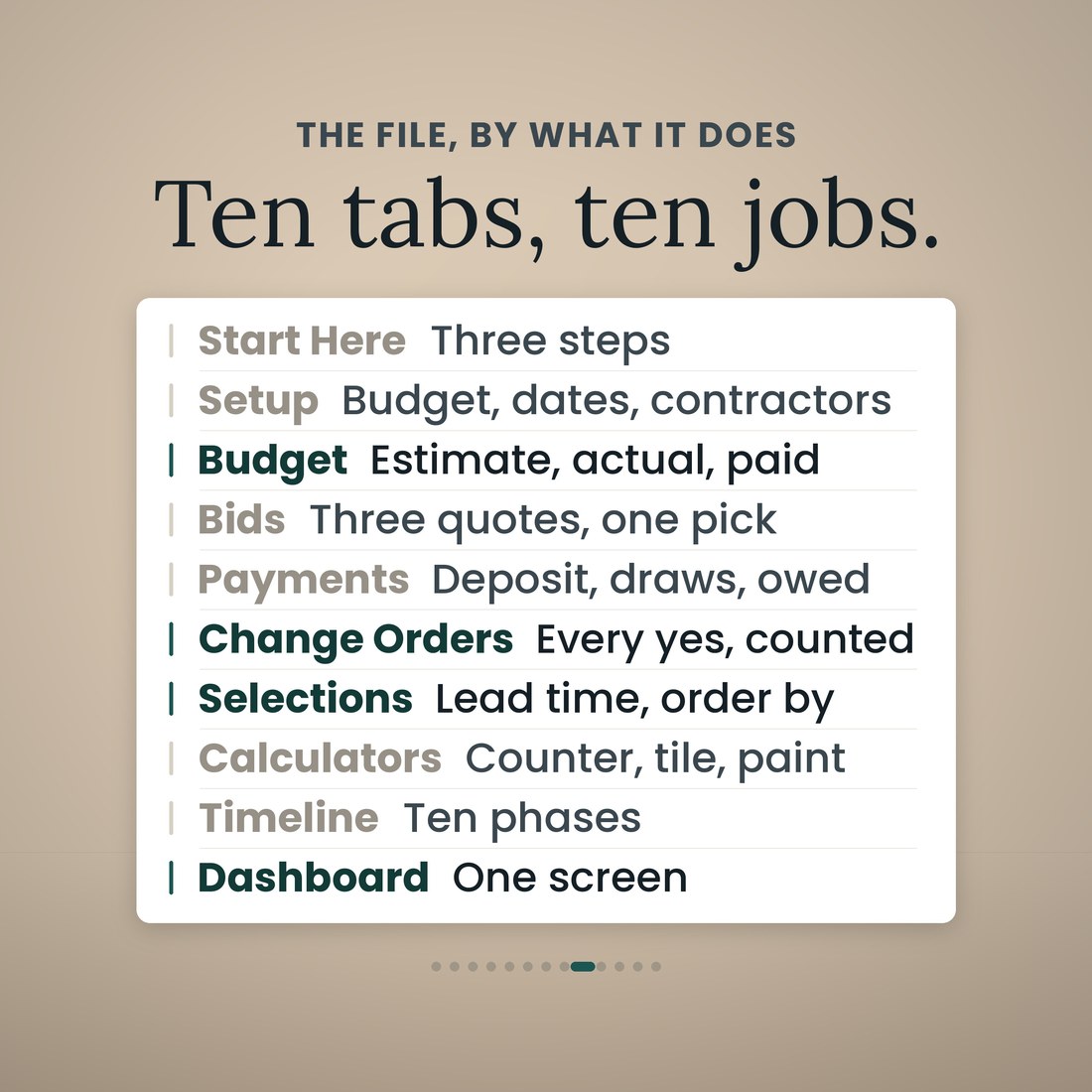
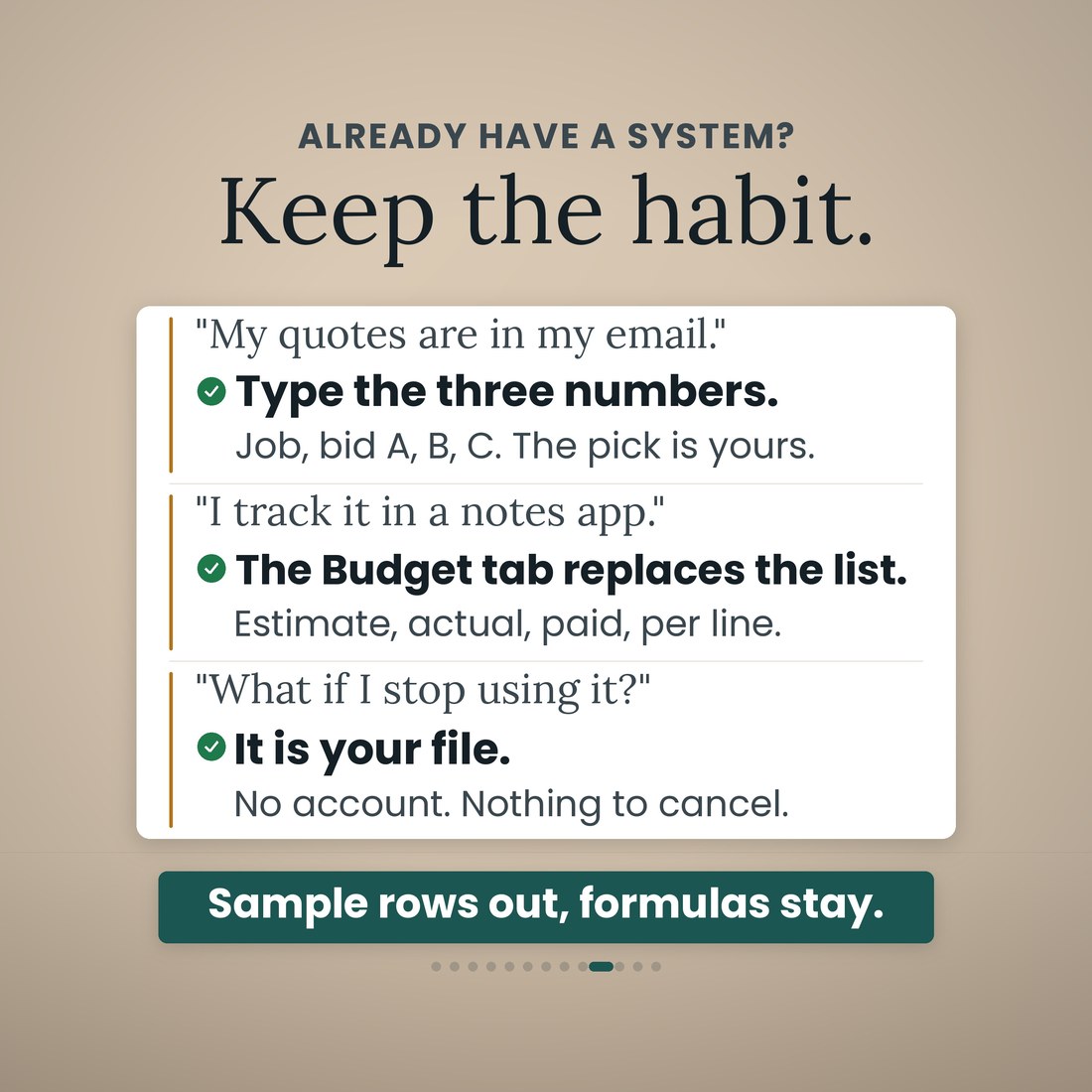
It is one workbook with 10 tabs and 2,382 formulas, and it opens the same way in Microsoft Excel, Google Sheets and Apple Numbers because every formula uses the portable function set — no add-ins, no macros, no login and nothing to install. You type in the cream cells only: a cost, a yes or no, a date. The forecast, the variance, the order-by dates, the flags and the whole Dashboard are read, never typed. One line is one row; the file holds 200 budget lines, 40 bids, 80 change orders and 120 selections if you do the whole room, with ten phases on the Timeline and the countertop, backsplash, flooring and paint calculators alongside. A worked sample ships inside — a kitchen remodel six weeks in, a $48,000 base budget with 12% contingency, 22 budget lines, six jobs bid three ways, eight contractors on the payment tracker, four change orders and 12 selections with lead times — so every tab has something to show. Clear the sample rows and the formulas stay.
What's Included
One workbook, 10 tabs, in four color editions:
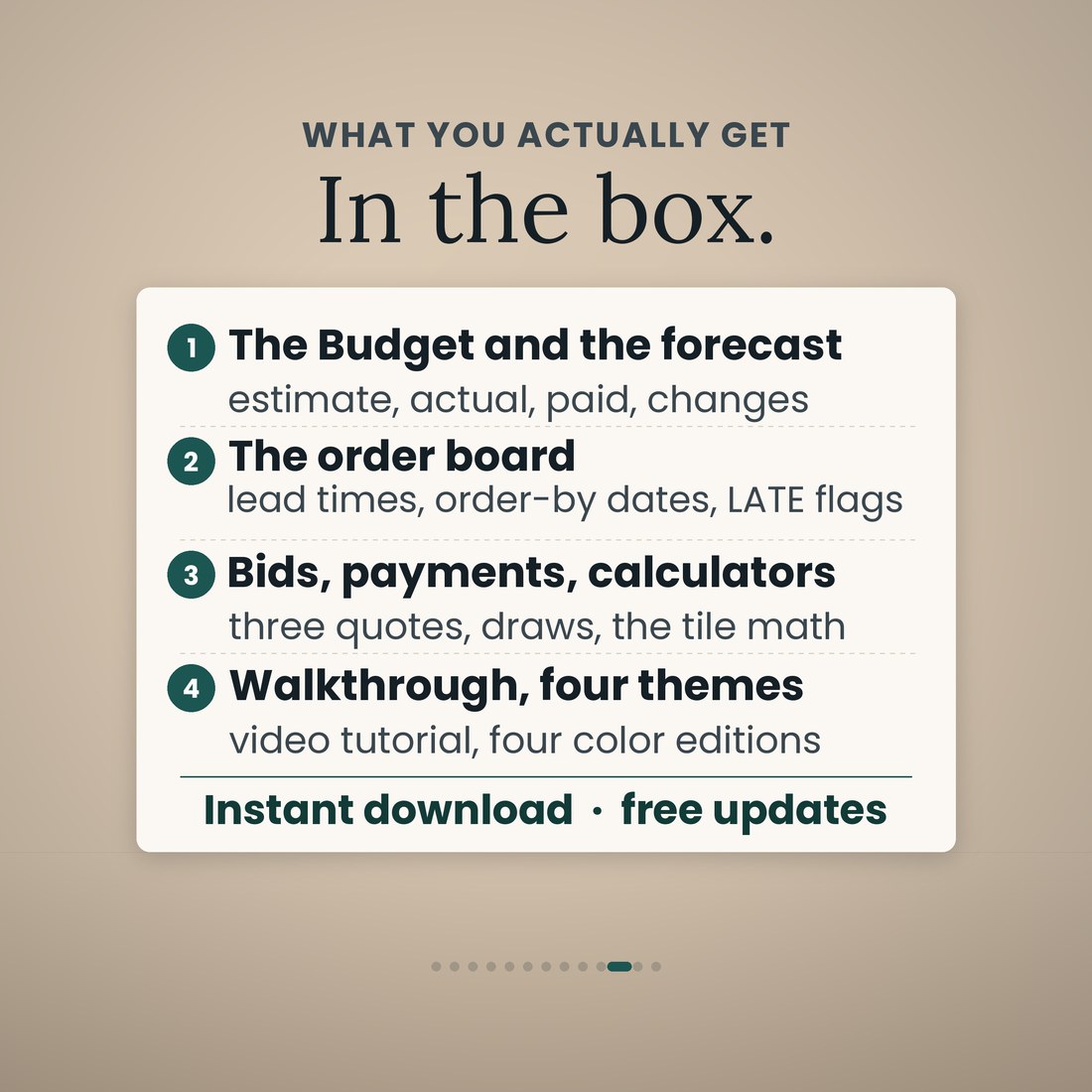
- Kitchen-Remodel-Planner.xlsx: the 10-tab workbook with 2,382 formulas, opening in Microsoft Excel, Google Sheets and Apple Numbers
- The same workbook in four color editions — Colorful, Light, Dark and Editorial — every one doing the same arithmetic
- A worked sample book inside: a kitchen remodel six weeks in, 22 budget lines, six jobs bid three ways, four change orders and 12 selections with lead times, so every tab works on open
- The order board, every product counted back from the day the crew needs it to the date you have to order it by, with the late ones at the top
- A full narrated video walkthrough on YouTube, linked on your confirmation page
- Five .xlsx files in one ZIP, instant download. Nothing is shipped and there is nothing to install
Key Benefits
Why this one
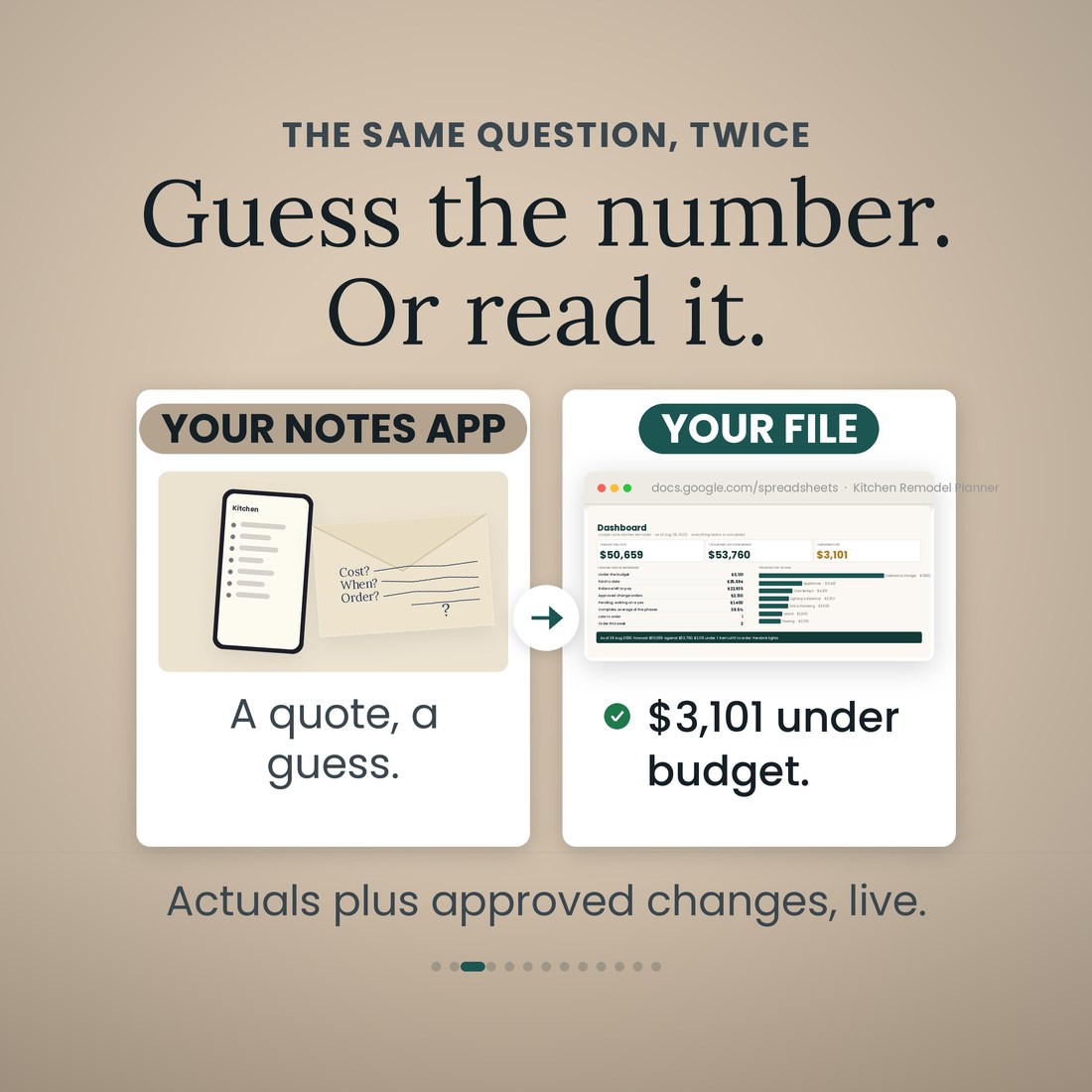
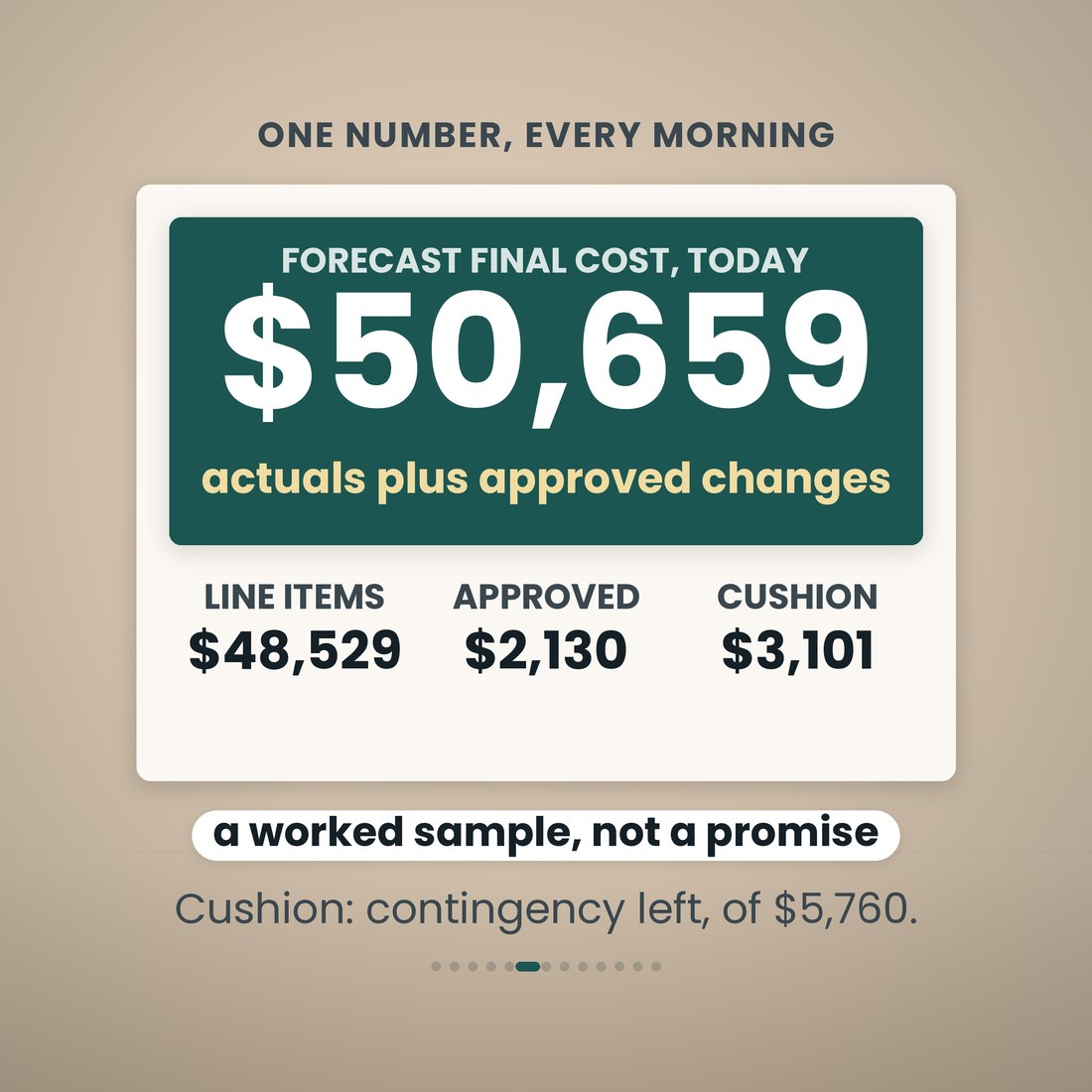
The Budget tab forecasts the final cost from the projected lines plus the approved change orders and reads it against your budget with the contingency left. On the sample a $48,000 base budget with 12% contingency is $53,760 in total; $48,529 of projected lines plus $2,130 of approved changes reads $50,659, $3,101 under, with $3,101 of contingency still there. Nothing on the Dashboard is typed.
Every scope change goes on Change Orders with its reason and its cost. Approved rows move the forecast the same day; pending rows wait. On the sample the $1,400 waterfall edge on the island is still pending: approve it and the forecast goes from $50,659 to $52,059 and the contingency left from $3,101 to $1,701, before anyone cuts the slab.
Give each product its lead time in weeks and the day the crew needs it, and the file counts back to the ORDER-BY date and flags it. On the sample the pendant lights have a six-week lead and are needed September 30, so the order-by date was August 19 and the Selections tab reads LATE 9 DAYS.
Type three quotes per job and the lowest, your pick, the chosen figure and the saving against the highest are worked out. On the sample, six jobs bid three ways: $25,750 chosen against $23,945 of lowest bids, and $3,800 saved against taking the highest quote every time.
One row per contractor: contract, deposit, three draws, retainage held, balance owed and percent paid. On the sample, eight contractors hold $39,020 of contracts with $17,345 paid, $802.50 of retainage held back and $21,675 still owed.
Microsoft Excel, Google Sheets and Apple Numbers. Every formula uses the portable function set, and the file was recalculated clean before shipping: 787 checks, no failures. No add-ins, no macros, no login and no contractor portal.
Who It's For
Built for
- Homeowners planning or mid-way through a kitchen remodel with a contractor, who want their own number next to his
- DIY remodelers running their own trades, paying each one directly and ordering their own materials
- Anyone who has learned that the cabinets are the schedule, and that a six-week lead time is a date and not a decision
- Anyone who wants the file on their own laptop, with no account, no contractor portal and nothing to cancel
How It Works
Up and running in minutes
Your base budget and contingency, how you are paying with the monthly loan payment worked out, the start and finish dates, the days the kitchen is out of service, and your contractors.
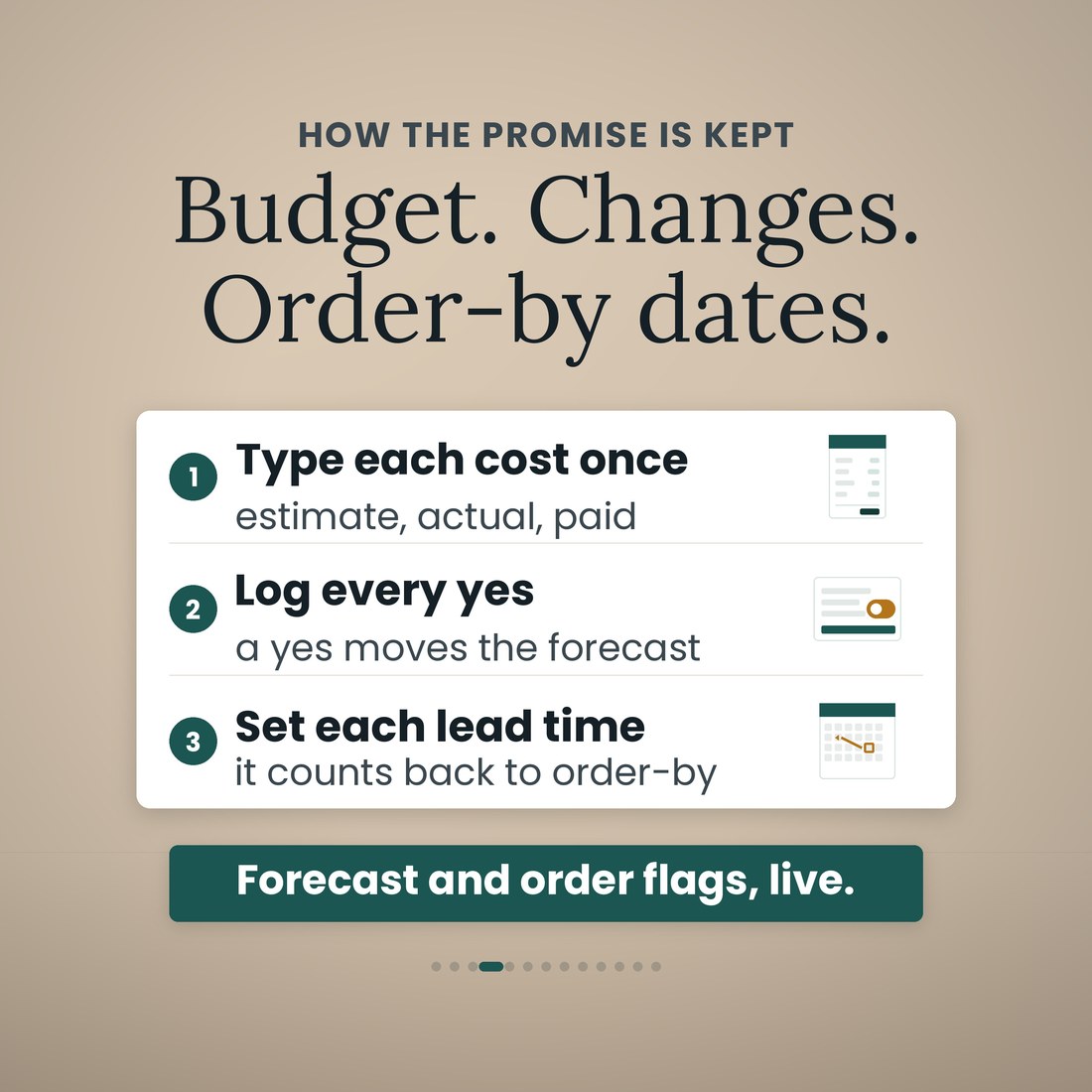
One row per cost on the Budget tab: estimate, actual, paid, status. Three quotes per job on Bids. Projected, Variance, Balance left and the saving are automatic.
Each scope change goes on Change Orders with its reason and its cost. Approved rows move the forecast the same day; pending rows wait until you say yes.
On Selections, the lead time in weeks and the day the crew needs it on site. The file counts back to the ORDER-BY date and flags LATE or ORDER THIS WEEK.
The forecast against the budget, under or over, contingency left, paid to date, the next order-by date and what is late, plus the sentence that says it in words.
Why It's Different
Not another template
Most remodel spreadsheets are a budget tab with a running total, and the schedule lives in a separate document nobody updates. This one keeps the money and the dates in the same file, because a kitchen goes wrong in two ways and both of them are dated. The forecast is the projected lines plus the approved change orders, so the day you say yes to the waterfall edge the number moves and the contingency left moves with it, rather than a change order being a note in the margin until the final invoice. And every product carries its lead time and the day the crew needs it, so the file counts back to the ORDER-BY date and flags LATE or ORDER THIS WEEK while there is still time to order. Your contractor has his own spreadsheet; his number sits next to your budget, your bids, your change orders and your order dates, and the one on the Dashboard is yours. It is honest about its limits too: it does the arithmetic on what you enter, and the scope, the code and the loan are still between you, your contractor and your lender.
Delivery & Compatibility
Instant, and it opens in what you already use
As soon as your order is complete you get instant access to download the ZIP, so you can type in your budget and your bids tonight and read the forecast in the morning.
Five .xlsx workbooks (the planner plus Colorful, Light, Dark and Editorial editions) delivered as one ZIP, instant download. Opens in Microsoft Excel, Google Sheets and Apple Numbers using the portable function set only — no add-ins, no macros, no login and nothing to install. The file ships with a worked sample book so every screen works on open; the images and video show that sample. The order-by dates and the flags read from the as-of date you set on Setup. This is a digital download; nothing is shipped.
FAQ
Questions, answered
My contractor has his own spreadsheet. Why do I need this?
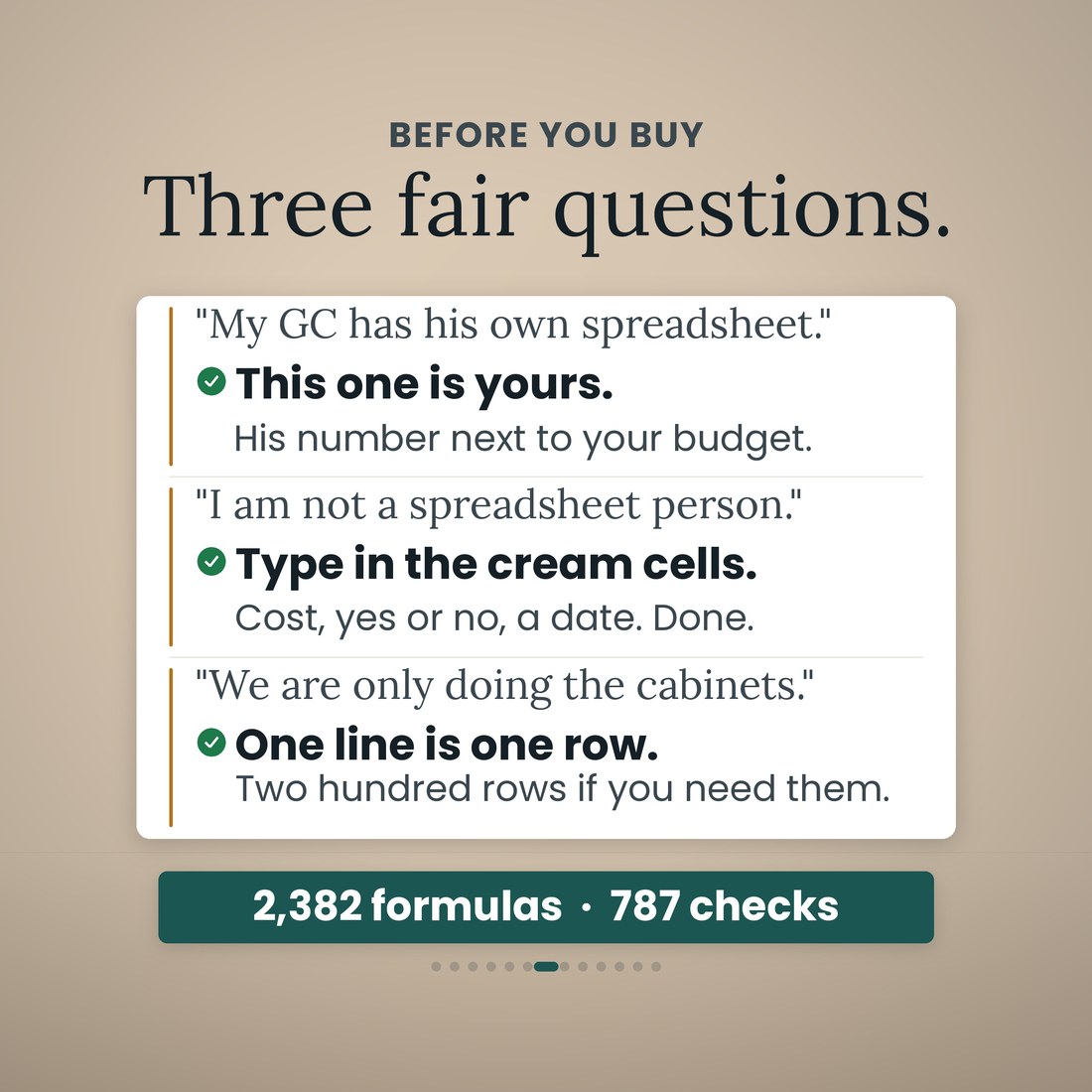
His is his. This one is yours: his number sits next to your budget, your bids, your change orders and your order dates, and the forecast on the Dashboard is the one you believe. On the sample it reads $50,659 against a $53,760 budget, $3,101 under.
I am not a spreadsheet person. How much do I have to type?
You type in the cream cells only: a cost, a yes or no, a date. Every other cell is a formula, 2,382 of them. The forecast, the variance, the order-by dates and the flags are read, never typed.
We are only doing the cabinets. Is this too much?
One line is one row. The file holds 200 budget lines, 40 bids, 80 change orders and 120 selections if you do the whole room, so a cabinets-only job fills a handful of rows and reads the same Dashboard.
What are the ten tabs?
Start Here; Setup; Budget; Bids; Payments; Change Orders; Selections; Calculators; Timeline; and Dashboard. Each does one job.
How does the forecast work?
It is the projected lines plus the approved change orders, read against your base budget and contingency. On the sample, $48,000 base with 12% contingency is $53,760 in total; $48,529 of projected lines plus $2,130 of approved changes reads $50,659, which is $3,101 under with $3,101 of contingency left. A pending change waits: approving the $1,400 waterfall edge would take the forecast to $52,059 and the contingency left to $1,701.
How does it know when to order something?
You give each product its lead time in weeks and the day the crew needs it on site, and the file counts back to the ORDER-BY date and flags LATE, ORDER THIS WEEK or the days to order, as of the date on Setup. On the sample the pendant lights have a six-week lead and are needed September 30, so the order-by date was August 19 and they read LATE 9 DAYS.
Does it work out quantities as well as costs?
Yes. The Calculators tab works out countertop square feet from the runs, backsplash square feet with waste, flooring boxes, paint gallons, and the days without a kitchen at your takeout rate. On the sample that last one is 65 days out of service at $45 a day, $2,925.
What is the difference between the four color editions?
Only the look. Colorful, Light, Dark and Editorial are the same 10-tab workbook with the same formulas in a different palette, and all four ship in the download.
Is this financial advice?
No. It is a planning tool that does the arithmetic on the costs, bids, changes and dates you enter; it is not a quote, an engineering opinion or financial advice. The loan figures are estimates to confirm with your lender, and the scope, the code and the permits are between you and your contractor.
For personal use. A planning tool that does the arithmetic on the costs, bids, changes and dates you enter; not a quote, an engineering opinion or financial advice. Loan figures are estimates to confirm with your lender. © 2026 NicheToolkitHub — no resale or redistribution.