 ▶
▶

 ▶
▶Etsy Seller Bookkeeping & Fee Calculator
Every order's real profit, every fee on its line.
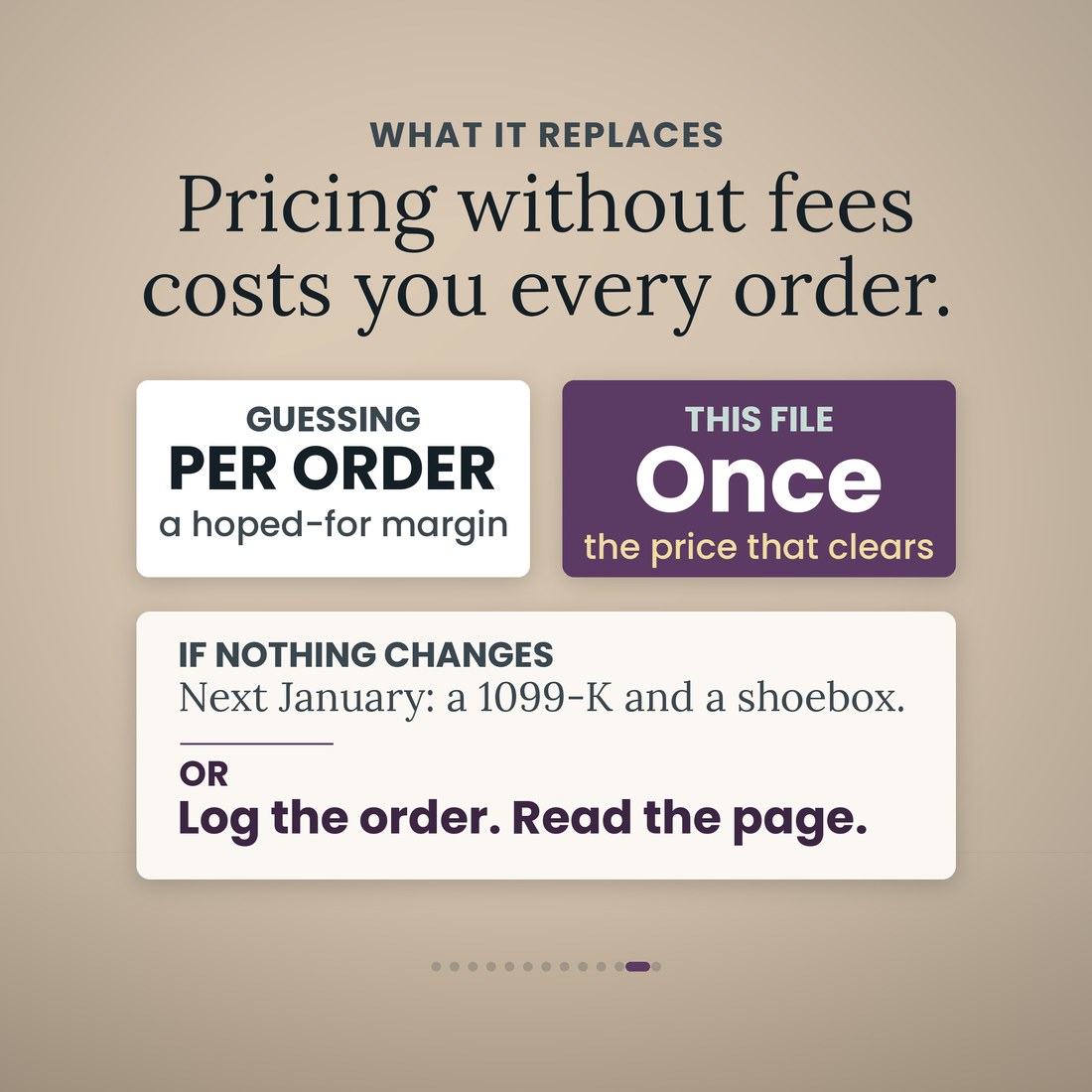
A $48.50 order is not $48.50. Etsy takes its transaction fee, its payment processing and its listing fee, and if the order came through an offsite ad it takes up to fifteen percent more on top. Then you buy the shipping label, and you had already bought the leather. By the time the deposit lands it is a different number, and that number is the only one that matters. This file works out every fee on every order from rates you type once, takes off the label and the materials, and tells you what each order and each listing actually cleared.
- Orders, one row per order: every fee in its own column, the listing fee, the transaction fee, payment processing as a percentage and a fixed part, the Offsite Ads fee at the rate that order's own date earns and the regulatory operating fee, then the net after fees, the shipping label you paid, the materials, the net profit, the margin and the take rate
- Fee Calculator, both directions: price an item and read what you clear, or type what you want to clear and it solves the list price with every switched-on fee already inside, then runs the solved price back through the fees to check it landed. A break-even row and a target-margin row sit under it, and the $100.00 per-order Offsite Ads cap has its own branch
- Listings, one row each: what the item costs to make and how long it takes you, then units, orders, gross, fees, labels, materials, net profit, profit per unit, profit per hour of your time, margin and a rank by profit, so the listing that sells the most and the listing that earns the most are both named
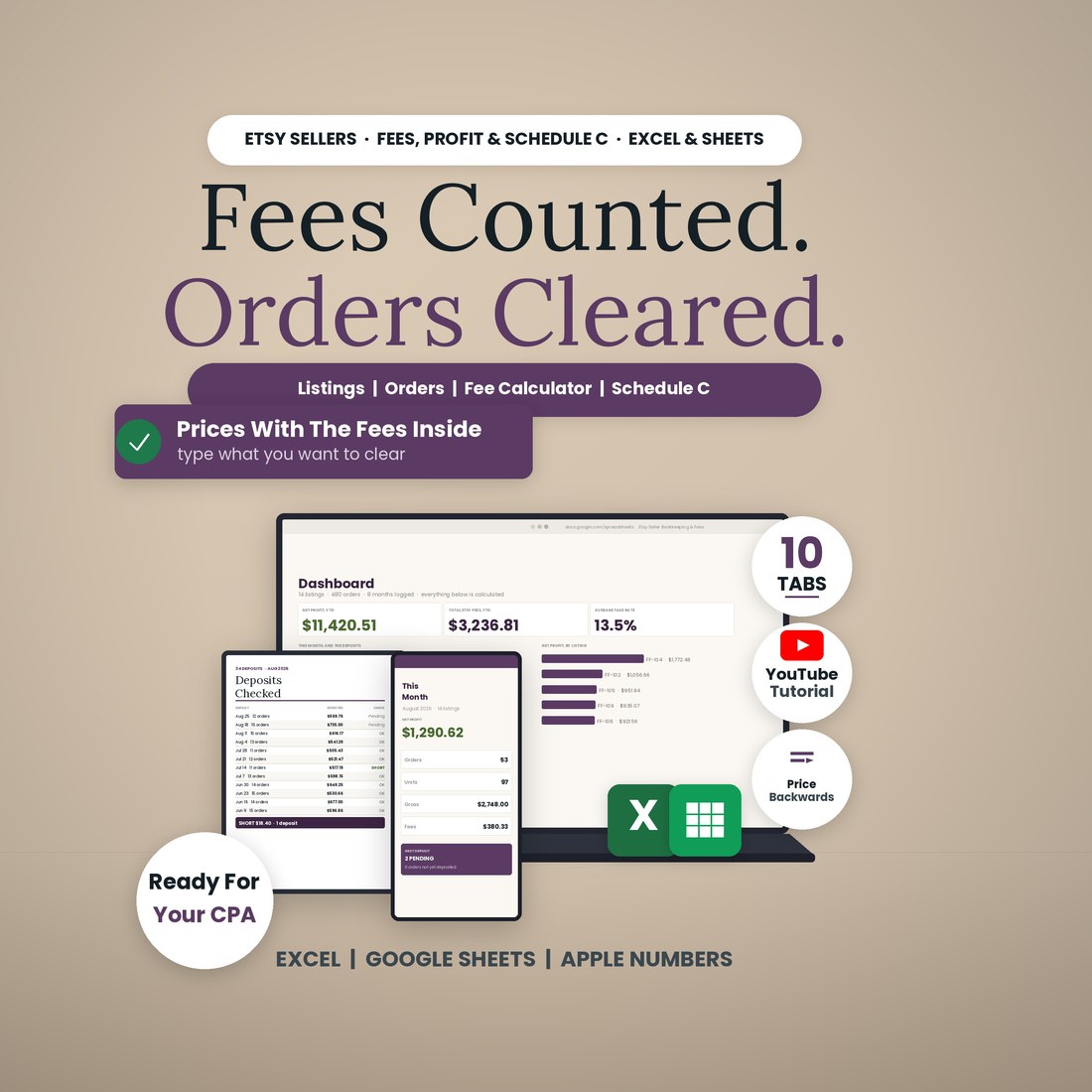
- Deposits: what Etsy owed against what the bank received, deposit by deposit and month by month, with an OK, Pending or SHORT flag and the dollars, the orders not yet paid out, and a 1099-K test against the $20,000 and 200-transaction federal thresholds
- Schedule C (Form 1040), Part II lines 8 to 27a and Part III cost of goods sold lines 35 to 42, with line 31 under them and a panel that reconciles the gross figure a 1099-K reports against the number that belongs on line 1, naming the sales tax and the refunds in between
Overview
Every order's real profit, every fee on its line.
A $48.50 order is not $48.50. Etsy takes its transaction fee, its payment processing and its listing fee, and if the order came through an offsite ad it takes up to fifteen percent more on top. Then you buy the shipping label, and you had already bought the leather. By the time the deposit lands it is a different number, and that number is the only one that matters. This file works out every fee on every order from rates you type once, takes off the label and the materials, and tells you what each order and each listing actually cleared.
It is one workbook with 10 tabs and 15,577 formulas, and it opens the same way in Microsoft Excel, Google Sheets and Apple Numbers because every formula uses the portable function set — no add-ins, no macros, no login and nothing to install. You type in the cream cells only: your shop and your eleven fee rates once, what each listing costs to make and how long it takes you, a row per order with the label you paid and the materials it used, each deposit when it lands, and each receipt on its Schedule C line from a drop-down. Every fee, the net after fees, the profit, the margin, the take rate, the profit per unit and per hour, the deposit check, the Schedule C page and the Dashboard are all read, never typed. One order is one row; the file holds 20 listing rows and 600 order rows. A worked sample ships inside — an invented handmade and print-on-demand shop, January to August 2026, 14 listings, 480 orders, 852 units and $23,993.50 of gross sales — so every tab has something to show. Clear the sample rows and the formulas stay.
What's Included
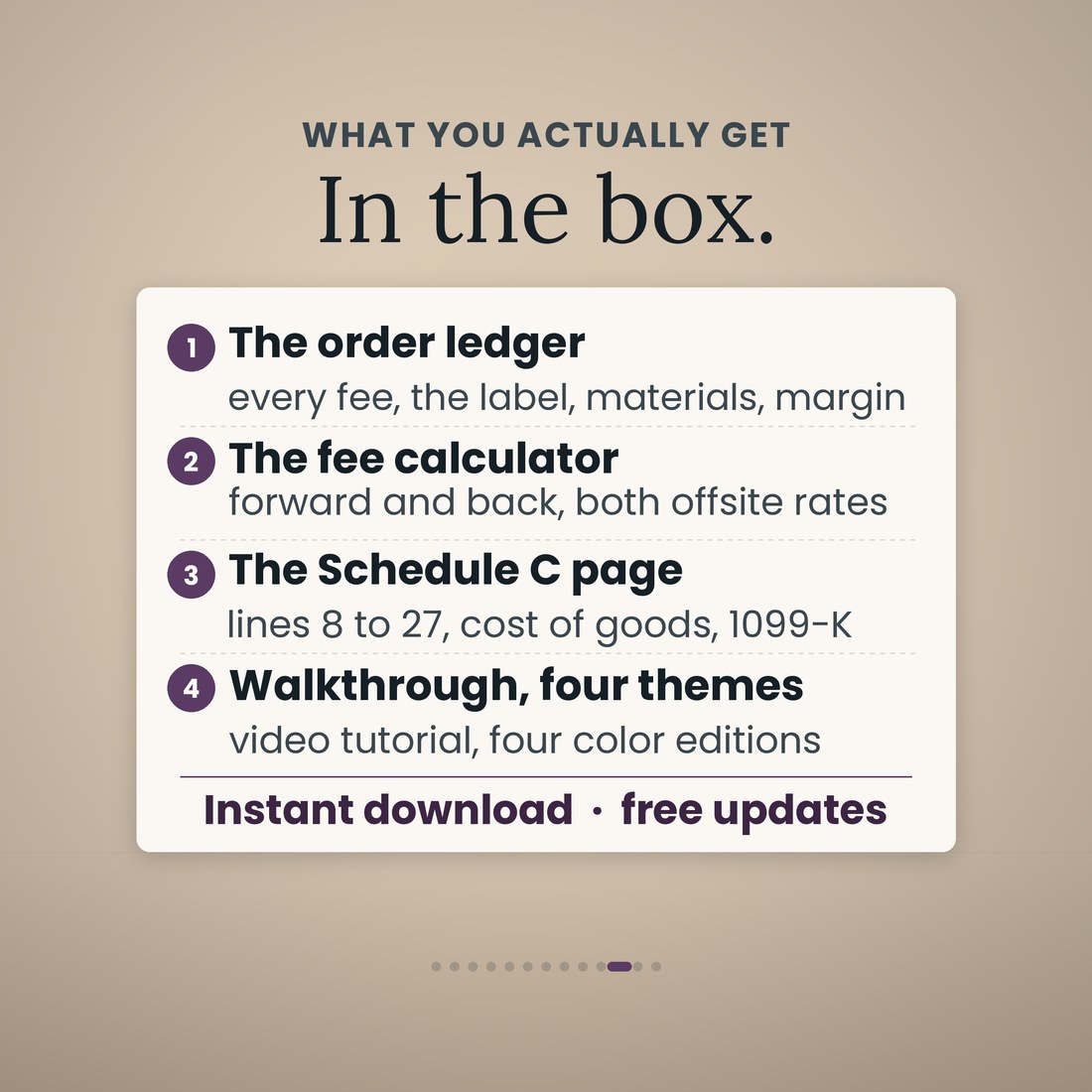
One workbook, 10 tabs, in four color editions:
- Etsy-Seller-Bookkeeping-Fee-Calculator-Spreadsheet.xlsx: the 10-tab workbook with 15,577 formulas, opening in Microsoft Excel, Google Sheets and Apple Numbers
- The same workbook in four color editions — Colorful, Light, Dark and Editorial — every one doing the same arithmetic
- A worked sample book inside: 14 listings, 480 orders, 852 units, eight months, so every tab works on open
- The Schedule C page laid out the way the form reads, lines 8 to 27a with Part III cost of goods and the 1099-K reconciliation, ready to hand to your preparer
- A full narrated video walkthrough on YouTube, linked on your confirmation page
- Five .xlsx files in one ZIP, instant download. Nothing is shipped and there is nothing to install
Key Benefits
Why this one
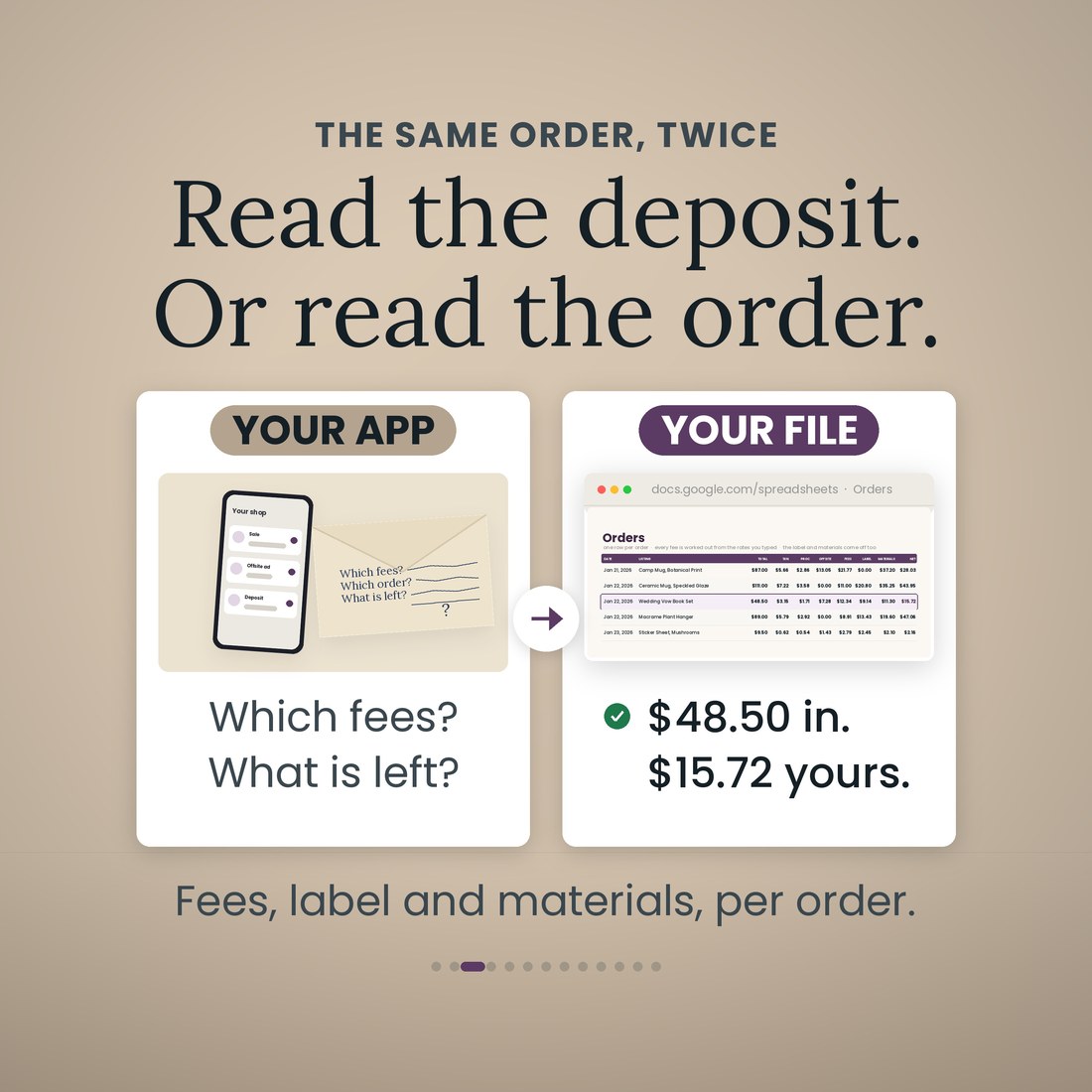
On the sample, order 3184920771, a Wedding Vow Book Set on 22 January 2026 that came through an offsite ad: transaction fee $3.15, payment processing $1.71, Offsite Ads $7.28 and the listing fee $0.20. That is $12.34 of fees, a 25.4 percent take. Then the label at $9.14 and the materials at $11.30, and $15.72 is yours. Without the offsite ad the same order clears $23.00. It sits on its own row with every column showing its work.
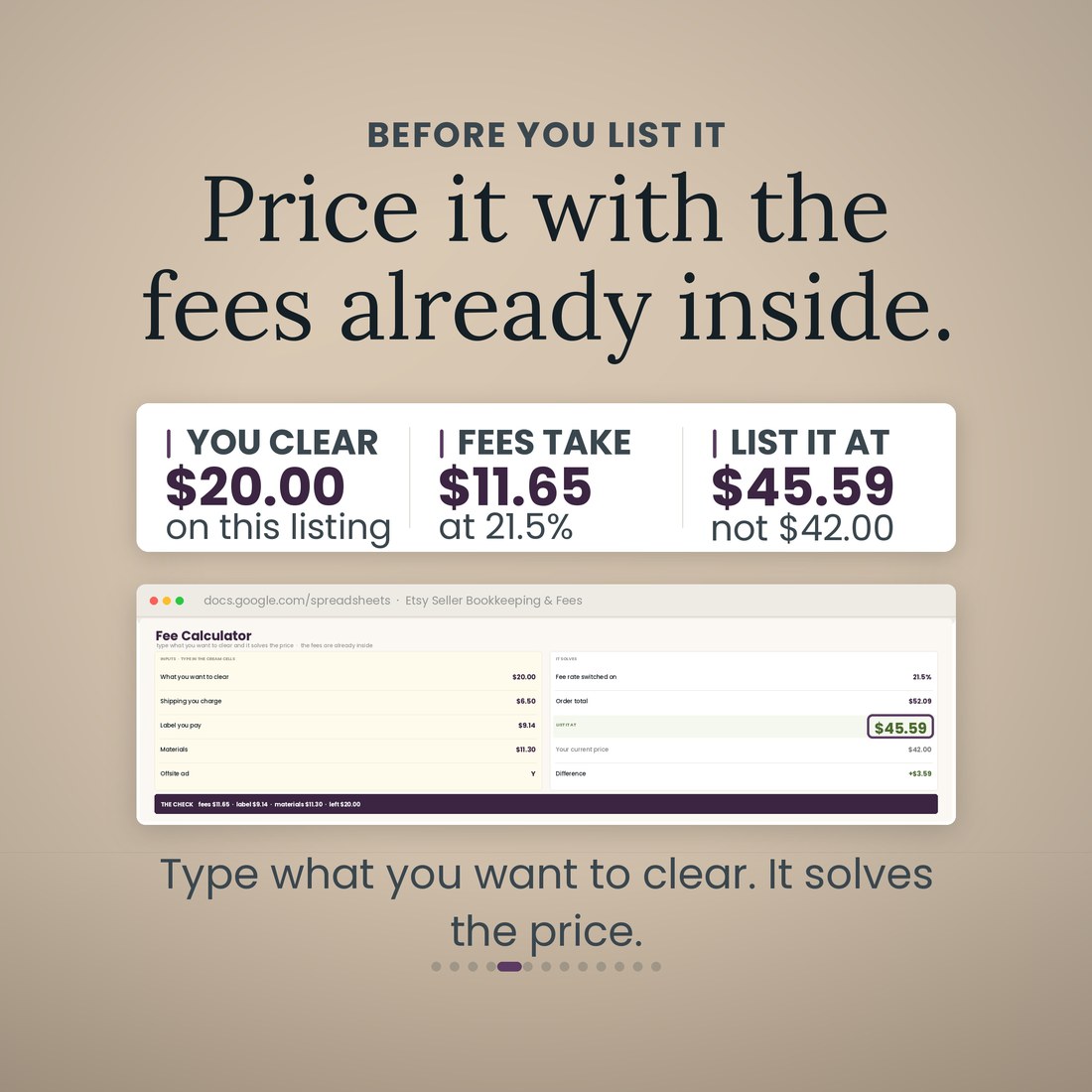
The Fee Calculator runs backwards. To clear $20.00 on that same item with an offsite ad, list it at $45.59, not the $42.00 you would have guessed, and the check line runs the solved price back through the fees and lands on $20.00 to the cent. Under it, a break-even row at $20.11 and a target-margin row that lists at $41.52 to clear $16.81 on a 35 percent margin.
15 percent of an attributed order while your shop is under $10,000 in the past 365 days, and you may turn it off. 12 percent once you pass it, and you may not. Both rates are cells, and every order picks its own from its own date, so a year that straddles the threshold adds up correctly instead of approximately. The sample shop crossed on 1 March 2026: of its 109 attributed orders, 28 are charged at 15 percent and 81 at 12 percent, $739.61 in all, and no single order can be charged more than the $100.00 cap.
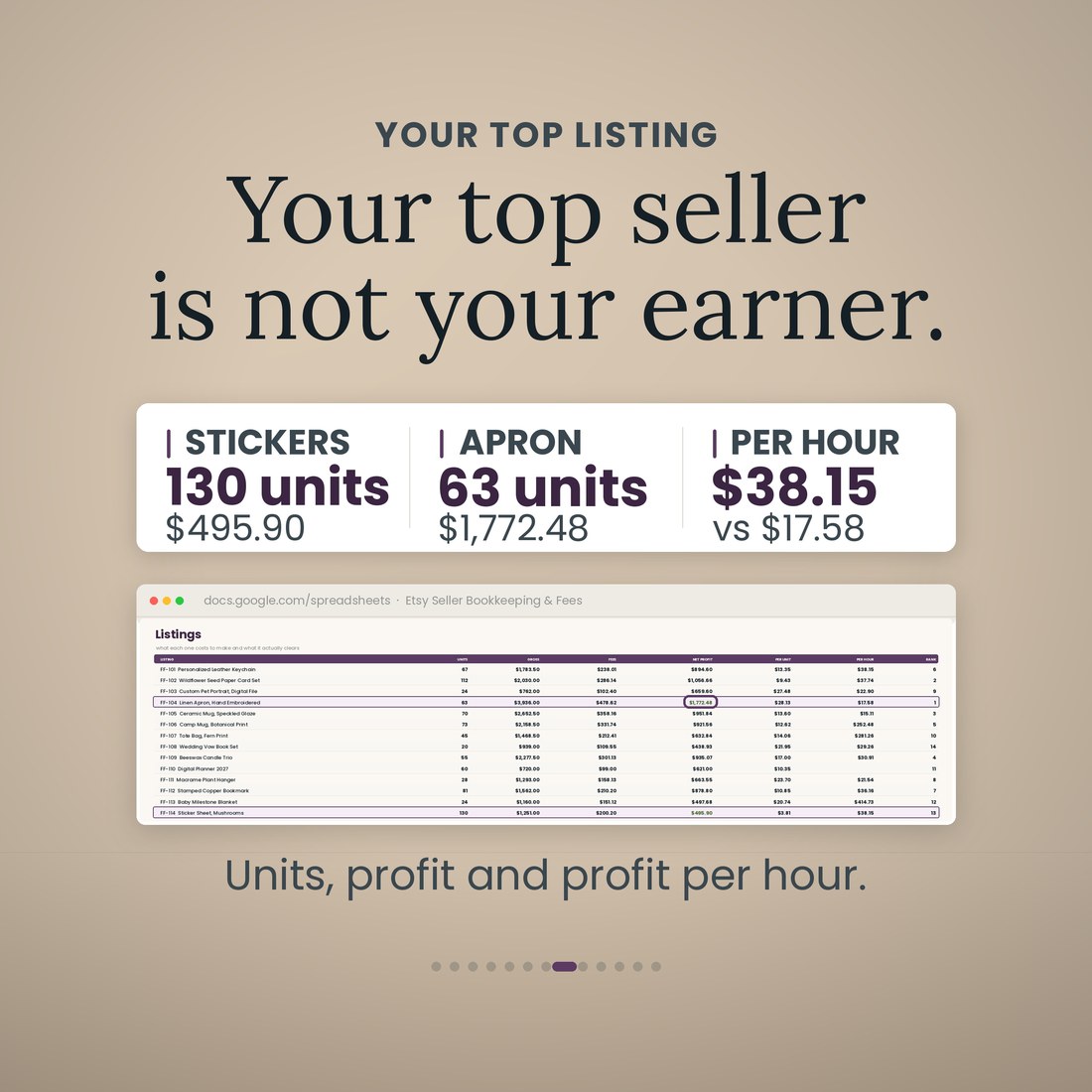
On the sample, FF-114 Sticker Sheet, Mushrooms sold 130 units across 100 orders and cleared $495.90. FF-104 Linen Apron, Hand Embroidered sold 63 units and cleared $1,772.48 — thirteenth by profit against first — and per hour of your own time it goes the other way again, $38.15 against $17.58. The Listings tab ranks them and the Dashboard says it in a sentence.
Type each deposit when it lands and the row reads OK, Pending or SHORT with the dollars. On the sample, 34 deposits, $20,593.11 owed against $19,269.95 received: 14 July was expected at $517.19, $498.79 arrived, and it is flagged SHORT $18.40. Two deposits are still pending and six orders have not been paid out yet.
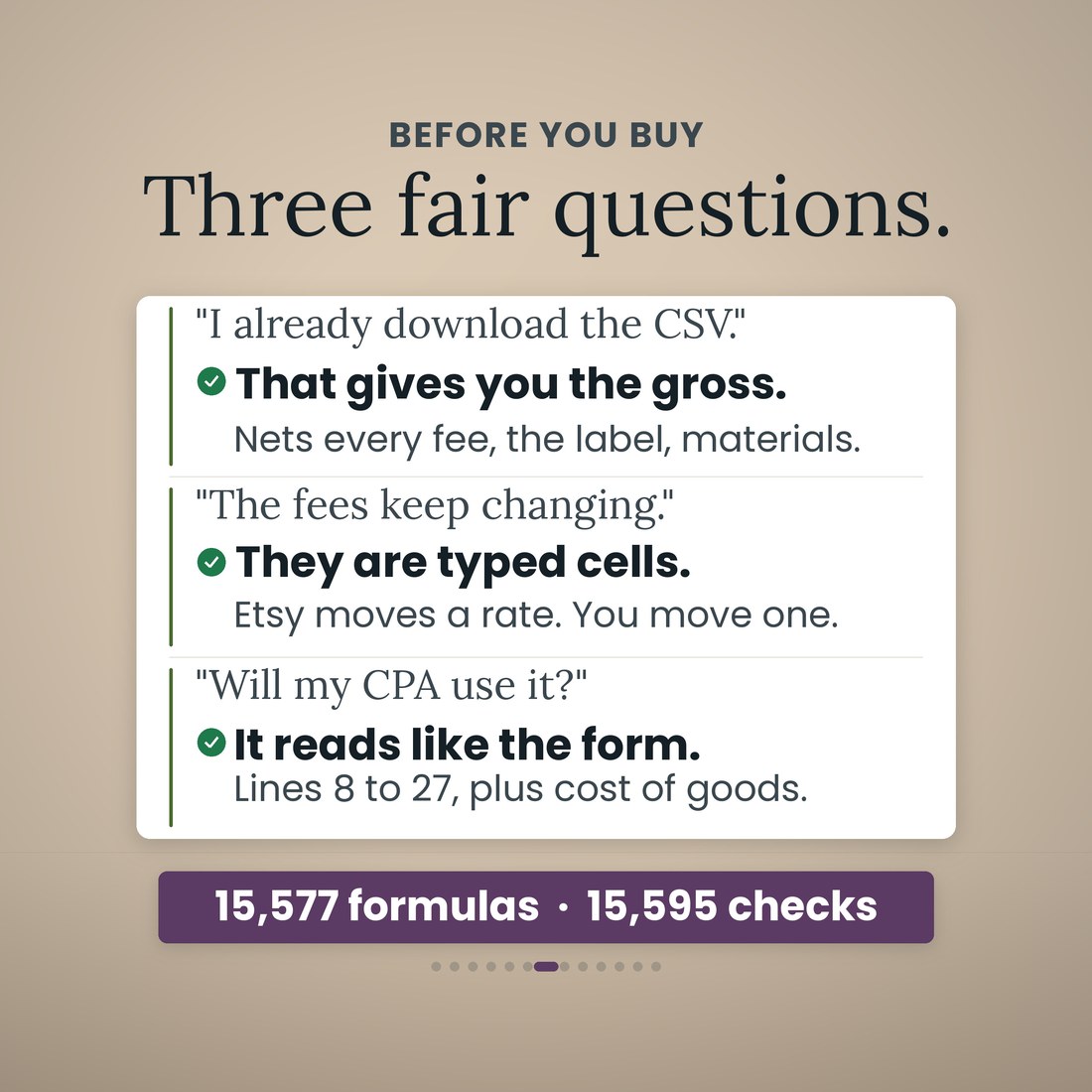
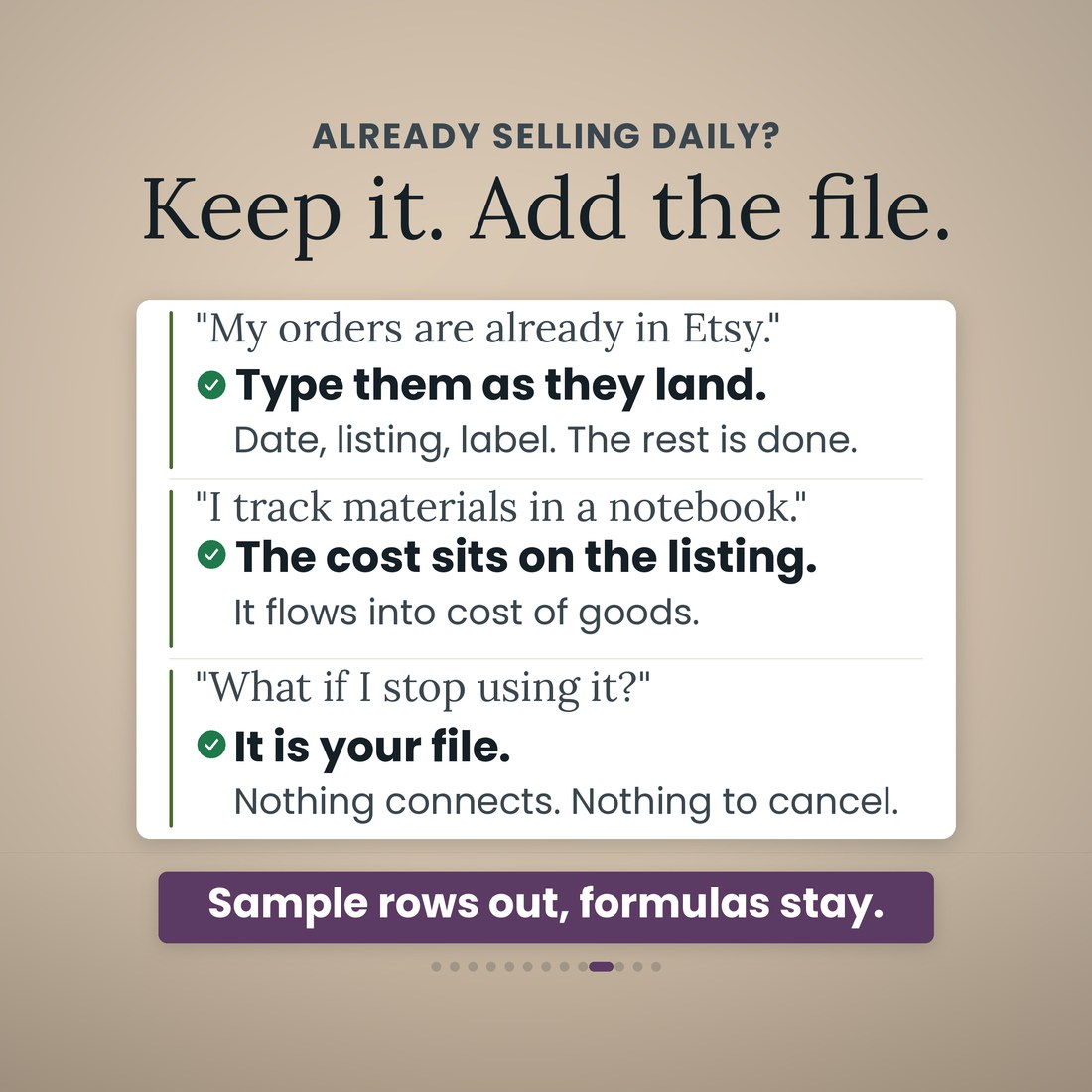
Microsoft Excel, Google Sheets and Apple Numbers. Every formula uses the portable function set, and the file was recalculated clean before shipping — 15,595 checks, no failures. No add-ins, no macros, no login and no subscription. It is an independent file that does not connect to your shop and does not import your orders.
Who It's For
Built for
- Etsy sellers doing their own books, handmade, print-on-demand or digital, who want to know what an order actually cleared and which listing actually earns
- Sellers running Offsite Ads, or about to pass $10,000 in trailing sales and lose the switch that turns them off
- Sellers who file a Schedule C and expect a 1099-K, and would rather hand a preparer one page than a CSV export
- Anyone who wants the file on their own laptop, with no account, nothing connected to the shop and nothing to cancel
How It Works
Up and running in minutes
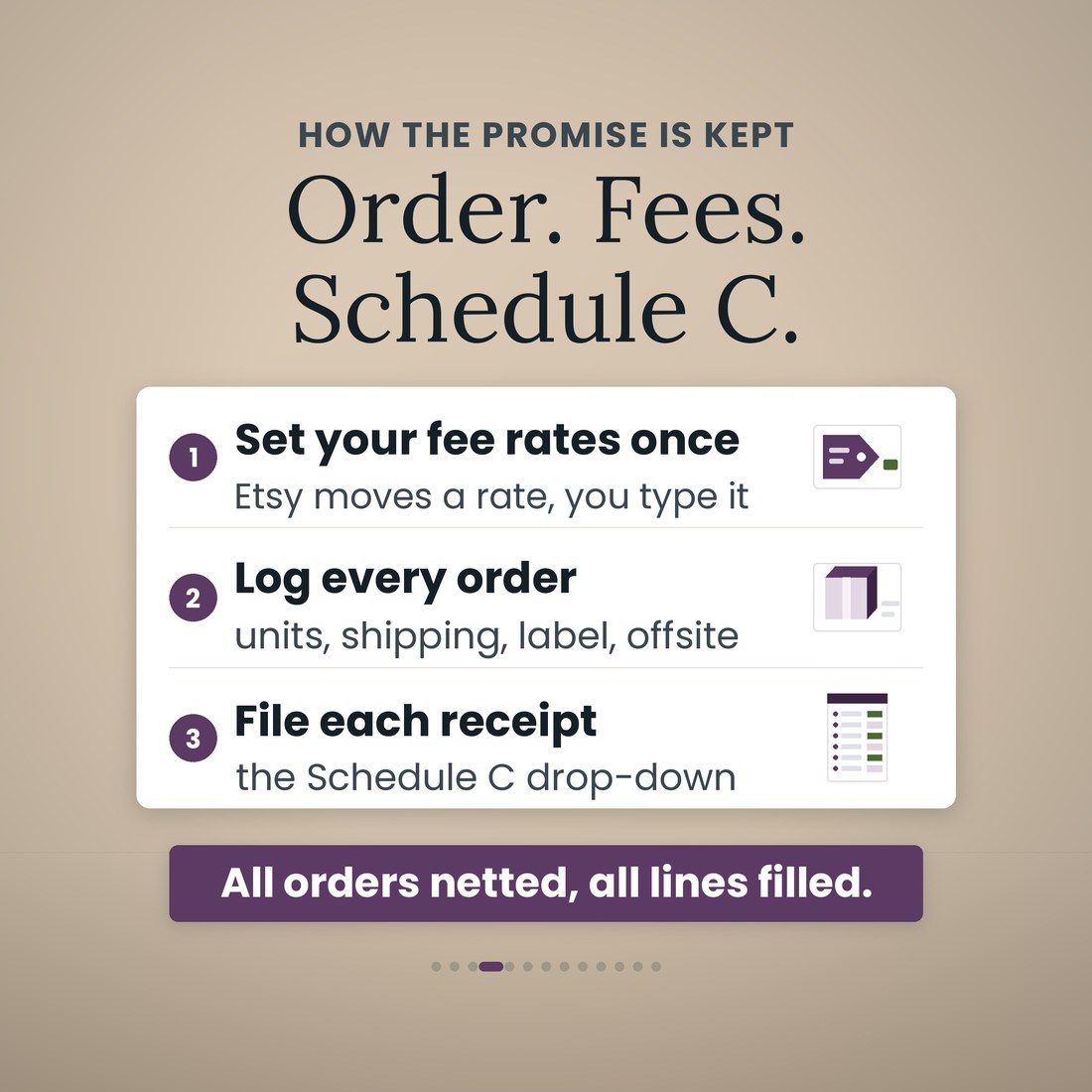
The listing fee, the transaction fee, payment processing as a percentage and a fixed part, both Offsite Ads rates with the $10,000 threshold and the $100.00 per-order cap, the regulatory operating fee, currency conversion, and the Etsy Plus and Pattern subscriptions at $10.00 and $15.00 a month. Eleven rates, every one a cream cell with the date it was checked beside it. Once.
One row: the price, what the materials cost, how long the item takes you to make, whether it is handmade, print-on-demand or digital. The profit per unit, the profit per hour and the rank by profit are read from there.
Date, listing, units, price, the shipping you charged, whether it came through an offsite ad, the label you paid and the materials it used. Every fee, the net after fees, the profit, the margin and the take rate are worked out from Setup.
The deposit reads OK, Pending or SHORT with the dollars against what Etsy owed. Each receipt goes on the Expenses tab with its Schedule C line picked from a drop-down of twenty and a box for whether you kept it. Post office and supplier runs go in the mileage log at the IRS standard rate.
This month's orders, the fee split, the top listings by profit and the five orders with the worst margin, so you know what to reprice. Then Part II lines 8 to 27a and Part III cost of goods, with line 31 already worked out. Hand it to your preparer.
Why It's Different
Not another template
Most Etsy bookkeeping spreadsheets are a sales log with one fee column you fill in by hand off the CSV, and Schedule C is left for January. This one is built around the fee engine from the first order. Eleven rates sit on Setup as typed cells with the date each was checked beside them — the listing fee, the transaction fee, payment processing as a percentage and a fixed part, both Offsite Ads rates with their threshold and the $100.00 per-order cap, the regulatory operating fee, currency conversion and the two subscriptions — and not one of them is written into a formula, so when a rate changes you change one cell and all 480 orders in the book re-net behind it. The calculator runs backwards as well as forwards, which is the part nothing else ships: type the $20.00 you want to clear and it returns $45.59 rather than the $42.00 you would have listed at, then runs that price back through the fees and lands on $20.00 to the cent. Offsite Ads is handled properly rather than approximately, at 15 percent under $10,000 of trailing sales and 12 percent above it, per order and by date. And the year adds up on the form: line 31 at $4,631.52 on the sample, with the $25,060.00 a 1099-K would report reconciled to the $23,807.50 that belongs on line 1. It is honest about its limits too. It is an independent file that does not connect to Etsy and does not import your orders, the fee rates are yours to check and maintain, and hobby-loss rules, inventory accounting elections, the qualified business income deduction and your state's 1099-K threshold are your preparer's call.
Delivery & Compatibility
Instant, and it opens in what you already use
As soon as your order is complete you get instant access to download the ZIP, so you can set your fee rates up tonight and net the next order the day it lands.
Five .xlsx workbooks (Etsy-Seller-Bookkeeping-Fee-Calculator-Spreadsheet.xlsx plus the Colorful, Light, Dark and Editorial editions) delivered as one ZIP, instant download. Opens in Microsoft Excel, Google Sheets and Apple Numbers using the portable function set only — no add-ins, no macros, no login and nothing to install. The file ships with a worked sample book so every screen works on open; the images and video show that sample. This is an independent spreadsheet. It is not made by, endorsed by, affiliated with or connected to Etsy, it carries no Etsy branding, and it does not connect to Etsy, import your orders or sync with your shop. Every fee rate is a typed cell for you to check and maintain; the rates the file ships with were Etsy's published US rates on 29 August 2026, and mileage rates ship as the 2026 IRS standard rates, all in editable cells. This is a digital download; nothing is shipped.
FAQ
Questions, answered
I only have a handful of listings. Is this too much?
One listing is one row. The file holds 20 listing rows and 600 order rows, and the sample fills 14 listings and 480 orders across eight months. With three listings you fill three rows and read three rows back; the Orders, Fee Calculator, Deposits and Schedule C tabs do not care how many you sell.
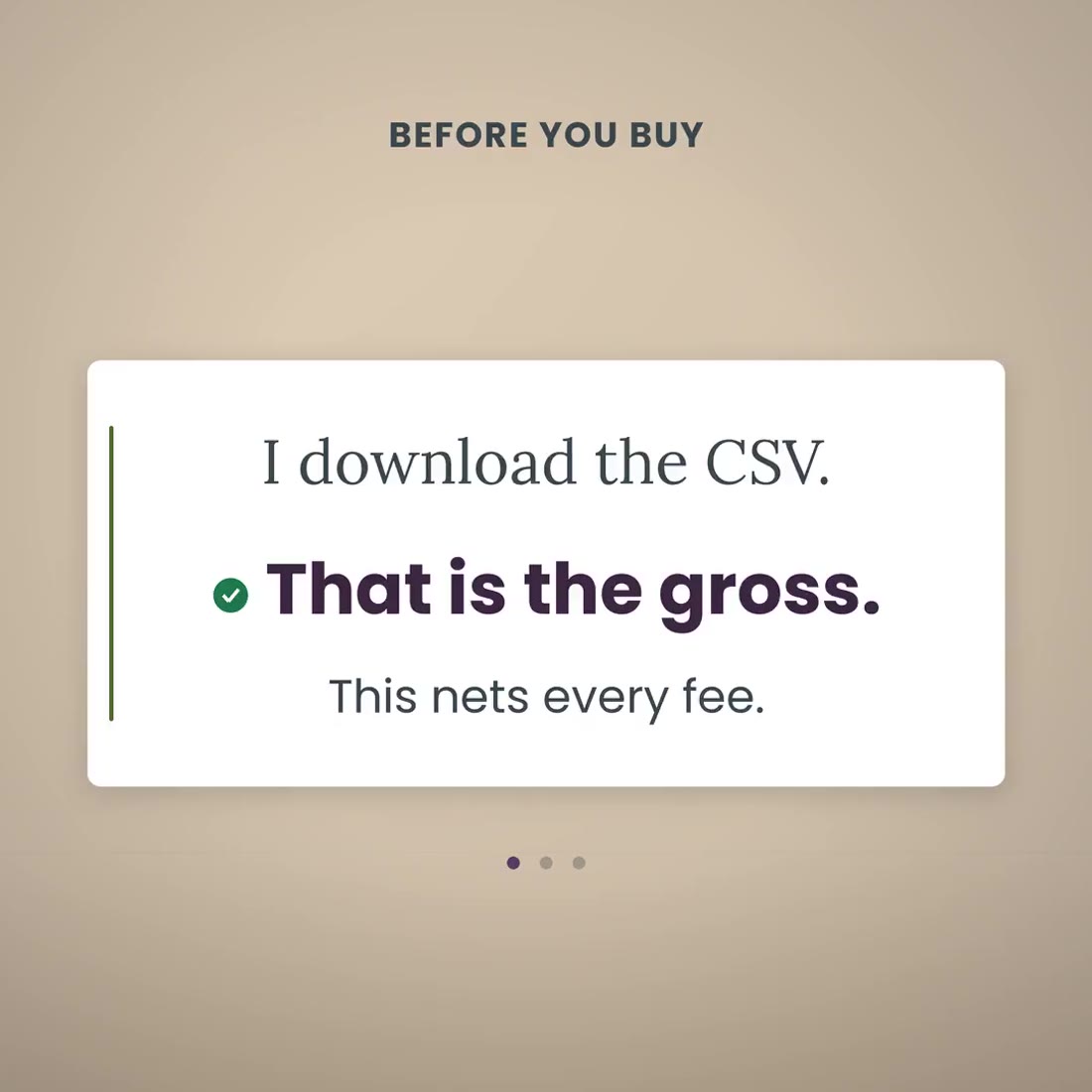
I already download the CSV. Why do I need this?
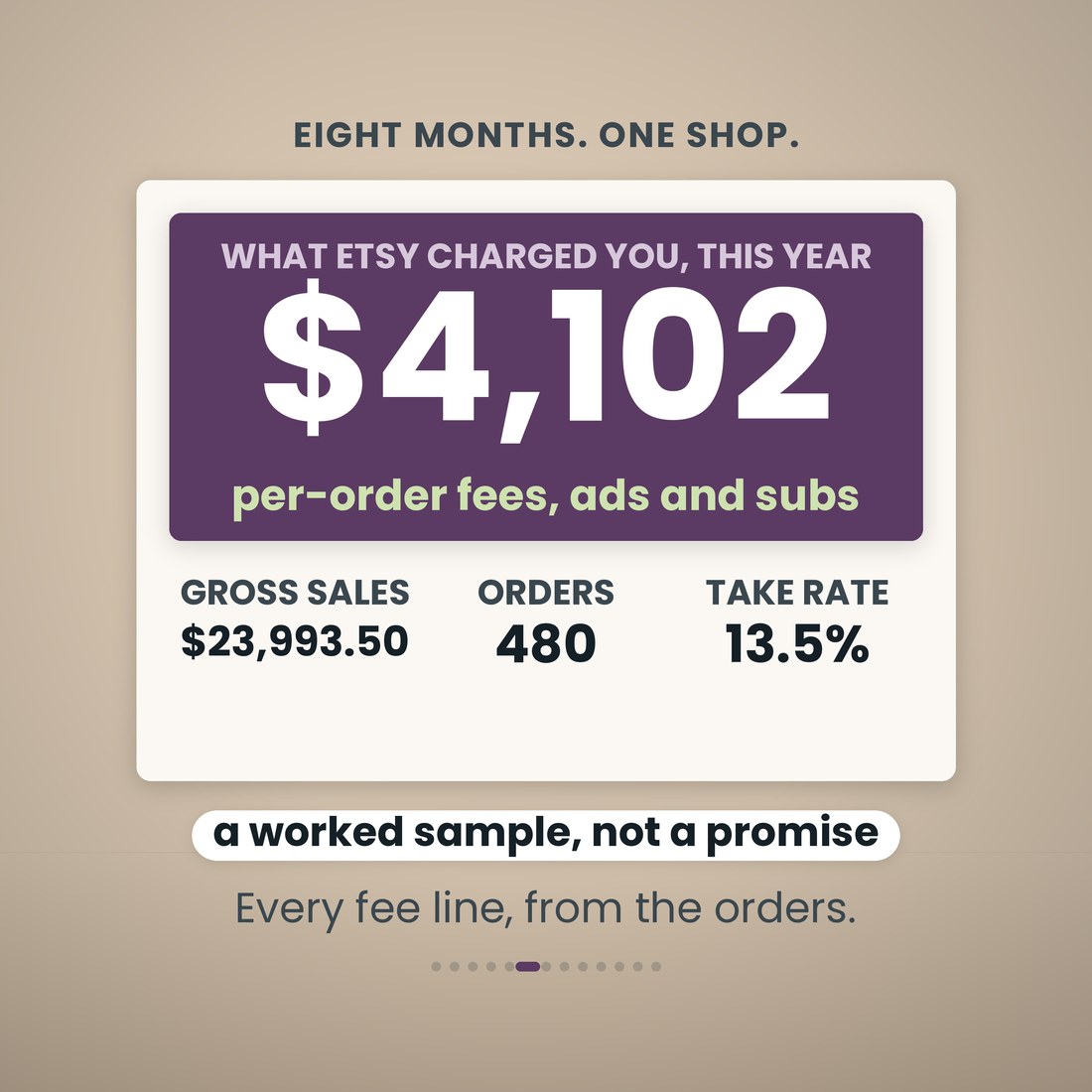
The CSV gives you the gross. This nets it: every fee worked out per order from your own rates, the shipping label you actually paid, the materials that went into the item, the margin and the take rate. Then it adds the year up on the Schedule C lines. On the sample that is $23,993.50 of gross sales, $3,236.81 of fees at a 13.5 percent average take rate, and $4,101.96 once the on-site Etsy Ads and the subscriptions are counted in.
Will my CPA use it?
It reads like the form. Schedule C Part II lines 8 to 27a, Part III cost of goods sold lines 35 to 42, and line 31, which on the sample is $4,631.52. Under it, a reconciliation panel: the $25,060.00 gross a 1099-K would report, less $1,066.50 of sales tax collected and remitted and $186.00 of refunds, lands on the $23,807.50 that belongs on line 1. Your preparer signs the return; the file does the arithmetic and keeps the receipts on the right lines.
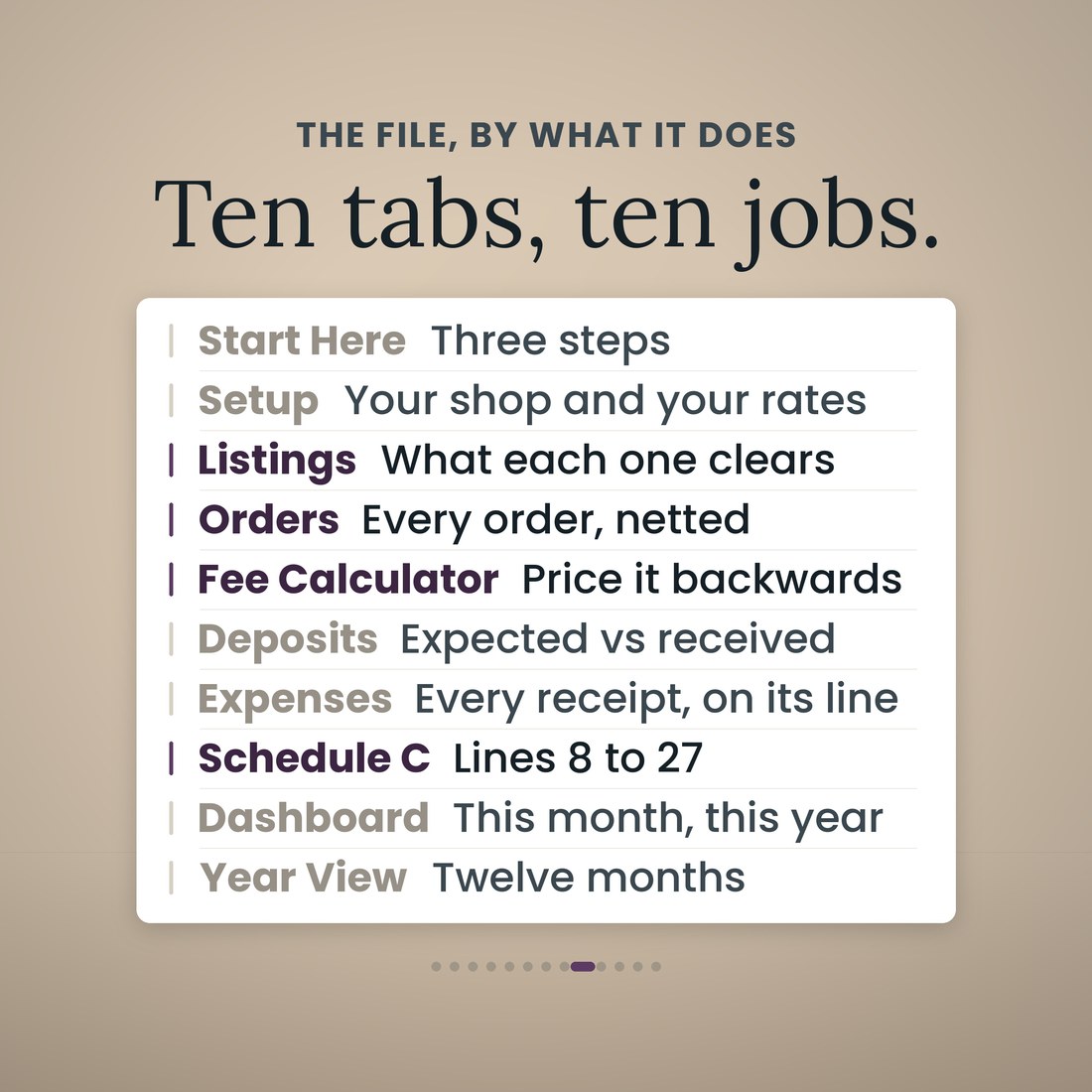
What are the ten tabs?
Start Here; Setup; Listings; Orders; Fee Calculator; Deposits; Expenses; Schedule C; Dashboard; and Year View. Each does one job.
Where do the fee rates come from, and what happens when one changes?
Setup, and nowhere else. Eleven rates sit there as cream cells with the date each was checked beside it: the listing fee at $0.20, the transaction fee, payment processing as a percentage plus a $0.25 fixed part, both Offsite Ads rates with the $10,000 threshold and the $100.00 cap, the regulatory operating fee, currency conversion, and Etsy Plus and Pattern at $10.00 and $15.00 a month. Not one is written into a formula. The rates the file ships with were Etsy's published US rates on 29 August 2026; they are yours to check and maintain, and when one moves you move one cell and every order re-nets behind it.
How does Offsite Ads work in the file?
As two rates and a threshold, because that is what it is. While your shop has made less than $10,000 in the past 365 days an attributed order is charged 15 percent and you can switch it off. Once your shop passes $10,000 the rate is 12 percent and participation is mandatory. You type the date your own shop crossed and every order picks its rate from its own date. On the sample, 28 orders are charged at the 15 percent rate and 81 at the 12 percent rate, 109 attributed orders and $739.61 in all, and no single order is charged more than the $100.00 cap.
Does it track the mileage deduction?
Yes. The Expenses tab carries a mileage log at the IRS standard rate, with the 2026 rates loaded, 72.5 cents through June and 76 cents from July, in editable cells, so post office runs, supplier runs and craft fairs land on line 9 at the right rate. On the sample that is 392 miles and a $286.02 deduction.
What is the difference between the four color editions?
Only the look. Colorful, Light, Dark and Editorial are the same 10-tab workbook with the same formulas in a different palette, and all four ship in the download.
Is this tax advice, and is it an Etsy product?
No to both. It is a record-keeping tool that organizes the orders and amounts you enter by Schedule C line; it is not tax, legal or accounting advice. It is an independent spreadsheet, not made by, endorsed by, affiliated with or connected to Etsy: it does not connect to your shop, import your orders or sync anything, and every fee rate in it is a typed cell you check and maintain. The rates it ships with were Etsy's published US rates on 29 August 2026. Hobby-loss rules, inventory accounting elections, the qualified business income deduction and your state's 1099-K threshold are your preparer's call.
For personal use. A record-keeping tool that organizes the orders and amounts you enter by Schedule C line; not tax, legal or accounting advice. An independent spreadsheet, not made by, endorsed by, affiliated with or connected to Etsy: it does not connect to Etsy, import your orders or sync with your shop, and every fee rate is a typed cell you check and maintain. The rates it ships with were Etsy's published US rates on 29 August 2026. Sales tax that Etsy collects and remits is excluded from the fee bases and from income. Your preparer signs the return. © 2026 NicheToolkitHub — no resale or redistribution.