 ▶
▶

 ▶
▶Airbnb & Short-Term Rental Host Bookkeeping
Every stay paid out, every dollar on its line.
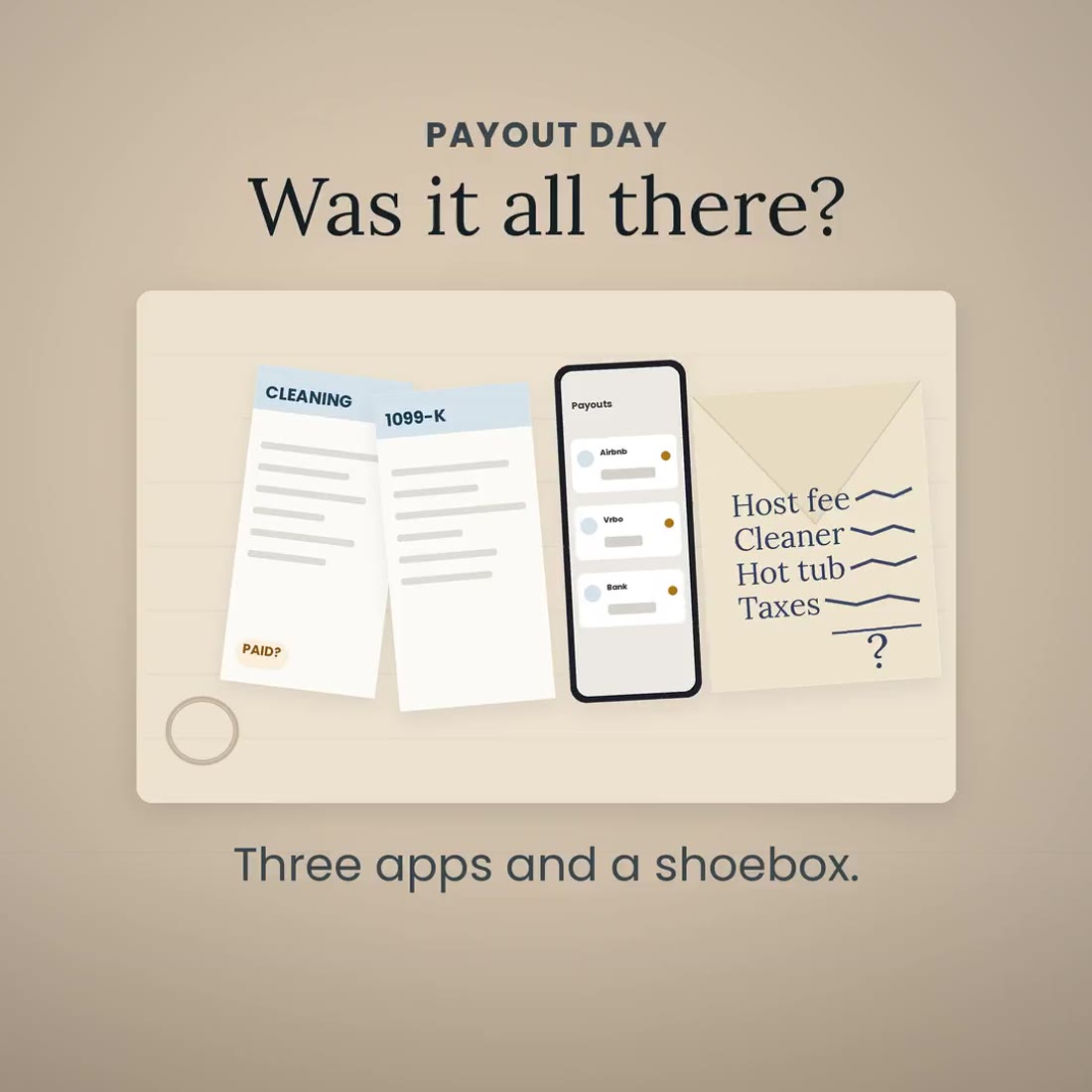
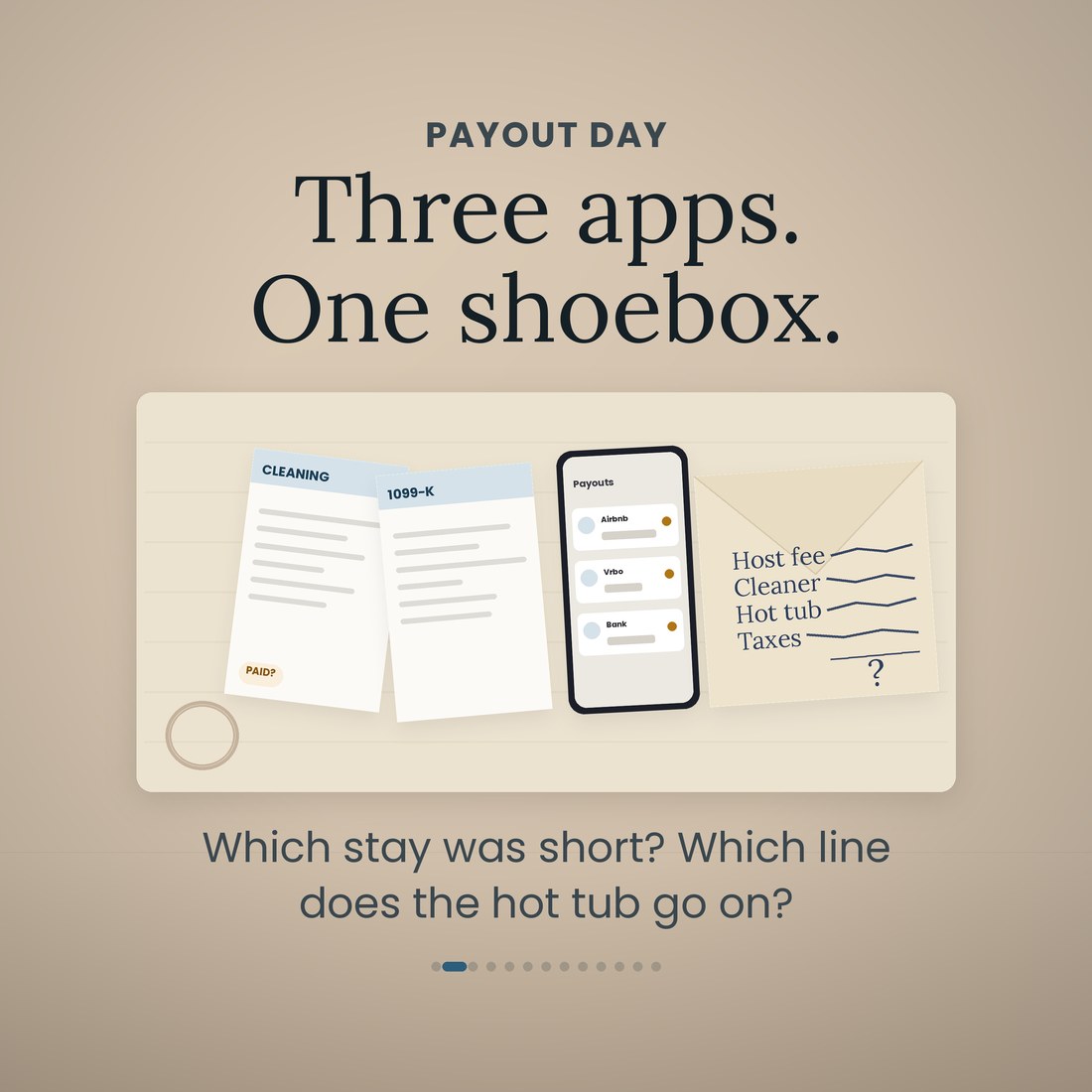
A payout lands and it is not the number the guest paid. The platform took its cut, the cleaner took hers, and by the time three apps have paid you on three different days you cannot say which stay was short. Then April arrives and the cleaning receipts, the platform fee, the hot tub and your own ski week are all in the same shoebox. This file logs every stay, works out the fee and the payout before the money moves, flags the stay that came up short, and files every receipt on the Schedule E line it belongs to as you go.
- Bookings, one row per stay: nights, the nightly rate, the cleaning fee, the platform fee worked out from Setup, the expected payout, the payout you received, and a check that reads OK, Pending, SHORT or OVER with the dollars
- Payouts: expected against received per platform and per month, the difference, what is still pending, and a 1099-K test per platform against the federal thresholds
- Expenses: one row per receipt on the Schedule E line it belongs to, from a drop-down, plus a mileage log at the IRS standard rate (72.5 cents through June 2026 and 76 cents from July, both editable). Platform fees, the cleaner and the turnover supplies are never typed here; they come off the stays
- Occupancy: nights booked, owner nights, occupancy, average daily rate and revenue per available night, per property per month, with fair rental days and personal use days counted from your own stays and your own owner-use rows
- Schedule E (Form 1040), Part I, lines 3 to 26, one column per property and the total column, with the 23a to 26 totals block, and straight-line mid-month depreciation on the life you set per property: 27.5 years for residential rental property, 39 years for a short-term rental used on a transient basis
Overview
Every stay paid out, every dollar on its line.
A payout lands and it is not the number the guest paid. The platform took its cut, the cleaner took hers, and by the time three apps have paid you on three different days you cannot say which stay was short. Then April arrives and the cleaning receipts, the platform fee, the hot tub and your own ski week are all in the same shoebox. This file logs every stay, works out the fee and the payout before the money moves, flags the stay that came up short, and files every receipt on the Schedule E line it belongs to as you go.
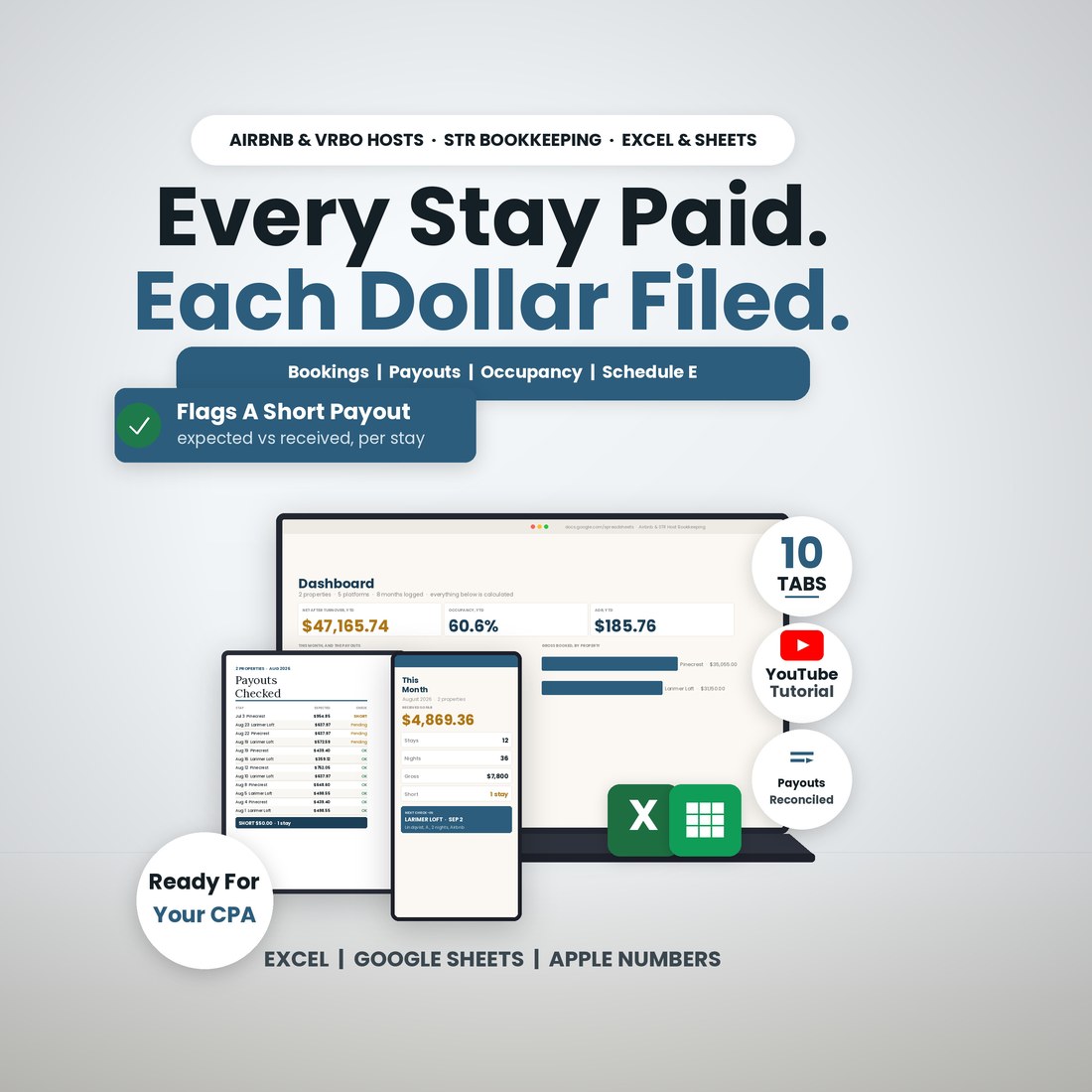
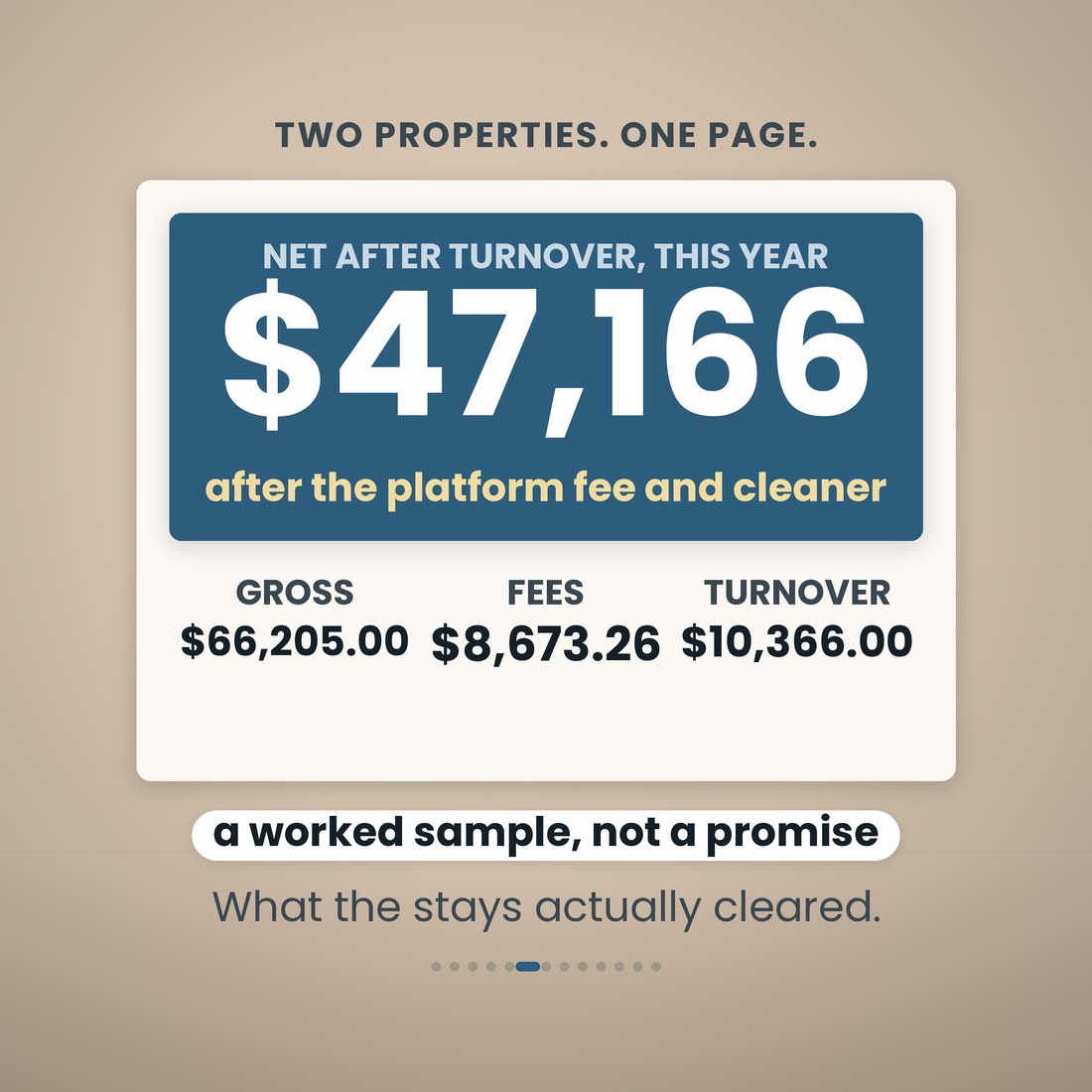
It is one workbook with 10 tabs and 10,572 formulas, and it opens the same way in Microsoft Excel, Google Sheets and Apple Numbers because every formula uses the portable function set — no add-ins, no macros, no login and nothing to install. You type in the cream cells only: your properties and platforms once, a row per stay, the payout when it lands, and each receipt on its line from a drop-down. The platform fee, the expected payout, the payout check, the cleaner and supplies on each stay, the Occupancy page, the Schedule E page, the depreciation and the Dashboard are all read, never typed. One listing is one row; the file holds six properties and five platforms if you grow, with 400 booking rows, 300 expense rows, 40 mileage rows and 20 depreciation rows, and the Schedule E tab prints one column per property, three per page, the way the form reads. A worked sample ships inside — two Colorado short-term rentals, a cabin and a city loft, January to August 2026, 97 stays over 291 nights — so every tab has something to show. Clear the sample rows and the formulas stay.
What's Included
One workbook, 10 tabs, in four color editions:
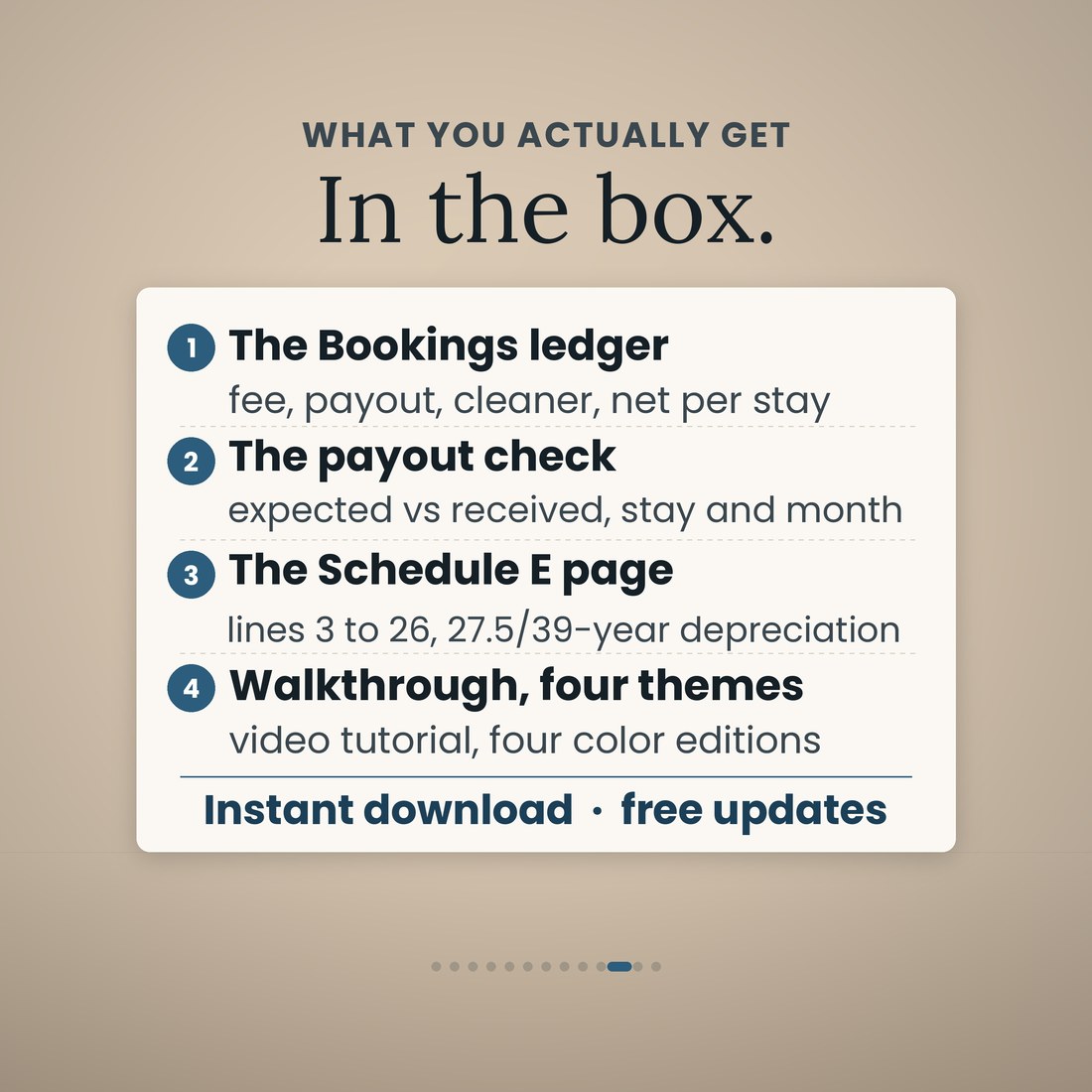
- Airbnb-STR-Host-Bookkeeping-Spreadsheet.xlsx: the 10-tab workbook with 10,572 formulas, opening in Microsoft Excel, Google Sheets and Apple Numbers
- The same workbook in four color editions — Colorful, Light, Dark and Editorial — every one doing the same arithmetic
- A worked sample book inside: two Colorado short-term rentals, 97 stays, 291 nights, eight months, so every tab works on open
- The Schedule E page laid out the way the form reads, one column per property, ready to hand to your preparer
- A full narrated video walkthrough on YouTube, linked on your confirmation page
- Five .xlsx files in one ZIP, instant download. Nothing is shipped and there is nothing to install
Key Benefits
Why this one
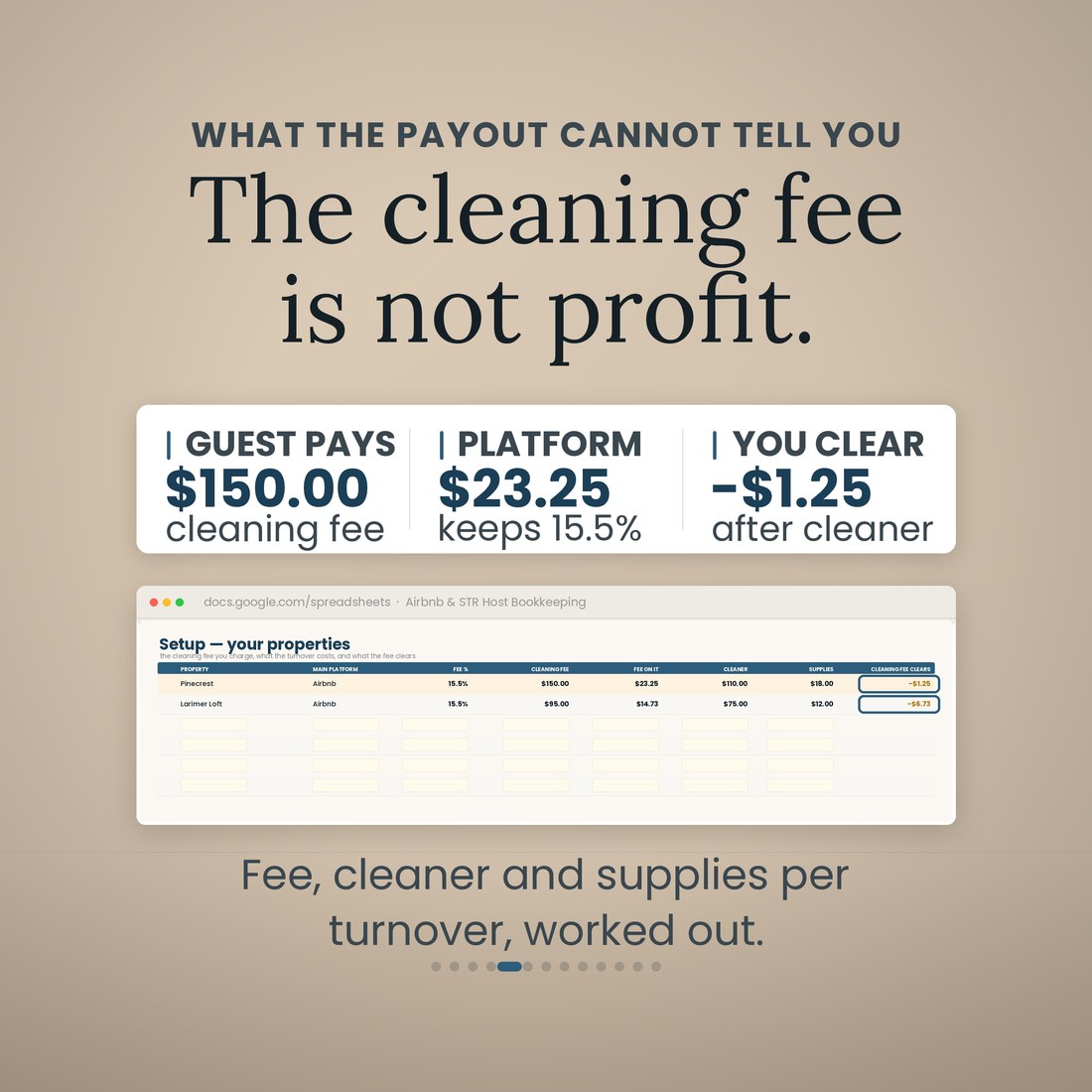
The guest pays a $150.00 cleaning fee. The platform keeps 15.5 percent of it, $23.25, the cleaner is $110.00 and the turnover supplies are $18.00, so the cleaning fee clears −$1.25. On the sample's second property it clears −$6.73. Setup works it out per property, as a number you can fix.
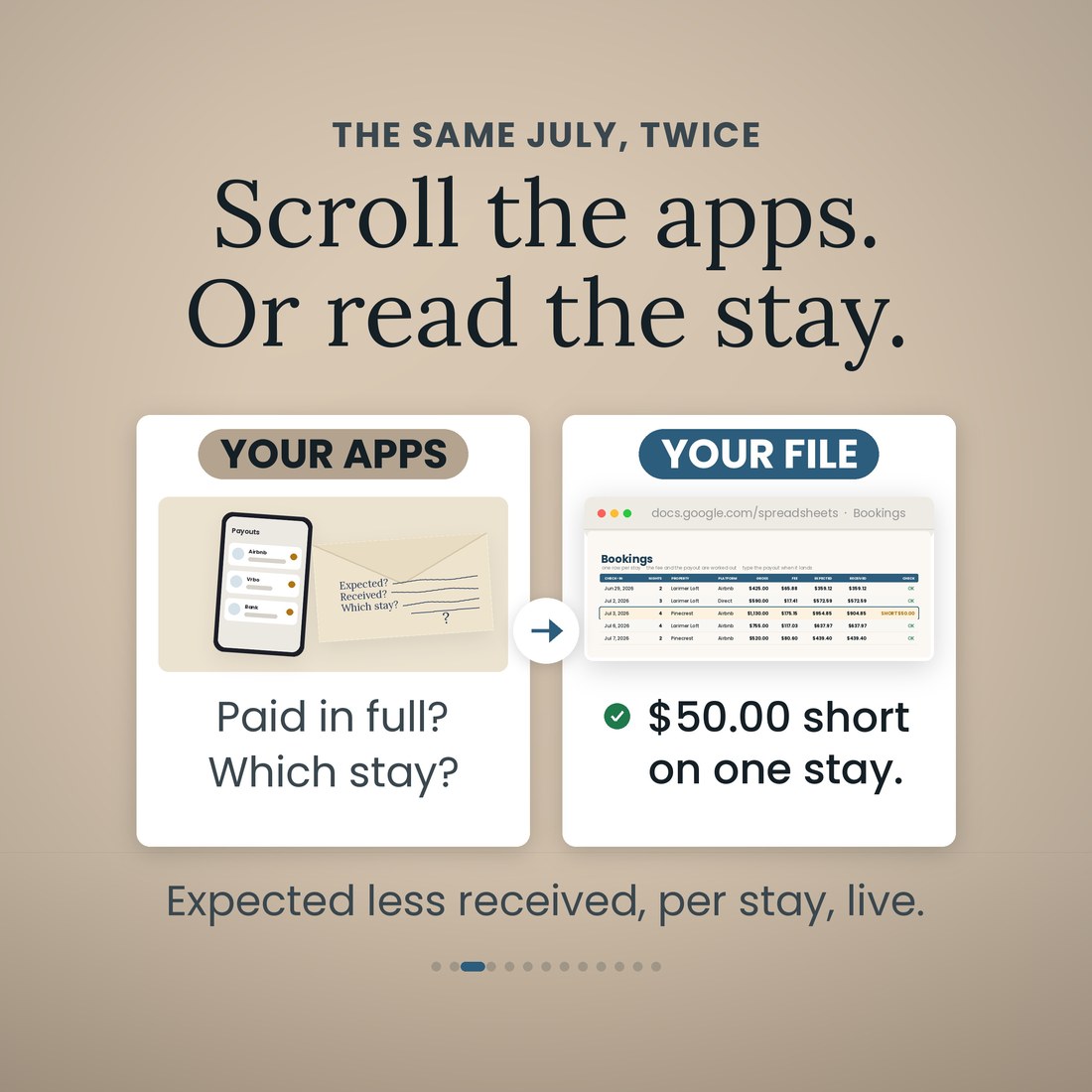
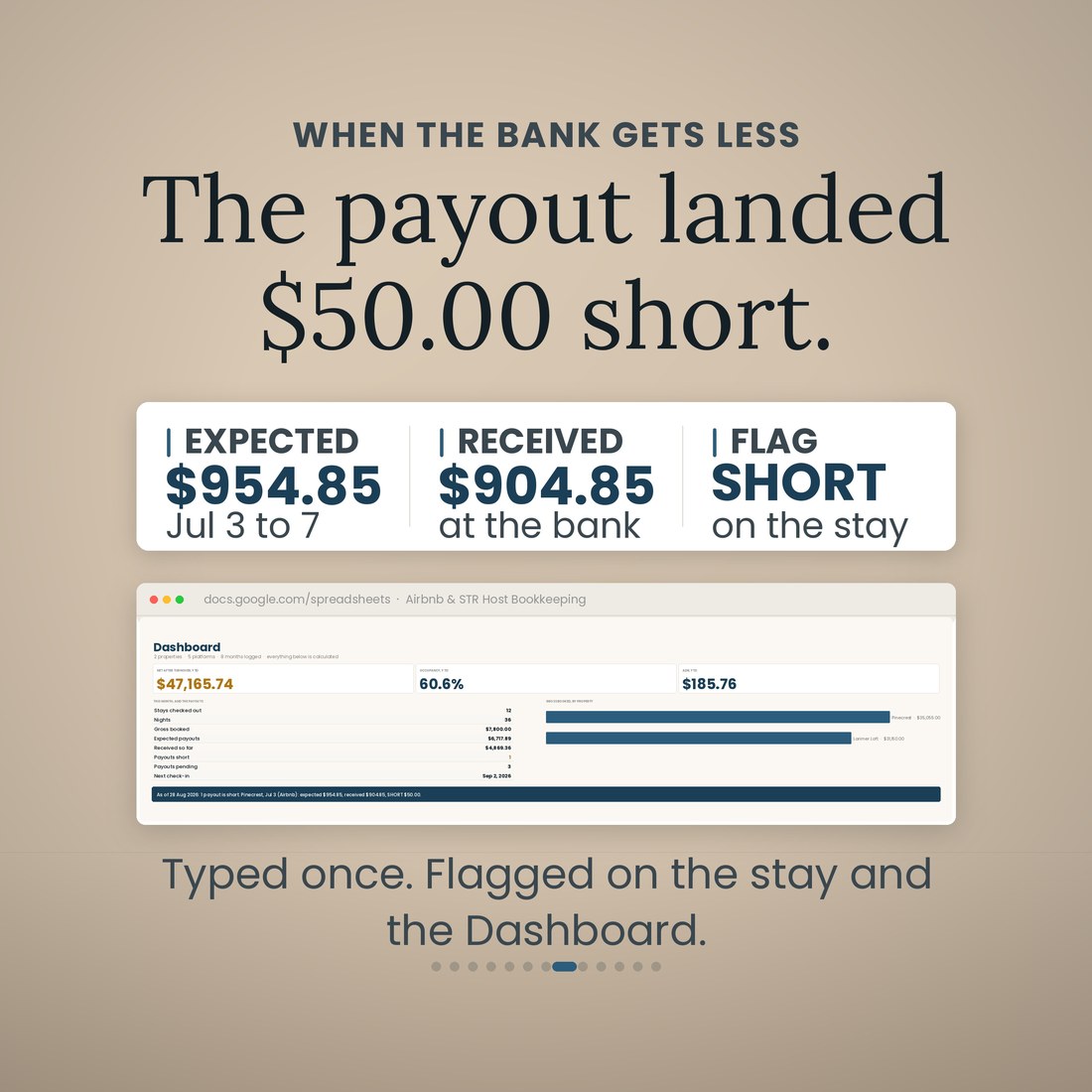
Type the payout when it lands and the stay reads OK, Pending, SHORT or OVER with the dollars. On the sample, Pinecrest, Jul 3–7 on Airbnb: expected $954.85, received $904.85, SHORT $50.00. The Dashboard says it in a sentence and the Payouts tab shows the three that are still pending.
Each expense is filed on a Schedule E line from a drop-down the day you enter it, with a box for whether you kept the receipt. Platform fees, the cleaner and the turnover supplies are never typed there; they come off the stays. By April the Schedule E tab already reads lines 3 to 26 per property, and the shoebox is a column.
The Depreciation tab works out straight-line, mid-month depreciation on the life you set per property — 27.5 years for residential rental property, 39 years for a short-term rental used on a transient basis — plus the improvements you add. On the sample a $7,400 hot tub goes on line 18 at $660.71 this year rather than on line 14 as a repair.
Nights booked, owner nights, occupancy, average daily rate and revenue per available night, per property per month. On the sample that is 60.6 percent occupancy and an average daily rate of $185.76 across 97 stays and 291 nights, and the same rows hand Schedule E its fair rental days and personal use days, 291 and 10.
Microsoft Excel, Google Sheets and Apple Numbers. Every formula uses the portable function set, and the file was recalculated clean before shipping — 4,481 checks, no failures. No add-ins, no macros, no login, no host app.
Who It's For
Built for
- Airbnb and Vrbo hosts with one to six listings who do their own books and hand a preparer a clean Schedule E
- Co-hosts and owners who report their own income and want the platform fee, the cleaner and the turnover charged to the stay that used them
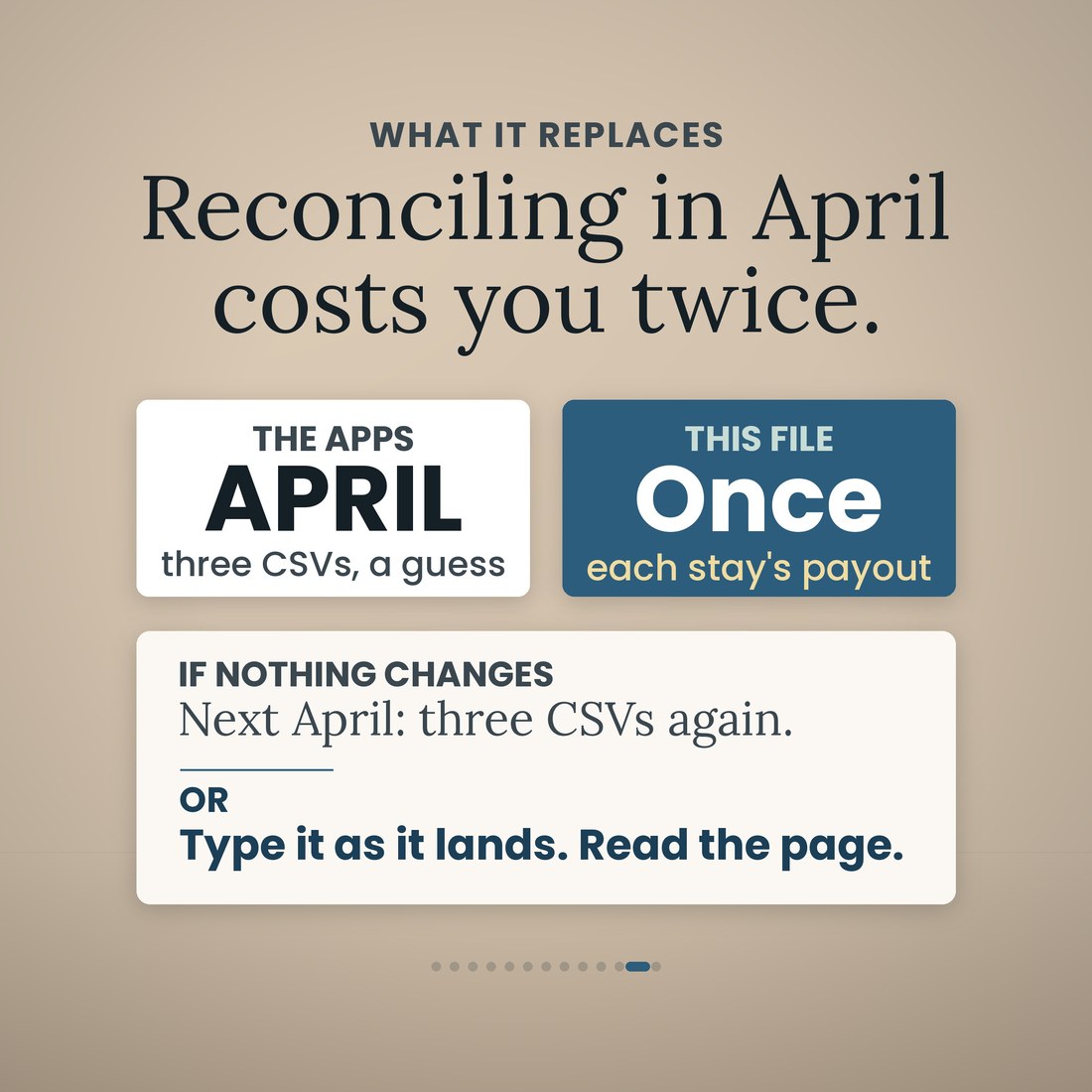
- Anyone who has tried to reconcile a year of payouts from three CSV exports in April
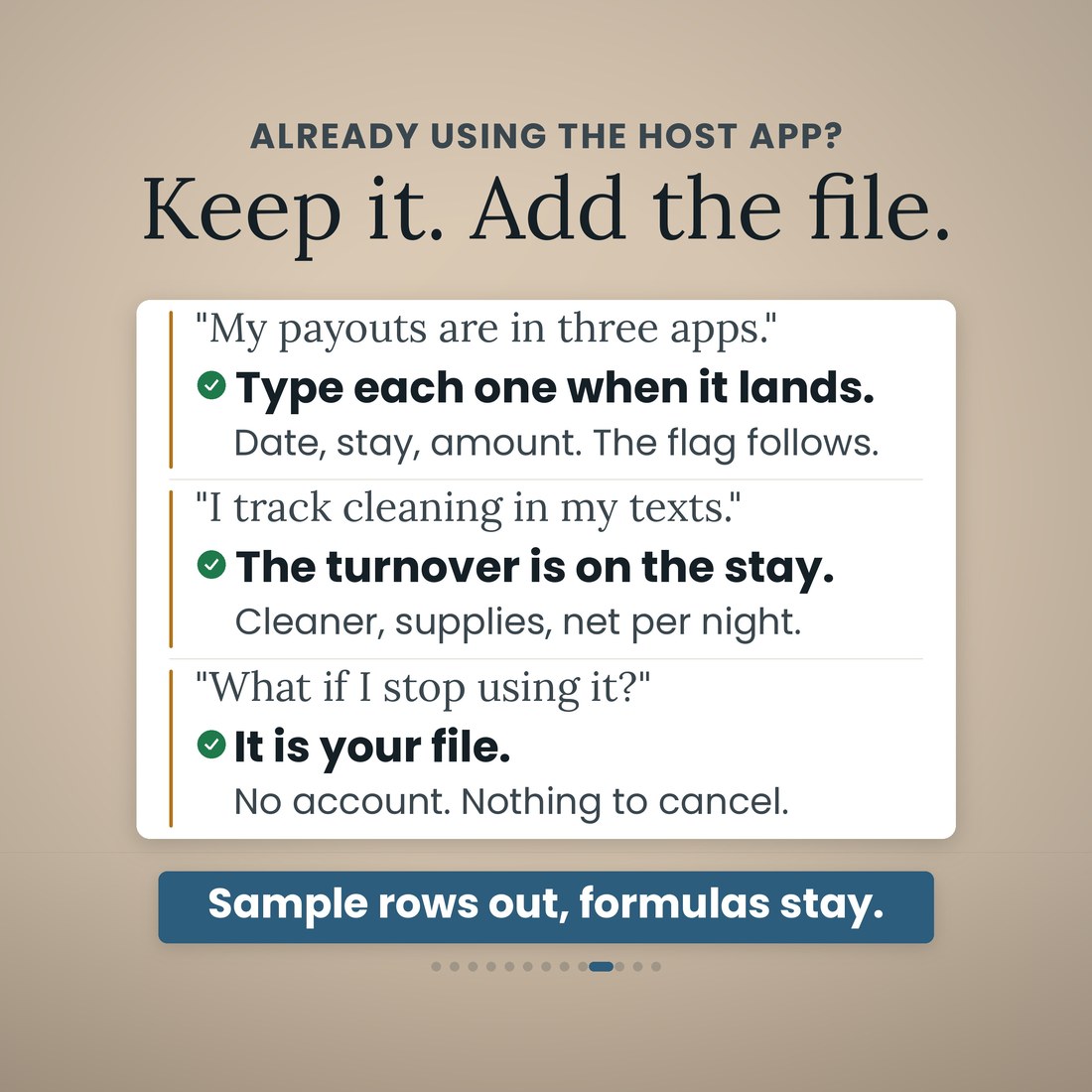
- Hosts who want the file on their own laptop, with no host app, no account and nothing to cancel
How It Works
Up and running in minutes
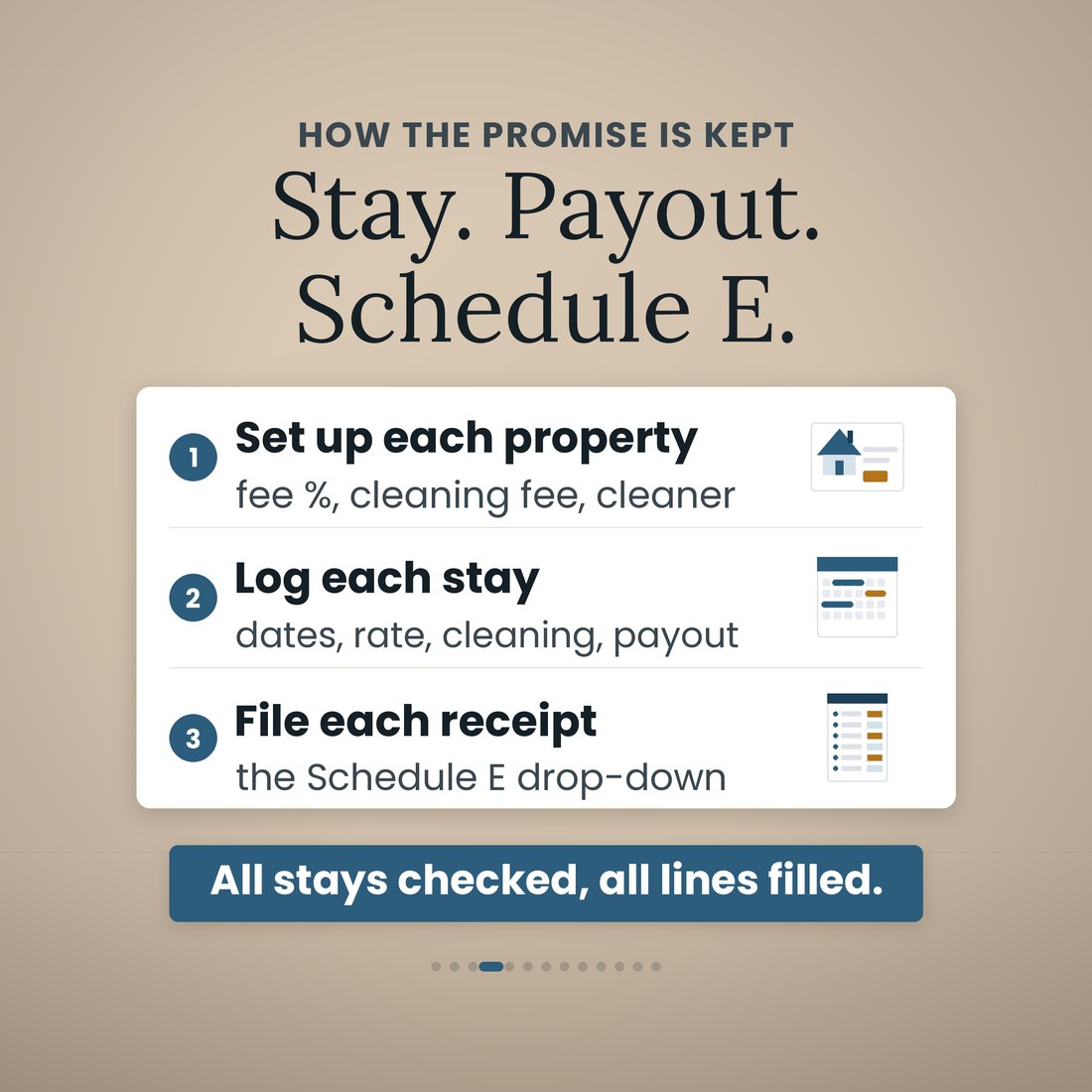
Purchase price split into land and building, placed-in-service date, the recovery life, the cleaning fee you charge, what the cleaner and the turnover supplies cost, and each platform's host fee, whether it applies to the cleaning fee, the fixed fee and the payout lag. Once.
One row: dates, property, platform, guest, nights, the nightly rate and the cleaning fee. The platform fee and the expected payout are worked out from Setup.
The stay reads OK, Pending, SHORT or OVER with the dollars, and the Payouts tab lines expected up against received per platform and per month.
One row per receipt on the Expenses tab, with the Schedule E line picked from a drop-down and a box for whether you kept the receipt. Turnover trips go in the mileage log at the IRS standard rate.
This month's stays and the sentence that names the stay that came up short, then lines 3 to 26 per property with depreciation already on line 18. Hand it to your preparer.
Why It's Different
Not another template
Most short-term rental spreadsheets are an income tracker with an expense tab, and the platform's own export is treated as the answer. That export gives you the gross. This one nets it: the host fee worked out from your own rate on Setup, the cleaner and the turnover supplies charged to the stay that used them, and the receipts that never appear in any app. Type the payout when it lands and the file tells you whether it was all there — OK, Pending, SHORT or OVER with the dollars — instead of leaving you to reconcile three CSV exports in April. It also does the arithmetic most hosts never work out: what the cleaning fee actually clears once the platform's cut, the cleaner and the supplies come out, per property, as a number you can fix. It is honest about its limits too: lodging and occupancy taxes, the 14-day rule, the passive-activity rules, the average-stay tests that decide Schedule E against Schedule C and the recovery life for your property are your preparer's call, and the file says so.
Delivery & Compatibility
Instant, and it opens in what you already use
As soon as your order is complete you get instant access to download the ZIP, so you can set up your listings tonight and check the next payout the day it lands.
Five .xlsx workbooks (Airbnb-STR-Host-Bookkeeping-Spreadsheet plus the Colorful, Light, Dark and Editorial editions) delivered as one ZIP, instant download. Opens in Microsoft Excel, Google Sheets and Apple Numbers using the portable function set only — no add-ins, no macros, no login and nothing to install. The file ships with a worked sample book so every screen works on open; the images and video show that sample. Platform fee rates ship as the published US rates in August 2026 and the mileage rates as the 2026 IRS standard rates, all in editable cells. This is a digital download; nothing is shipped.
FAQ
Questions, answered
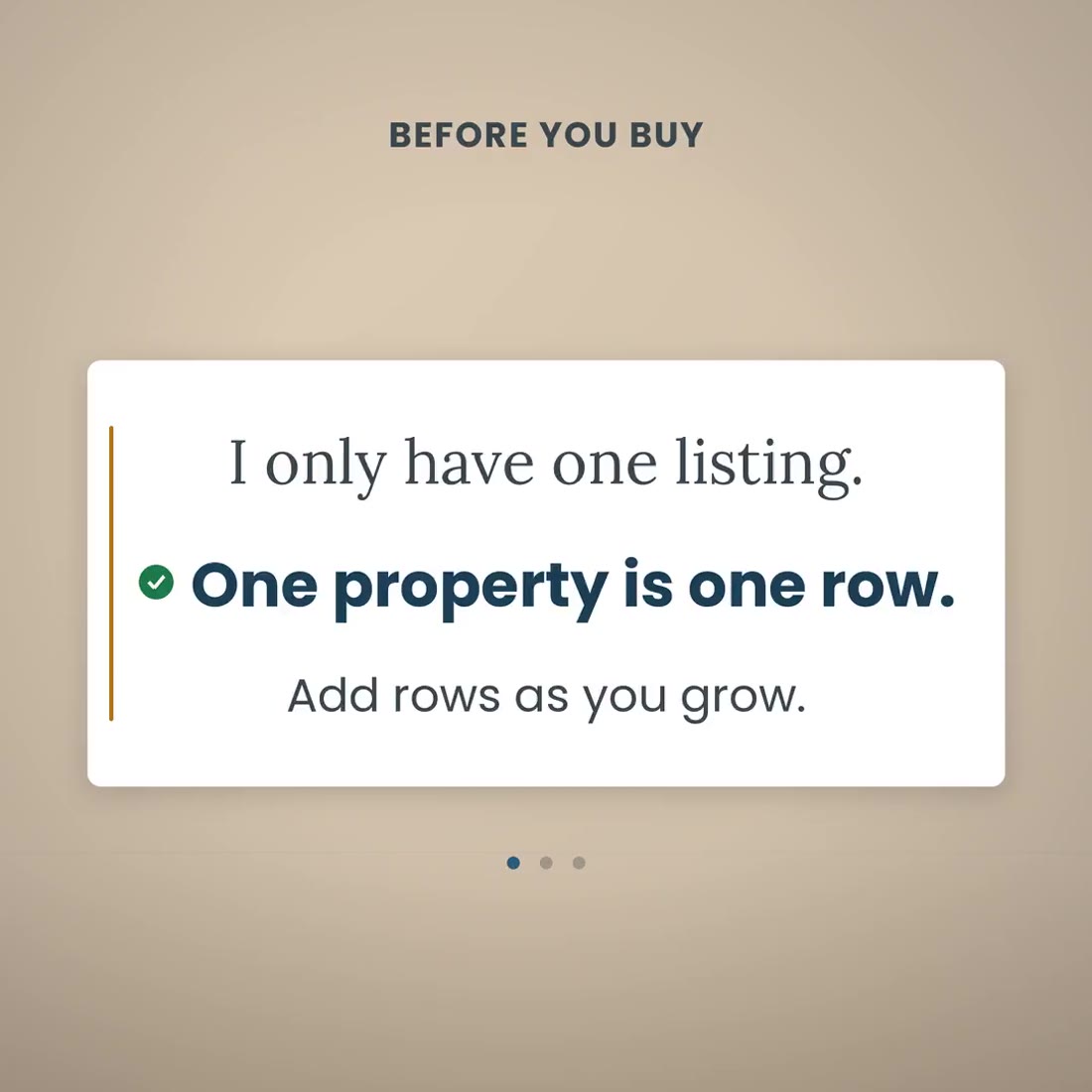
I only have one listing. Is this too much?
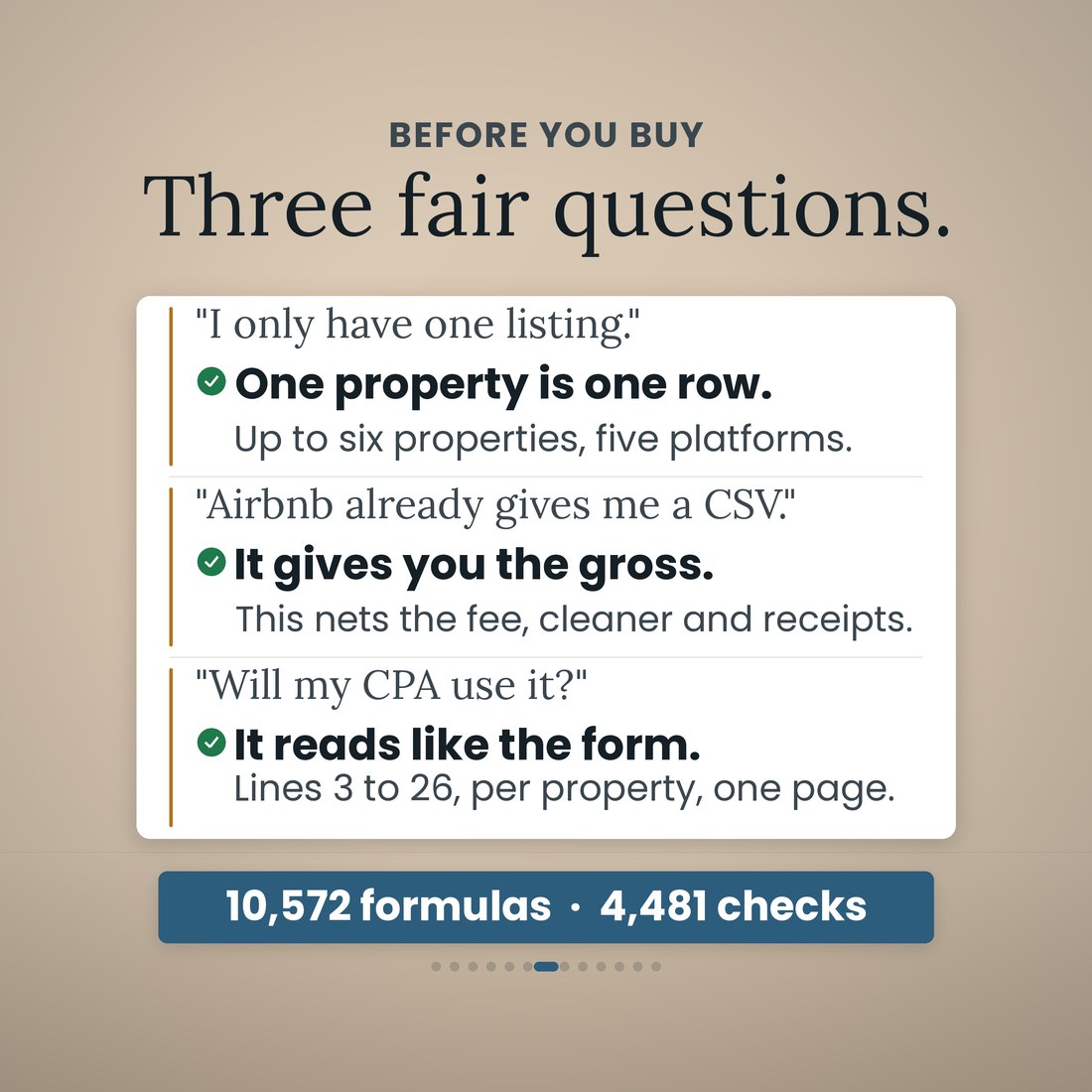
One property is one row. The file holds six properties and five platforms if you grow, and the Schedule E page prints one column per property, three per page, the way the form reads. With one listing you fill one row on Setup and read one column.
Airbnb already gives me a CSV. Why do I need this?
It gives you the gross. This nets it: the host fee from your own rate, the cleaner and the turnover supplies per stay, and the receipts that never appear in any app. Type the payout when it lands and the file tells you whether it was all there.
Will my CPA use it?
It reads like the form. Schedule E (Form 1040), Part I, lines 3 to 26 per property, with fair rental days and personal use days counted from your own stays and your own owner-use rows, and the totals block, 23a to 26. Your preparer signs the return; the file does the arithmetic and keeps the receipts on the right lines.
What are the ten tabs?
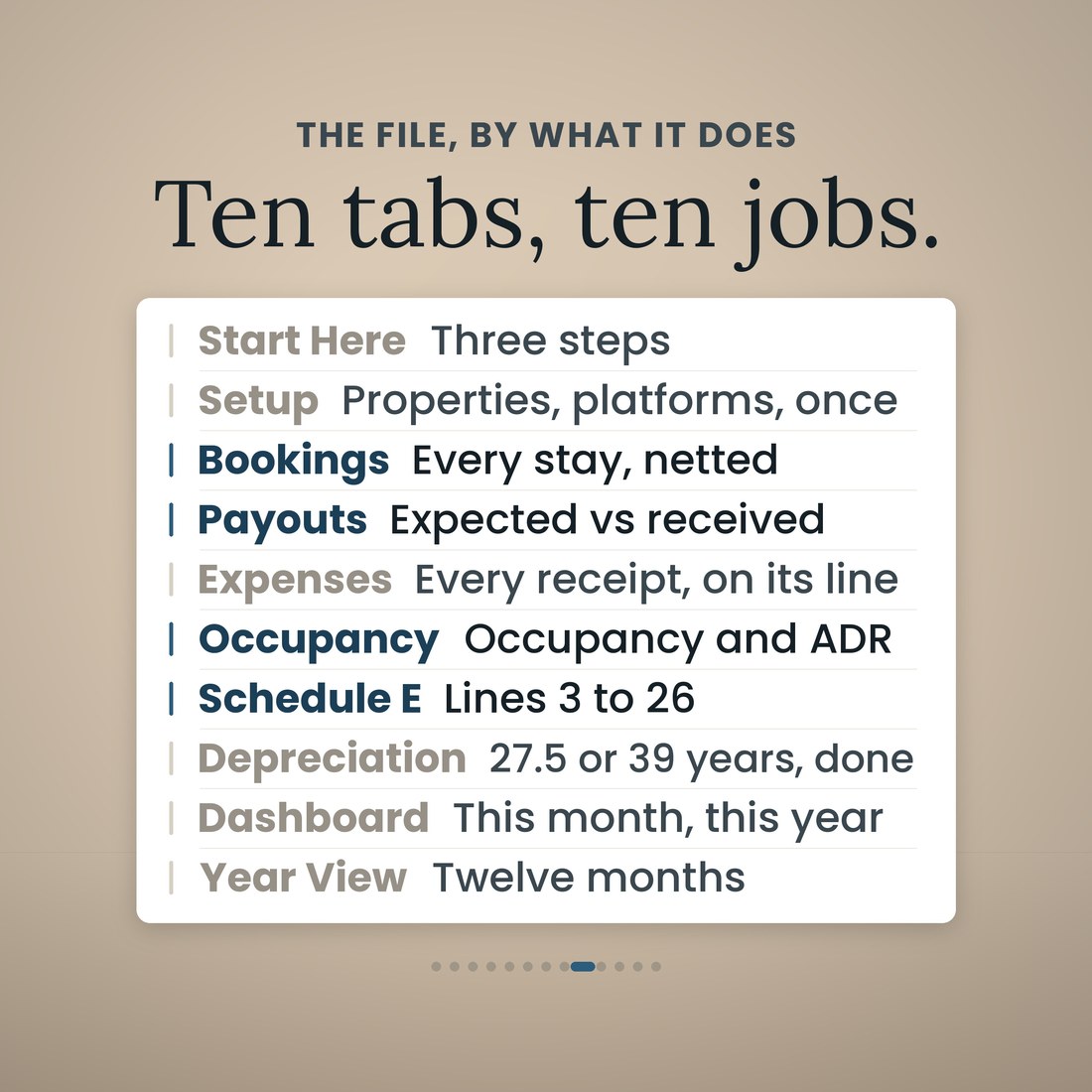
Start Here; Setup; Bookings; Payouts; Expenses; Occupancy; Schedule E; Depreciation; Dashboard; and Year View. Each does one job.
How does the payout check work?
Each stay carries the platform fee worked out from Setup and the payout that should follow. You type the payout received and the row reads OK, Pending, SHORT or OVER with the dollars. On the sample, Pinecrest, Jul 3–7 on Airbnb was expected at $954.85, $904.85 arrived, and the stay is flagged SHORT $50.00; three more are still pending. The Dashboard puts it in a sentence.
Is my place 27.5 years or 39?
You set the life per property on Setup. 27.5 years is the residential rental life; 39 years is used for a short-term rental let on a transient basis. The sample runs both buildings at 39 years and the $7,400 hot tub at 7 years, and the tab works out straight-line, mid-month depreciation for whatever life you type. Which life your property takes is your preparer's call.
Does it track the mileage deduction?
Yes. The Expenses tab carries a mileage log at the IRS standard rate, with the 2026 rates loaded, 72.5 cents through June and 76 cents from July, in editable cells, so turnover and supply runs land on line 6 at the right rate. On the sample that is 1,032 miles and a $760.38 deduction.
What is the difference between the four color editions?
Only the look. Colorful, Light, Dark and Editorial are the same 10-tab workbook with the same formulas in a different palette, and all four ship in the download.
Is this tax advice?
No. It is a record-keeping tool that organizes your stays, payouts and receipts by Schedule E line from what you enter; it is not tax, legal or accounting advice. Platform fee rates are the published US rates in August 2026 and are yours to update. Lodging and occupancy taxes, the 14-day rule, the passive-activity rules, the average-stay tests that decide Schedule E against Schedule C and the recovery life for your property are your preparer's call.
For personal use. A record-keeping tool that organizes your stays, payouts and receipts by Schedule E line from what you enter; not tax, legal or accounting advice. Lodging and occupancy taxes, the 14-day rule, the average-stay tests that decide Schedule E against Schedule C and the recovery life for your property are your preparer's call. © 2026 NicheToolkitHub — no resale or redistribution.