 ▶
▶
 ▶
▶The Envelope Liner Studio
Why does every liner you buy not quite fit?
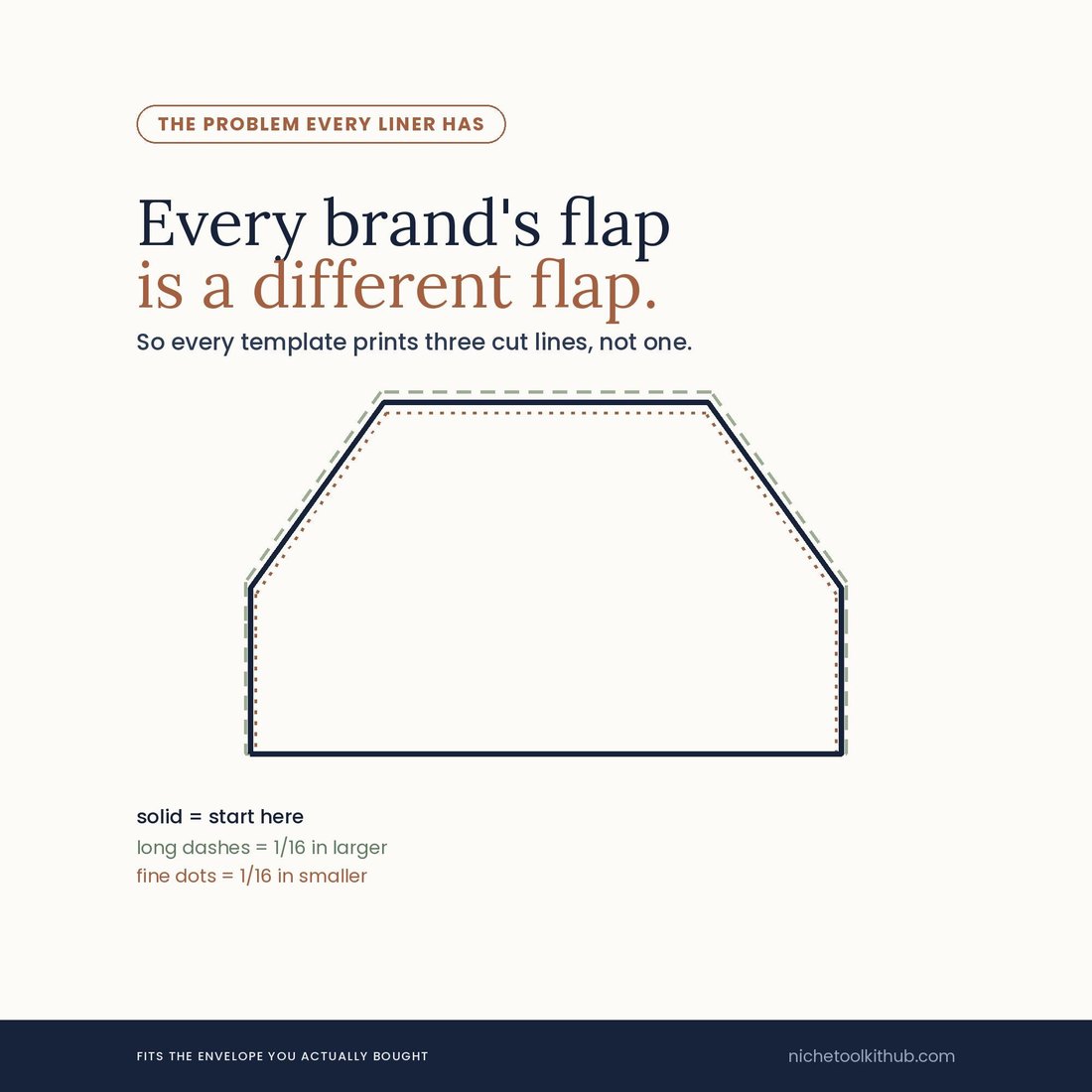
Not the size. The flap. A7 is A7 everywhere, but one stationer’s euro flap is a centimetre off another’s, and a liner cut to a drawing rather than to your actual envelope is the one that sits proud of the fold. So every template here prints three nested cut lines instead of one: the nominal size, one 1/16 in larger, one 1/16 in smaller. You cut the one that fits the envelope in your hand.
- Three nested cut lines on every single template — nominal, 1/16 in over, 1/16 in under — so the liner fits the envelope you actually bought rather than the one on a spec sheet
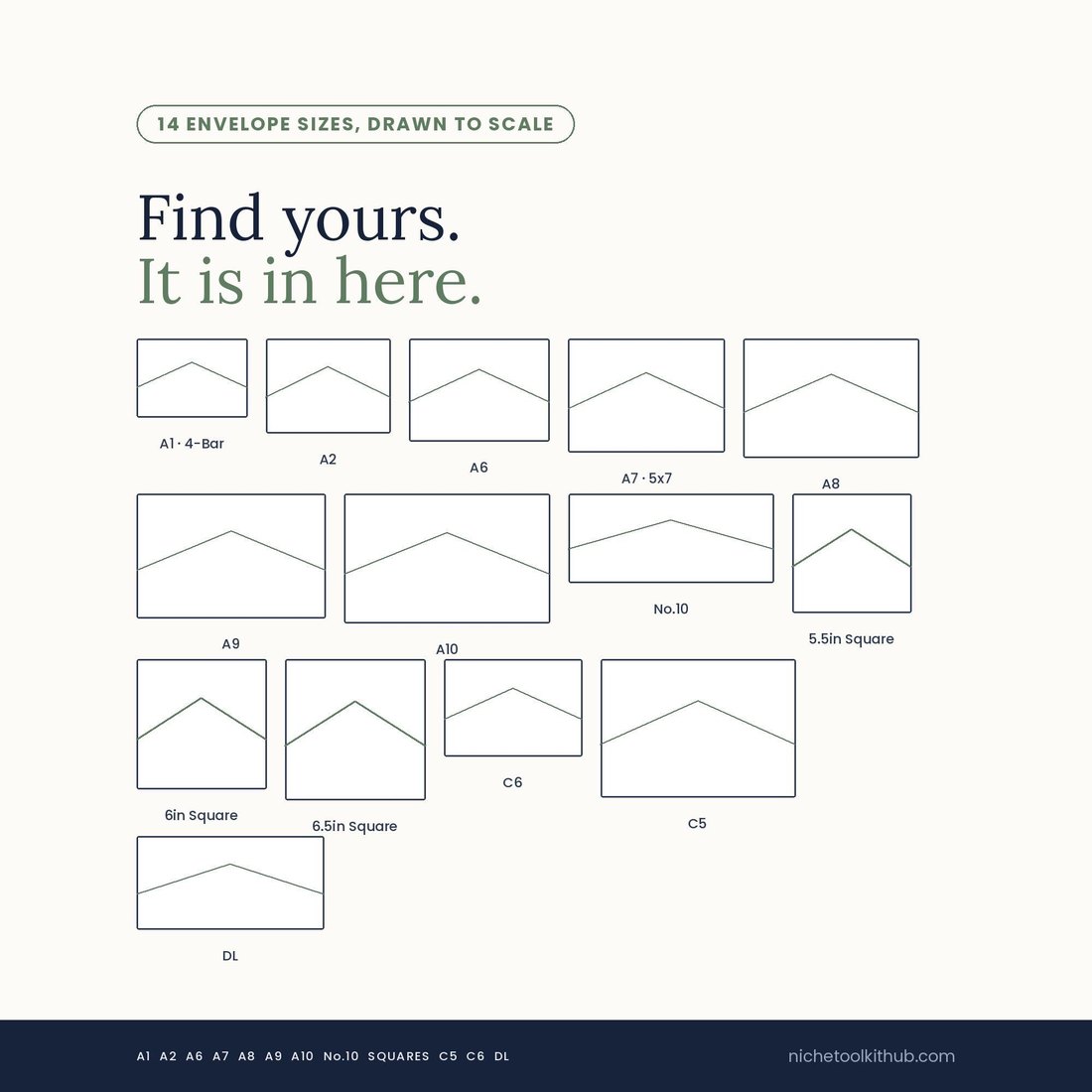
- 14 envelope sizes drawn to scale: A1 4-Bar, A2, A6, A7 5x7, A8, A9, A10, No.10, three squares, C5, C6 and DL
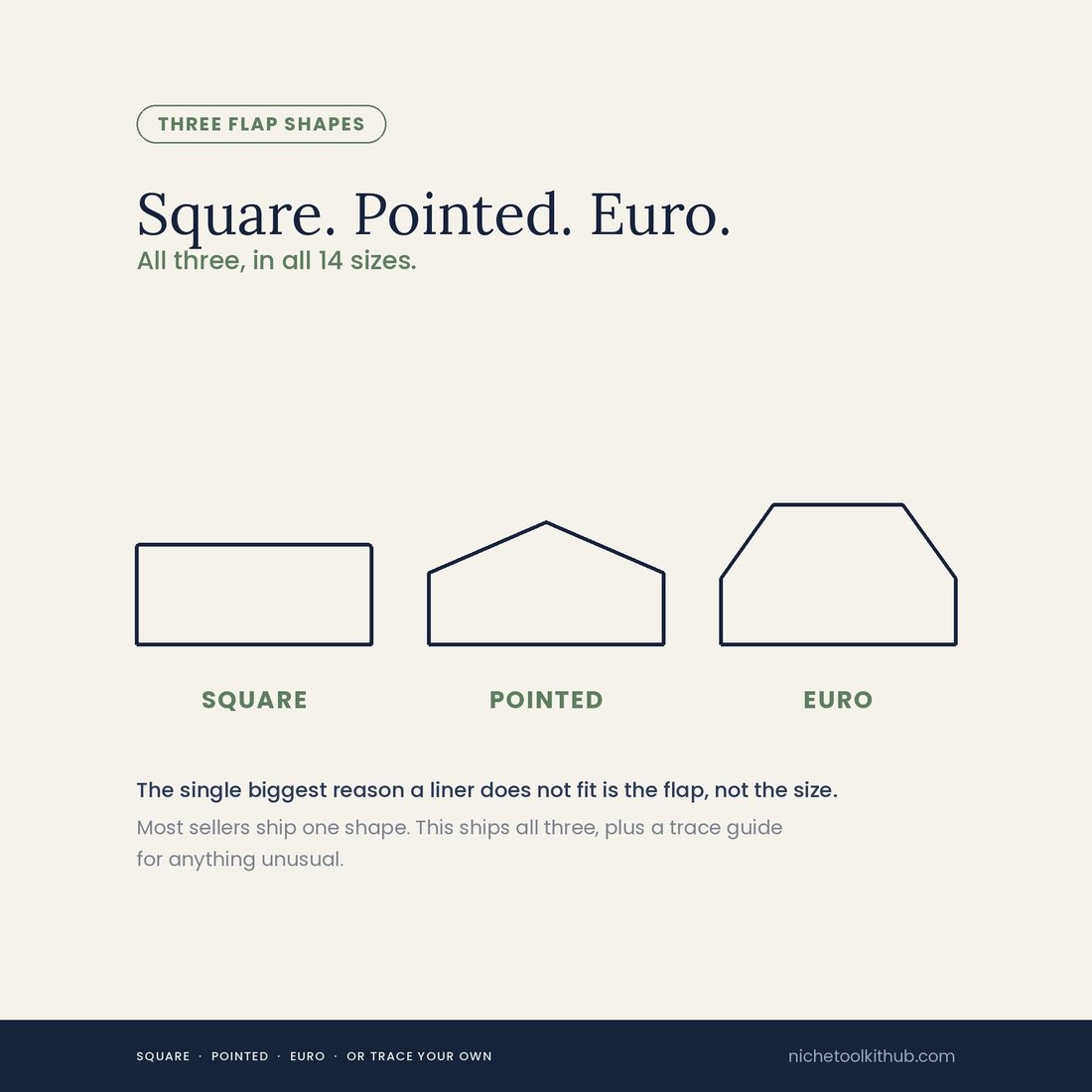
- All three flap shapes in all fourteen sizes: square, pointed and euro. Most sellers ship one shape, which is the single most common reason a liner does not fit
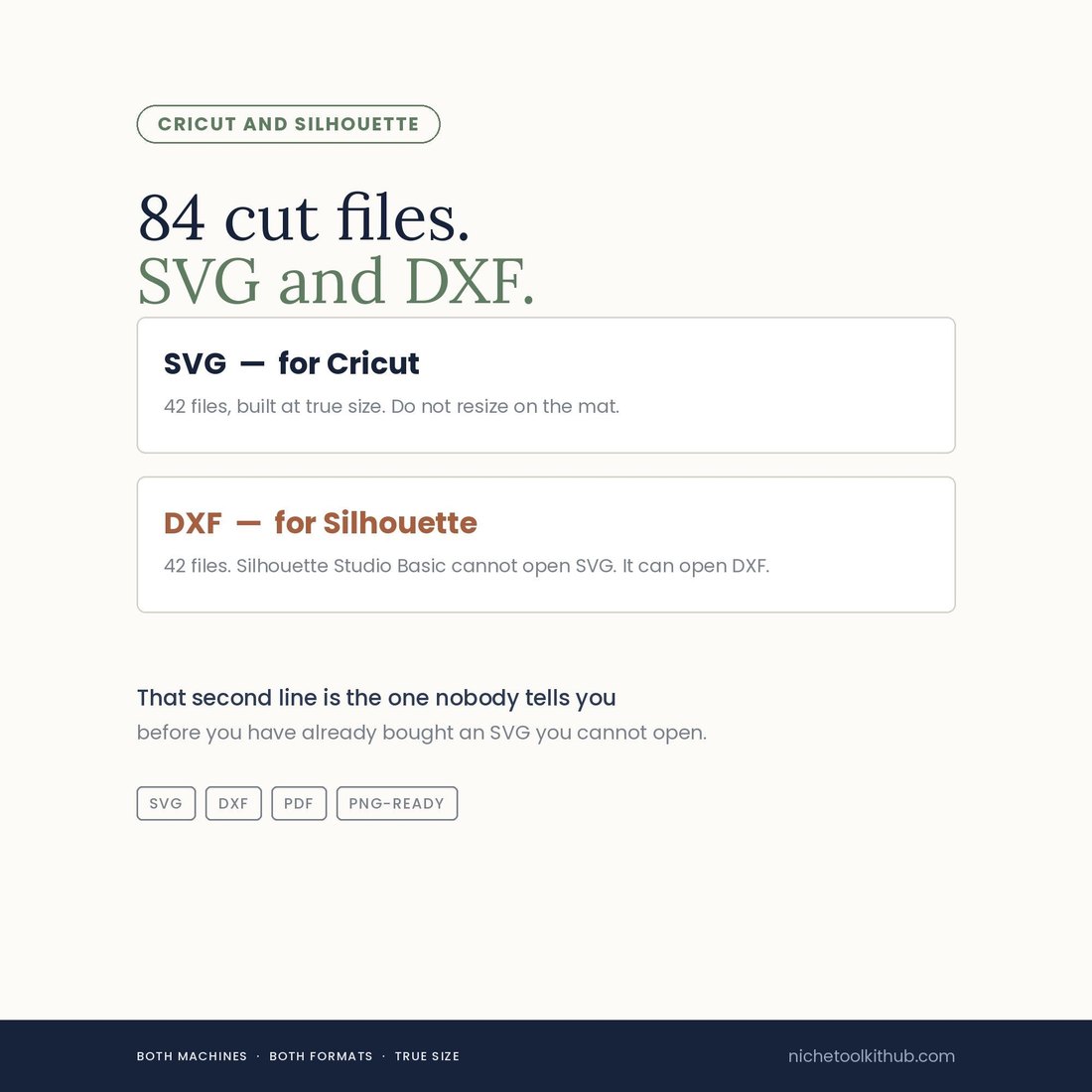
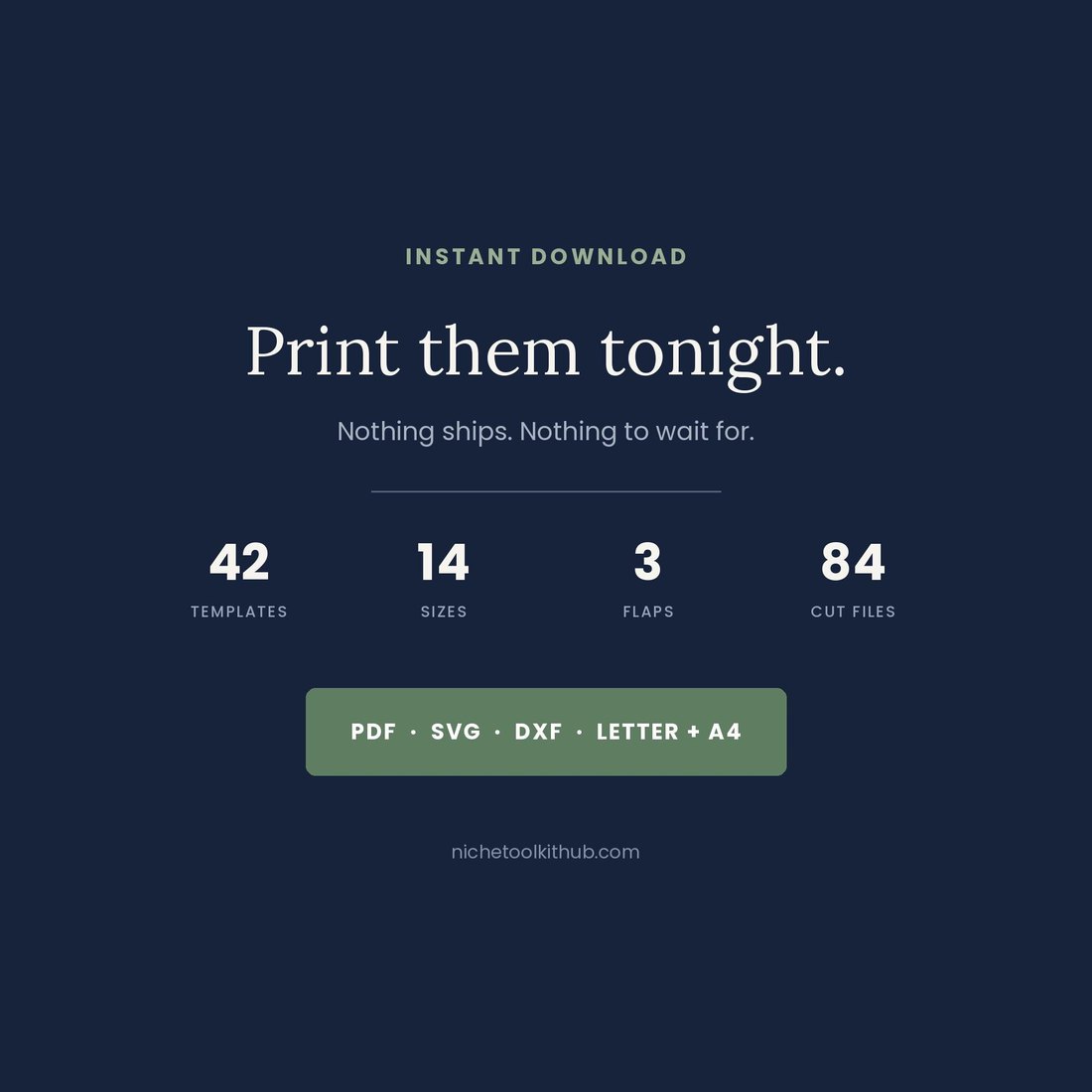
- 84 cut files — 42 SVG for Cricut and 42 DXF for Silhouette. Silhouette Studio Basic cannot open SVG at all, which is the line nobody tells you before you have bought one
- A quarter inch trace guide for any envelope not in the list, plus the exact paper weight, glue placement and postage numbers most listings leave you to guess
Overview
Why does every liner you buy not quite fit?
Not the size. The flap. A7 is A7 everywhere, but one stationer’s euro flap is a centimetre off another’s, and a liner cut to a drawing rather than to your actual envelope is the one that sits proud of the fold. So every template here prints three nested cut lines instead of one: the nominal size, one 1/16 in larger, one 1/16 in smaller. You cut the one that fits the envelope in your hand.
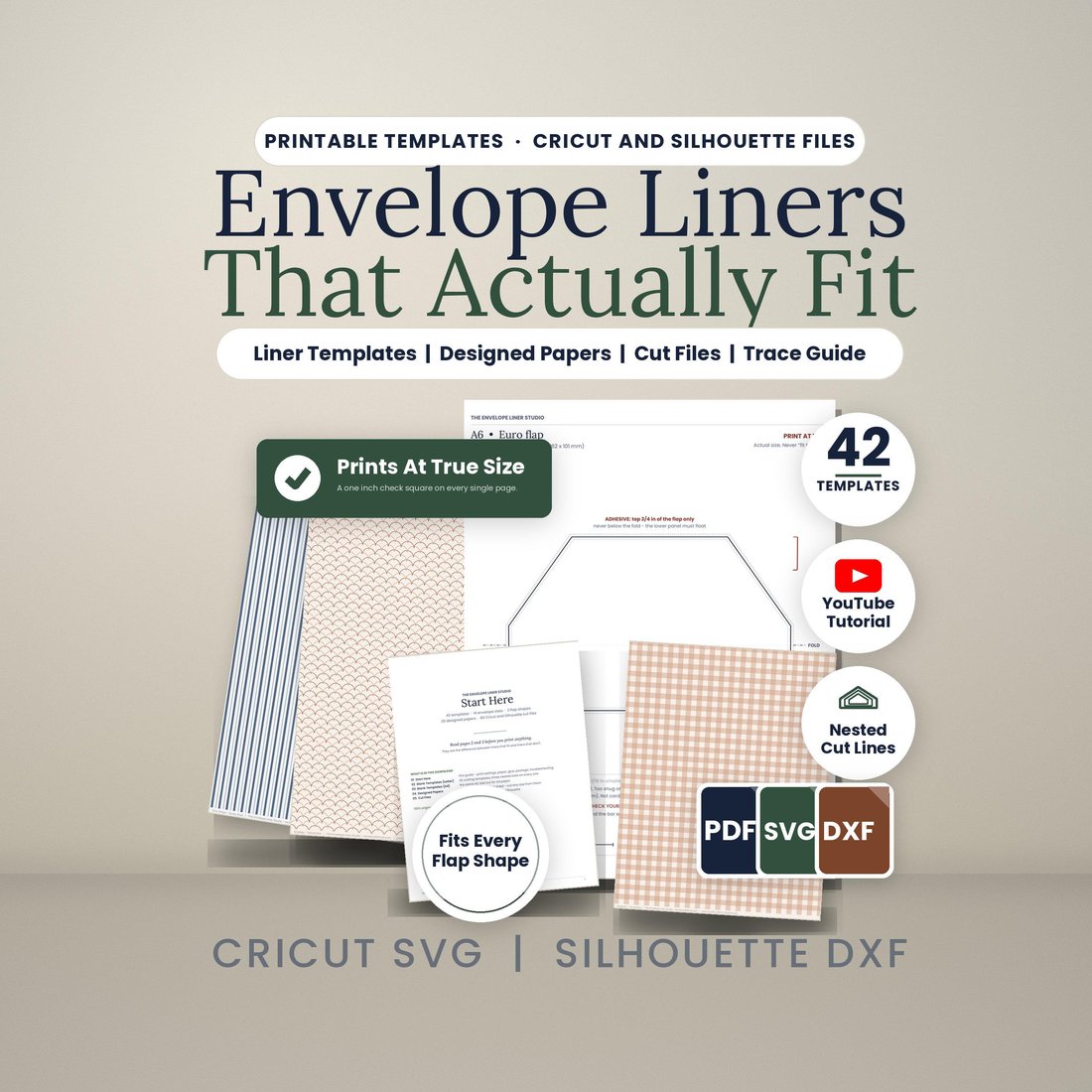
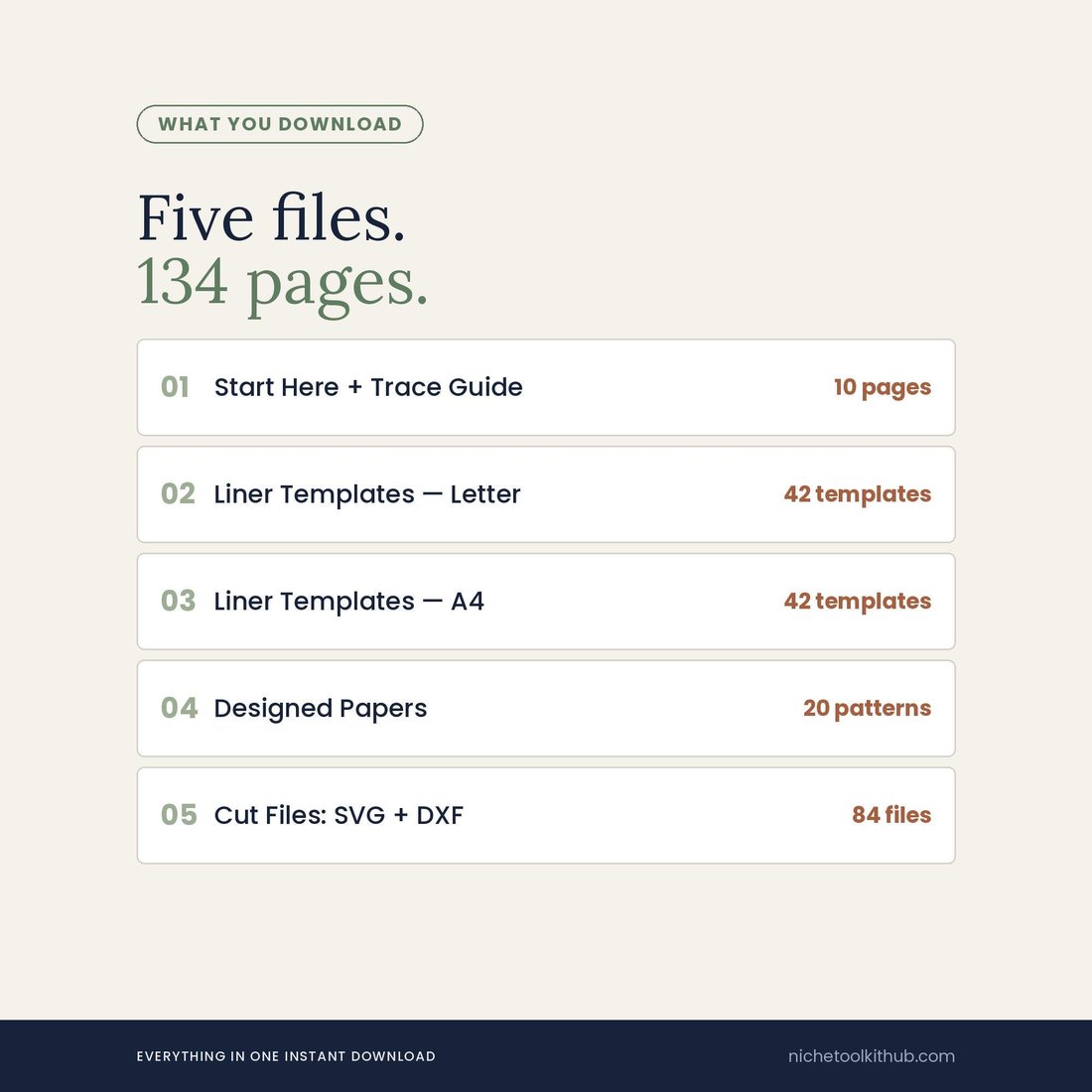
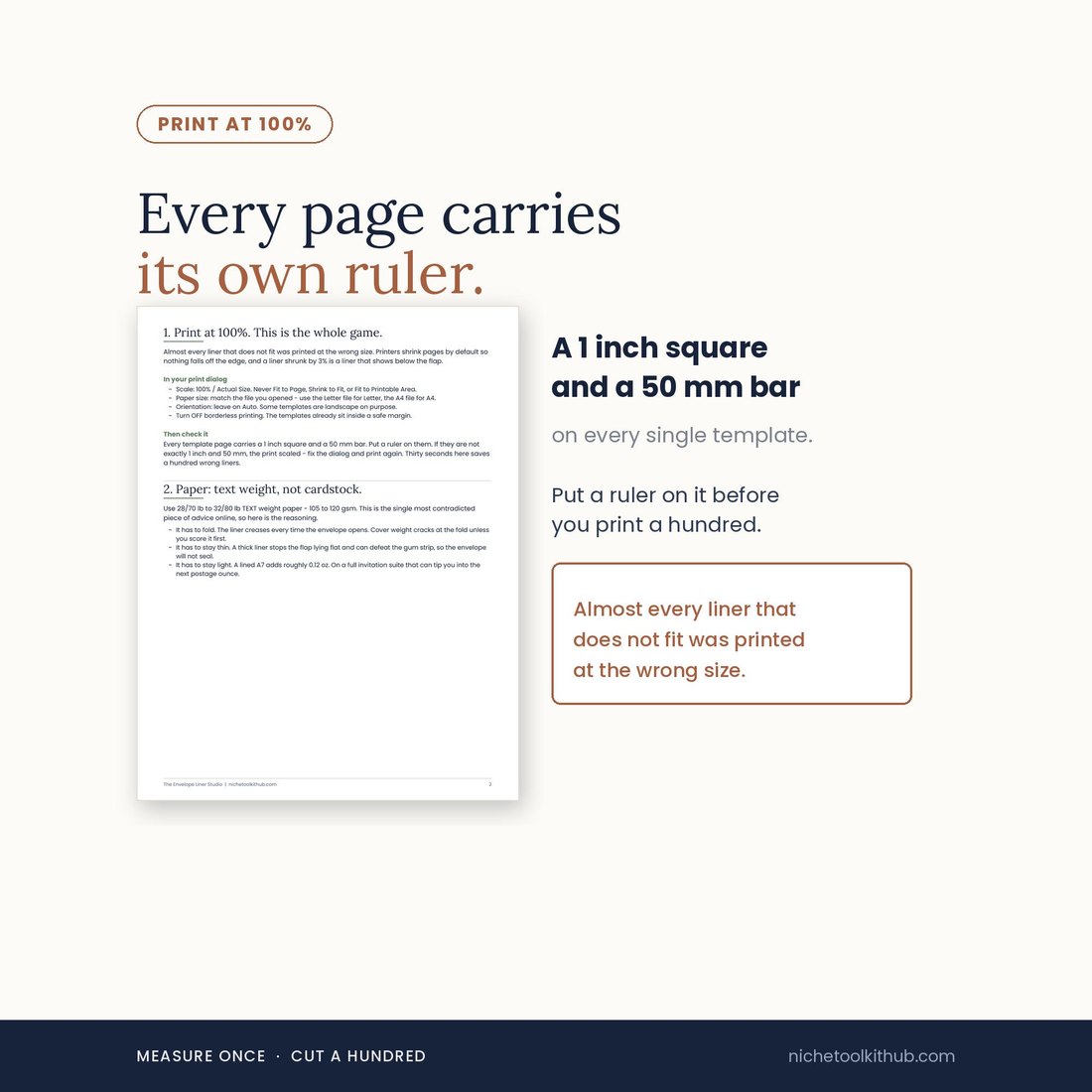
The Envelope Liner Studio is 134 pages across five files: a Start Here and trace guide, 42 liner templates in US Letter, the same 42 in A4, 20 original designed papers, and a zip of 84 cut files. Every page carries a 1 inch square and a 50 mm bar printed on it, so you can put a ruler on the sheet before you print a hundred — almost every liner that does not fit was printed at the wrong size, not designed wrong. Nothing is scanned and nothing is AI generated, so the papers are yours to print as often as you like.
What's Included
Five files, 134 pages:
- 42 liner templates in US Letter and the same 42 in A4, every one printing three nested cut lines
- All 14 sizes in all 3 flap shapes: square, pointed and euro
- 05-CUT-FILES-SVG-and-DXF.zip: 84 files, 42 SVG built at true size for Cricut and 42 DXF for Silhouette
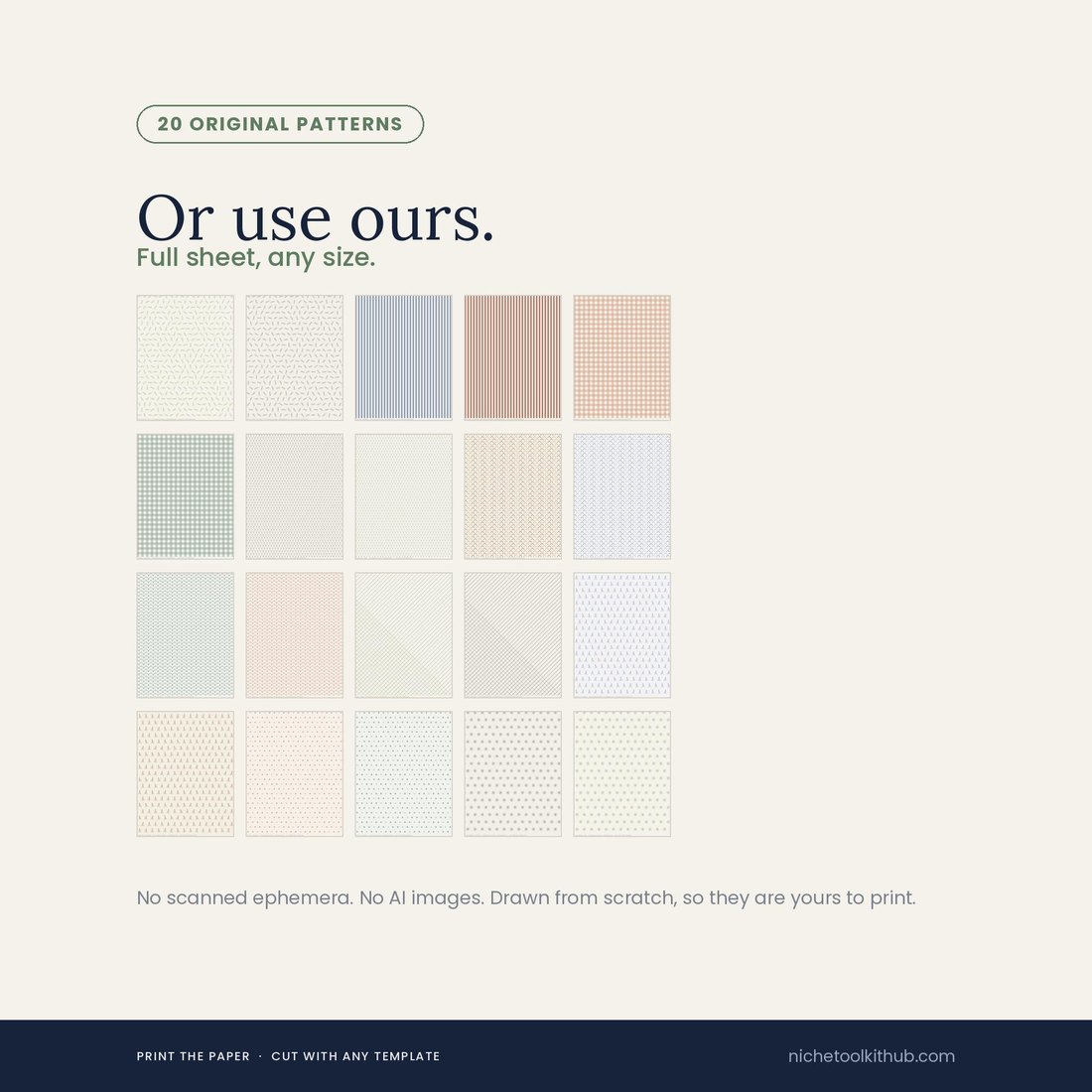
- 04-DESIGNED-PAPERS: 20 original full sheet patterns, drawn from scratch — no scans, no AI, no third party stock
- 01-START-HERE-and-TRACE-GUIDE: print settings, the quarter inch trace guide for any envelope not listed, and the paper, glue and postage spec
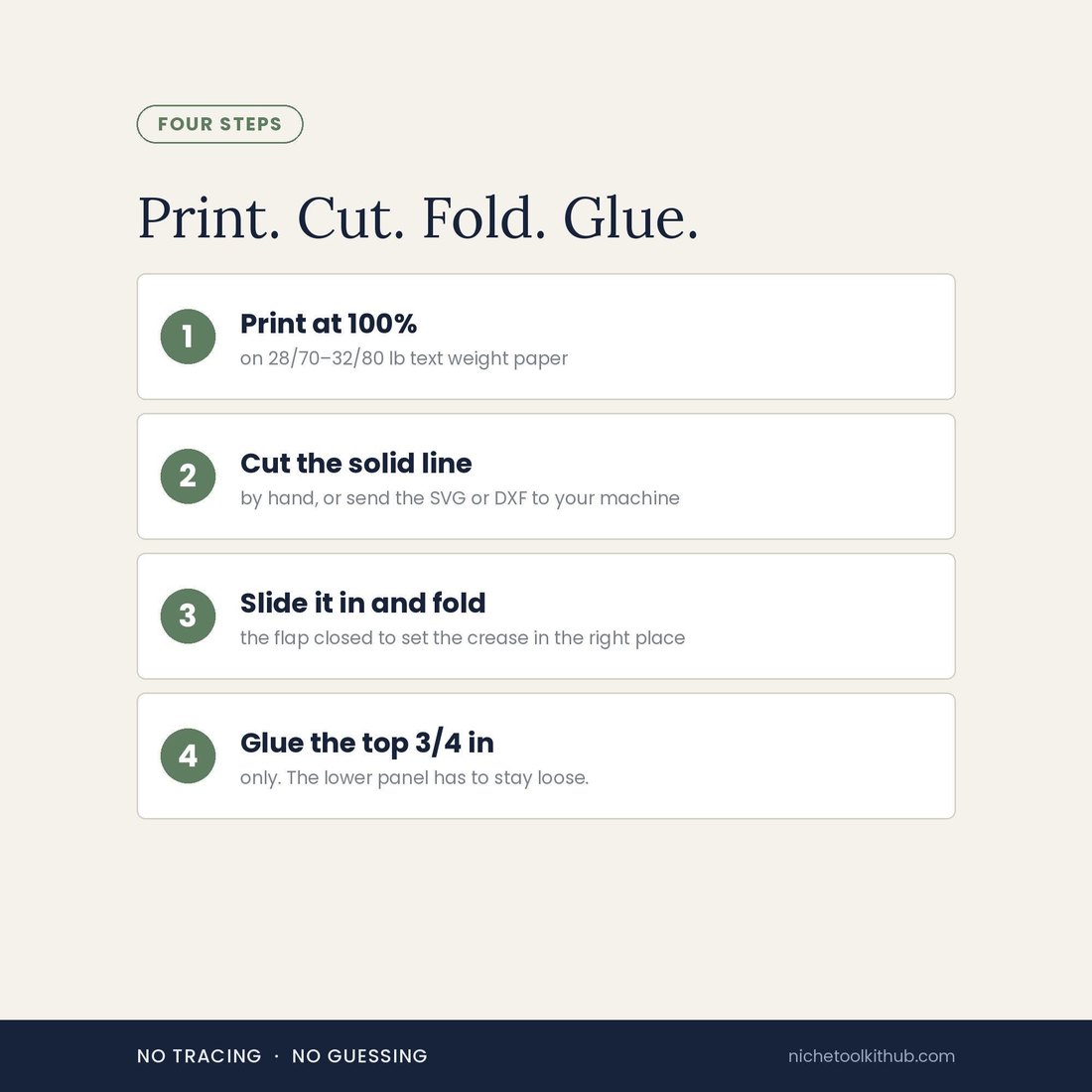
- Five files, instant download. Print at 100% on 28/70–32/80 lb text weight paper
Key Benefits
Why this one
Every other liner template gives you one cut line and hopes. This one gives you three, nested, on every template: nominal, 1/16 in larger, 1/16 in smaller. Hold your envelope against the sheet, pick the line that matches its flap, and cut that one.
Square, pointed and euro, in all fourteen sizes. The flap is the single biggest reason a liner does not fit, and shipping only one shape is how most listings quietly fail a third of their buyers.
A 1 inch square and a 50 mm bar are printed on every single template. Put a ruler on it before you commit to a hundred sheets. Printers shrink pages to fit by default and that, not the design, is what ruins most liners.
42 SVG for Cricut and 42 DXF for Silhouette. Silhouette Studio Basic, the free edition, cannot open an SVG at all — so an SVG-only listing is useless to you until you have paid to upgrade. Both are here.
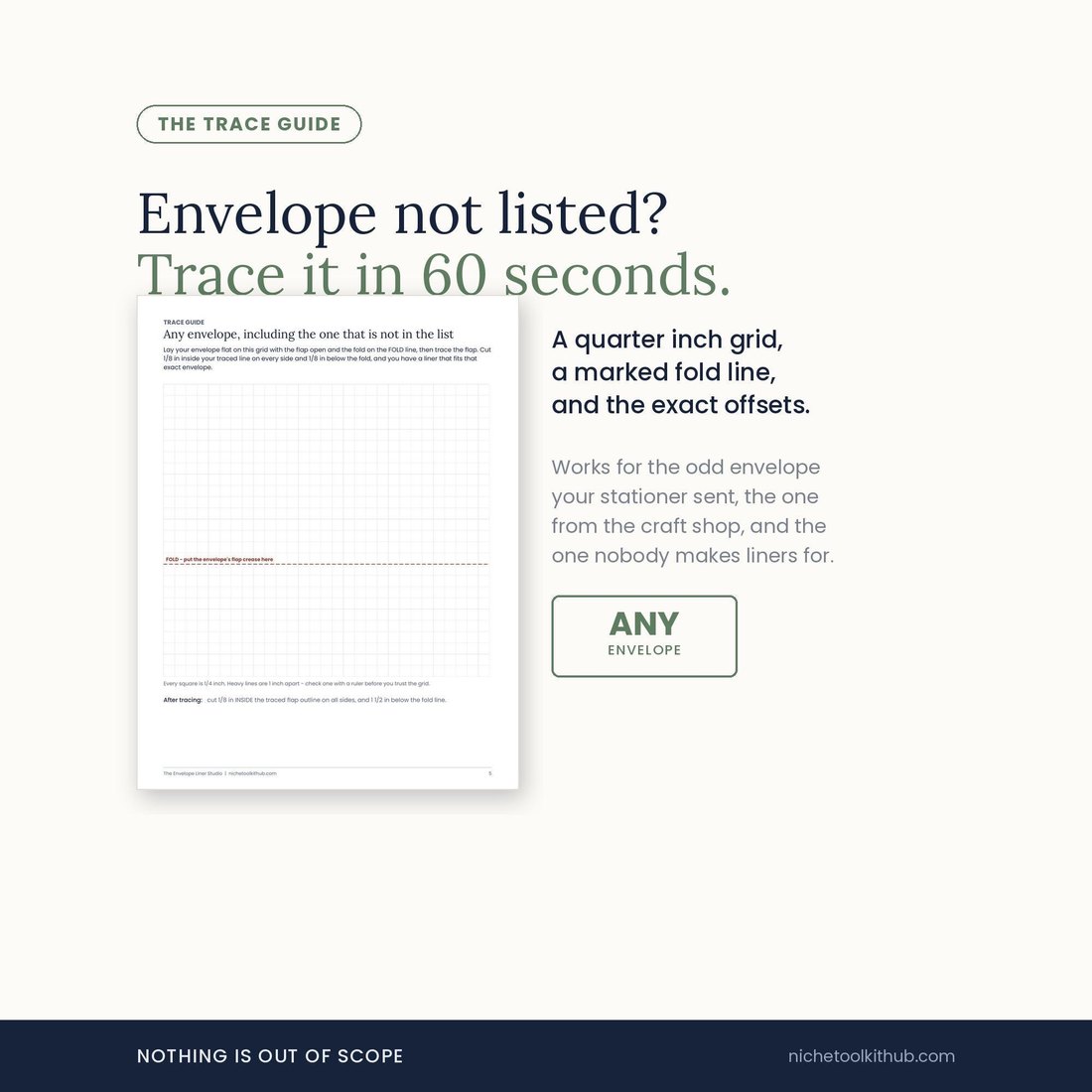
A quarter inch trace guide with a marked fold line and the exact offsets. Sixty seconds gets you a liner for the odd envelope your stationer sent, the one from the craft shop, and the one nobody makes liners for.
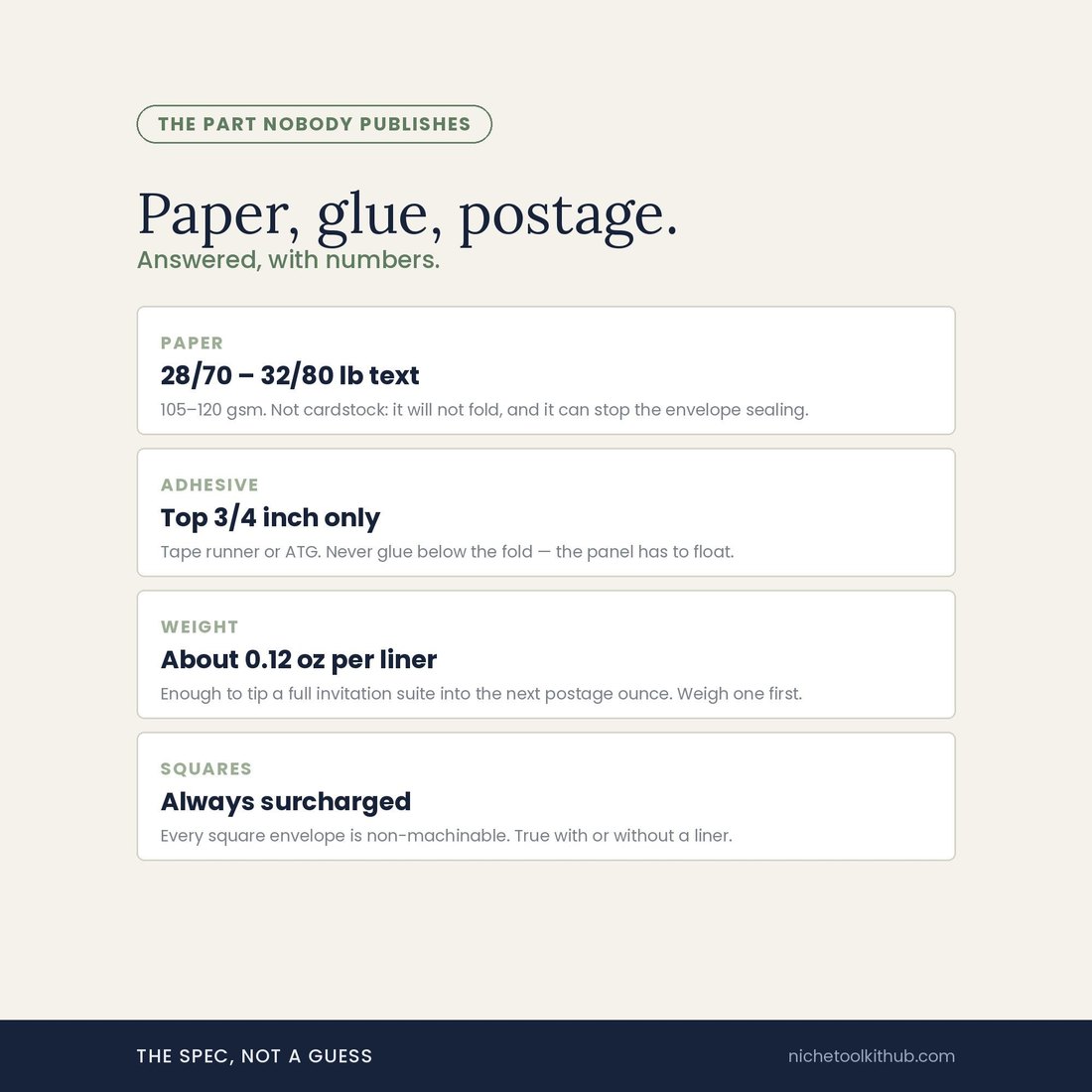
28/70–32/80 lb text, 105–120 gsm, not cardstock. Glue the top 3/4 inch only. About 0.12 oz per liner, enough to tip a full invitation suite into the next postage ounce. Square envelopes are always surcharged.
Who It's For
Built for
- Anyone assembling their own wedding invitations who has already bought the envelopes and needs liners that fit those envelopes
- Cricut and Silhouette owners who want true-size cut files that do not need resizing on the mat
- Stationers and small paper studios who need one system covering every size and flap a client turns up with
- Anyone who has cut a liner from a template and watched it sit proud of the fold, and wants to know why
How It Works
Up and running in minutes
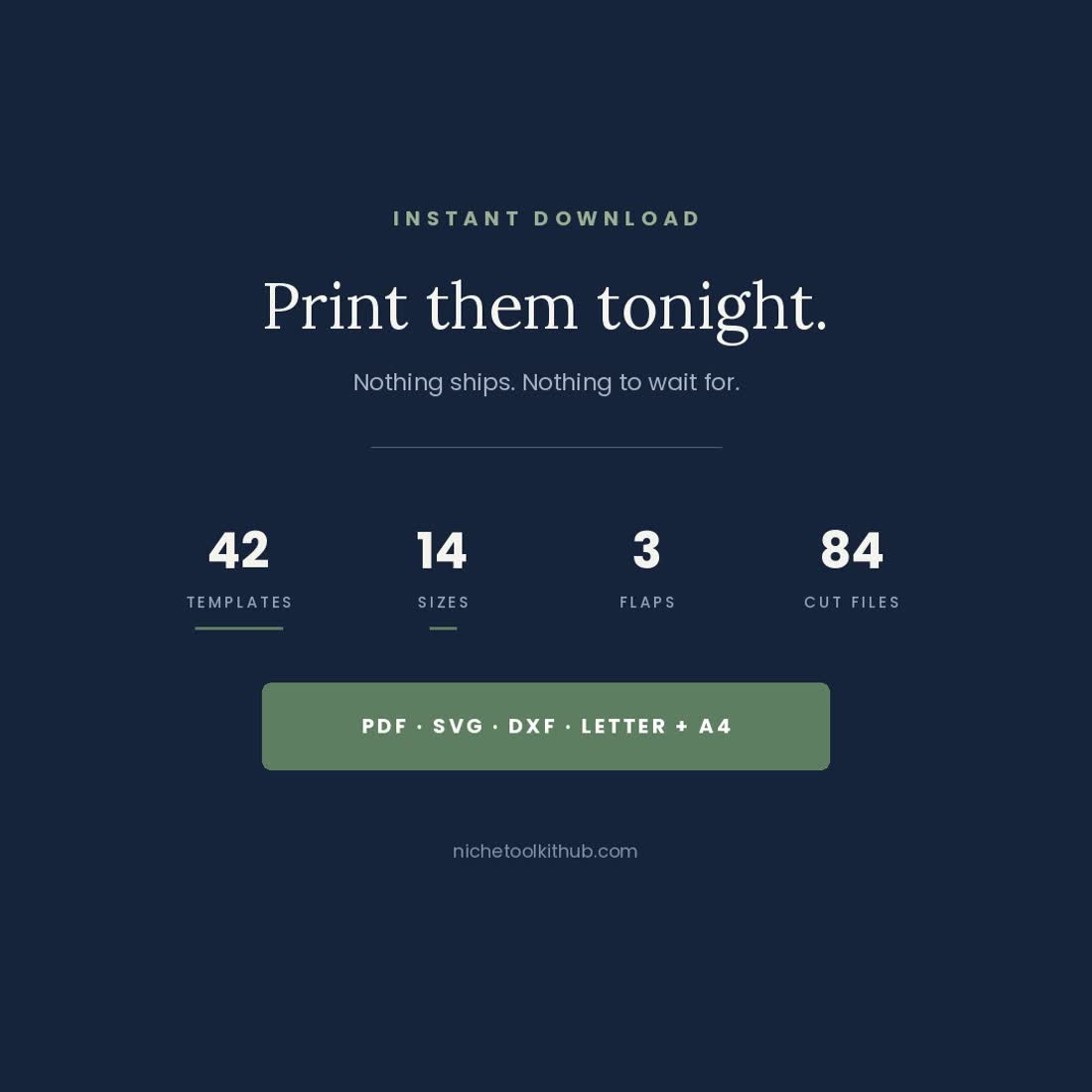
The templates in US Letter and A4, the designed papers, the cut files zip, and the Start Here and trace guide. Instant download, nothing ships.
Print one template, put a ruler on the 1 inch square and the 50 mm bar. If they measure true, everything else will. This is the whole game.
Hold the envelope against the size chart and pick square, pointed or euro. Then pick which of the three nested lines matches your flap exactly.
By hand along the solid line, or send the SVG to Cricut Design Space or the DXF to Silhouette Studio. Do not resize on the mat — they are built at true size.
Slide the liner in, fold the flap closed to set the crease in the right place, then glue the top 3/4 inch only. The lower panel has to stay loose.
Why It's Different
Not another template
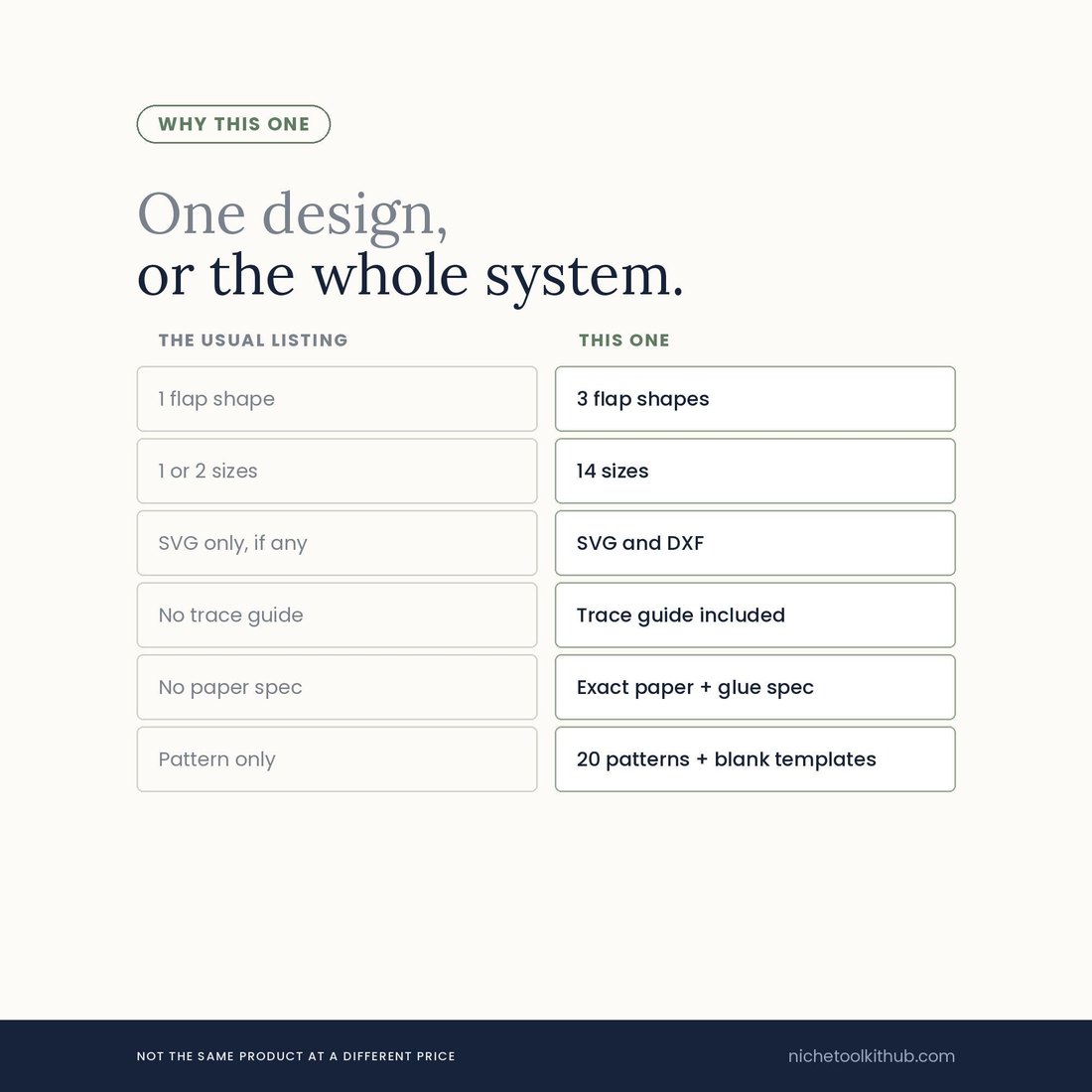
Search envelope liners and you get one flap shape, one or two sizes, an SVG if you are lucky, and no word at all on paper weight, glue or postage. The reason is that those are the parts that take work and do not photograph well. This is the other thing: three flap shapes across fourteen sizes, both cut formats because the free Silhouette edition cannot open SVG, a trace guide for whatever is not in the list, a ruler printed on every page because printer scaling is the real culprit, and the exact paper, adhesive and postage numbers written down. It is not the same product at a different price.
Delivery & Compatibility
Instant, and it prints on any home printer
As soon as your order is complete you get instant access to download your files, so you can print a test template and check it against your envelopes tonight.
Five files: four PDFs plus a zip of cut files, in US Letter and A4. Print at 100% or Actual Size, borderless off, on 28/70–32/80 lb text weight paper. SVG opens in Cricut Design Space; DXF opens in every edition of Silhouette Studio including the free Basic edition. This is a digital download; nothing is shipped.
FAQ
Questions, answered
My envelope is not one of the 14 sizes. Now what?
Use the quarter inch trace guide in the Start Here file. Lay the envelope flat on the grid with the flap open, mark the fold and the widest point, then trace inside the marks and you have a liner for it. It takes about a minute and works for any envelope, including the ones nobody makes liners for.
Why three cut lines instead of one?
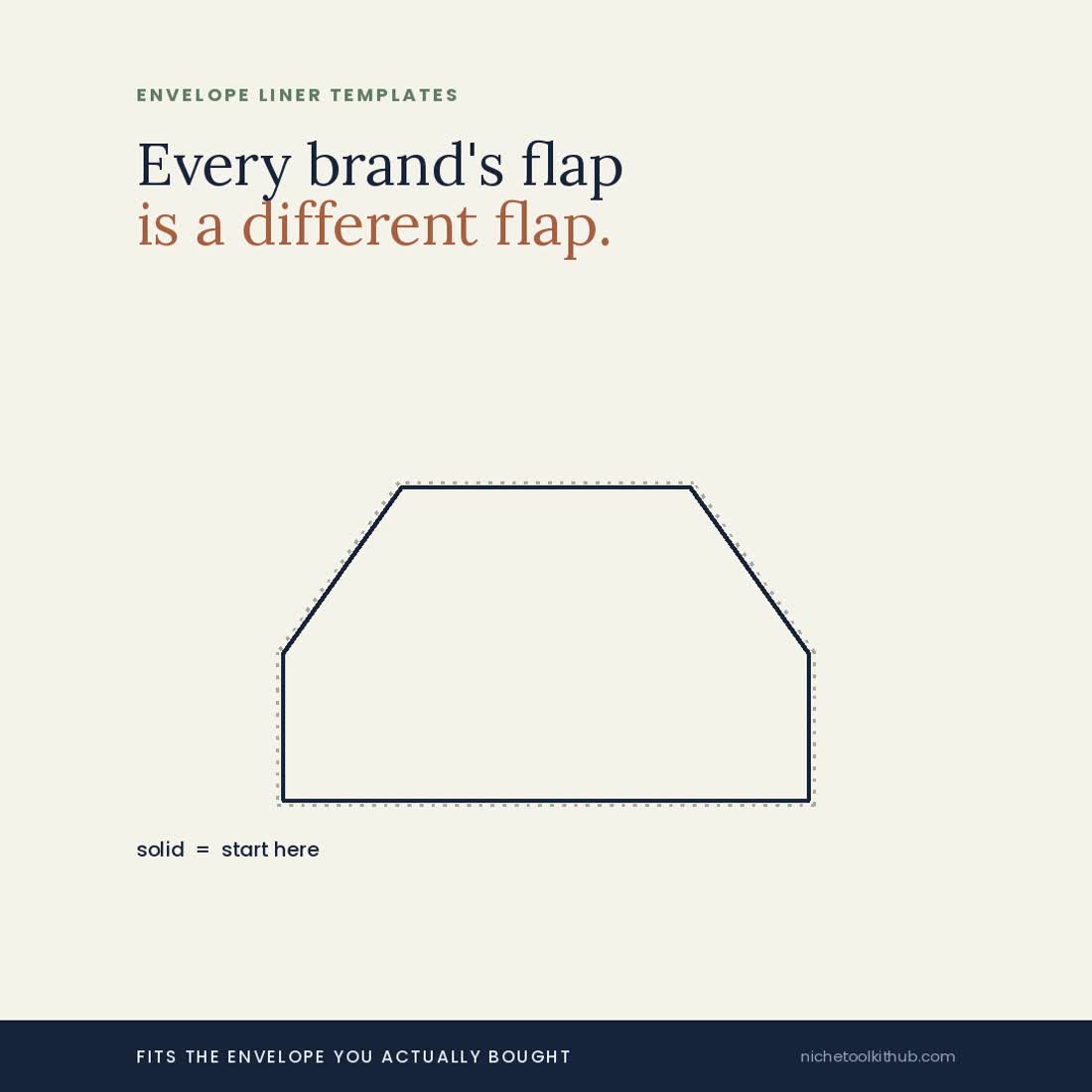
Because envelope flaps are not standardised. Two A7 envelopes from different brands can have euro flaps that differ by more than a sixteenth of an inch, and a liner cut to a drawing rather than to your envelope sits proud of the fold. Solid is the nominal size, long dashes are 1/16 in larger, fine dots are 1/16 in smaller. Cut the one that matches what is in your hand.
I have a Silhouette, not a Cricut. Will these work?
Yes, and this is the part worth knowing before you buy anything in this category: Silhouette Studio Basic, the free edition, cannot open SVG files at all. It can open DXF. This kit ships 42 DXF alongside the 42 SVG, so both machines are covered without paying to upgrade anything.
What paper should I use?
28/70 to 32/80 lb text weight, which is 105 to 120 gsm. Not cardstock — cardstock will not fold cleanly at the flap and it can stop the envelope sealing. The exact spec is on its own page in the Start Here file.
Will a liner change my postage?
It can. A liner adds about 0.12 oz, which is enough to tip a full invitation suite into the next postage ounce. Weigh one assembled invitation before you buy stamps. Square envelopes are always surcharged as non-machinable, liner or not.
Where exactly do I glue it?
The top 3/4 inch only, above the fold. A tape runner or ATG gun is easiest. Never glue below the fold: the lower panel has to float, or the envelope will not close flat.
Can I use the designed papers commercially?
The 20 papers are original artwork drawn from scratch — no scanned ephemera, no AI images, no third party stock — so they are yours to print. Print them for yourself or for finished items you make and sell. You may not resell or redistribute the files themselves.
Is this a physical product?
No. It is an instant digital download of five files. Nothing is shipped. You print what you need, when you need it, as many times as you like.
For personal and single-business use only. © 2026 NicheToolkitHub — no resale or redistribution.