 ▶
▶
 ▶
▶Wedding Budget Command Center
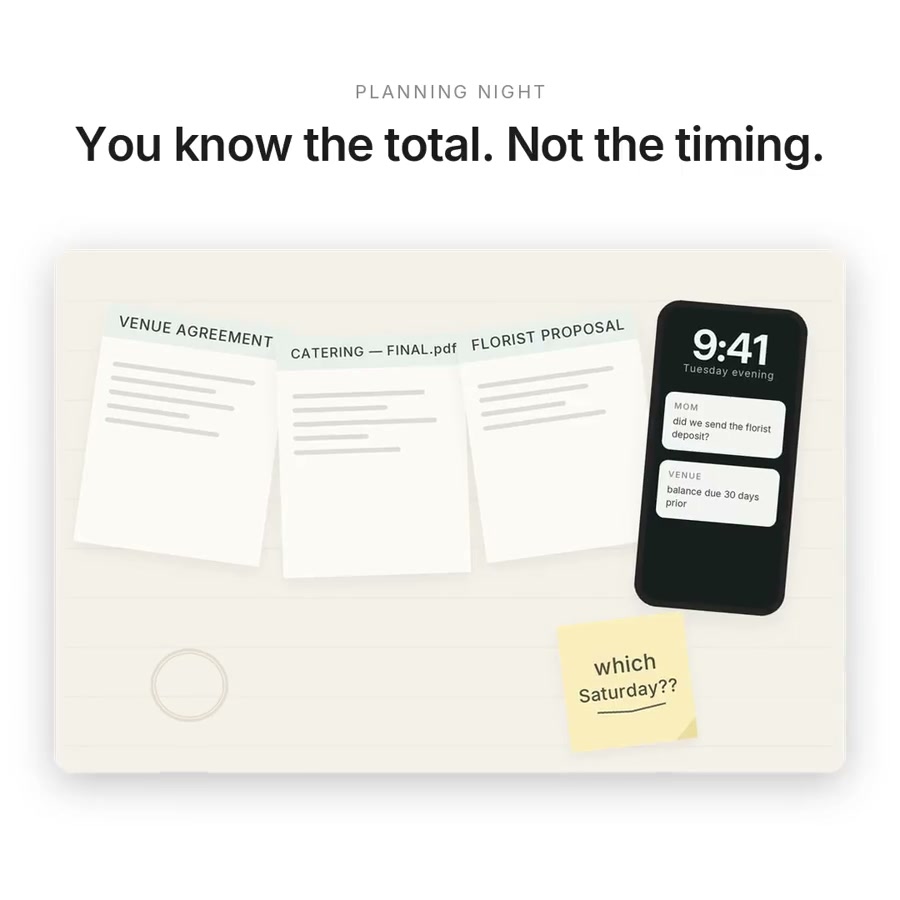
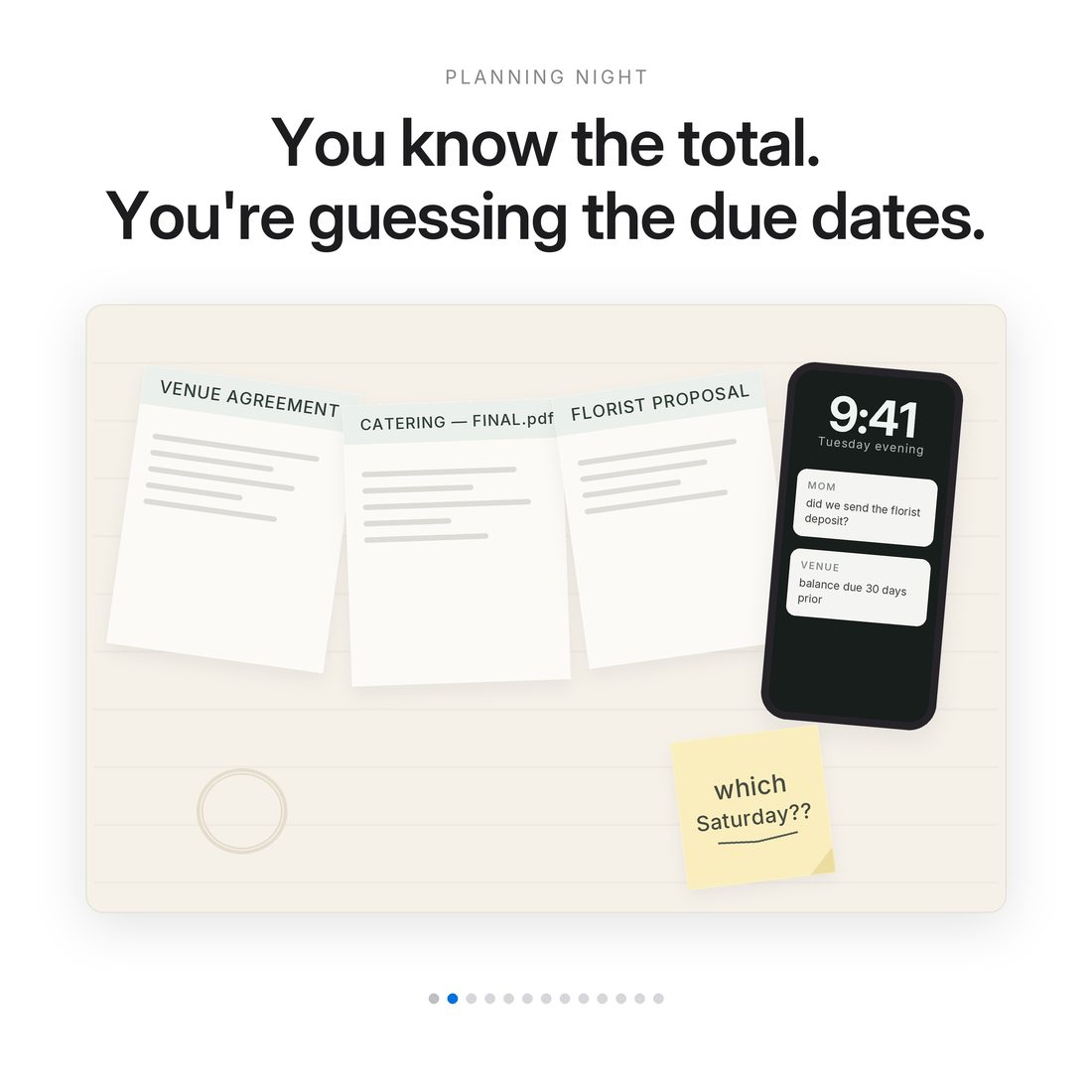
Everyone budgets the wedding. Nobody budgets the when.
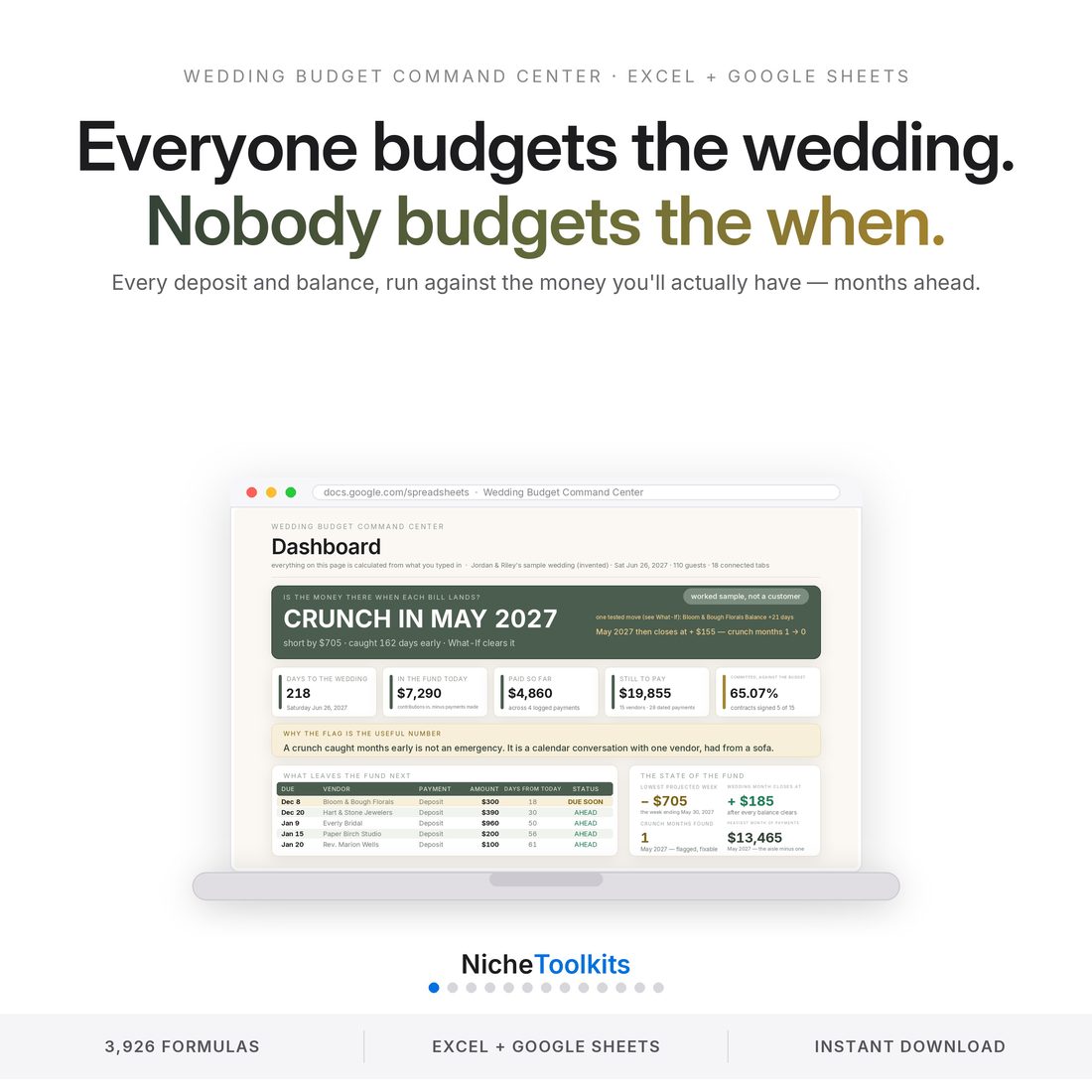
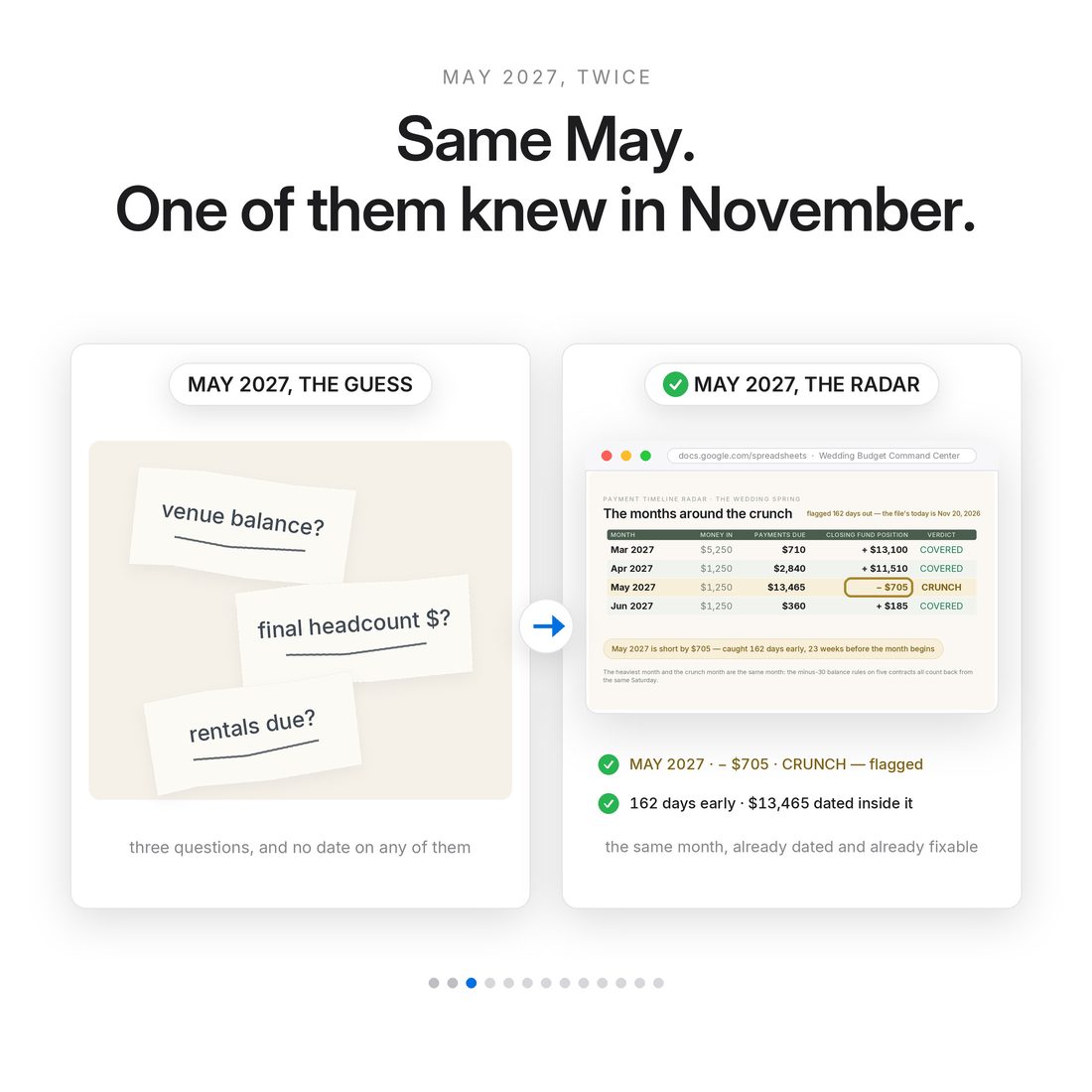
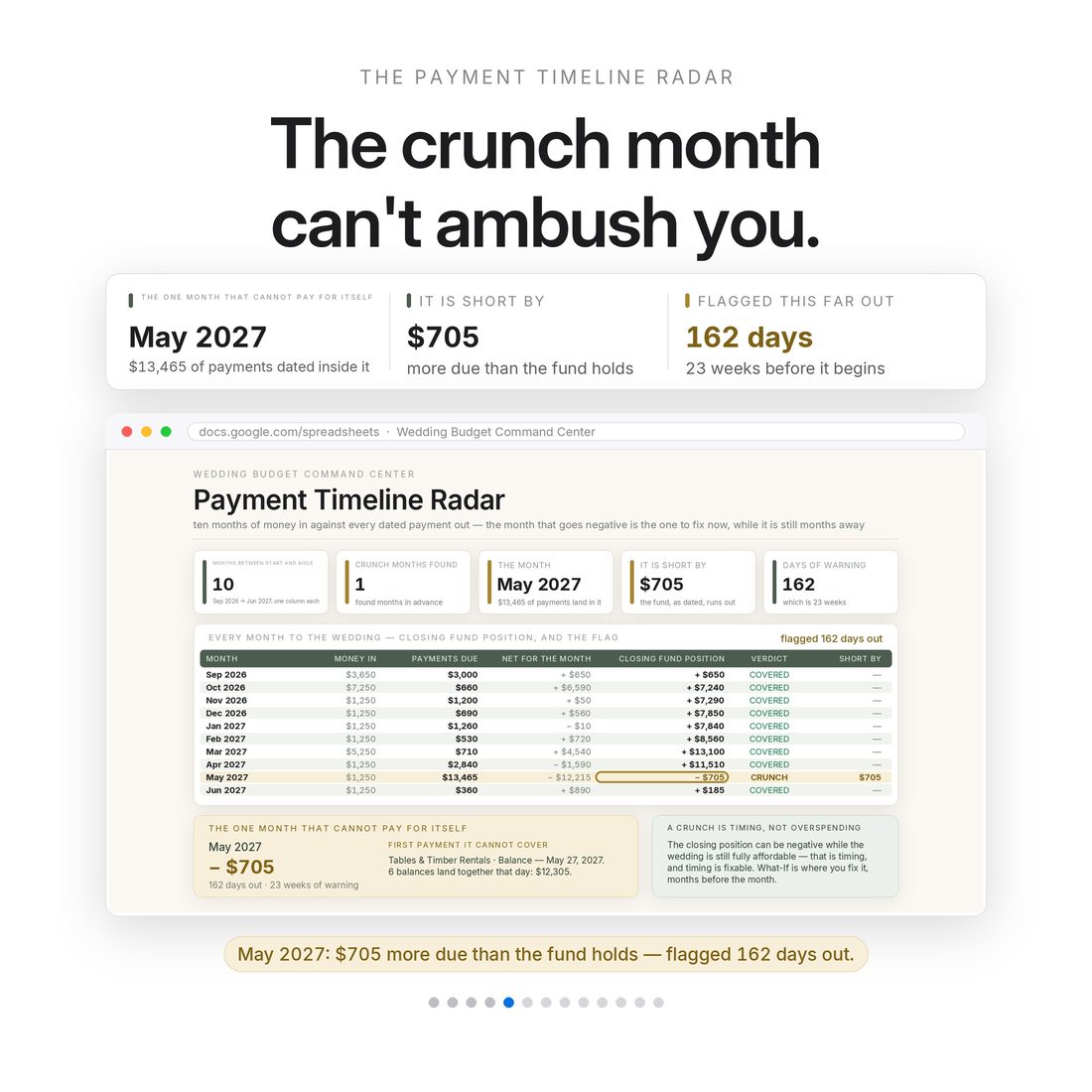
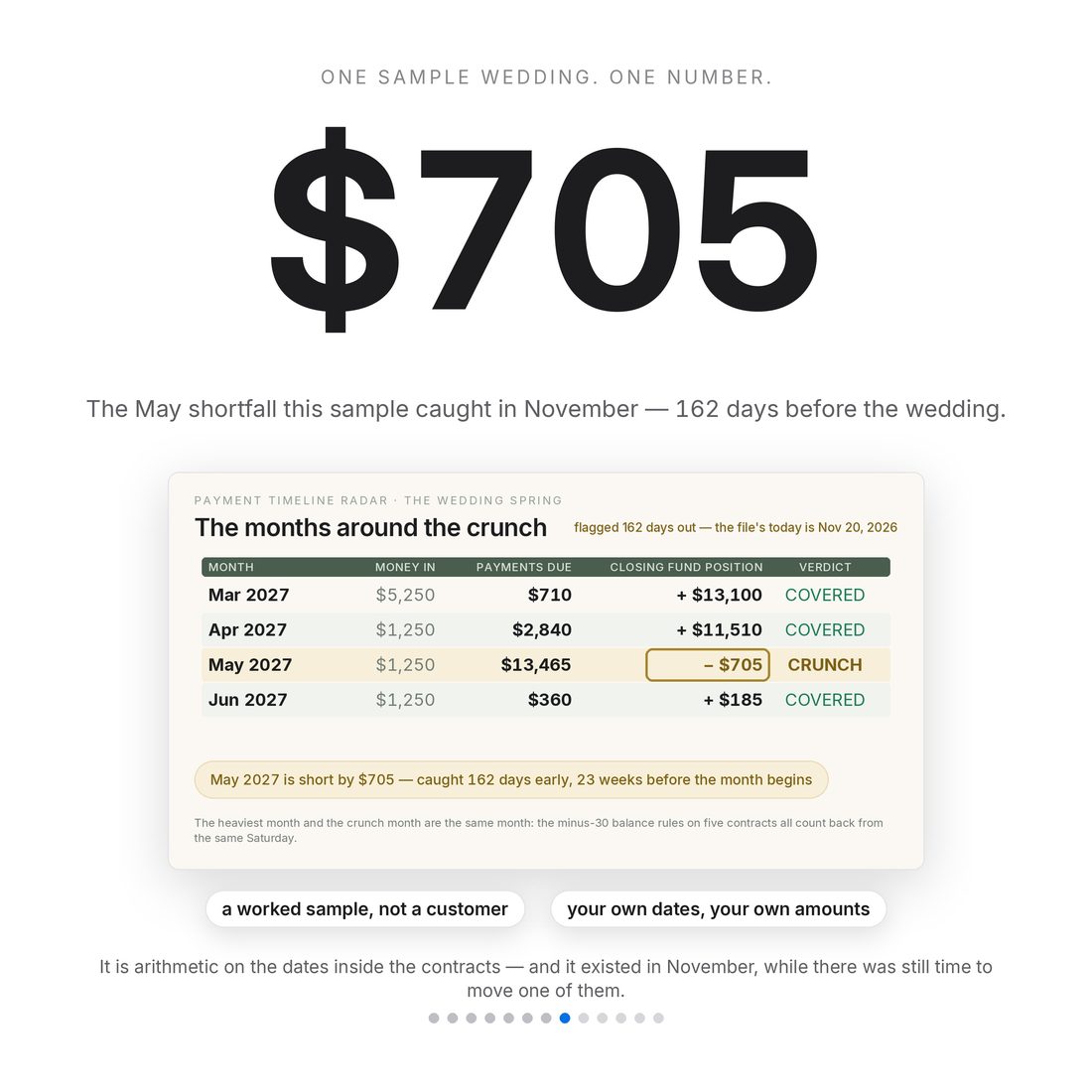
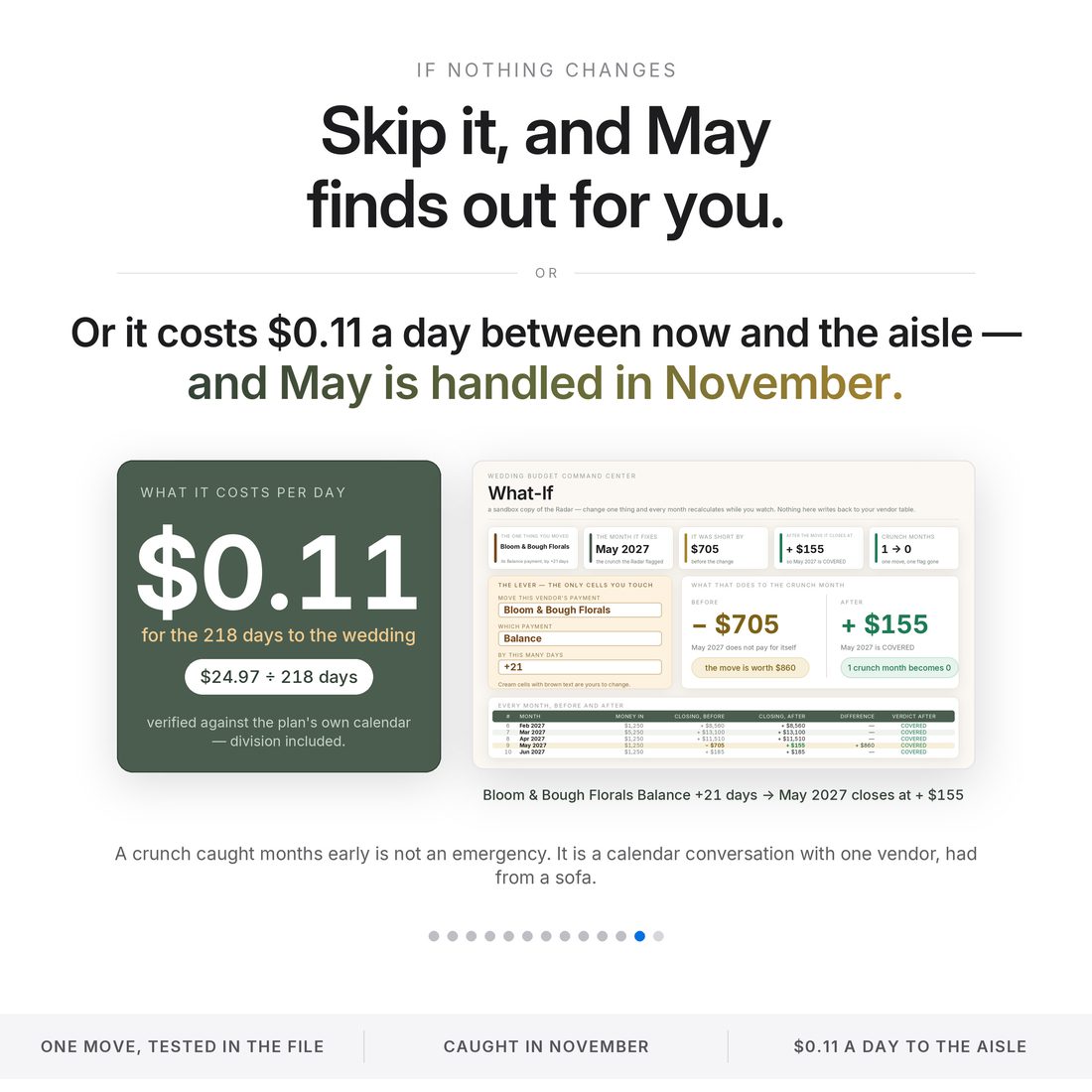
A wedding budget that only tracks category totals answers the easy question. The hard one arrives with the contracts: when is each deposit due, when does each balance land, and will the money actually be there that week? This 18-tab workbook is built around a Payment Timeline Radar — enter each vendor's real terms and it maps every payment against the money you'll have that month, then flags any crunch month while it is still months away. In the included sample wedding, a May shortfall is caught in November, 162 days early, and cleared by moving one florist payment three weeks.
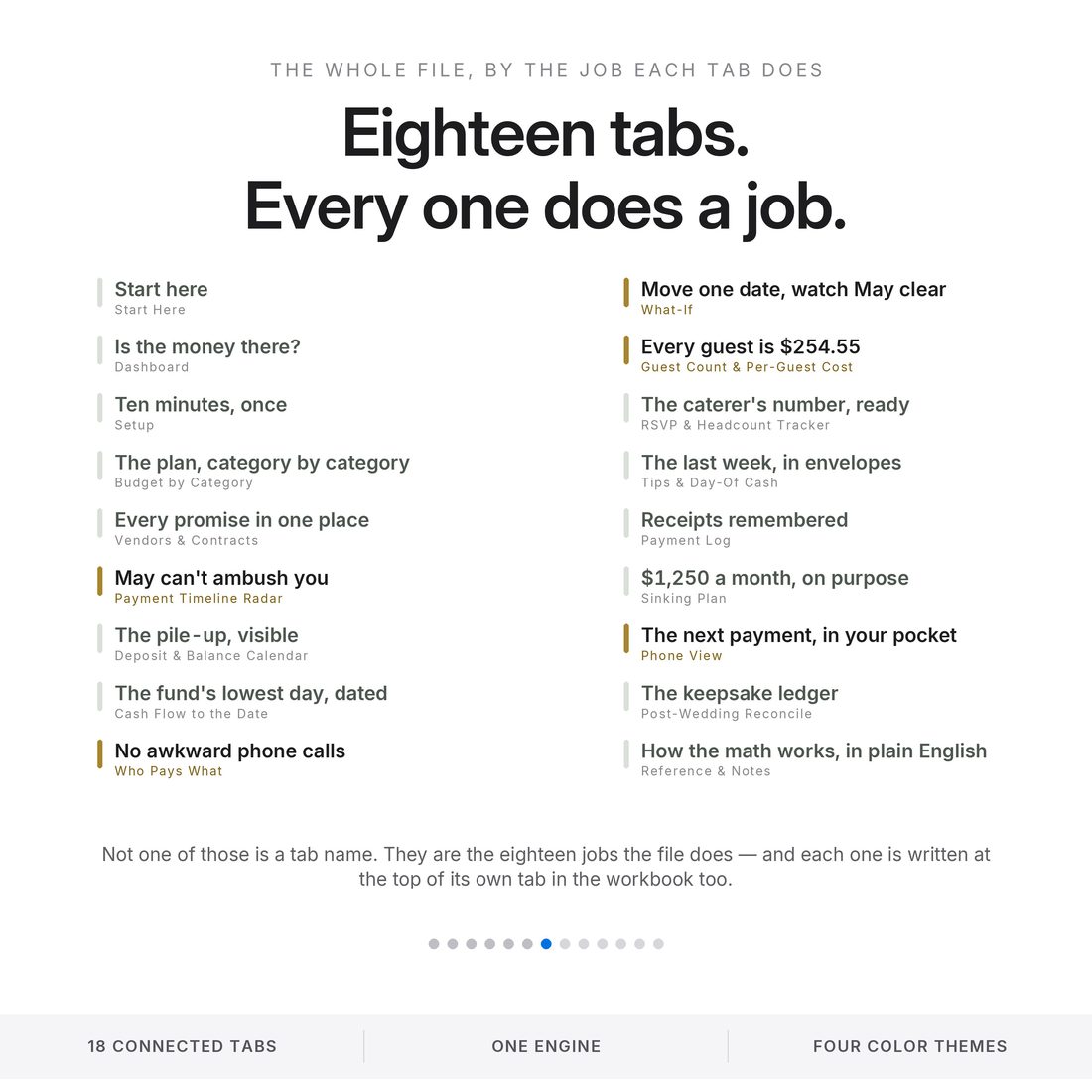
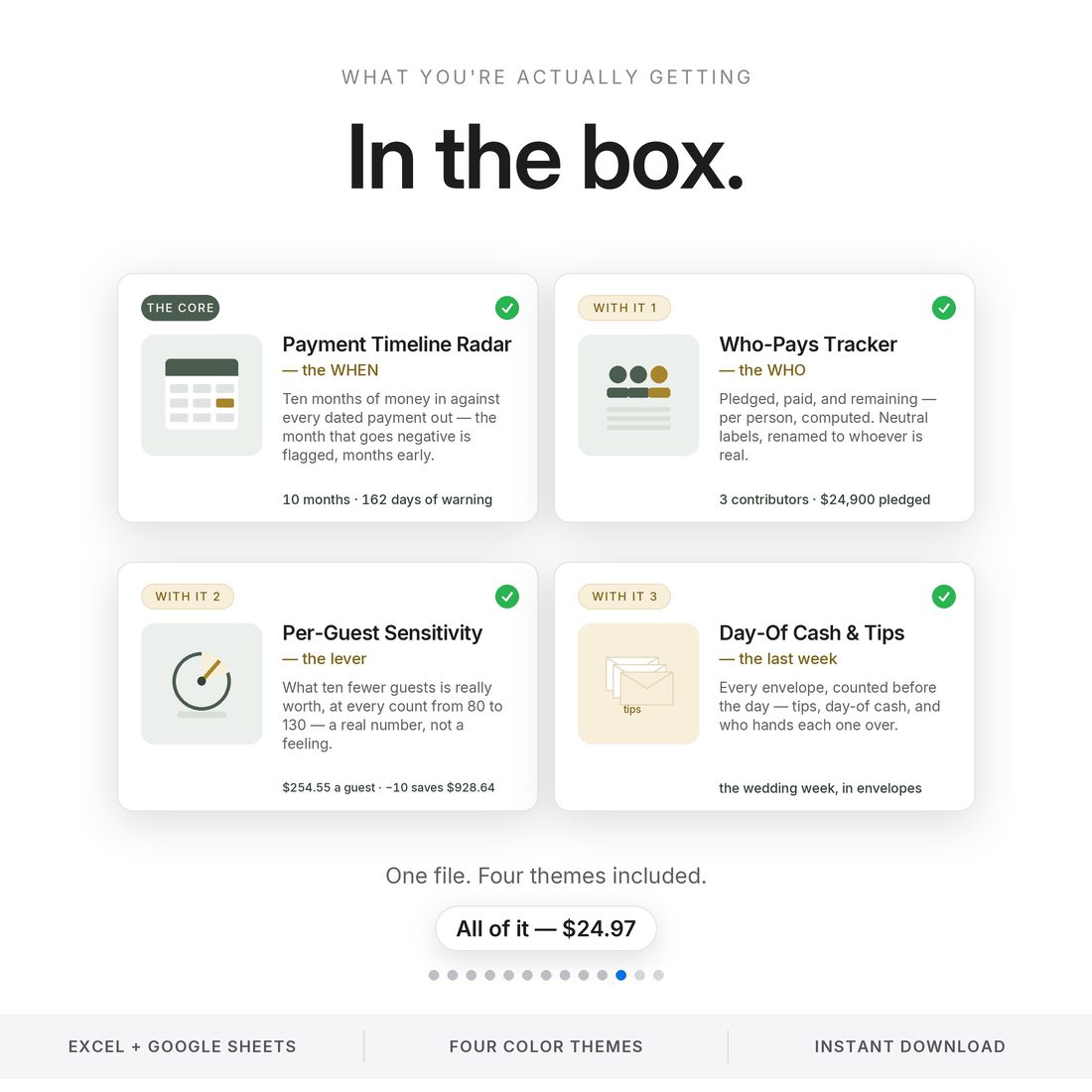
- Payment Timeline Radar — every deposit and balance dated and checked against your fund, month by month
- Deposit & Balance Calendar — the pile-up months visible on a real month grid before they arrive
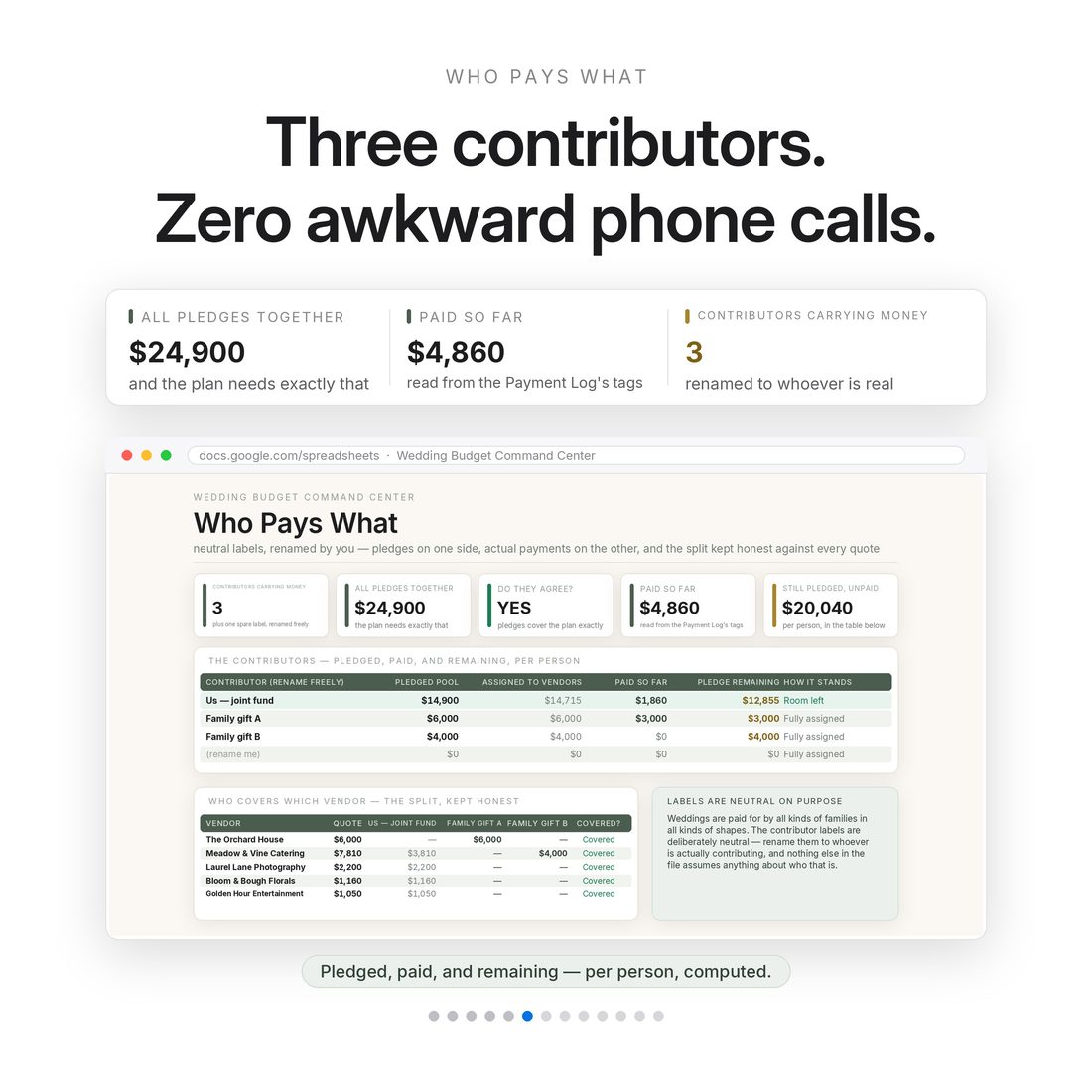
- Who Pays What — pledged, paid and remaining per contributor, computed, with neutral labels
- What-If — move one date or swap one quote and watch a crunch month clear (florist +21 days: May goes from −$705 to +$155)
- Guest Count & Per-Guest Cost — $254.55 a guest in the sample; ten fewer returns $928.64
Overview
Everyone budgets the wedding. Nobody budgets the when.
A wedding budget that only tracks category totals answers the easy question. The hard one arrives with the contracts: when is each deposit due, when does each balance land, and will the money actually be there that week? This 18-tab workbook is built around a Payment Timeline Radar — enter each vendor's real terms and it maps every payment against the money you'll have that month, then flags any crunch month while it is still months away. In the included sample wedding, a May shortfall is caught in November, 162 days early, and cleared by moving one florist payment three weeks.
Almost no wedding goes over because someone cannot add. It goes over because the timing was invisible. Zola's 2026 cost index puts the average wedding at $36,000, 69% of couples run past their budget, and hidden costs average $3,314 — nearly all of it a scheduling problem wearing a maths costume. This file makes the schedule the headline.
What's Included
18 connected tabs:
- Four full themes — Editorial, Colorful, Light and Dark (.xlsx), the same complete engine in each
- Quick-Start-Guide.pdf — start to finish in minutes
- ACCESS-YOUR-TEMPLATE.pdf — one click opens your own copy in Google Sheets
- README and LICENSE — delivered as one ZIP, instant download
Key Benefits
Why this one
May 2027 comes up $705 short in the sample — flagged in November, 162 days out, while there is still time to move a date.
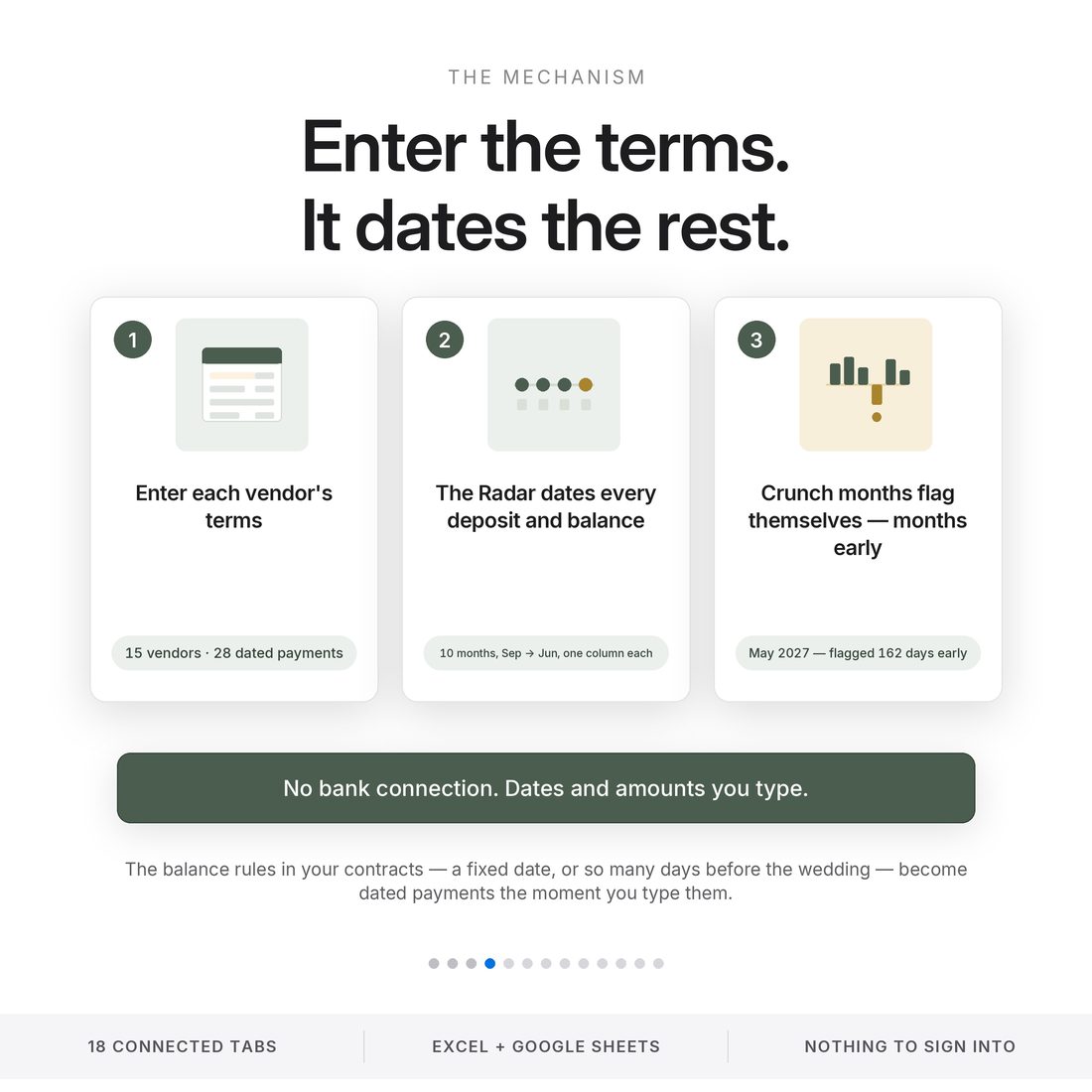
Fifteen vendors, 28 dated payments: quote, deposit percentage, deposit date and the balance-due rule, all in one place.
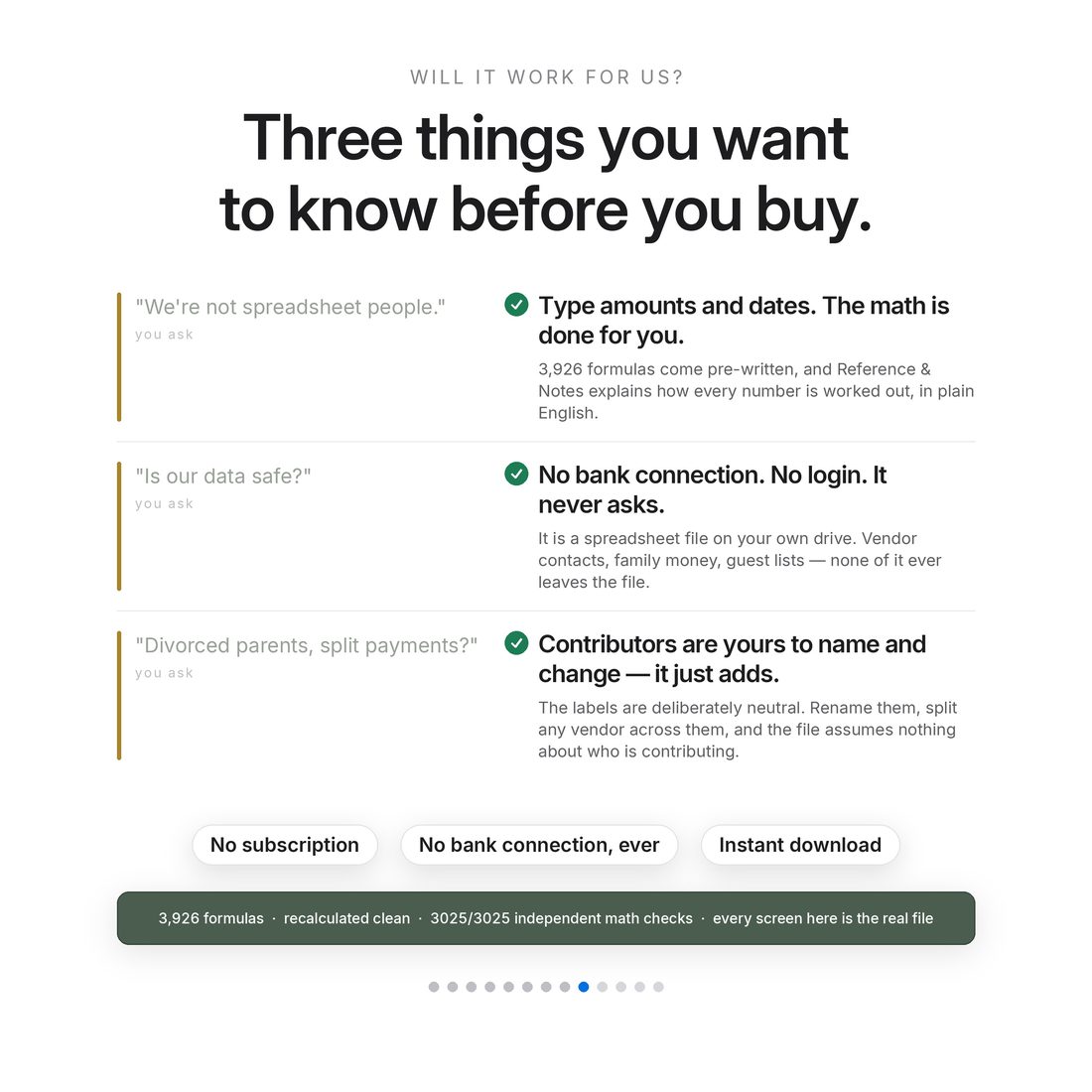
Three contributors, renameable columns, pledged versus paid versus remaining computed per person. Nothing is assumed about who pays.
Move a single balance three weeks in What-If and the radar recomputes: crunch months 1 → 0. Cause and effect, on one screen.
Tips and day-of cash listed by role with an editable typical range and the total to withdraw — the part everyone forgets.
18 tabs · 3,926 formulas · 3,025 of 3,025 independent math checks. Every screen in these images is the real file.
Who It's For
Built for
- Couples who have signed contracts and now need the dates to line up with the money
- Anyone whose families are splitting the cost and would rather compute it than discuss it
- Planners and parents who want the payment schedule visible ten months out
- Anyone who has a beautiful checklist and no idea whether May is covered
How It Works
Up and running in minutes
The ACCESS-YOUR-TEMPLATE.pdf in your download opens your own copy in Google Sheets with one click
Wedding date, budget, guest count, opening fund, contributor names and what you save each month
Quote, deposit percentage, deposit date, and whether the balance is days-before or a fixed date
Every month from now to the wedding: money in, payments due, closing position, and a crunch flag with lead days
Move one movable payment and watch the flagged month go covered before you call anybody
Why It's Different
Not another template
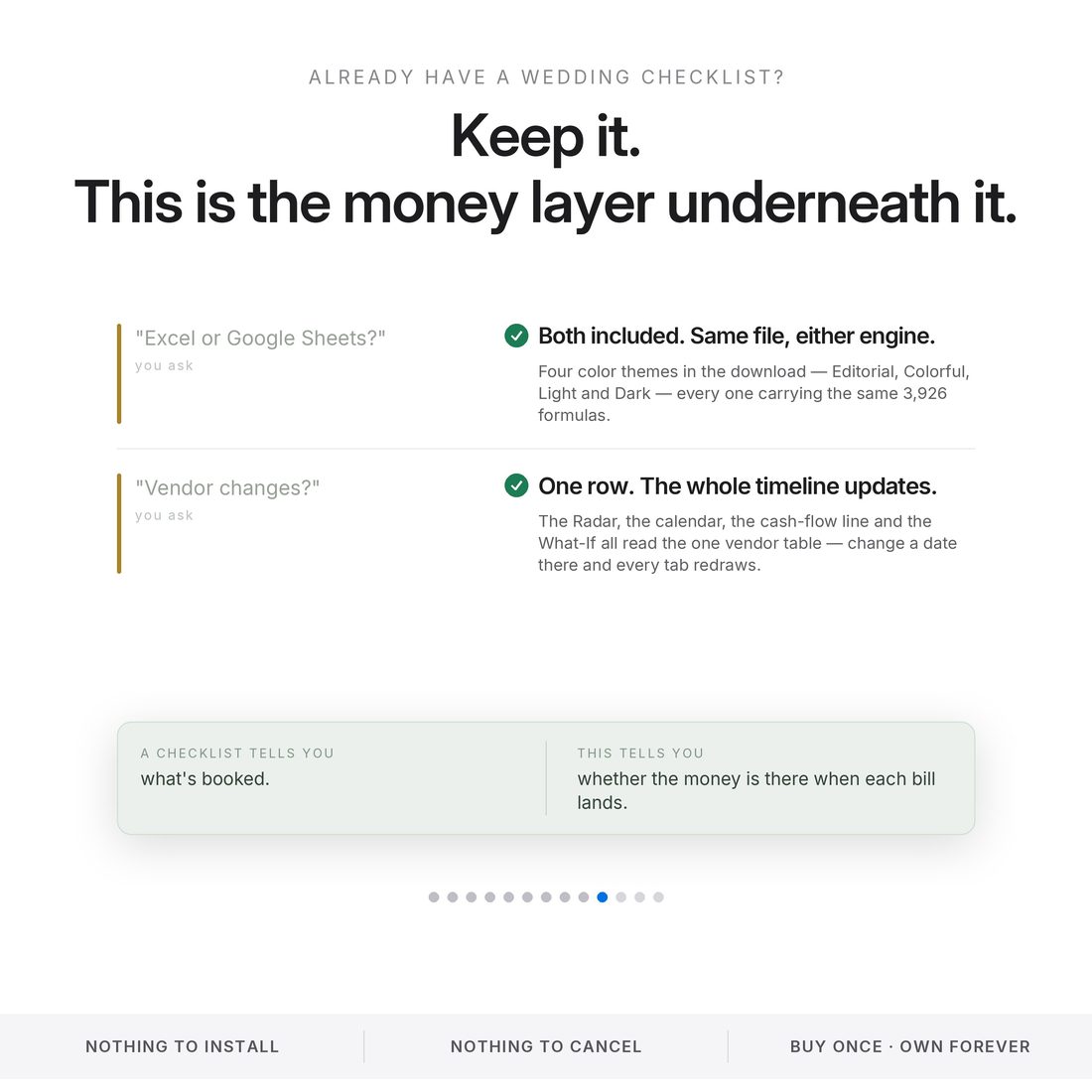
A wedding checklist lists things to book. A wedding budget adds up what they cost. Neither answers the only question that actually bites: on the day each balance is due, is the money there? This file answers it ten months ahead, names the month that is short, says how short, and shows the one date you could move to fix it.
Delivery & Compatibility
Instant, and works with what you use
As soon as your order is complete you get instant access to download your files. Prefer Google Sheets for real-time updates and dropdowns? It's fully optimized. More comfortable in Excel? It works just as well.
Built and tested in the latest Excel (Office 365). On Mac we recommend the Google Sheets version — the template is not compatible with Apple Numbers. Available in English. The template ships with sample data so every screen works on open; clear it whenever you're ready. The images and video show that sample data to demonstrate how it looks in use.
FAQ
Questions, answered
Does it work in Google Sheets?
Yes — one click. The ACCESS-YOUR-TEMPLATE.pdf in your download opens a copy straight into Google Sheets. The .xlsx works in Excel too. No add-ons, no macros.
How does it know a month will be short?
You enter each vendor's deposit and balance terms once. The Payment Timeline Radar dates every one of them and runs them against the money arriving that month — savings, gifts, contributions — then flags any month that closes negative and counts the days of warning.
Our families are splitting the cost. Does that work?
Yes. Contributors are columns you rename, add or hide. Pledged, paid and remaining are computed per person, with neutral labels — no assumptions about who pays for what.
Does it connect to my bank?
Never. No login, no linking, no scripts. It only knows the dates and amounts you type, and your file stays yours.
Is anything pre-loaded?
Yes — a complete sample wedding ($28,000 budget, 110 guests, 15 vendors, 28 dated payments) ships inside so every screen works the moment you open it. Clear it when you are ready.
Can I get a refund on a digital download?
Because delivery is instant, all sales are final — but message us with any issue and we'll make it right.
This is a planning tool, not financial advice. All figures shown are from the included sample wedding and are computed by the file itself. Cost statistics attributed to Zola's 2026 Wedding Cost Index. For personal use only. © 2026 NicheToolkitHub — no resale or redistribution.