 ▶
▶
 ▶
▶Wedding Planning Spreadsheet
22 tabs. Zero panic.
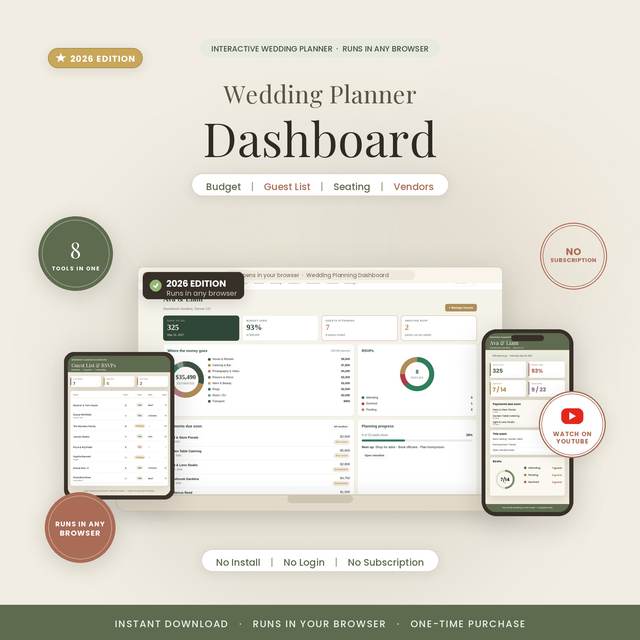
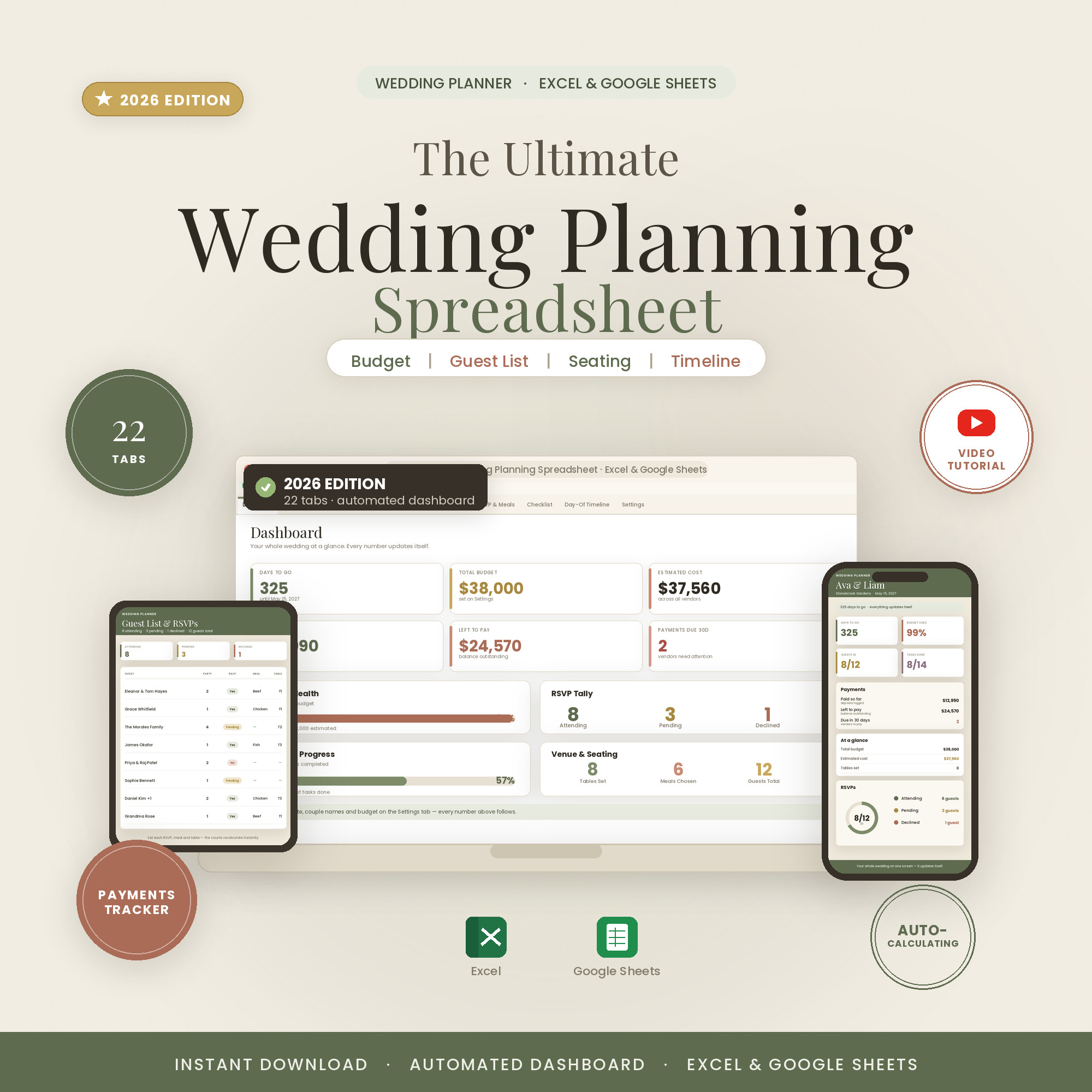
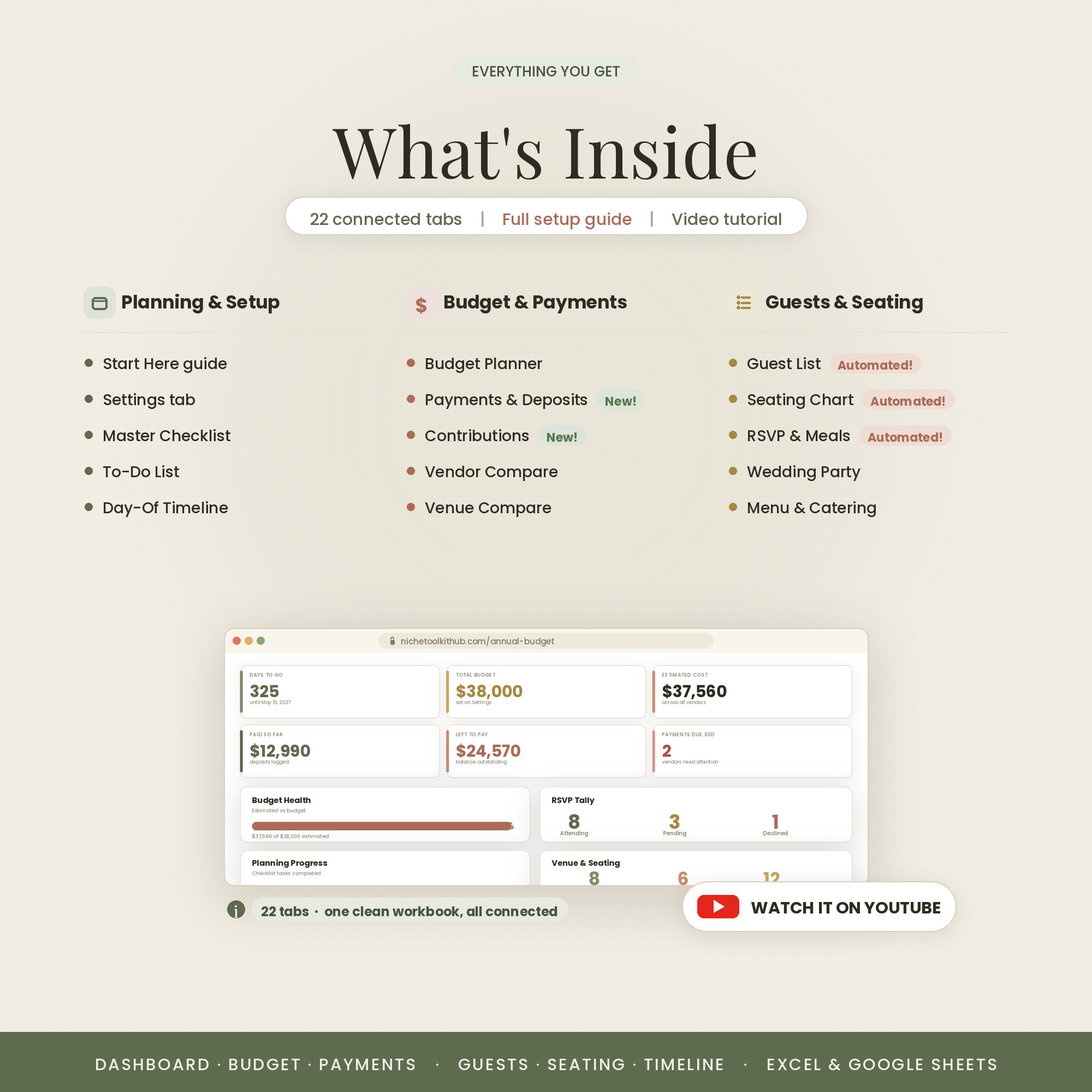
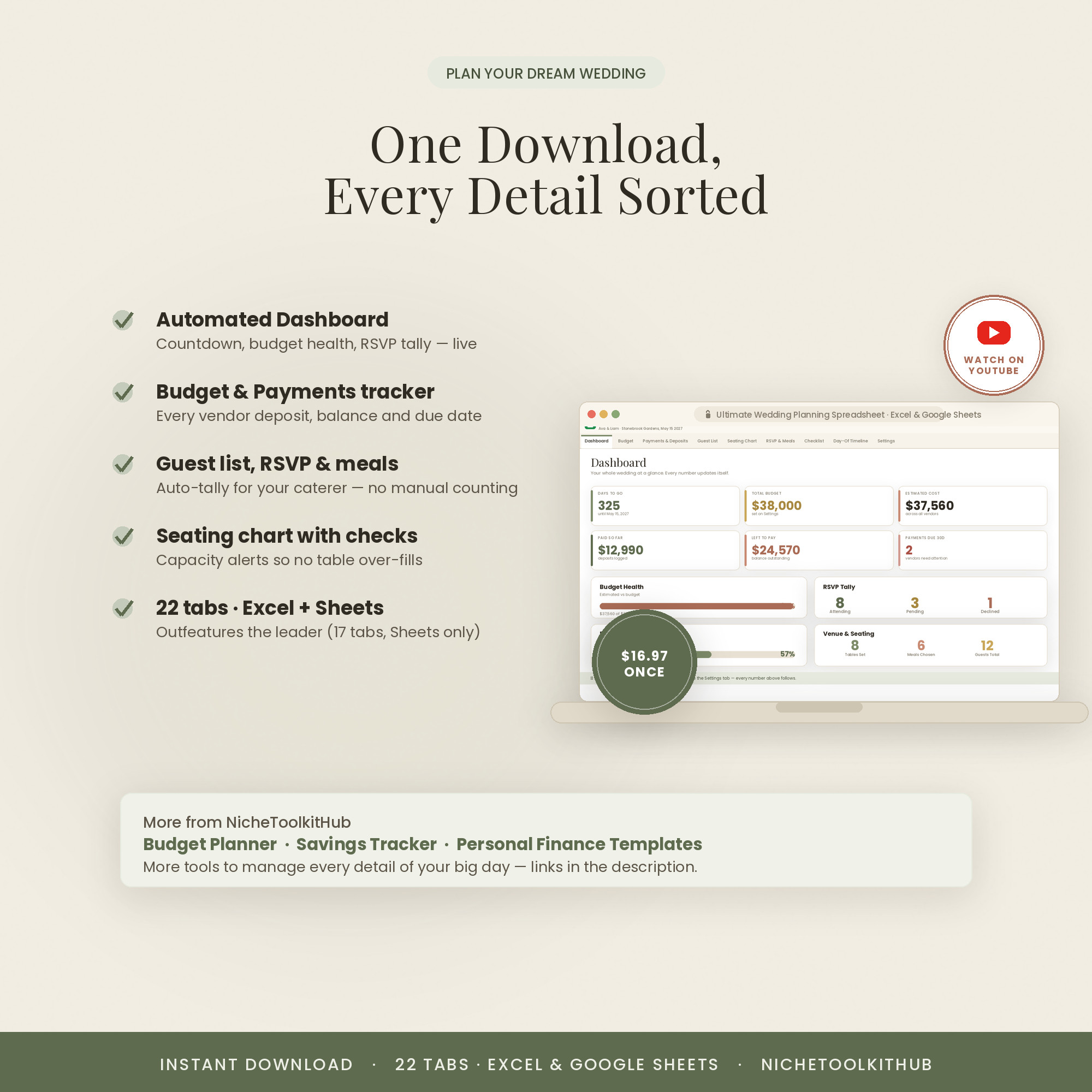
A 22-tab wedding command center: a budget with real-time totals, guest list and RSVPs, seating chart, vendor comparisons, a full timeline and a day-of itinerary — so the whole day stays organized and on budget.
- 22 tabs cover the whole wedding
- Budget, guests, RSVPs, seating, vendors
- Timeline + day-of itinerary
- Excel + Google Sheets
- Comes in Colorful, Light & Dark — all three included
Overview
The whole wedding, in one place
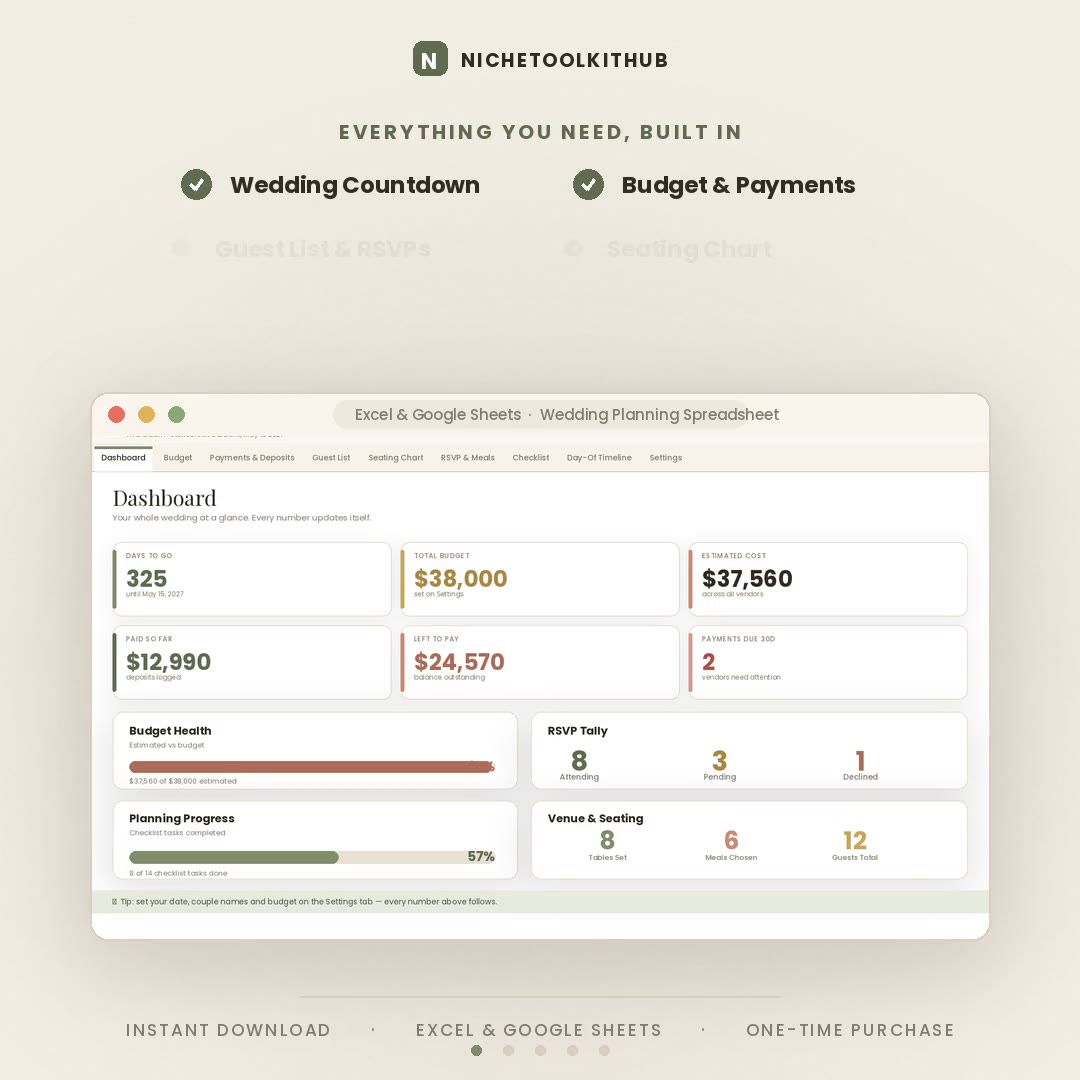
Wedding planning lives in a dozen places at once — notes, texts, three different budgets. This pulls all of it into one connected workbook: money, people, vendors and timing, each with its own tab and all feeding a single dashboard.
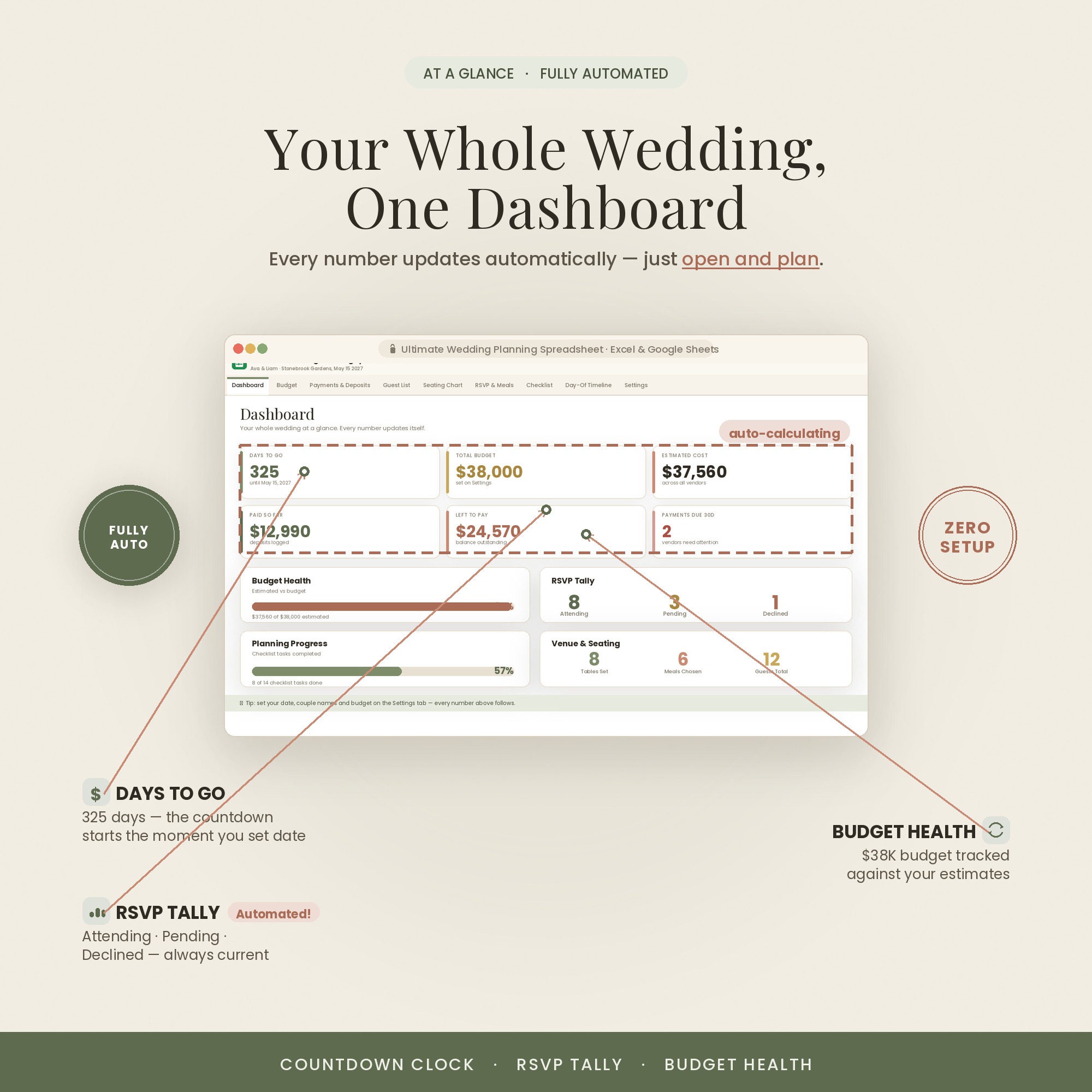
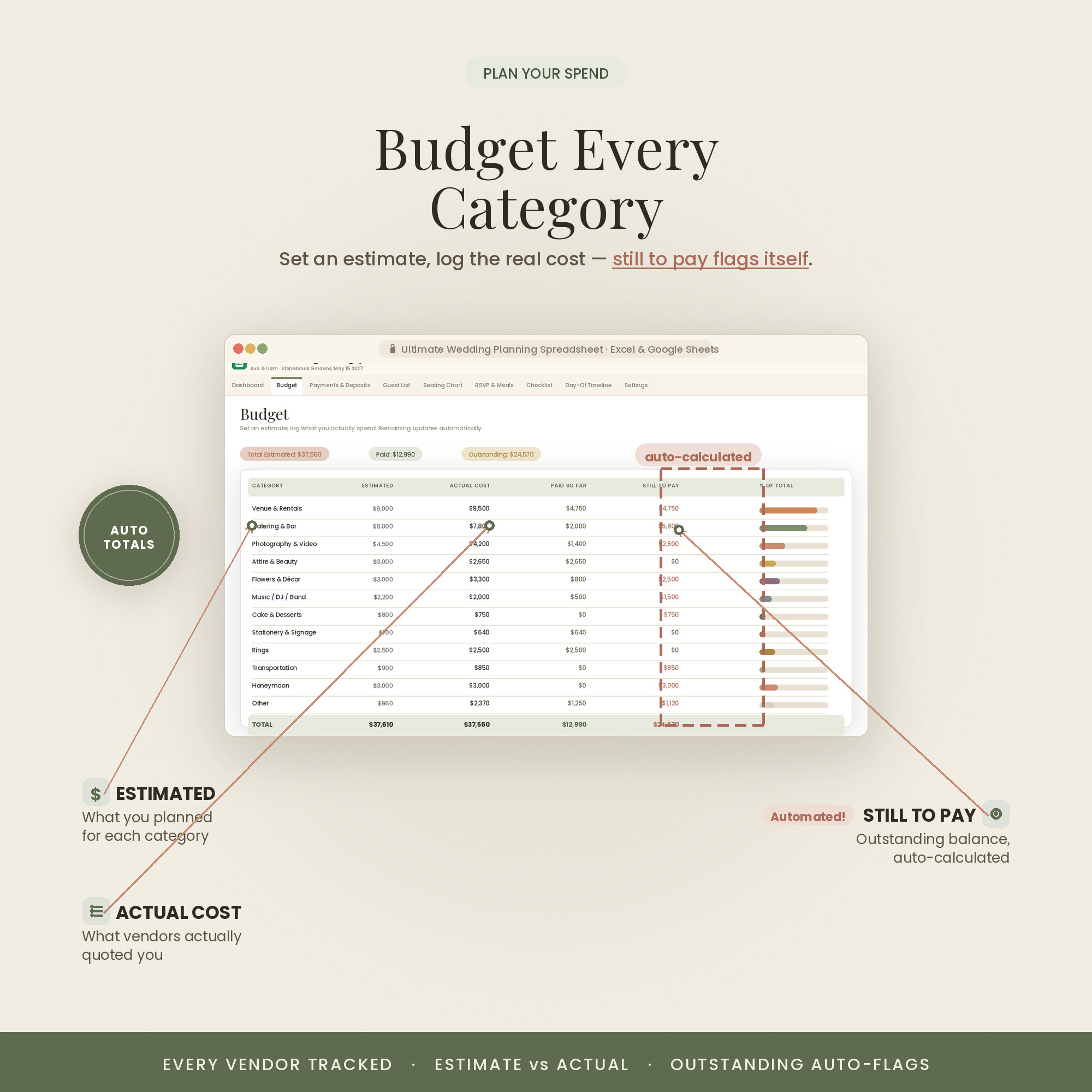
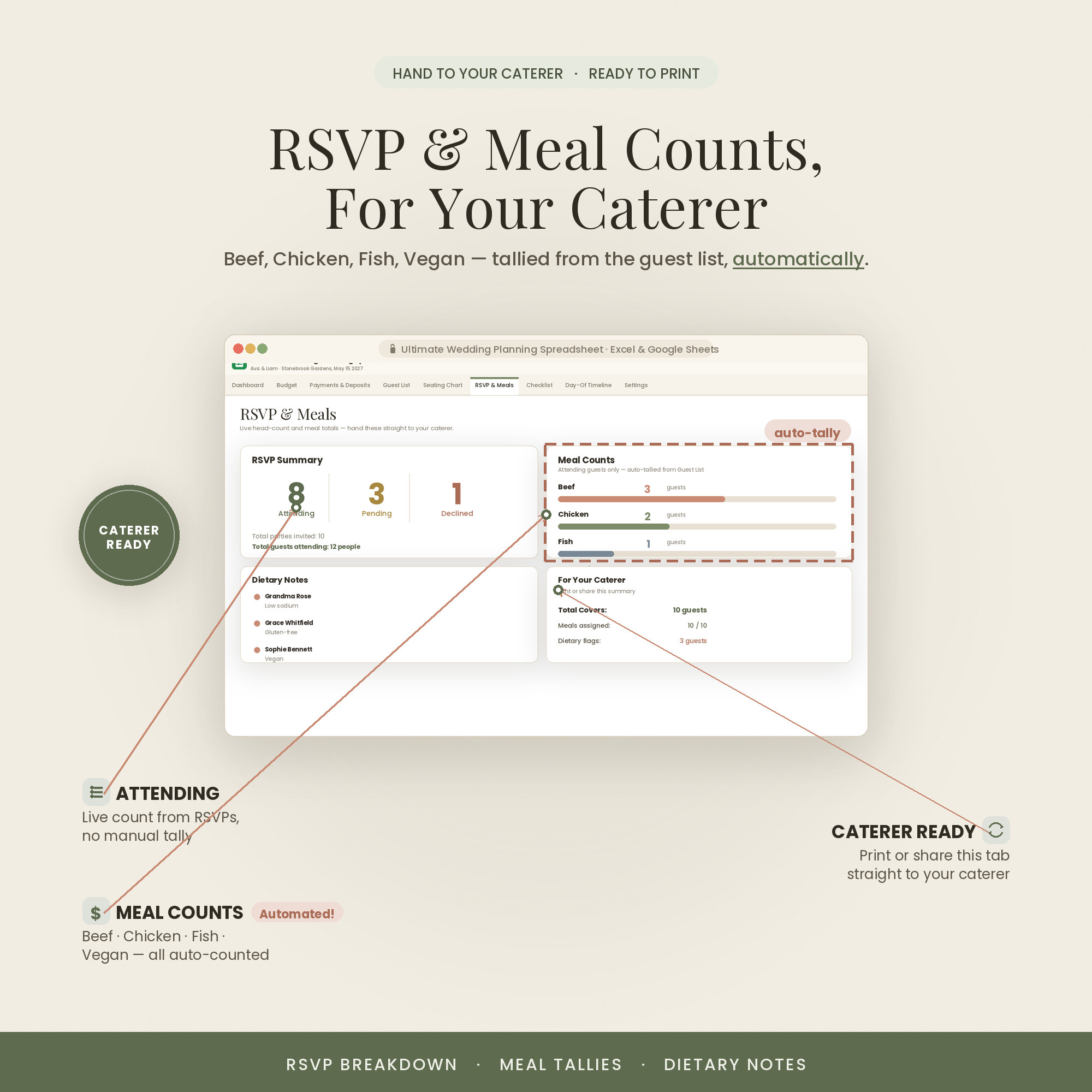
Your budget totals in real time as deposits and payments land, RSVPs roll into headcounts and meal counts, and the timeline keeps every deadline in view. Type in the highlighted cells and every summary updates itself.
It also comes in three looks — Colorful, Light and Dark. Use the color switch on this page to preview each one; every purchase includes all three, so you can pick the style that fits you.
What's Included
22 connected tabs for the whole day
- The Excel workbook (.xlsx) in all three colors — Colorful, Light & Dark — each also opens in Google Sheets
- A step-by-step Quick-Start guide (PDF)
- A link to an in-depth video walkthrough on YouTube
- Free lifetime updates & friendly support — message anytime
Key Benefits
Why this one, not a free template
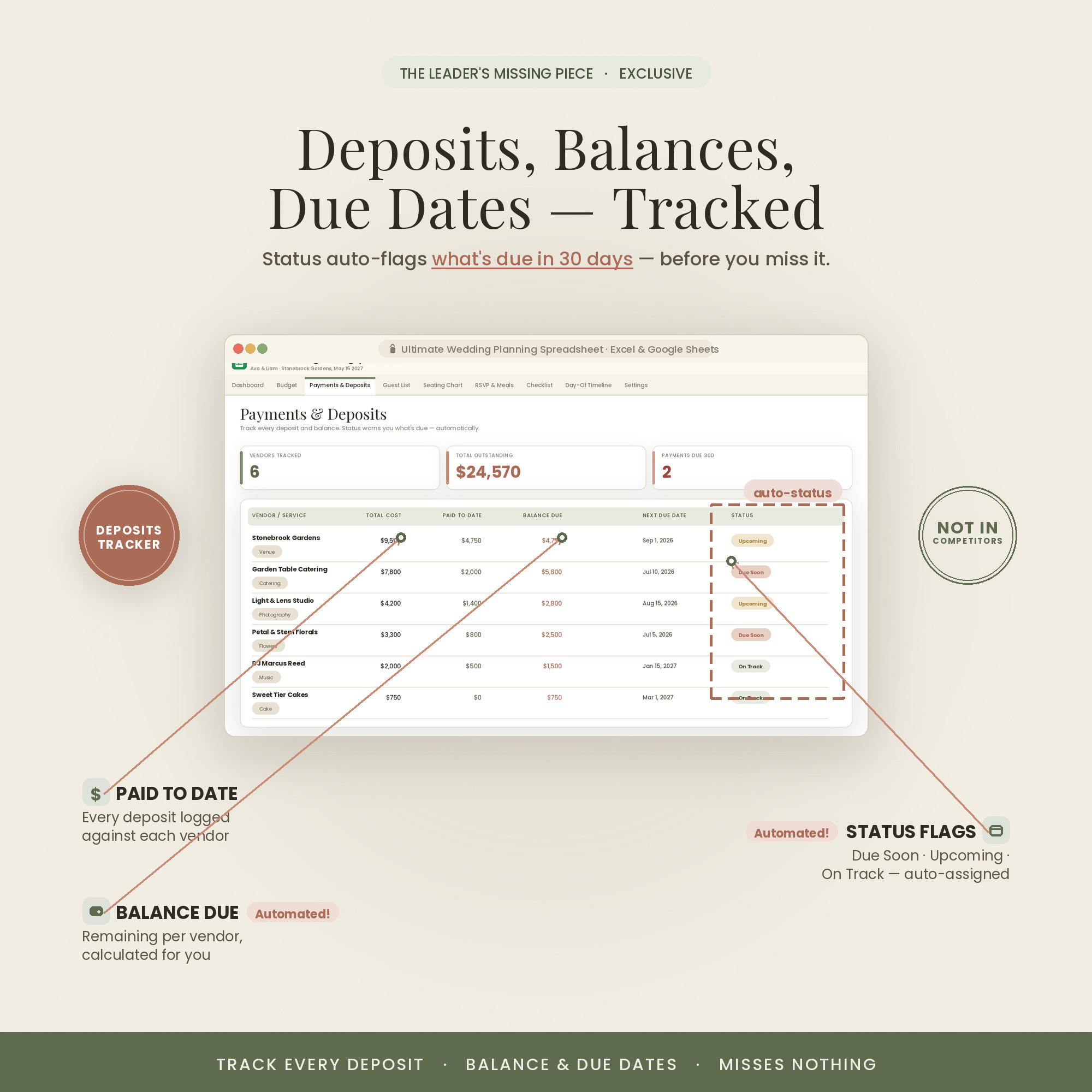
Deposits and payments update your real spend the moment you enter them — no surprises.
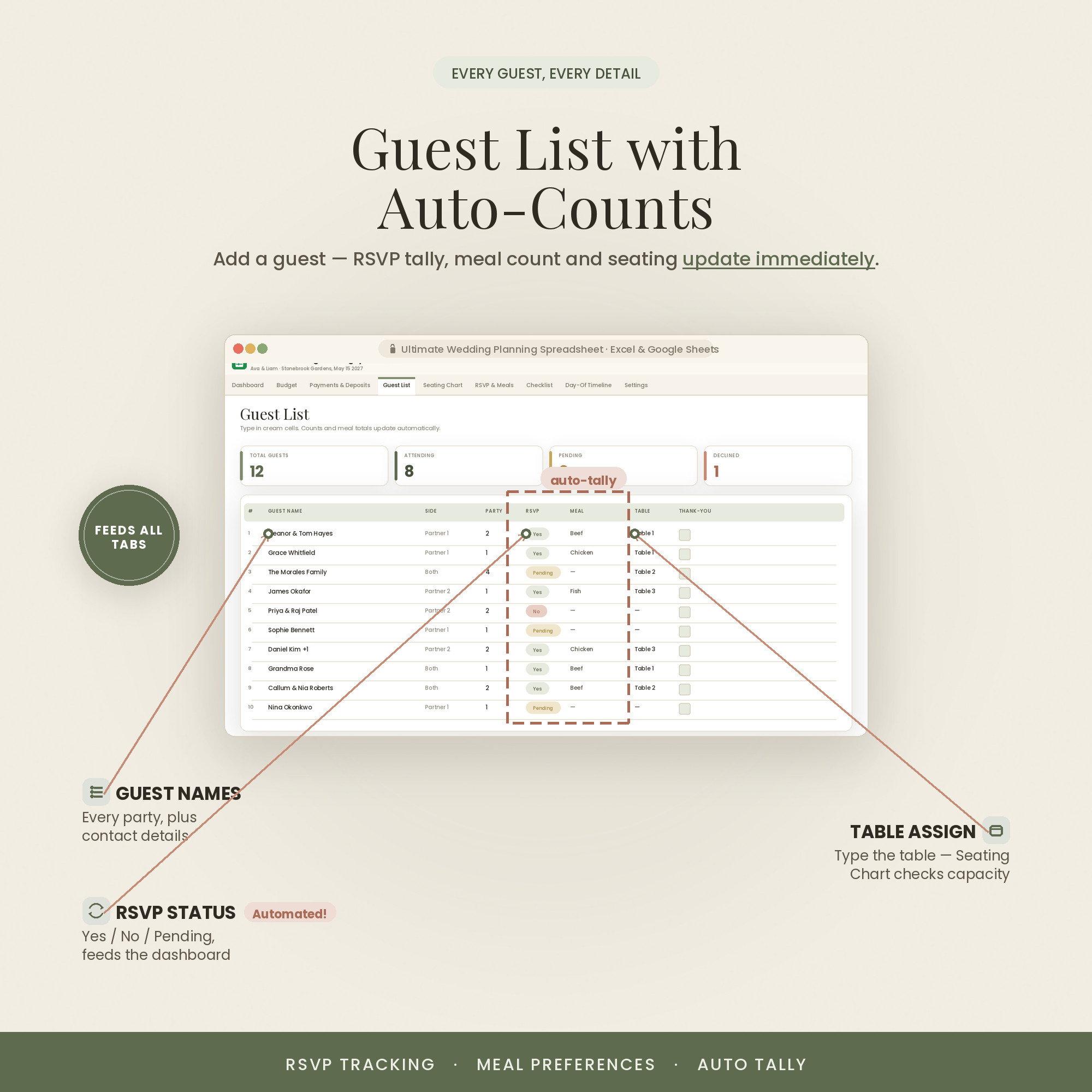
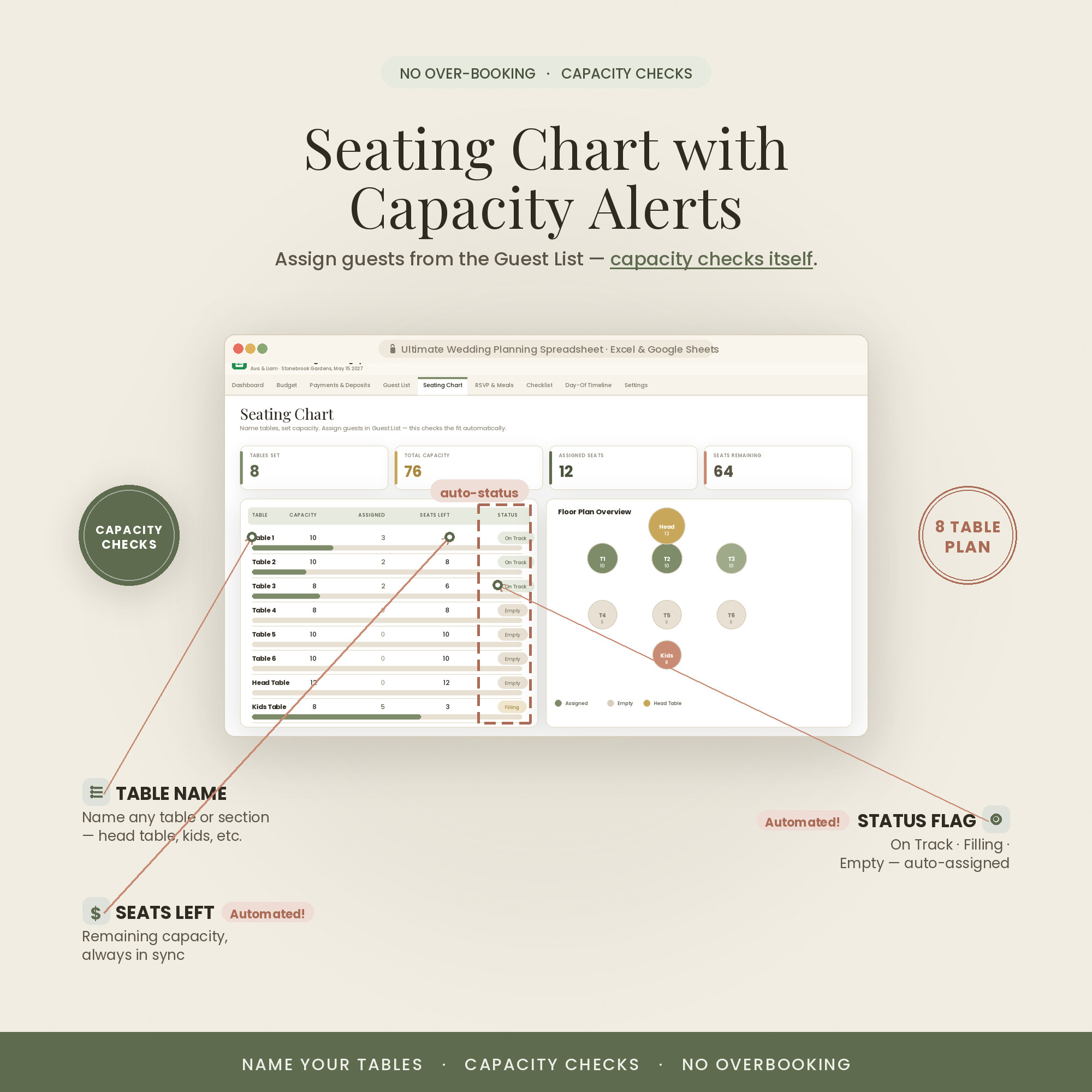
RSVPs roll straight into meal counts and seating, so the numbers always match.
Line up quotes side by side and pick with confidence instead of scrolling emails.
A clear hour-by-hour itinerary means the day runs without you fielding every question.
Plan together in Sheets or solo in Excel — it works in both.
Colorful, Light or Dark — match your mood board. All three included.
Who It's For
For couples who want it handled
- Couples planning their own wedding without a full-time planner
- Anyone keeping a budget across many vendors and deposits
- Detail-lovers who want guests, meals and seating to line up
- Parents or planners helping run the day
How It Works
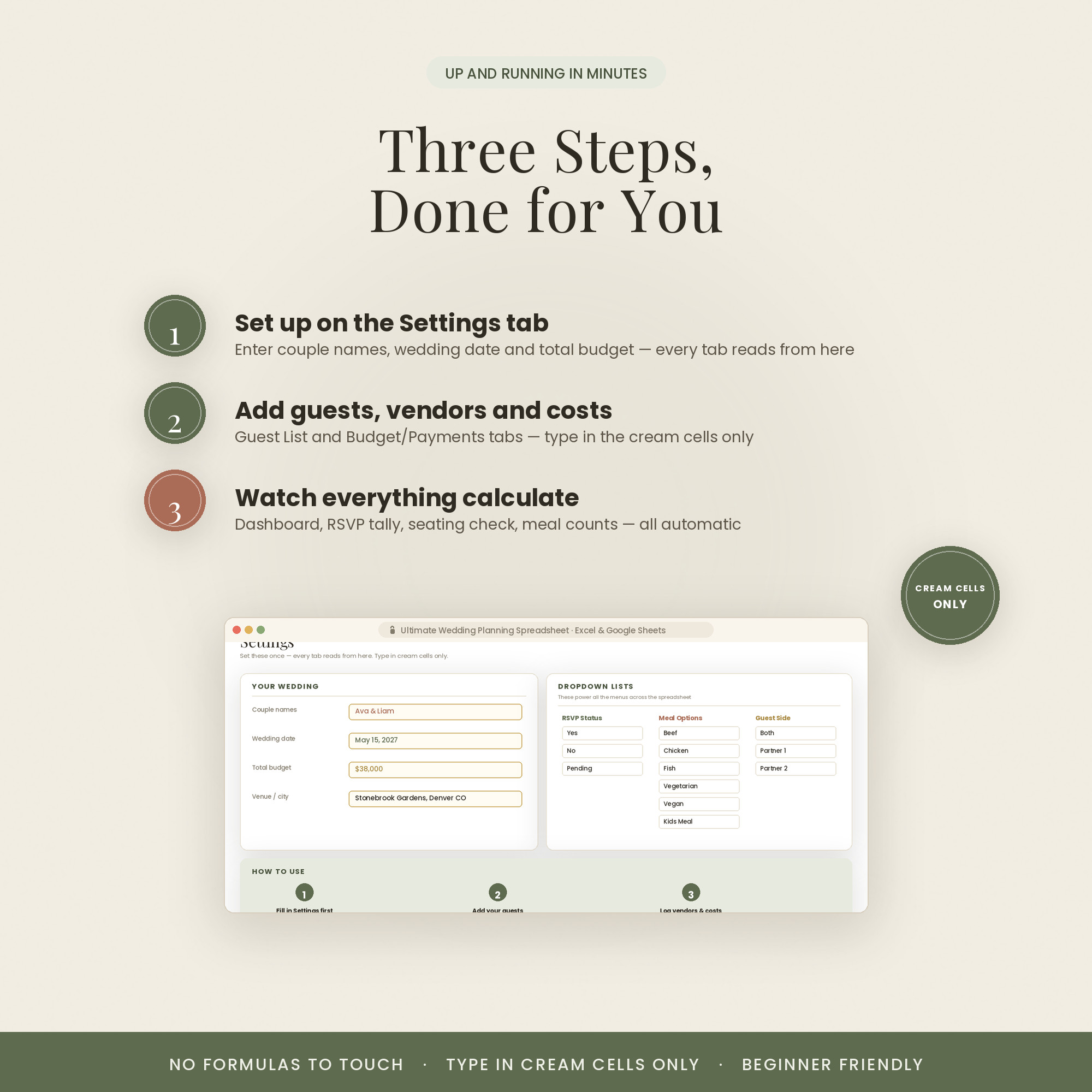
Up and running in three steps
Open the .xlsx in Excel, or upload it to Google Drive and open with Google Sheets.
On the Setup tab, enter your date and budget — the countdown and totals start working.
Fill the guest list and vendor quotes; the dashboard, headcounts and timeline update themselves.
Why It's Different
A planner, not a pile of tabs
Free wedding checklists give you a list but no math — you still track the money and the people yourself. This connects them: every RSVP, deposit and quote flows into the totals that actually matter.
It's built for real planning, with room to make it yours — add vendors, adjust categories, or build a new view — and it never expires or asks for a subscription.
Delivery & Compatibility
Instant, and works with what you use
As soon as your order is complete you get instant access to download the spreadsheet, plus a copy by email. Prefer Google Sheets for real-time updates and dropdowns? It's fully optimized. More comfortable in Excel? It works just as well.
Built and tested in the latest Excel (Office 365). On Mac we recommend the Google Sheets version — the template is not compatible with Apple Numbers. Available in English. The template is delivered blank; the images and video show sample data to demonstrate how it looks once filled in.
FAQ
Questions, answered
What formats does it come in?
Both Excel (.xlsx) and Google Sheets. If you're on a Mac, note that Apple Numbers isn't supported — use Excel for Mac or the Google Sheets version.
Does it come in different colors?
Yes — every purchase includes three color versions: Colorful, Light and Dark. Preview them with the color switch near the top of the page, and you'll receive all three in your download (for both Excel and Google Sheets).
Do I need a subscription or special software?
No. It's a one-time purchase with no subscription. It works in Excel or in free Google Sheets — nothing else to install.
How do I receive it after purchase?
Instantly. After secure Stripe checkout you're taken to a download page, and you also receive an email with your download link.
Are there instructions or a tutorial?
Yes — a Quick-Start PDF is included, plus a full video walkthrough on our YouTube channel. You can message us anytime with questions.
Do I have to build any formulas?
Never. Type only in the highlighted cells; every dashboard, tab, total and chart calculates itself.
Can I resell or use it commercially?
It's licensed for personal use only. Reselling, sharing or redistributing the file isn't permitted. See our Terms for details.
What's your refund policy?
Because it's an instant digital download, please review the details above before buying. Full details are on our Refunds page.
For personal use only. © 2026 NicheToolkitHub — no resale or redistribution.