 ▶
▶


 ▶
▶Paycheck Shortfall Command Center
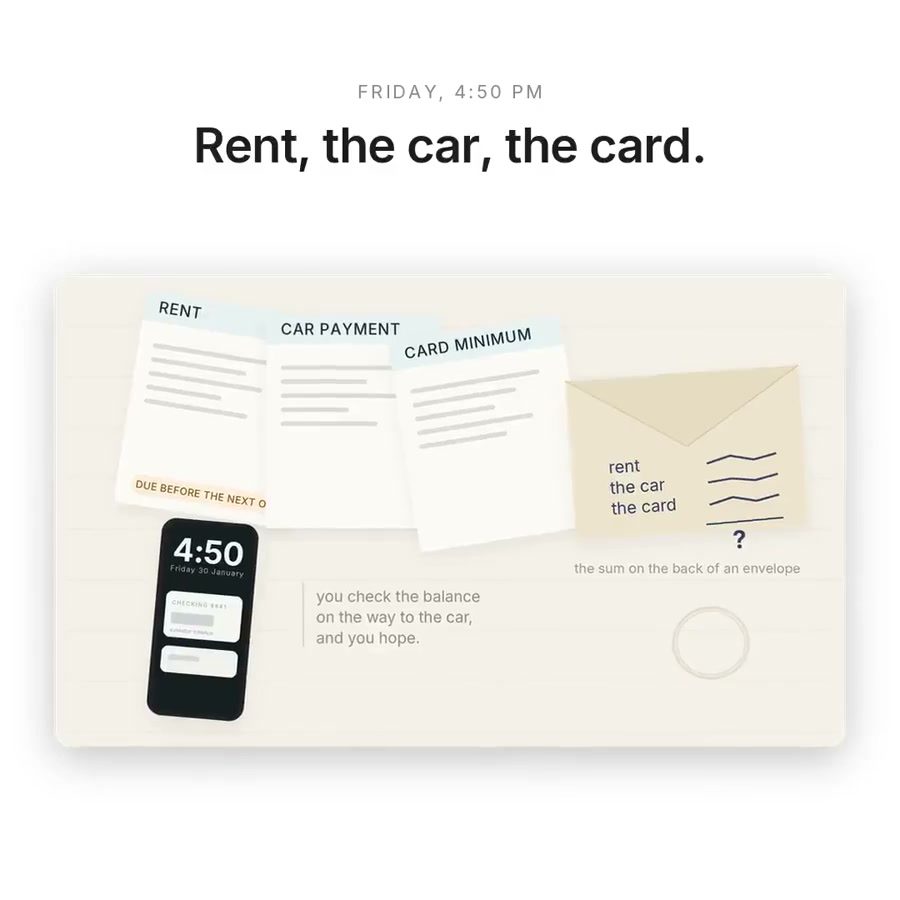
The problem is never the money. It is the timing.
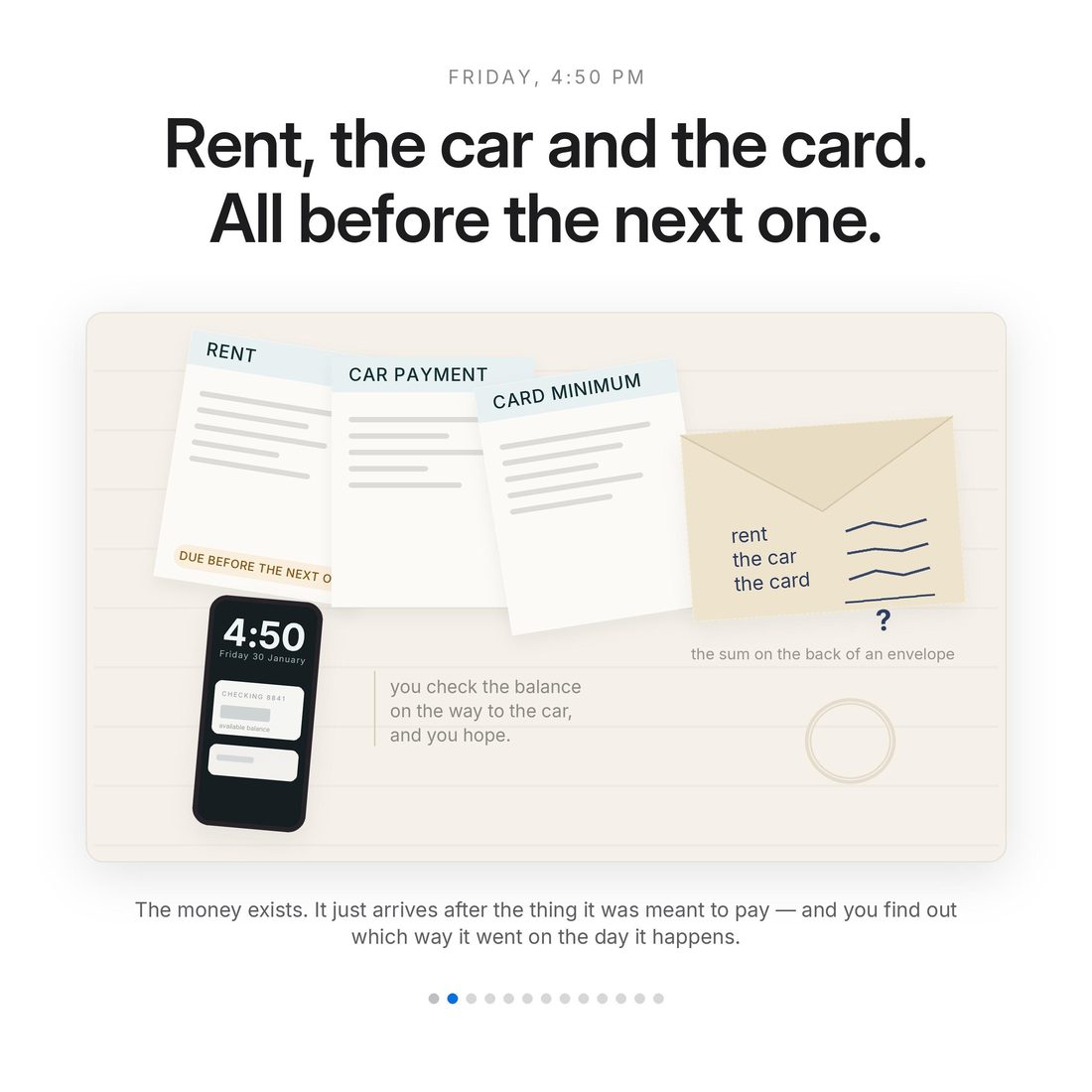
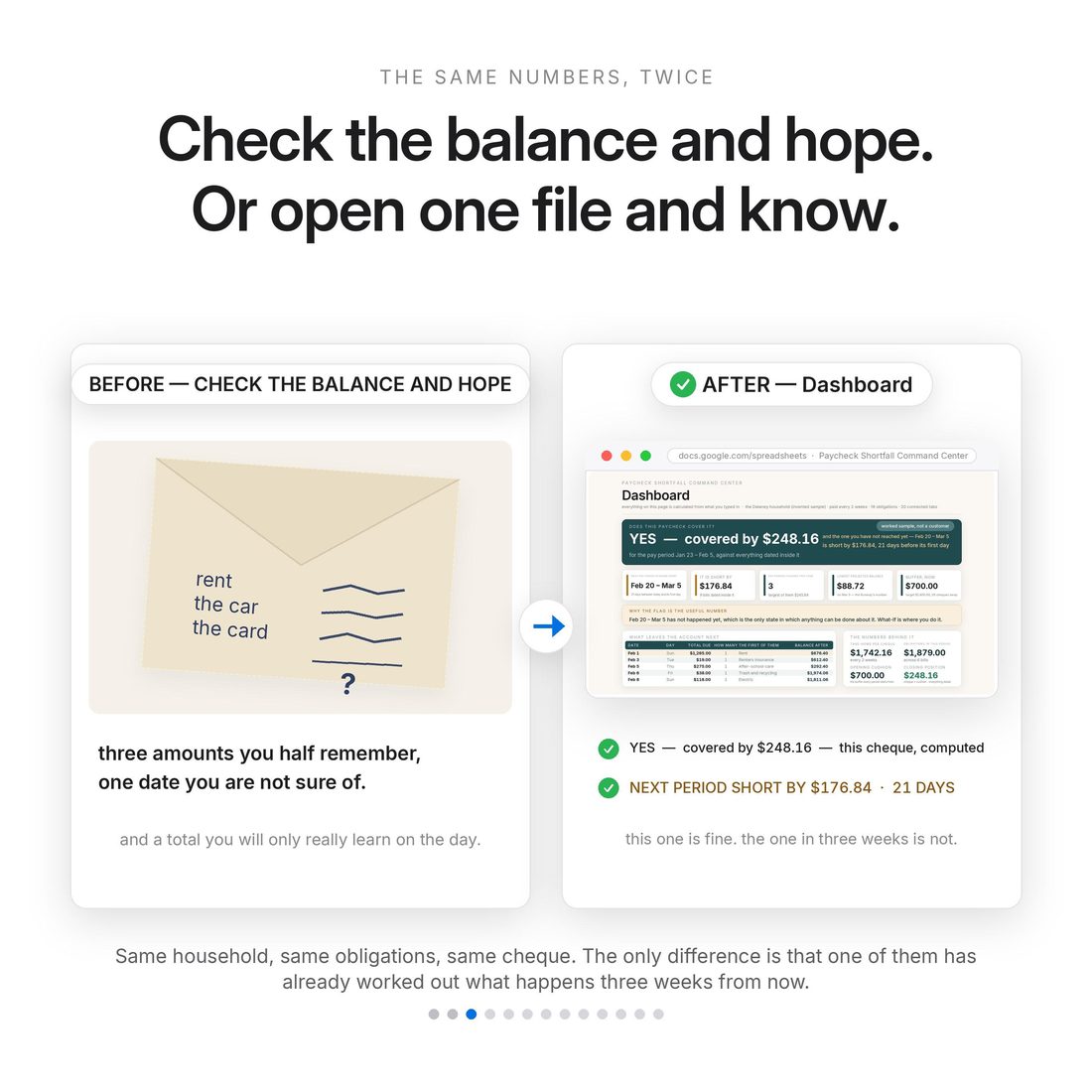
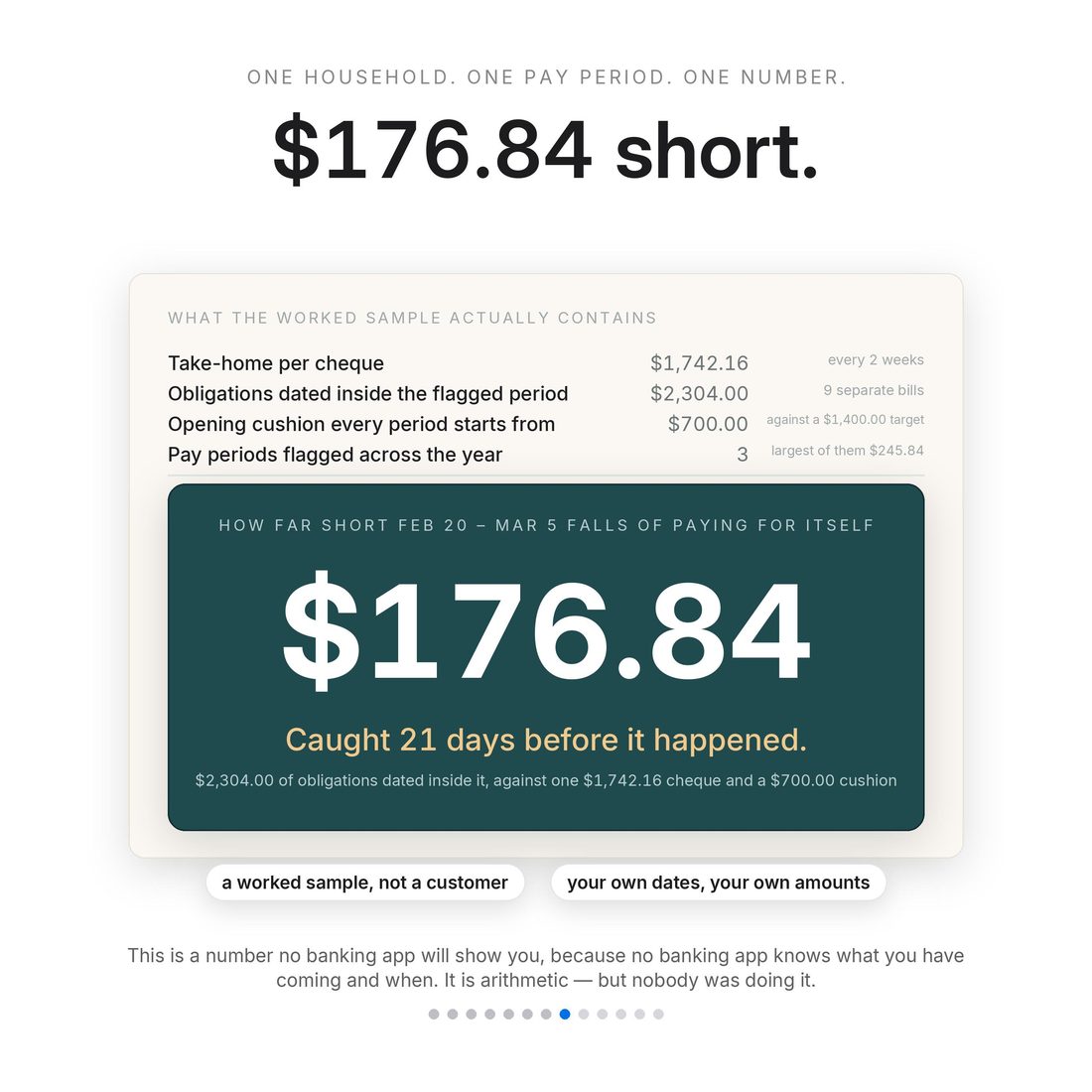
Most people do not overspend. They get paid on the 20th and the rent is due on the 18th — the money exists, it just arrives after the thing it was meant to pay. A monthly budget cannot see that, and a banking app only shows you today, so you find out on the day. This 20-tab workbook is an early-warning system instead. Enter your pay schedule once and everything that leaves your account with a date on it, and the Pay Period Radar runs every upcoming period ahead of you, flagging the ones that come up short and counting the days of warning. In the sample that ships in the file it flags a period 21 days before it arrives, short by $176.84. Then What-If shows you what to move: shift one bill by a week and the flagged period clears in front of you, −$176.84 becoming +$98.16, with the flag count dropping from three to two.
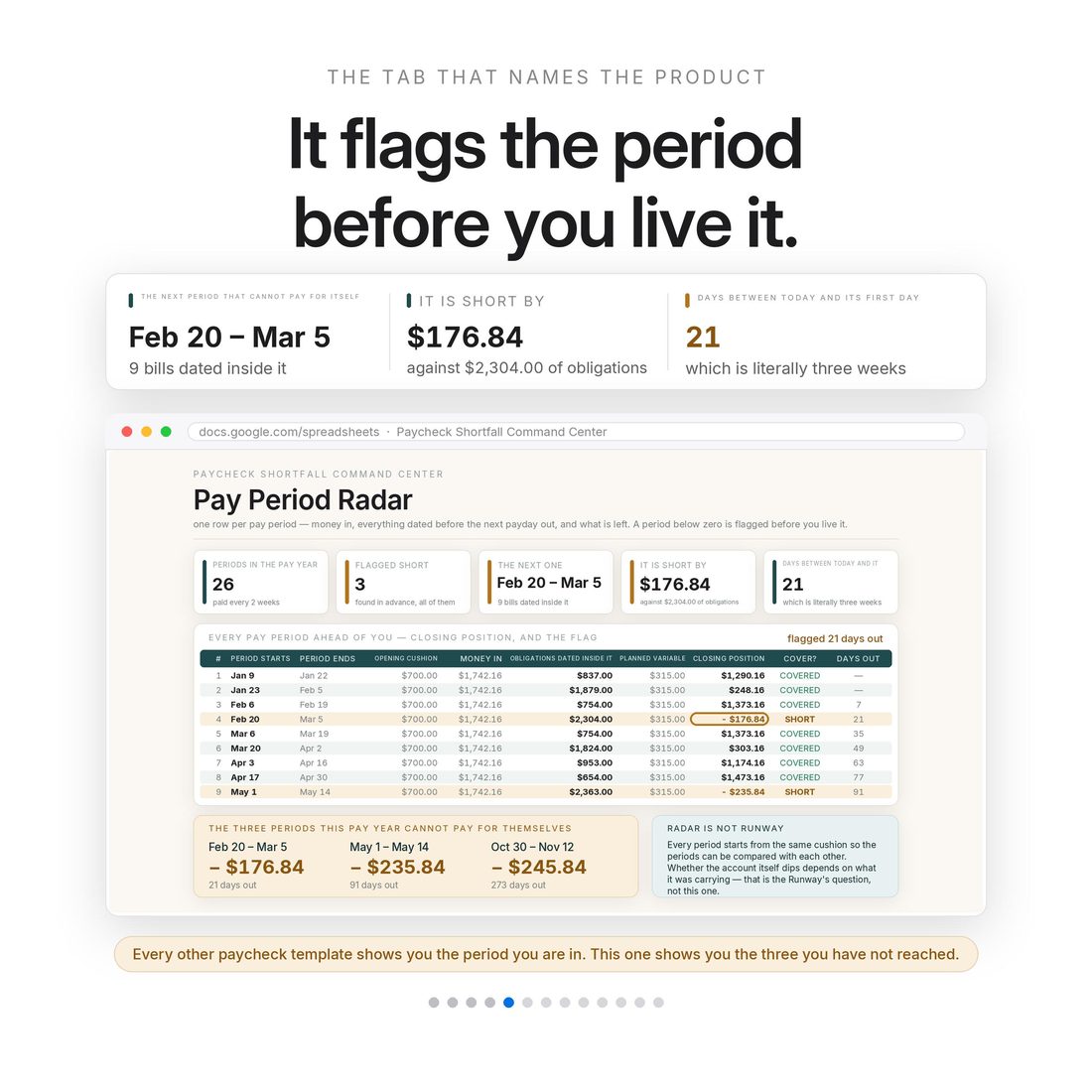
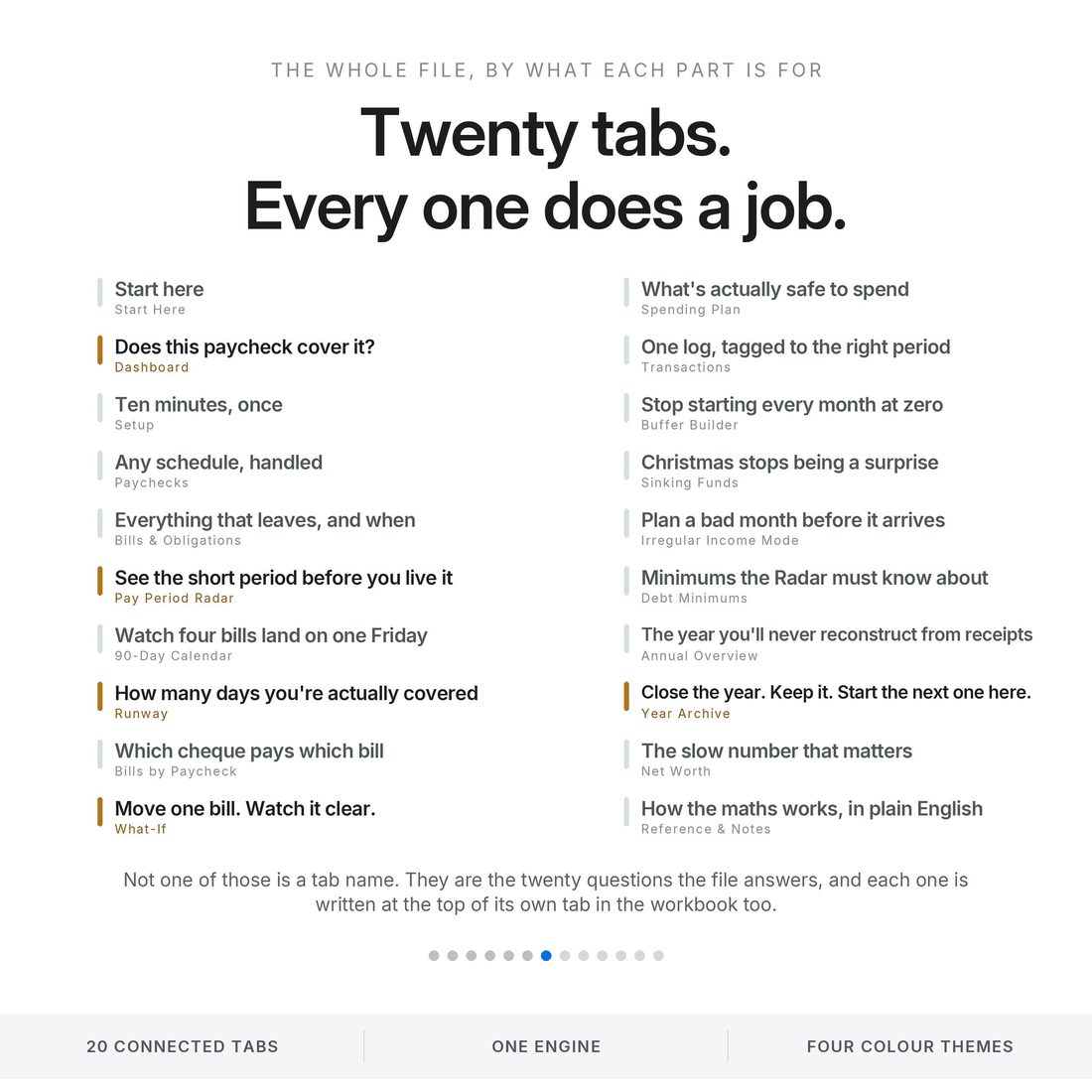
- Pay Period Radar — every upcoming period run ahead of you, with the short ones flagged and the days of warning counted: 21 days out and $176.84 short in the sample
- What-If — move one bill by a week and watch the flagged period clear, −$176.84 to +$98.16, flags three → two
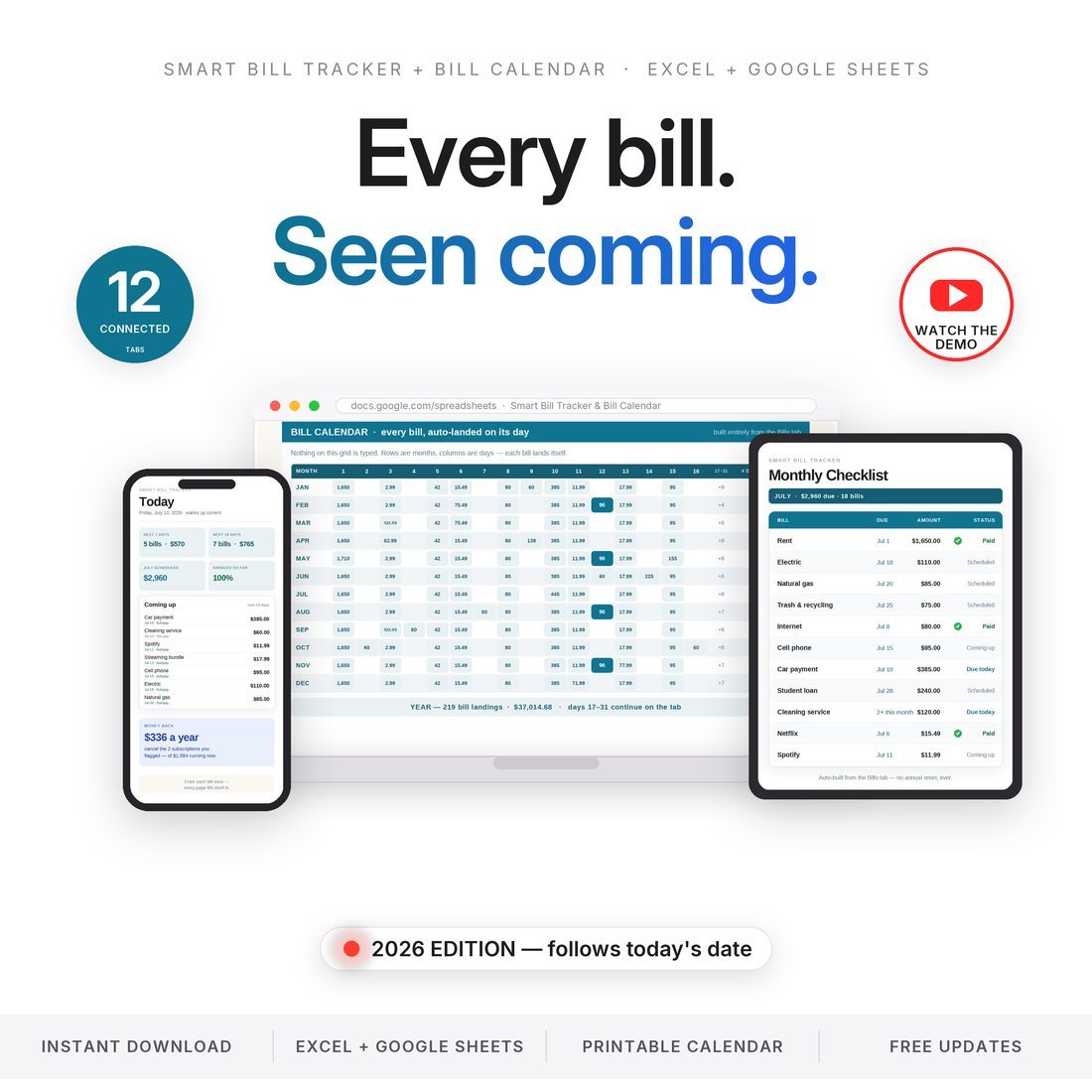
- 90-Day Calendar — the Friday where four bills land, visible before you live it
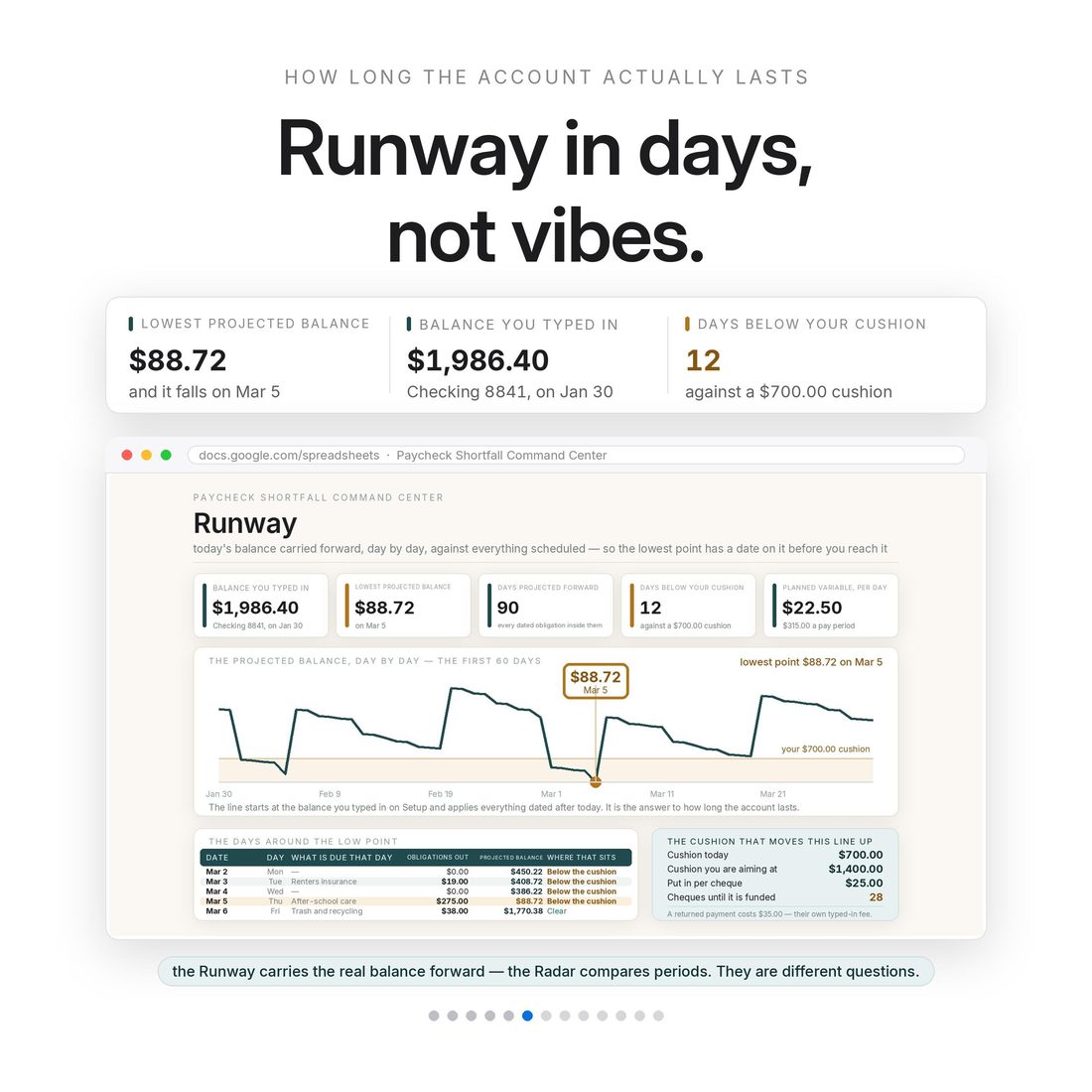
- Runway — how many days you are actually covered, and the lowest point ahead
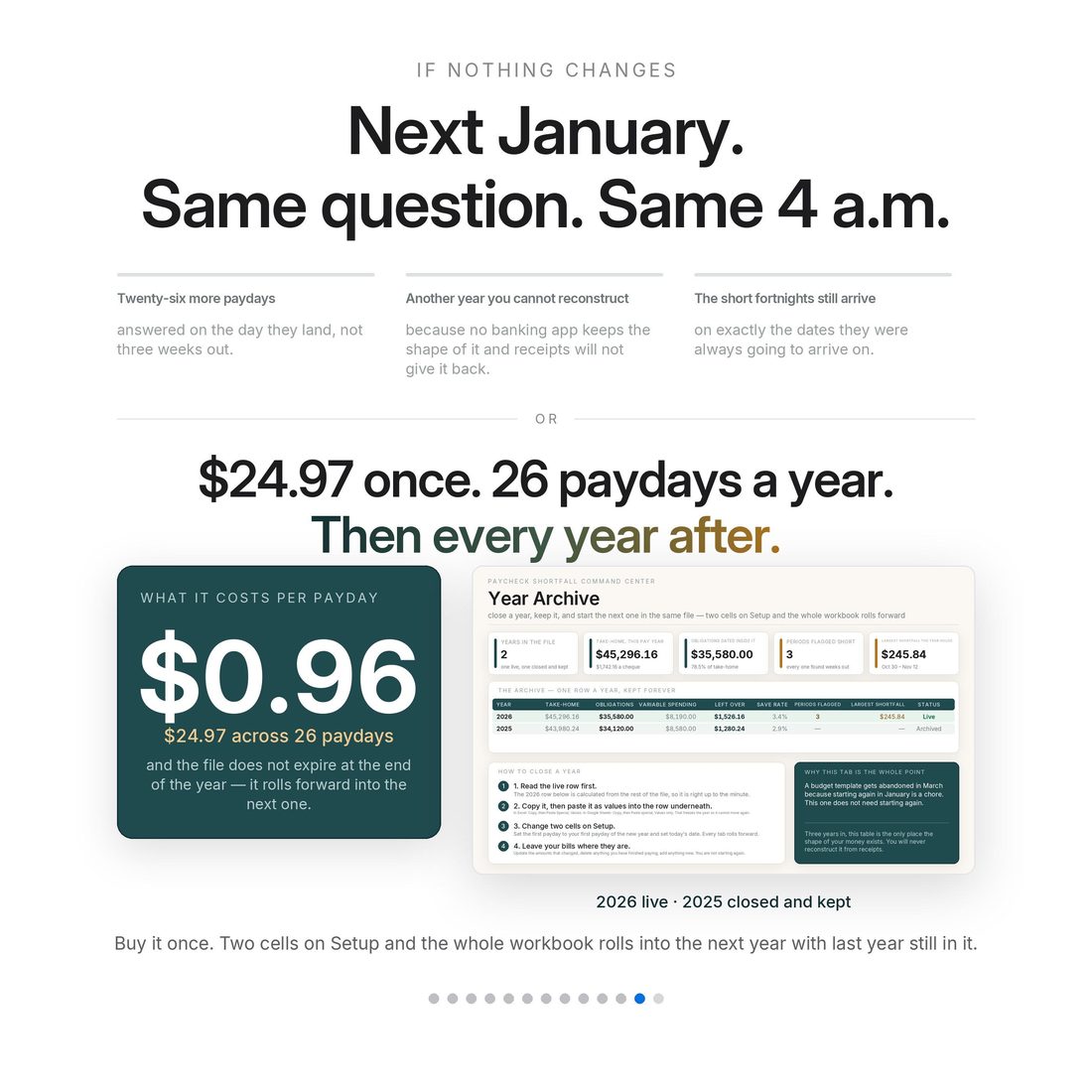
- Year Archive — close the year, keep it, start the next one in the same file
Overview
The problem is never the money. It is the timing.
Most people do not overspend. They get paid on the 20th and the rent is due on the 18th — the money exists, it just arrives after the thing it was meant to pay. A monthly budget cannot see that, and a banking app only shows you today, so you find out on the day. This 20-tab workbook is an early-warning system instead. Enter your pay schedule once and everything that leaves your account with a date on it, and the Pay Period Radar runs every upcoming period ahead of you, flagging the ones that come up short and counting the days of warning. In the sample that ships in the file it flags a period 21 days before it arrives, short by $176.84. Then What-If shows you what to move: shift one bill by a week and the flagged period clears in front of you, −$176.84 becoming +$98.16, with the flag count dropping from three to two.
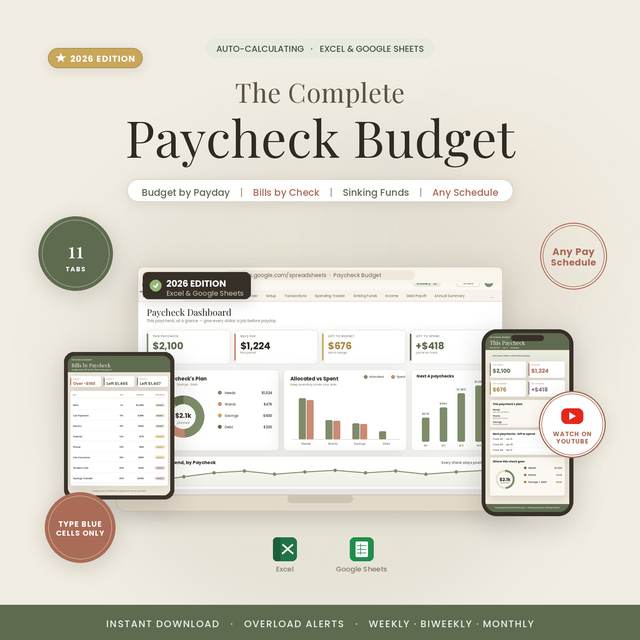
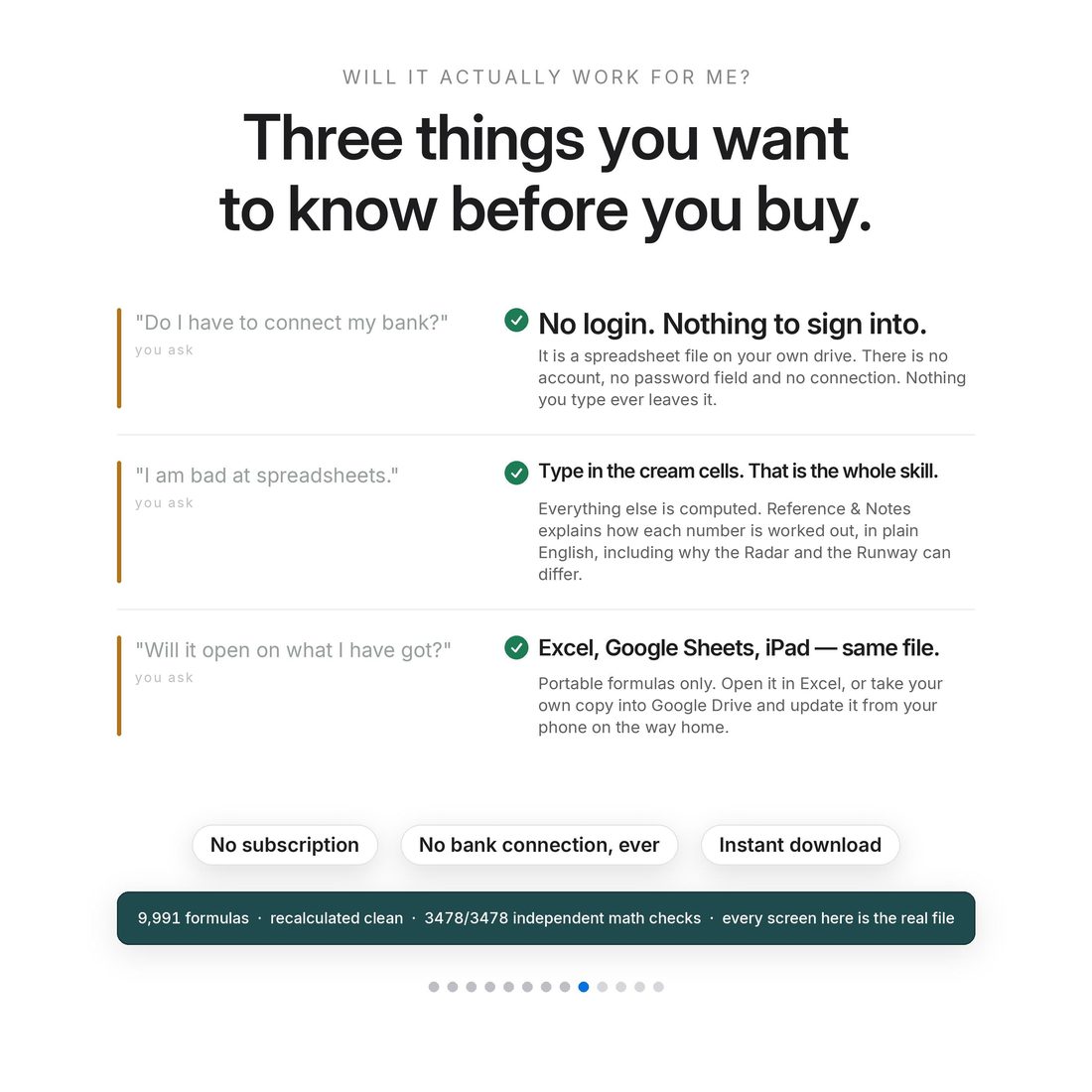
Any pay schedule is handled automatically — weekly, biweekly, semi-monthly or monthly — and the file builds the right number of pay periods for you: 52, 26, 24 or 12. Nothing connects to a bank. You type in the cream-coloured cells, and that is the whole skill; everything else calculates itself.
What's Included
20 connected tabs:
- Four full themes — Editorial, Colorful, Light and Dark (.xlsx), the same complete engine in each
- Quick-Start-Guide.pdf — start to finish in minutes
- ACCESS-YOUR-TEMPLATE.pdf — one click opens your own copy in Google Sheets
- README and LICENSE — delivered as one ZIP, instant download
Key Benefits
Why this one
The Radar flags a period 21 days before it arrives in the sample, short by $176.84. Three weeks to move one thing, instead of three hours on the phone afterwards.
Shift a single bill by a week in What-If and the flagged period clears in front of you: −$176.84 to +$98.16, flags three → two. That is the whole product in one motion.
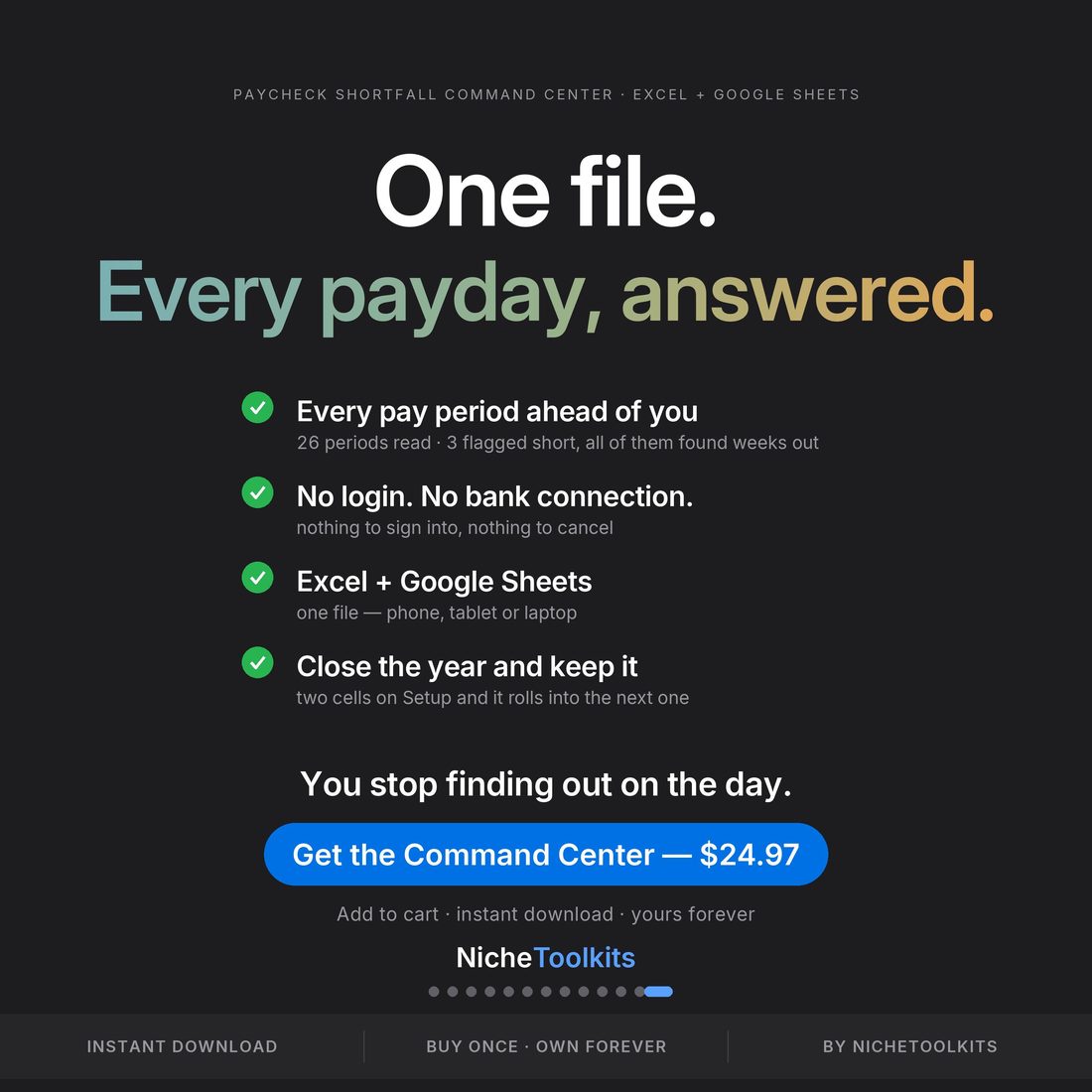
Weekly, biweekly, semi-monthly or monthly. Pick one and the file builds the right number of pay periods — 52, 26, 24 or 12 — without you counting anything.
The 90-Day Calendar puts every dated obligation on a real calendar, and Runway names the lowest point ahead, so the pile-up is something you see rather than something you survive.
No login, no bank connection, no account. It is a spreadsheet. Your numbers stay in your file, on your machine or your own Drive.
The Year Archive closes a year, keeps it, and starts the next one in the same file. At $24.97 across 26 paydays that is under a dollar a payday for the first year, and nothing at all after that.
Who It's For
Built for
- Anyone who has been caught by rent falling due two days before the money arrives
- Weekly, biweekly, semi-monthly and monthly earners who want the periods built for them
- Anyone whose banking app shows today's balance and nothing about the fortnight ahead
- People whose budget adds up correctly and still runs short in the wrong week
How It Works
Up and running in minutes
The instant hosted Google Sheets access in your download copies the file straight into your own Drive; the .xlsx opens in Excel
Weekly, biweekly, semi-monthly or monthly — the file builds 52, 26, 24 or 12 pay periods to match
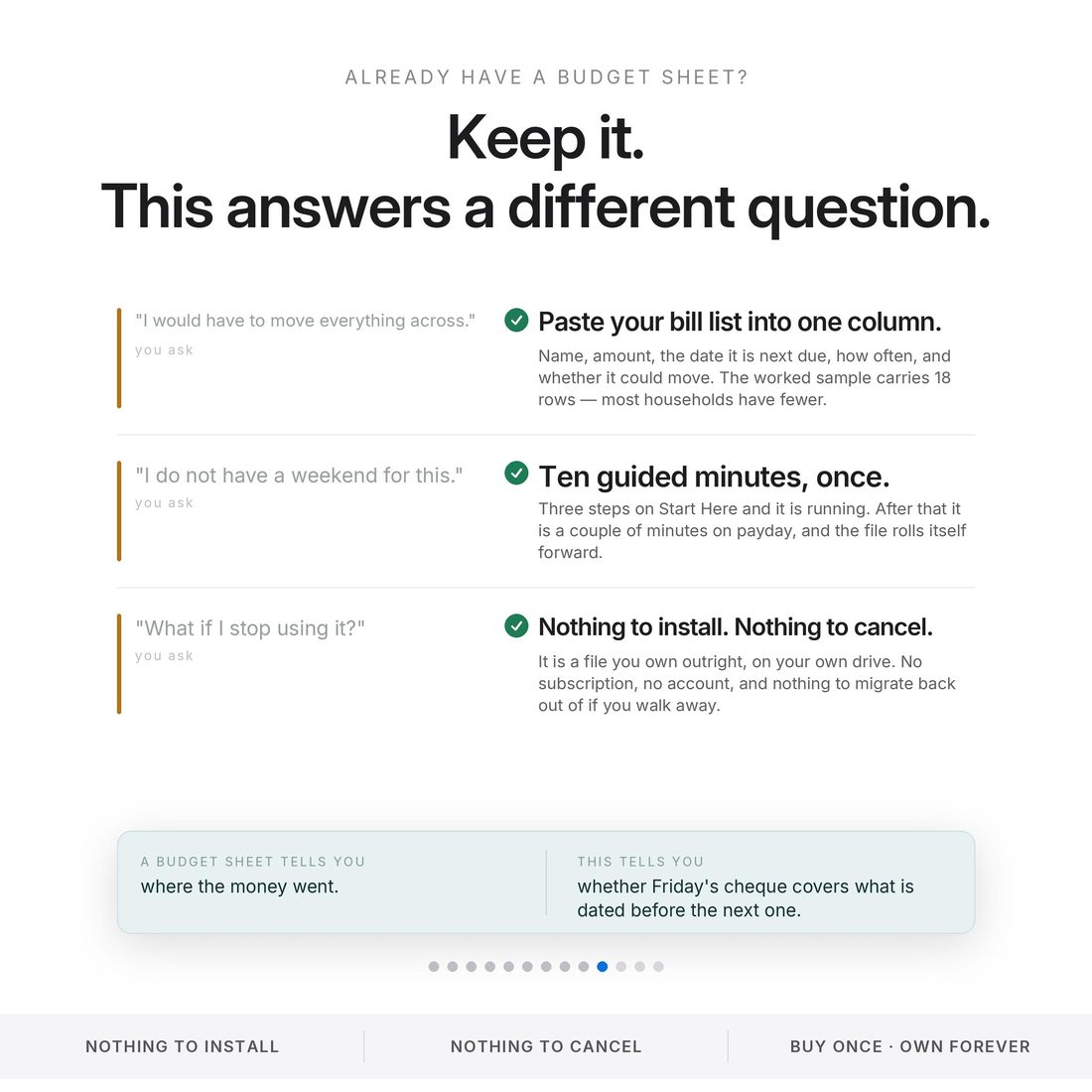
Everything that leaves the account with a date on it. Already have a budget sheet? Paste your bill list into one column and you are most of the way set up
Every period ahead of you, with the short ones flagged and the days of warning counted
Move one bill and watch the flagged period go covered — then check it once a payday, using the printed 10-Minute Routine card
Why It's Different
Not another template
A budget tells you whether the month adds up. It cannot tell you whether the money is in the account on the day the bill leaves it. This file answers the second question weeks in advance: it names the period that comes up short, says how short, counts the days of warning, and shows the one bill you could move to fix it.
Delivery & Compatibility
Instant, and works with what you use
As soon as your order is complete you get instant access to download your files. Prefer Google Sheets for real-time updates and dropdowns? It's fully optimized. More comfortable in Excel? It works just as well.
Built and tested in the latest Excel (Office 365). On Mac we recommend the Google Sheets version — the template is not compatible with Apple Numbers. Available in English. The template ships with sample data so every screen works on open; clear it whenever you're ready. The images and video show that sample data to demonstrate how it looks in use.
FAQ
Questions, answered
Does it work in Google Sheets?
Yes — one click. The instant hosted Google Sheets access in your download copies it into your own Drive. The .xlsx works in Excel too. Built and tested in the latest Excel; on Mac we recommend the Google Sheets version.
How does it know a period will be short?
You enter your pay schedule once and everything that leaves the account with a date on it. The Pay Period Radar runs every upcoming period ahead of you, flags the ones that come up short, and counts the days of warning — 21 days in the shipped sample.
I am bad at spreadsheets. Is this too much?
You type in the cream-coloured cells. That is the whole skill. Everything else calculates itself, and the Quick-Start guide walks the ten-minute setup step by step.
Does it connect to my bank?
Never. No login, nothing to sign into, nothing to authorise and nothing to cancel later. Your numbers stay in your file, on your machine or your own Drive.
What pay schedules does it handle?
Weekly, biweekly, semi-monthly or monthly. Pick one and the file builds the right number of pay periods for you: 52, 26, 24 or 12.
Can I get a refund on a digital download?
Because delivery is instant, all sales are final — but message us with any issue and we'll make it right.
This is a planning tool, not financial advice. It is a modelled projection built from the figures you enter — it is not a prediction, it does not connect to your bank, and it does not prevent anything; it surfaces the timing early enough for you to act. The overdraft fee is a cell you fill in with your own bank's figure; we do not quote an average. All figures shown are from the included editable sample data and are computed by the file itself. Built and tested in the latest Excel (Office 365); on Mac we recommend the Google Sheets version, and the file is not compatible with Apple Numbers. This spreadsheet is for informational purposes and is not financial, tax or legal advice. For personal use only. © 2026 NicheToolkitHub — no resale or redistribution.