 ▶
▶



 ▶
▶IFTA Quarterly Fuel Tax Tracker
IFTA is arithmetic. Let the file do it.
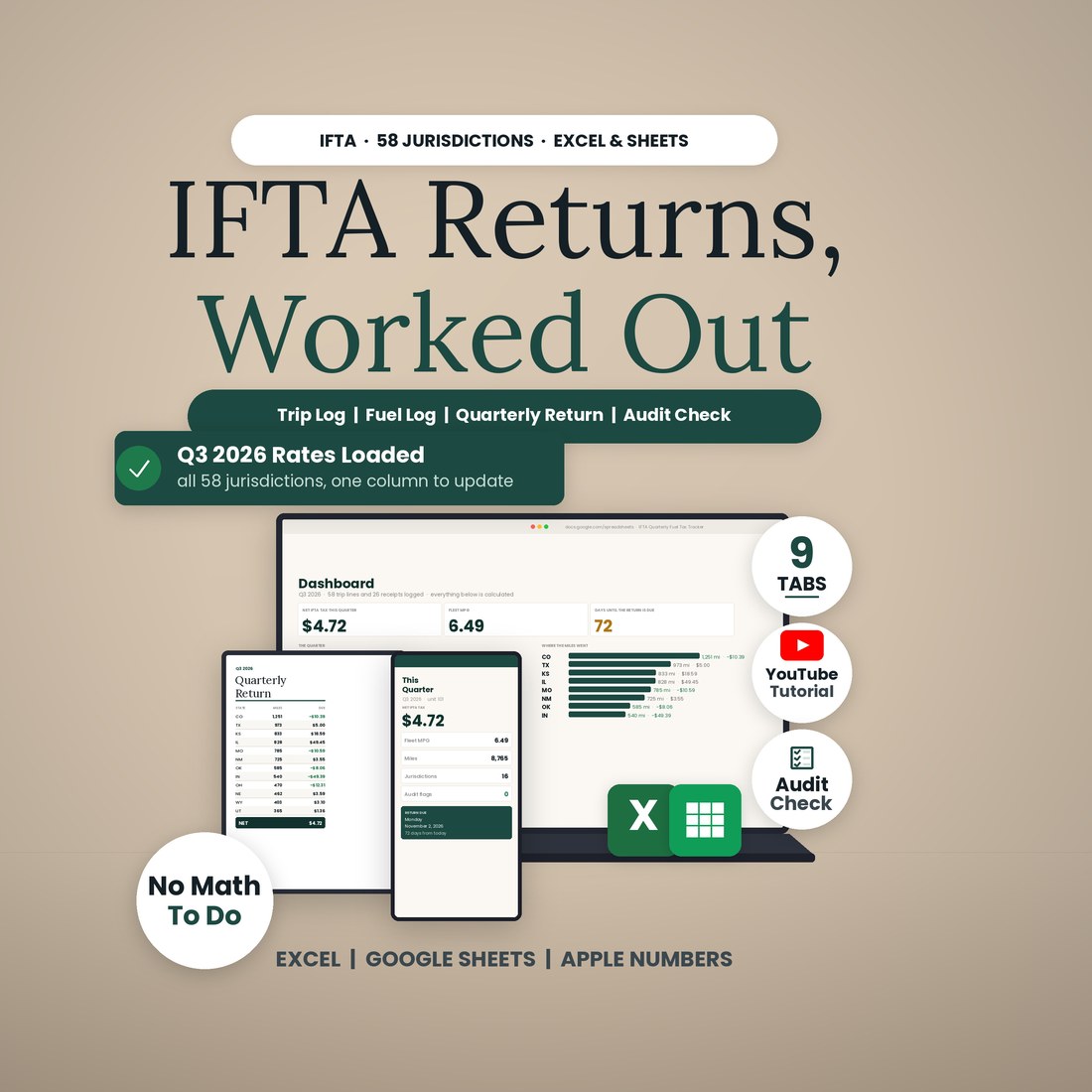
Sixteen states, one quarter, a shoebox of receipts, and a form that wants taxable gallons by jurisdiction, the credit for every tax-paid gallon, and a surcharge for Kentucky and Virginia. Every quarter you either pay a service, guess, or lose an evening. This file does the arithmetic: log each state line from your odometer and each fuel receipt where you bought it, and the Quarterly Return tab fills itself in for all 58 IFTA jurisdictions.
- The Quarterly Return, worked out for all 58 jurisdictions: taxable miles, taxable gallons, tax-paid gallons, net gallons, rate, surcharge and due or credit, netted to one remittance
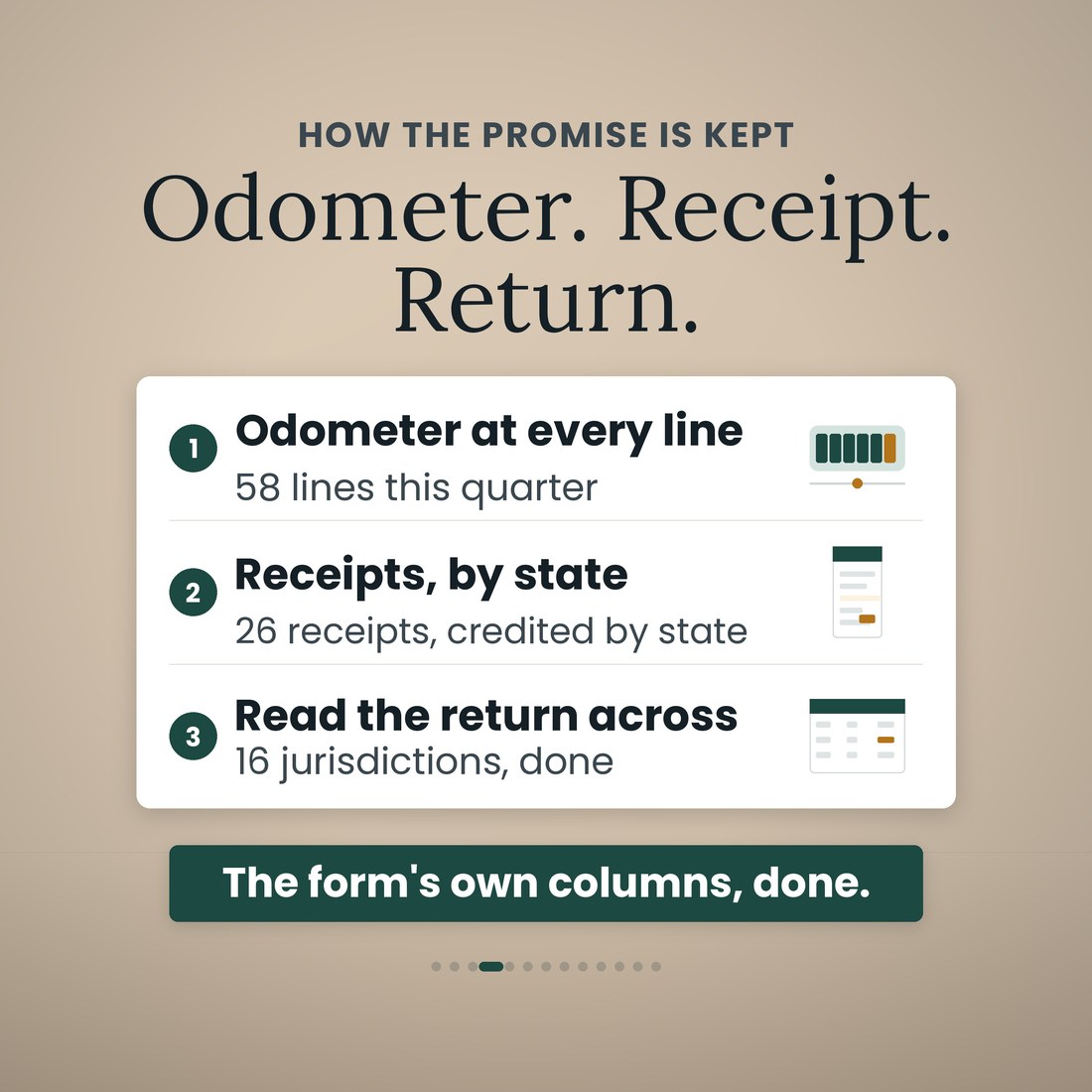
- Trip Log and Fuel Log with 400 rows each — one row per state line with odometer in and out, one row per receipt credited to the state you bought in, odometer gaps flagged
- The 3Q2026 rate matrix loaded for 48 states and 10 provinces, Kentucky and Virginia surcharges in their own column, and one cream column to update when next quarter's rates post
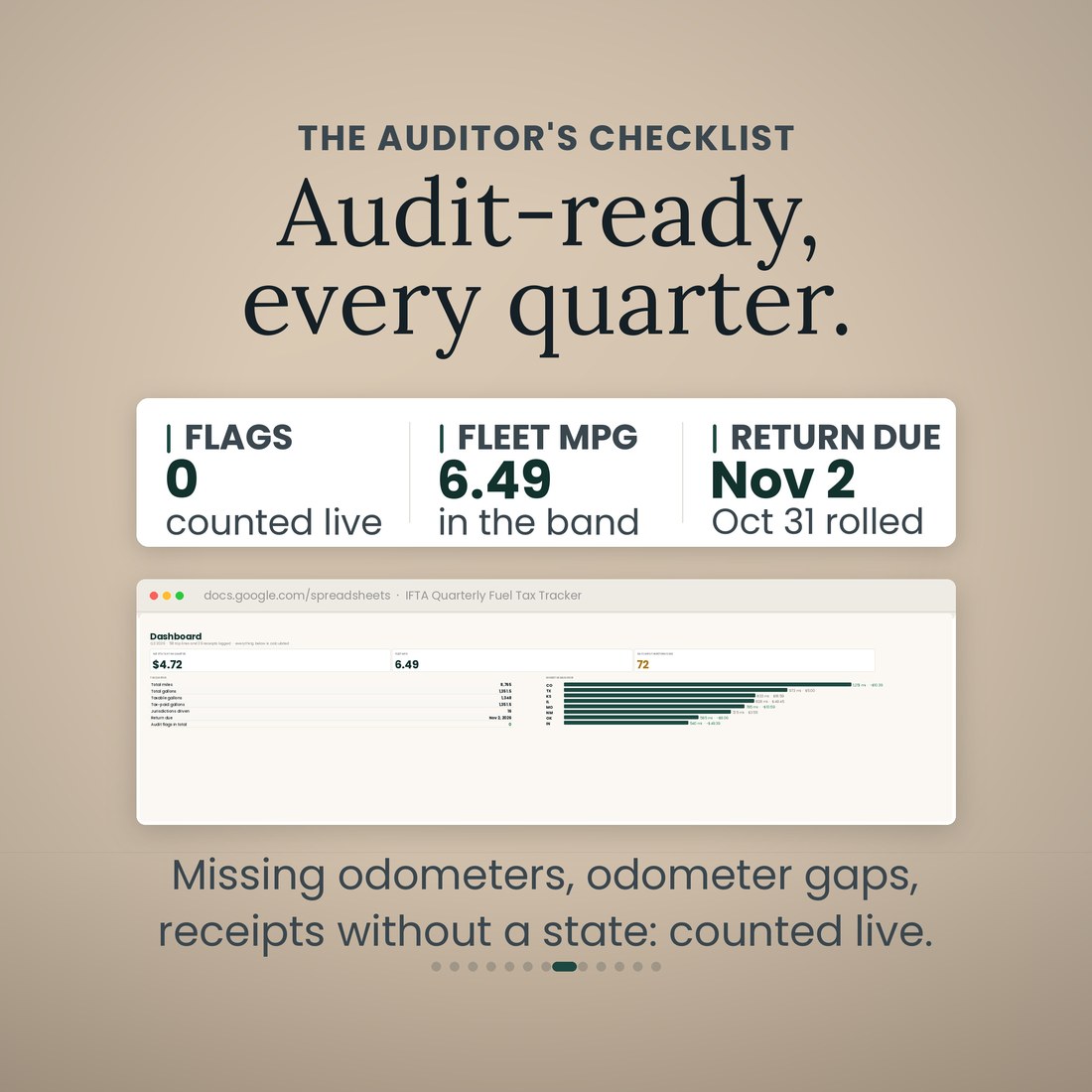
- Audit Check counts missing odometers, odometer gaps, receipts without a jurisdiction and fleet MPG outside the band you set, live on the Dashboard
- Year View carries all four quarters with their deadlines, including the weekend rollover: October 31, 2026 is a Saturday, so the file says Monday November 2
Overview
IFTA is arithmetic. Let the file do it.
Sixteen states, one quarter, a shoebox of receipts, and a form that wants taxable gallons by jurisdiction, the credit for every tax-paid gallon, and a surcharge for Kentucky and Virginia. Every quarter you either pay a service, guess, or lose an evening. This file does the arithmetic: log each state line from your odometer and each fuel receipt where you bought it, and the Quarterly Return tab fills itself in for all 58 IFTA jurisdictions.
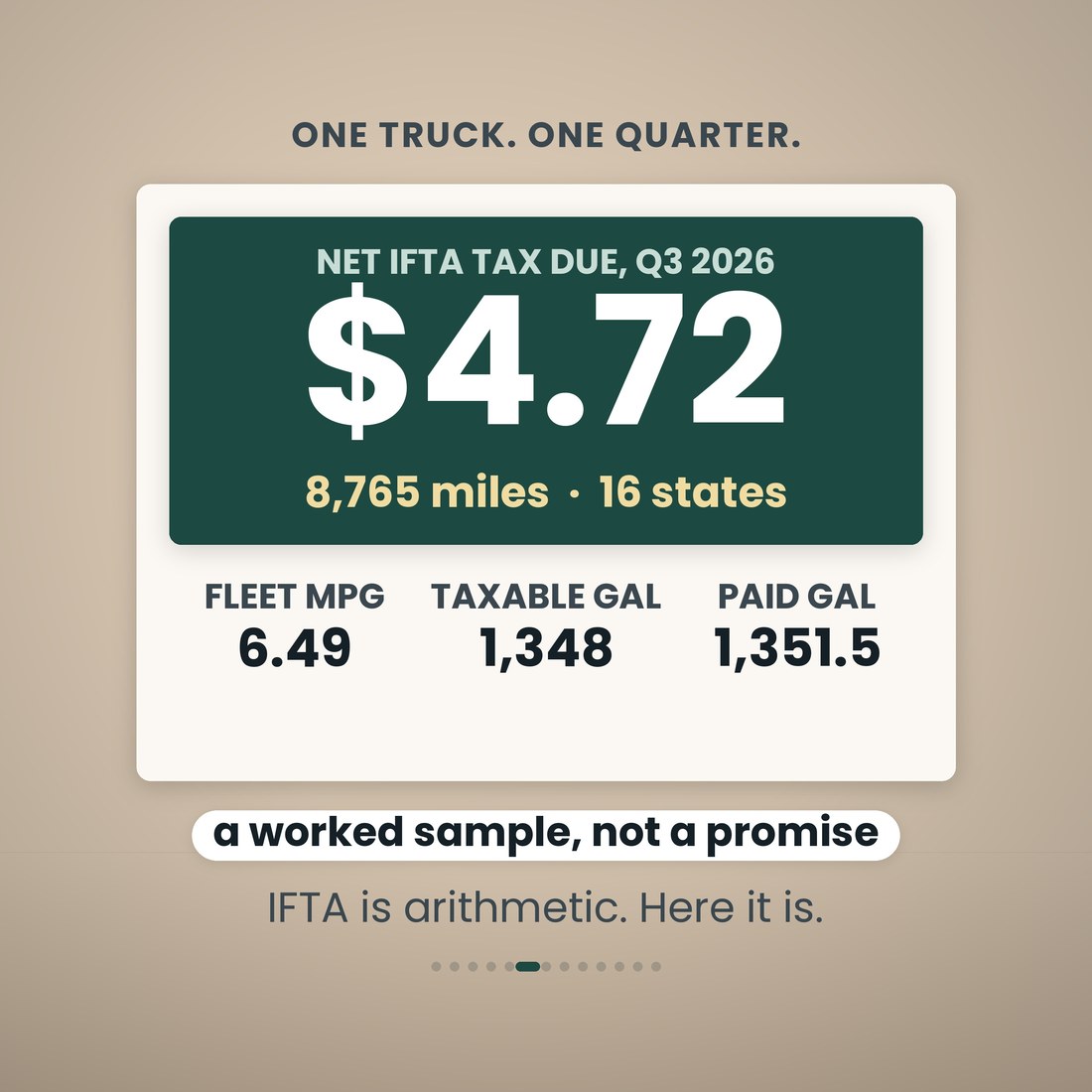
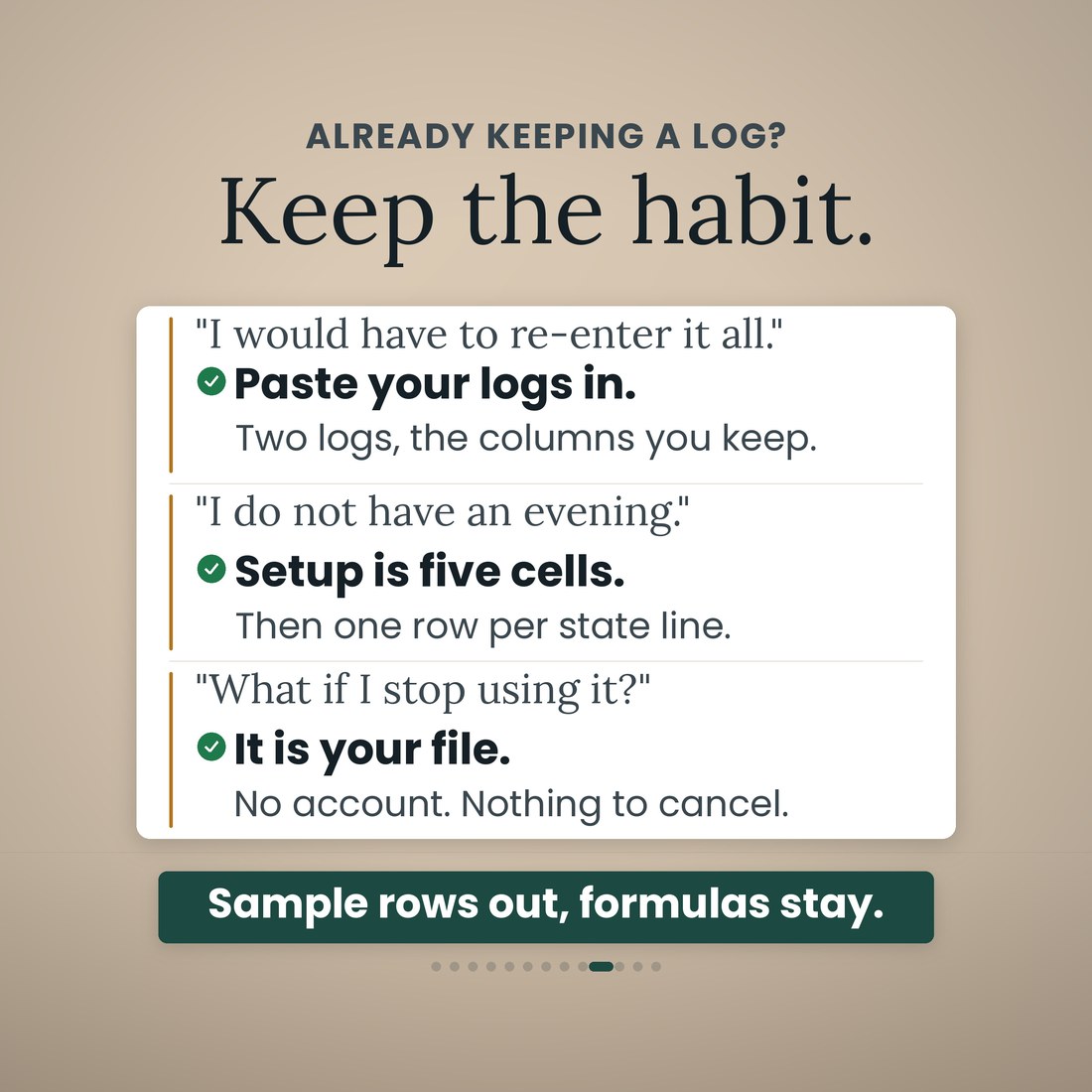
It is one workbook with 9 tabs, and it opens the same way in Microsoft Excel, Google Sheets and Apple Numbers because every formula uses the portable function set — no add-ins, no macros, no login and nothing to install. Setup is five cells: your company, your unit, your base jurisdiction, the quarter and the year. After that you type in the cream cells only — odometer, state, gallons — and every other cell is a formula, 4,873 of them. The Trip Log takes 400 state-line rows and the Fuel Log 400 receipts. The Tax Rates tab ships with the 3Q2026 diesel rate matrix for all 58 jurisdictions (48 states and 10 Canadian provinces), read from the IFTA clearinghouse on August 26, 2026, with the Kentucky and Virginia surcharges in their own column; rates change each quarter and live in one cream column, so next quarter is one column to update. A worked sample quarter ships inside so every tab has something to show: one truck, 58 trip lines, 26 receipts, 8,765 miles, fleet MPG 6.49, net due $4.72. Clear the sample rows and the formulas stay.
What's Included
One workbook, 9 tabs, in four color editions:
- IFTA-Quarterly-Fuel-Tax-Tracker.xlsx: the 9-tab workbook with 4,873 formulas, opening in Microsoft Excel, Google Sheets and Apple Numbers
- The same workbook in four color editions — Colorful, Light, Dark and Editorial — so you pick the look, and every edition does the same arithmetic
- The Tax Rates tab pre-loaded with the 3Q2026 diesel rate matrix for all 58 IFTA jurisdictions, surcharges included, in one editable column
- A worked sample quarter inside: one truck, 58 trip lines, 26 receipts, 8,765 miles, net due $4.72, so every tab works on open
- A full narrated video walkthrough on YouTube, linked on your confirmation page
- Five .xlsx files in one ZIP, instant download. Nothing is shipped and there is nothing to install
Key Benefits
Why this one
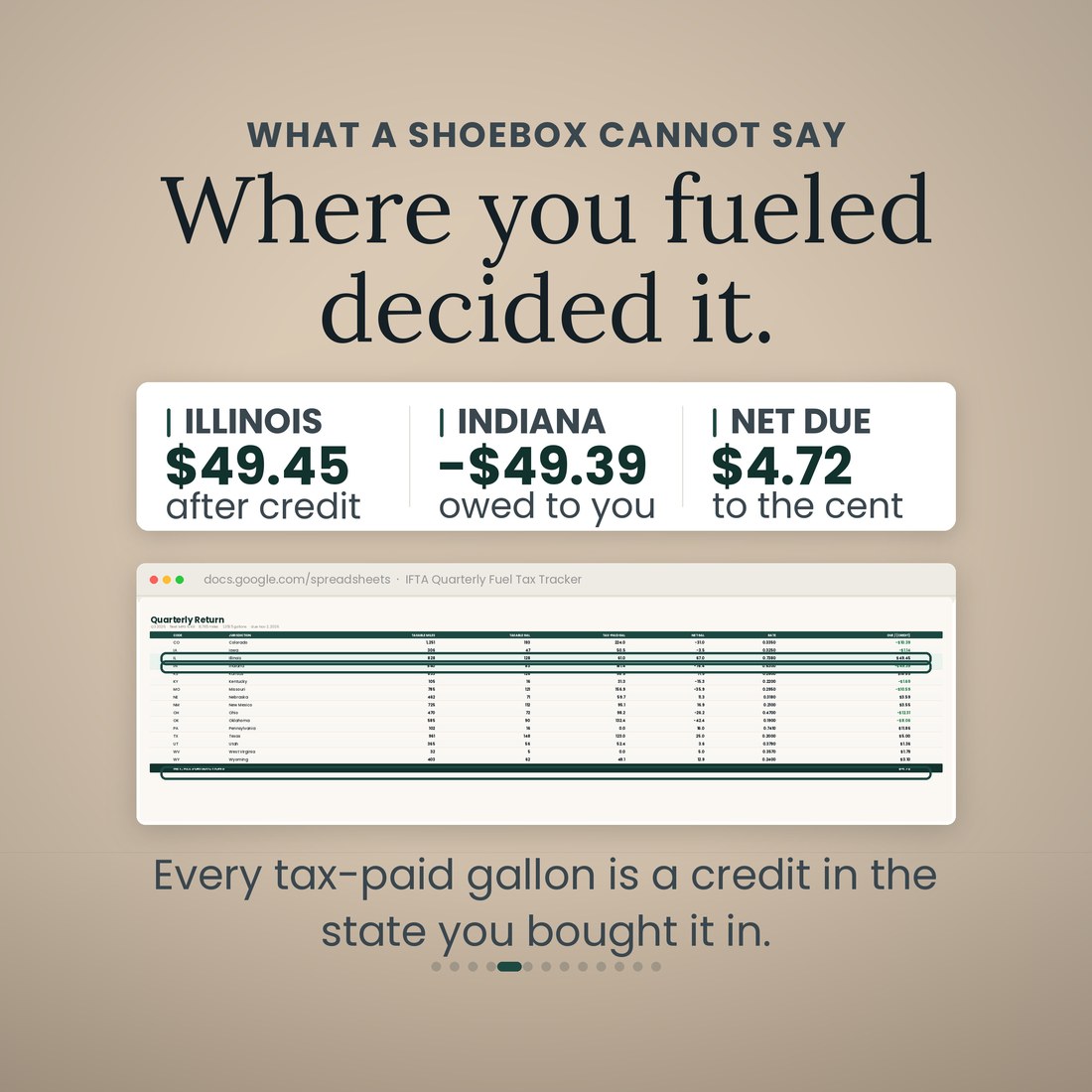
Every tax-paid gallon is a credit in the state you bought it in. On the sample quarter Illinois comes out $49.45 due after credit and Indiana $49.39 owed back, and the whole quarter nets to $4.72 — read off the Quarterly Return, not added up on a calculator.
The Tax Rates tab ships with the 3Q2026 diesel matrix for all 58 jurisdictions, read from the IFTA clearinghouse on August 26, 2026, with the Kentucky and Virginia surcharges in their own column. When the next quarter's rates post you update one cream column.
Setup is your company, your unit, your base jurisdiction, the quarter and the year. Everything else you type is an odometer reading, a state or a gallon figure in a cream cell; the other 4,873 cells are formulas.
Audit Check counts missing odometers, odometer gaps, receipts without a jurisdiction and fleet MPG outside the band you set, and the Dashboard shows the count live. The sample quarter shows 0 flags and a fleet MPG of 6.49 inside the band.
Year View carries all four quarters with their due dates. October 31, 2026 is a Saturday, so the file says Monday November 2, and the Dashboard counts the days until the return is due.
Microsoft Excel, Google Sheets and Apple Numbers. Every formula uses the portable function set, and the file was recalculated clean in all three before shipping. No add-ins, no macros, no login, nothing to install.
Who It's For
Built for
- Owner-operators and small fleets filing their own IFTA return
- Leased-on drivers who want to check the carrier's number before the deduction lands
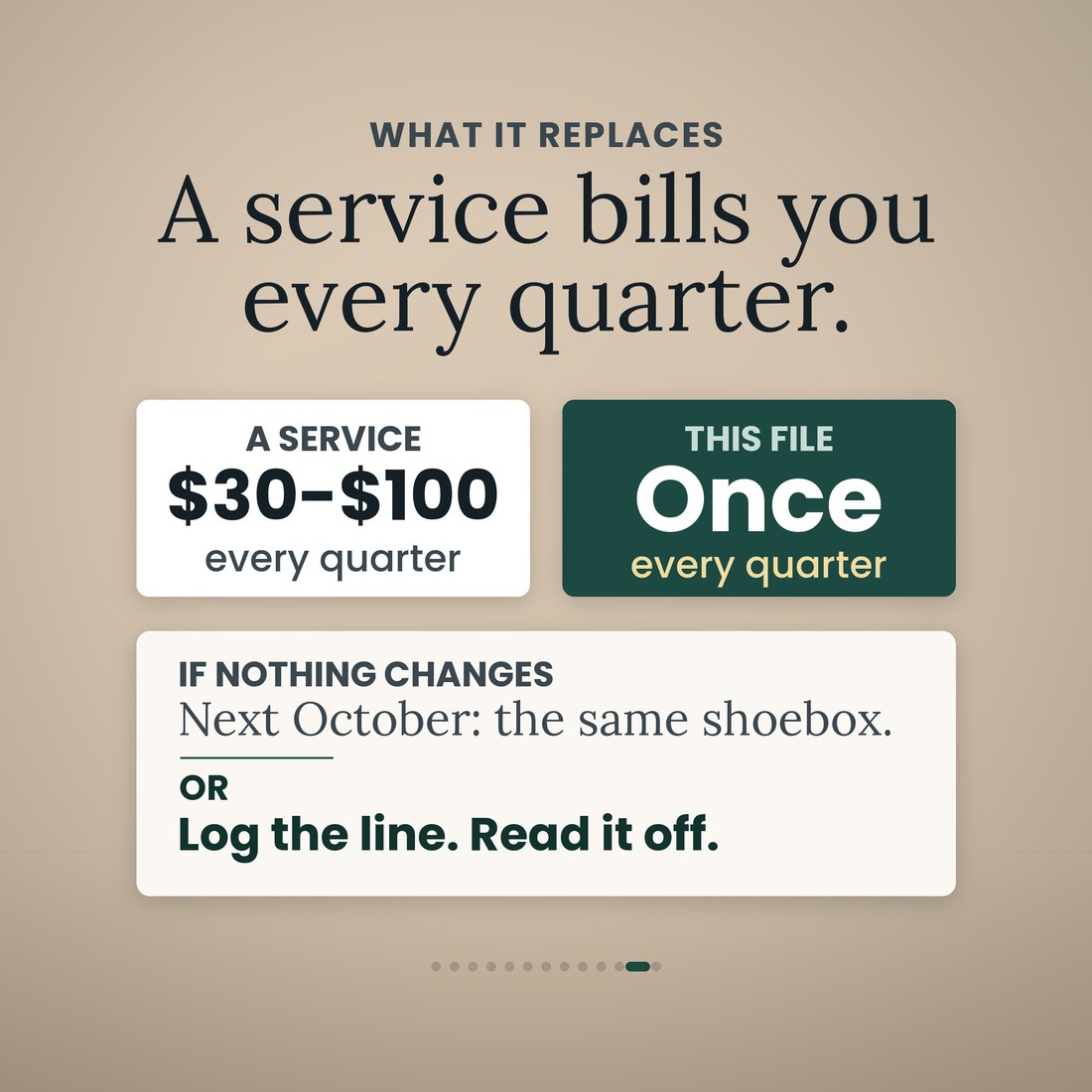
- Anyone paying $30 to $100 a quarter for a return they could read off a screen
- Bookkeepers keeping one truck's fuel tax records in a file that opens in Excel, Google Sheets or Numbers without a login
How It Works
Up and running in minutes
Company, unit, base jurisdiction, quarter, year. That is the whole setup, and the Year View already knows the four deadlines.
One row per state line on the Trip Log: odometer in, odometer out, state. Taxable miles are worked out per row and odometer gaps are flagged.
One row per receipt on the Fuel Log, with the state you bought in. The gallons are credited to that jurisdiction.
All 58 jurisdictions on the lines the form uses: taxable miles, taxable gallons, tax-paid gallons, net gallons, rate, surcharge and due or credit, netted to one remittance.
Audit Check lists what is missing or out of band before you file. Next quarter, clear the logs, change the quarter cell and update the rate column.
Why It's Different
Not another template
Most IFTA spreadsheets are a mileage log with a column for gallons and the arithmetic left to you, or a rate table that is out of date the quarter after it was posted. This one is the return itself. The Quarterly Return tab carries all 58 jurisdictions on the same lines the state form uses, credits every tax-paid gallon to the state it was bought in, applies the Kentucky and Virginia surcharge from its own column, and nets the whole thing to one remittance. The rates are a dated matrix in one cream column rather than numbers buried inside formulas, so they are honest about their quarter and easy to change. And it audits its own inputs: missing odometers, gaps, receipts with no jurisdiction and fleet MPG outside your band are counted before you file, not found by the auditor afterwards.
Delivery & Compatibility
Instant, and it opens in what you already use
As soon as your order is complete you get instant access to download the ZIP, so you can fill the five Setup cells and start logging tonight, whatever day of the quarter it is.
Five .xlsx workbooks (the tracker plus Colorful, Light, Dark and Editorial editions) delivered as one ZIP, instant download. Opens in Microsoft Excel, Google Sheets and Apple Numbers using the portable function set only — no add-ins, no macros, no login and nothing to install. The file ships with a worked sample quarter so every screen works on open; the images and video show that sample. Rates ship as the 3Q2026 matrix in one editable column; confirm the current quarter's rates before you file. This is a digital download; nothing is shipped.
FAQ
Questions, answered
Are the tax rates right?
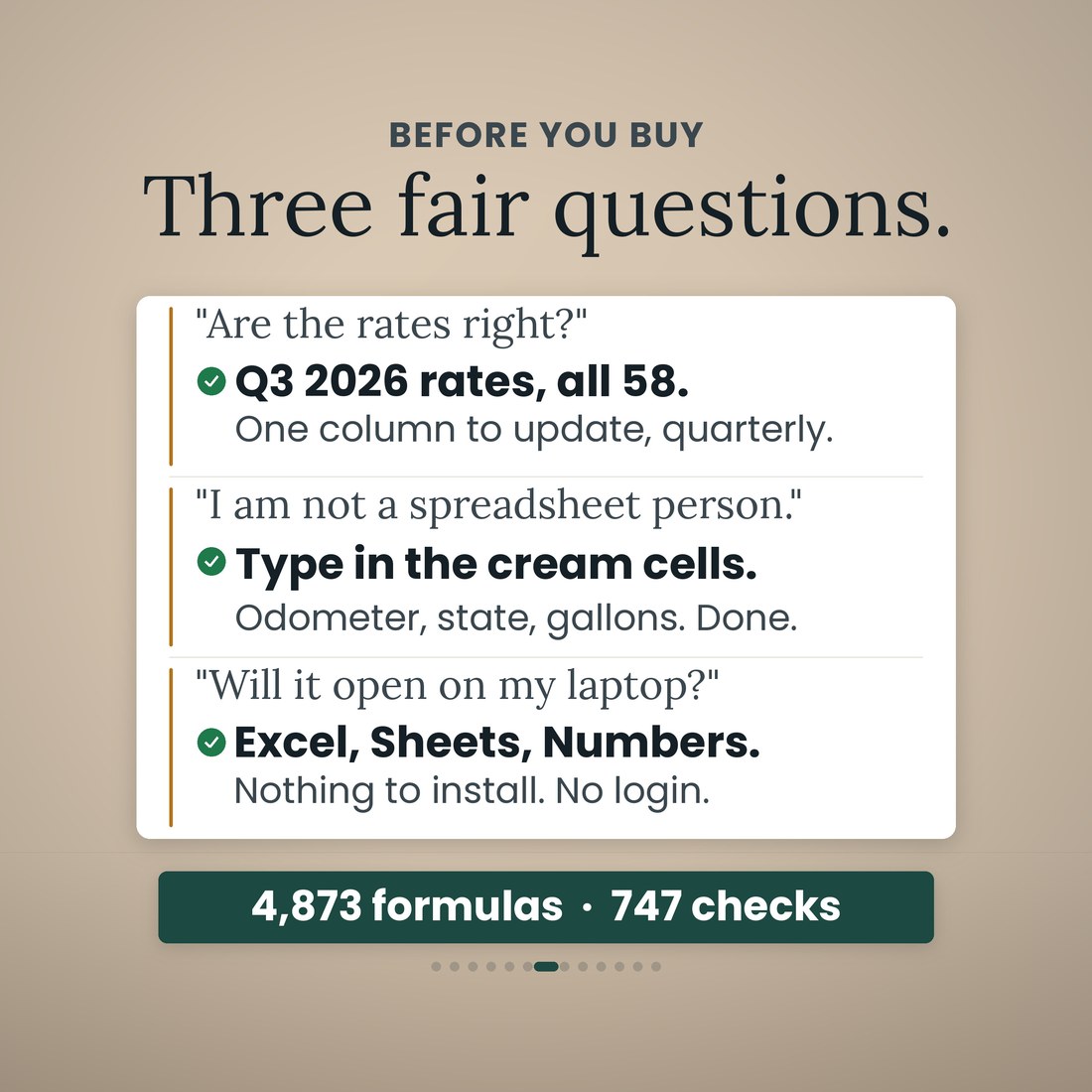
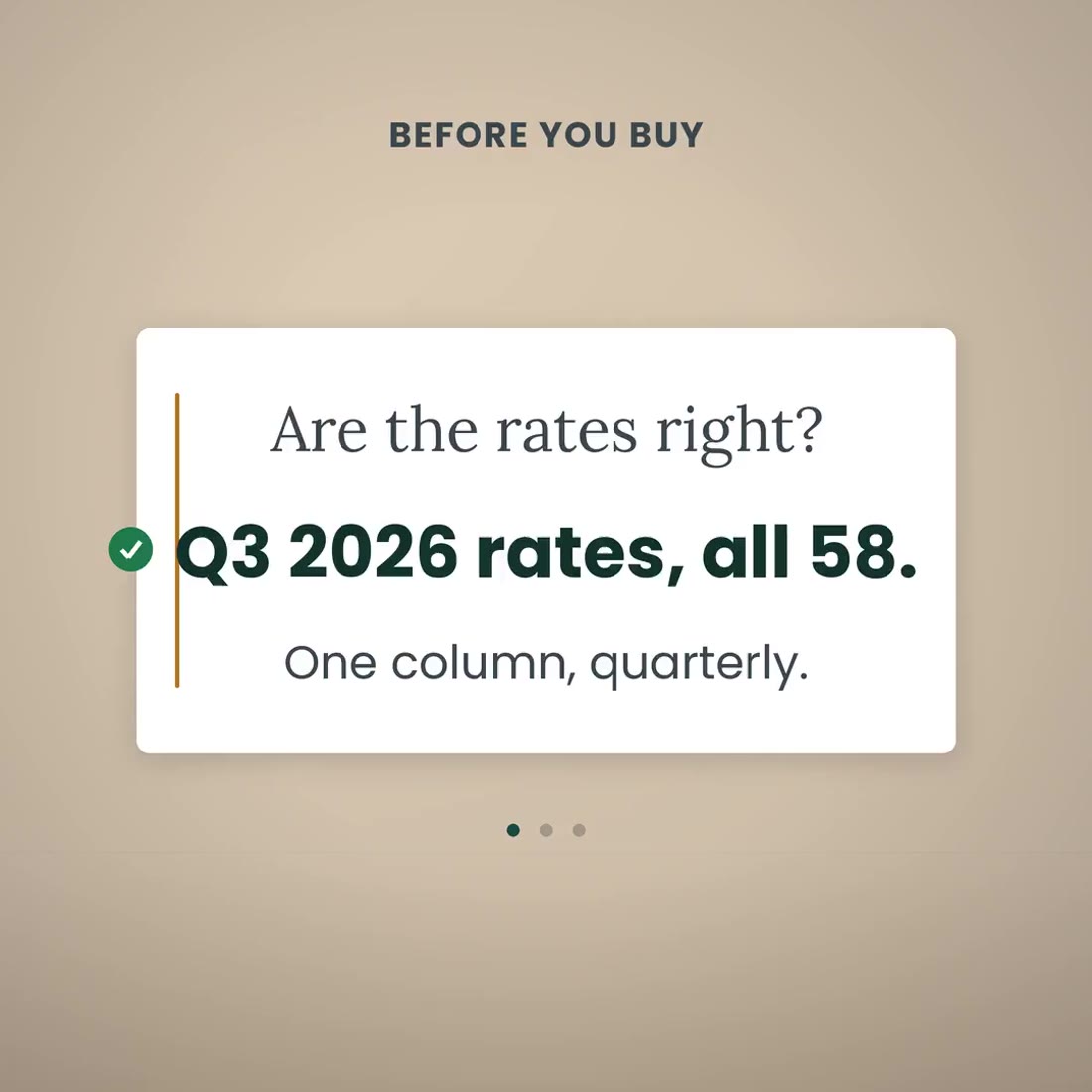
The Tax Rates tab ships with the 3Q2026 diesel rate matrix for all 58 jurisdictions, 48 states and 10 Canadian provinces, read from the IFTA clearinghouse on August 26, 2026, with the Kentucky and Virginia surcharges in their own column. Rates change each quarter and live in one cream column, so next quarter is one column to update. Confirm the current matrix before you file.
I am not a spreadsheet person. How much do I have to type?
Setup is five cells: your company, your unit, your base jurisdiction, the quarter and the year. After that you type in the cream cells only: odometer, state, gallons. Every other cell is a formula, 4,873 of them.
Will it open on my laptop?
Yes. It runs in Microsoft Excel, Google Sheets and Apple Numbers with no add-ins, no macros, no login and nothing to install. Every formula uses the portable function set, and the file was recalculated clean in all three before shipping.
What are the nine tabs?
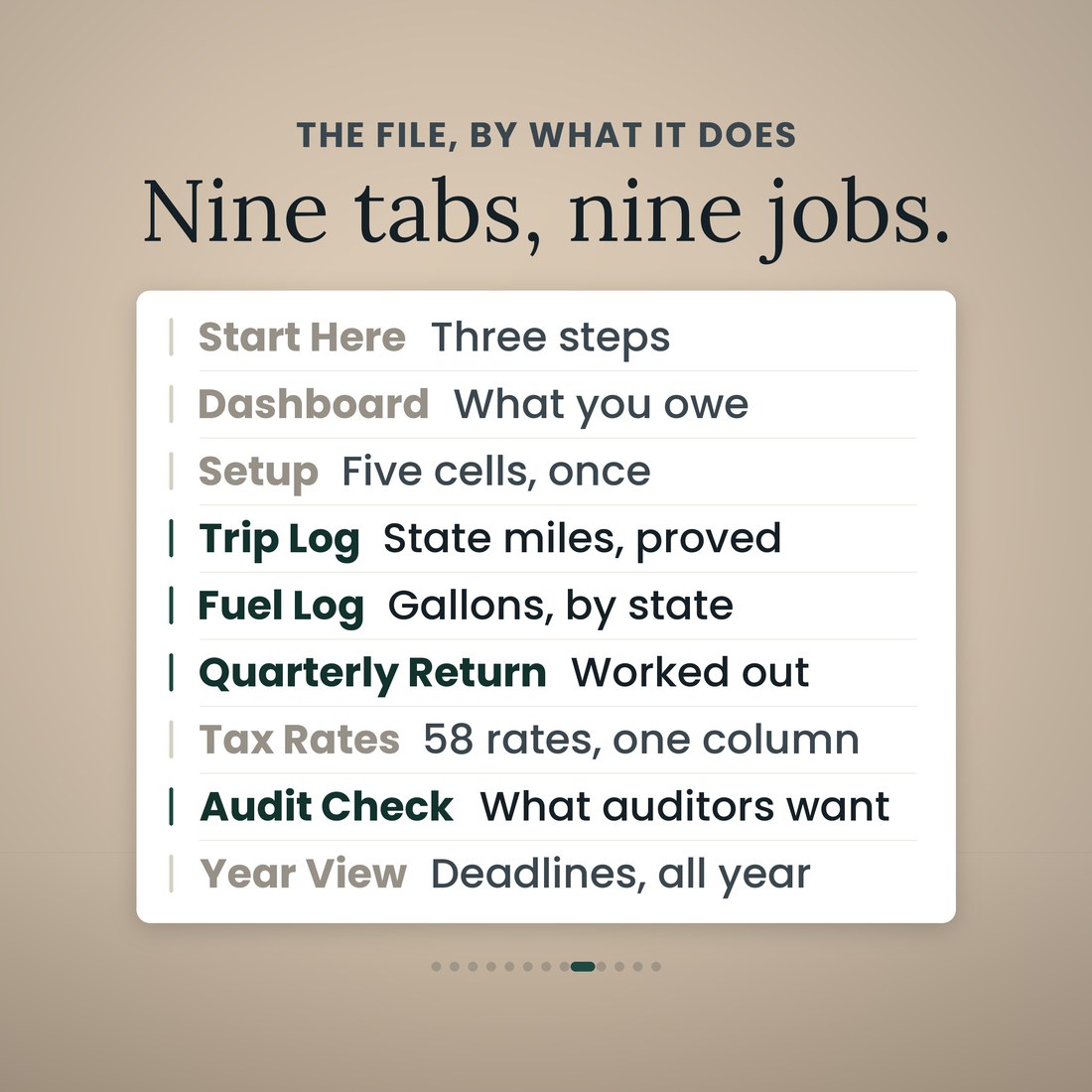
Start Here; Dashboard; Setup; Trip Log; Fuel Log; Quarterly Return; Tax Rates; Audit Check; and Year View. Each one does one job, and the Dashboard reads net tax due, fleet MPG, days until the return is due, audit flags and where the miles went.
How does the credit for tax-paid gallons work?
Each fuel receipt is logged with the state you bought in, and those gallons are credited to that jurisdiction. On the sample quarter that is why Illinois comes out $49.45 due and Indiana $49.39 owed back, and why one truck across 16 states nets to $4.72.
How many rows does it hold?
400 state-line rows on the Trip Log and 400 receipts on the Fuel Log, which is one truck for a quarter with room to spare. The sample quarter uses 58 trip lines and 26 receipts.
What is in the worked sample?
One truck, one quarter: 58 trip lines, 26 receipts, 8,765 miles across 16 states, fleet MPG 6.49, 1,348 taxable gallons and 1,351.5 tax-paid gallons, net due $4.72 after the credits. It is there so every tab has something to show. Clear the sample rows and the formulas stay.
What is the difference between the four color editions?
Only the look. Colorful, Light, Dark and Editorial are the same 9-tab workbook with the same 4,873 formulas in a different palette, and all four ship in the download.
Is this tax advice?
No. It organizes your IFTA records and computes the return from the rates you load; it is not tax, legal or accounting advice. Confirm the current quarter's rates and your base jurisdiction's filing rules before you file.
For personal and internal business use. Organizes your IFTA records and computes the return from the rates you load; not tax, legal or accounting advice. © 2026 NicheToolkitHub — no resale or redistribution.