 ▶
▶


 ▶
▶Farm & Ranch Bookkeeping (Schedule F)
Every receipt on its Schedule F line, every animal on its record.
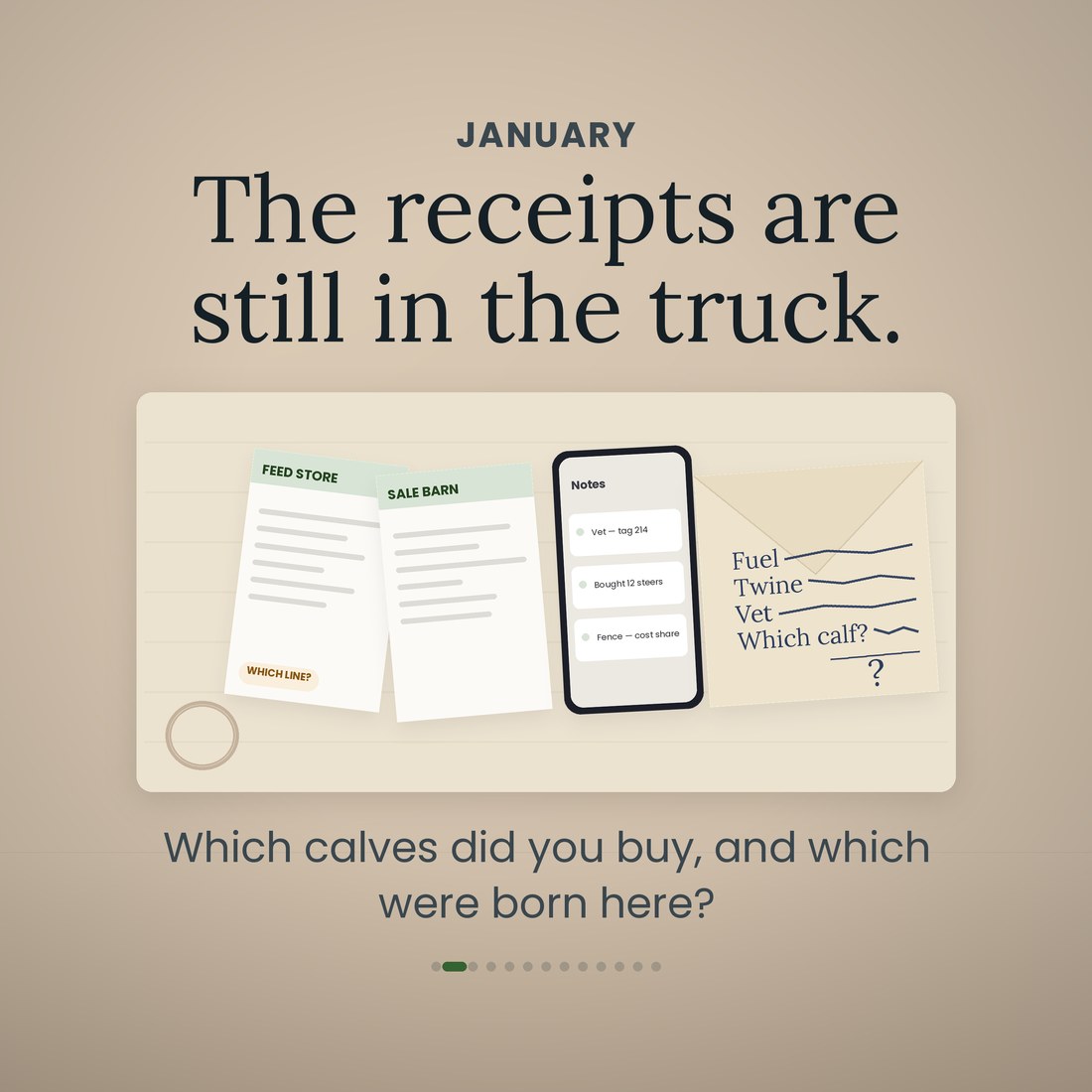
The receipts are still in the truck. Feed store tickets, the vet invoice, the twine, the fuel, and a sale barn slip for twelve steers you bought in March and sold in September. In January somebody has to decide which of those goes on which Schedule F line, and the honest answer is that nobody remembers. Then there is the half of the year that never made it onto paper at all: the cow treated in October that cannot ship until November, the calves you raised against the steers you bought, and which of your enterprises actually paid. This file puts every receipt on its numbered Schedule F line the day it happens, keeps every head on its own record, and does the date arithmetic you were doing on a wall calendar.
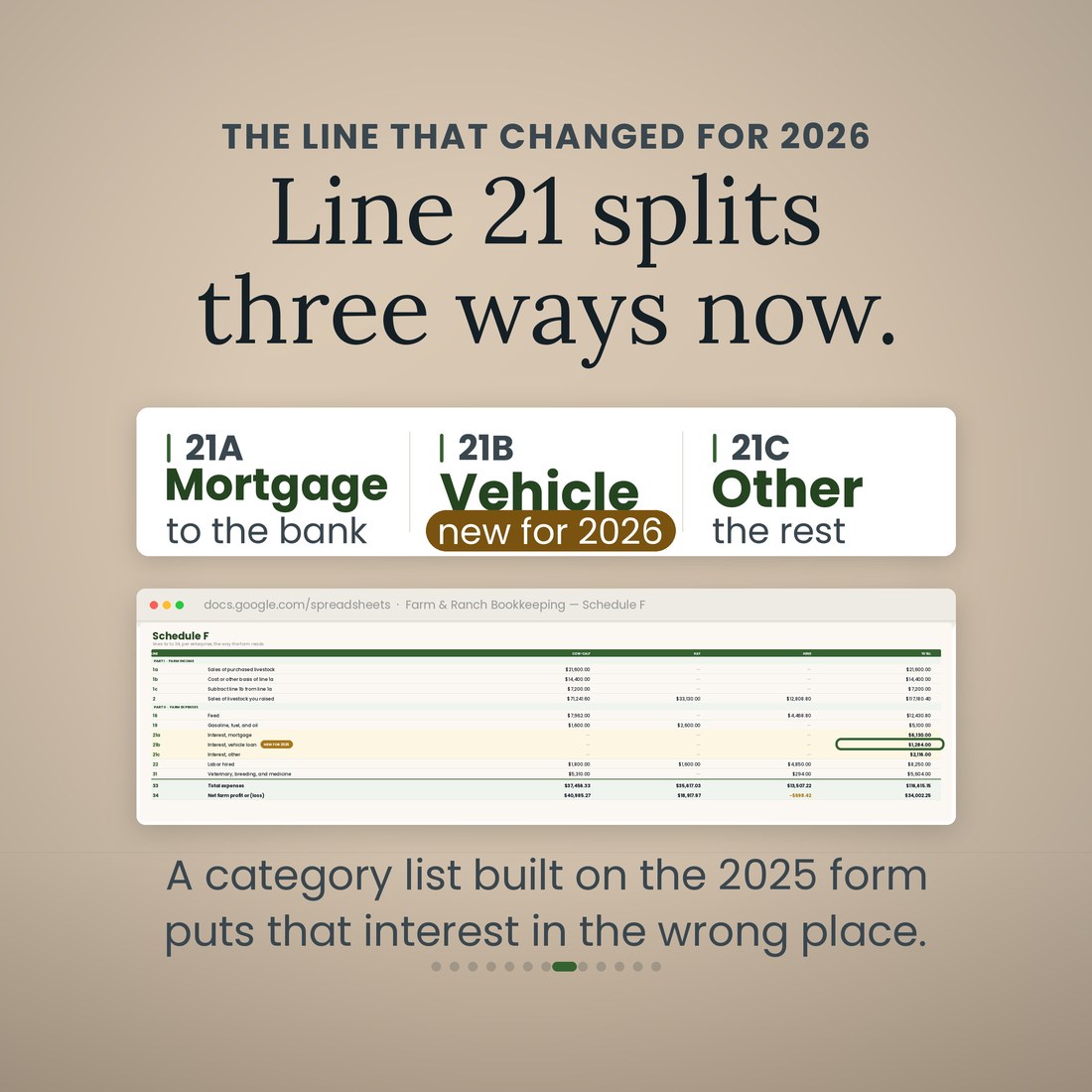
- Expenses: one row per receipt on a numbered Schedule F Part II line, picked from a drop-down as you file it. 54 line numbers are mapped, 18 in Part I and 36 in Part II, and the tax year 2026 three-way split of line 21 is built in — 21a Mortgage, 21b Vehicle loan, new for 2026, and 21c Other
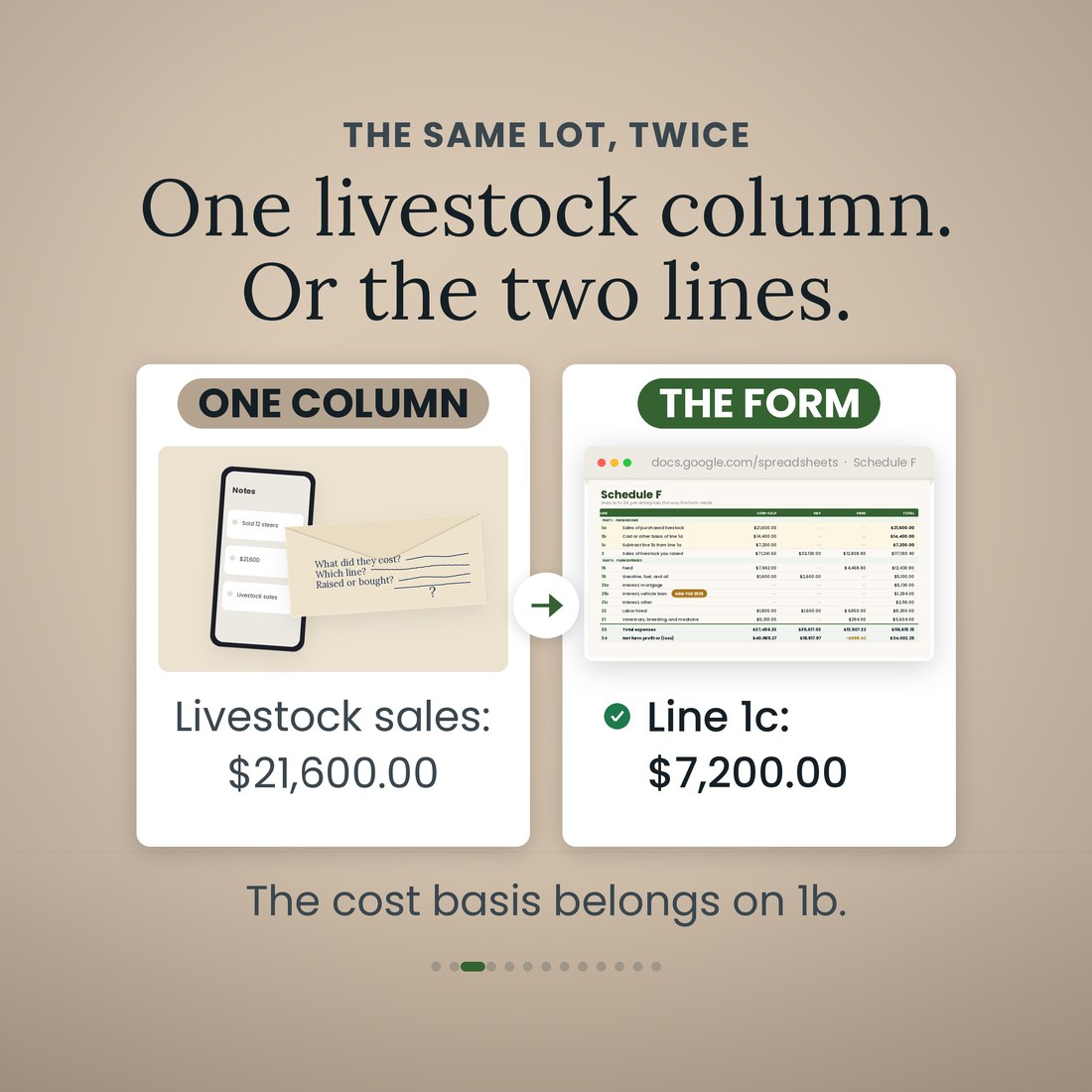
- Livestock: every head, what it cost you and what it brought. Type Purchased in one cell and the sale moves to line 1a with what you paid on line 1b, so 12 feeder steers bought for $14,400.00 and sold for $21,600.00 report $7,200.00 on line 1c. Stock you raised stays on line 2 at the full sale price
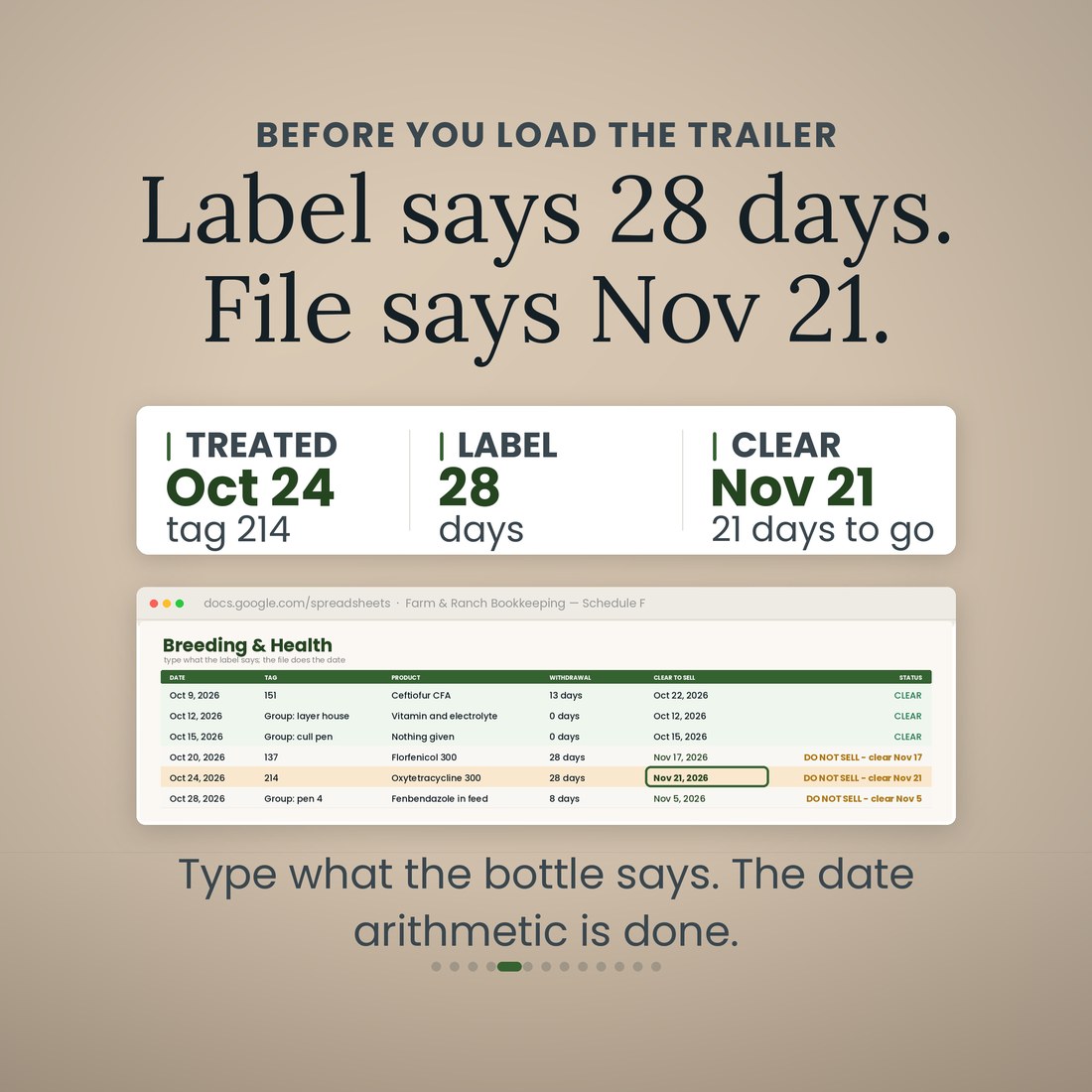
- Breeding and Health: type the withdrawal days off the product label and the row does the date arithmetic. Treated October 24 with a 28-day product reads DO NOT SELL until November 21. Breeding dates work the same way, with gestation built in for cattle at 283 days, sheep at 147, goats at 150, hogs at 114 and horses at 340
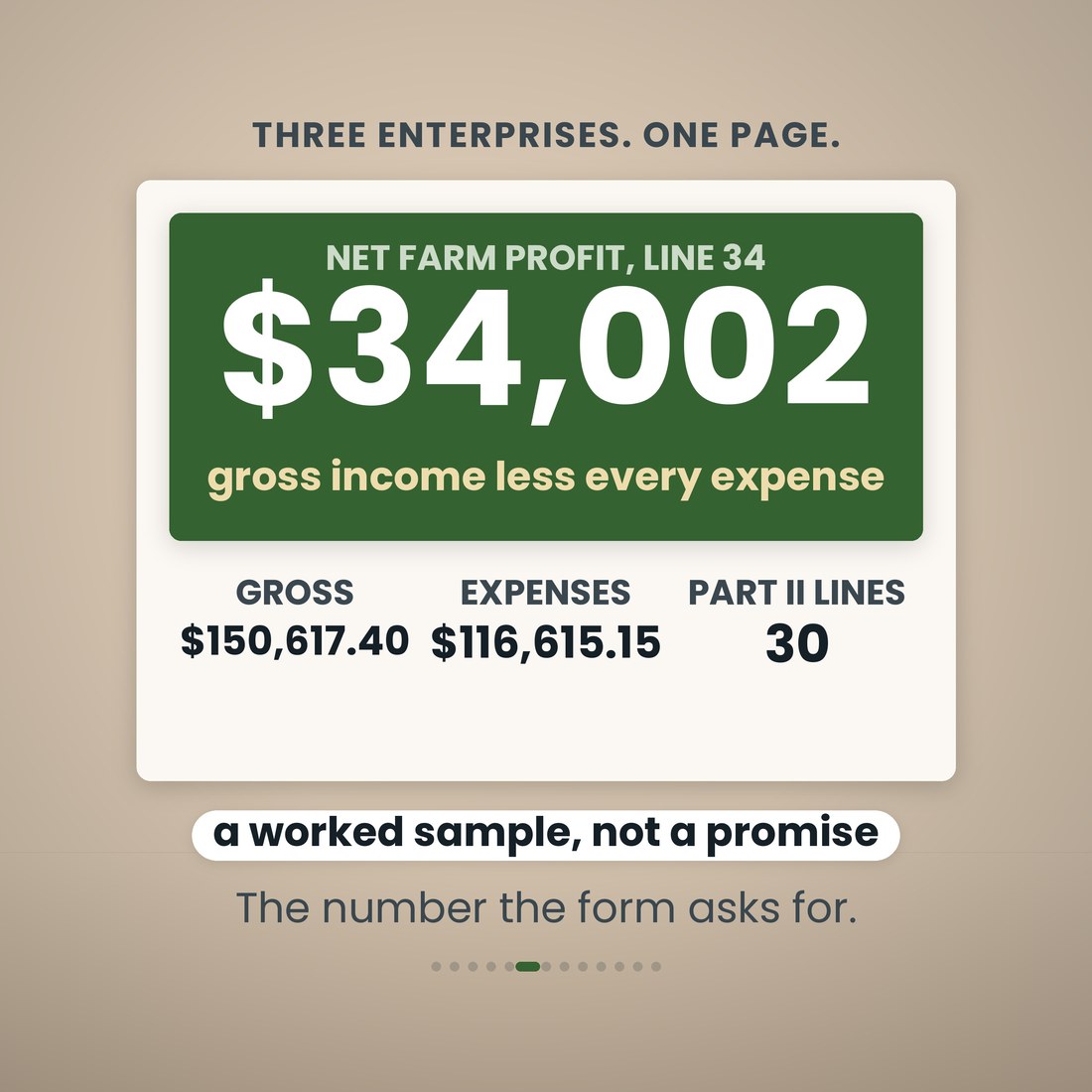
- Schedule F (Form 1040), lines 1a to 34, per enterprise and in total, with gross income on line 9, total expenses on line 33 and net farm profit or loss on line 34. Feed carries tons in, tons fed and what a head costs a day, and Mileage runs farm miles at the 2026 standard rate of $0.725
- Equipment: what you own, what it is worth and what it writes off, with the Pub. 225 recovery-period table built in — farm machinery and equipment placed in service new after 2017 is 5-year property, not 7 — and the tax year 2026 section 179 cap of $2,560,000 with its $4,090,000 phase-out threshold in editable cells
Overview
Every receipt on its Schedule F line, every animal on its record.
The receipts are still in the truck. Feed store tickets, the vet invoice, the twine, the fuel, and a sale barn slip for twelve steers you bought in March and sold in September. In January somebody has to decide which of those goes on which Schedule F line, and the honest answer is that nobody remembers. Then there is the half of the year that never made it onto paper at all: the cow treated in October that cannot ship until November, the calves you raised against the steers you bought, and which of your enterprises actually paid. This file puts every receipt on its numbered Schedule F line the day it happens, keeps every head on its own record, and does the date arithmetic you were doing on a wall calendar.
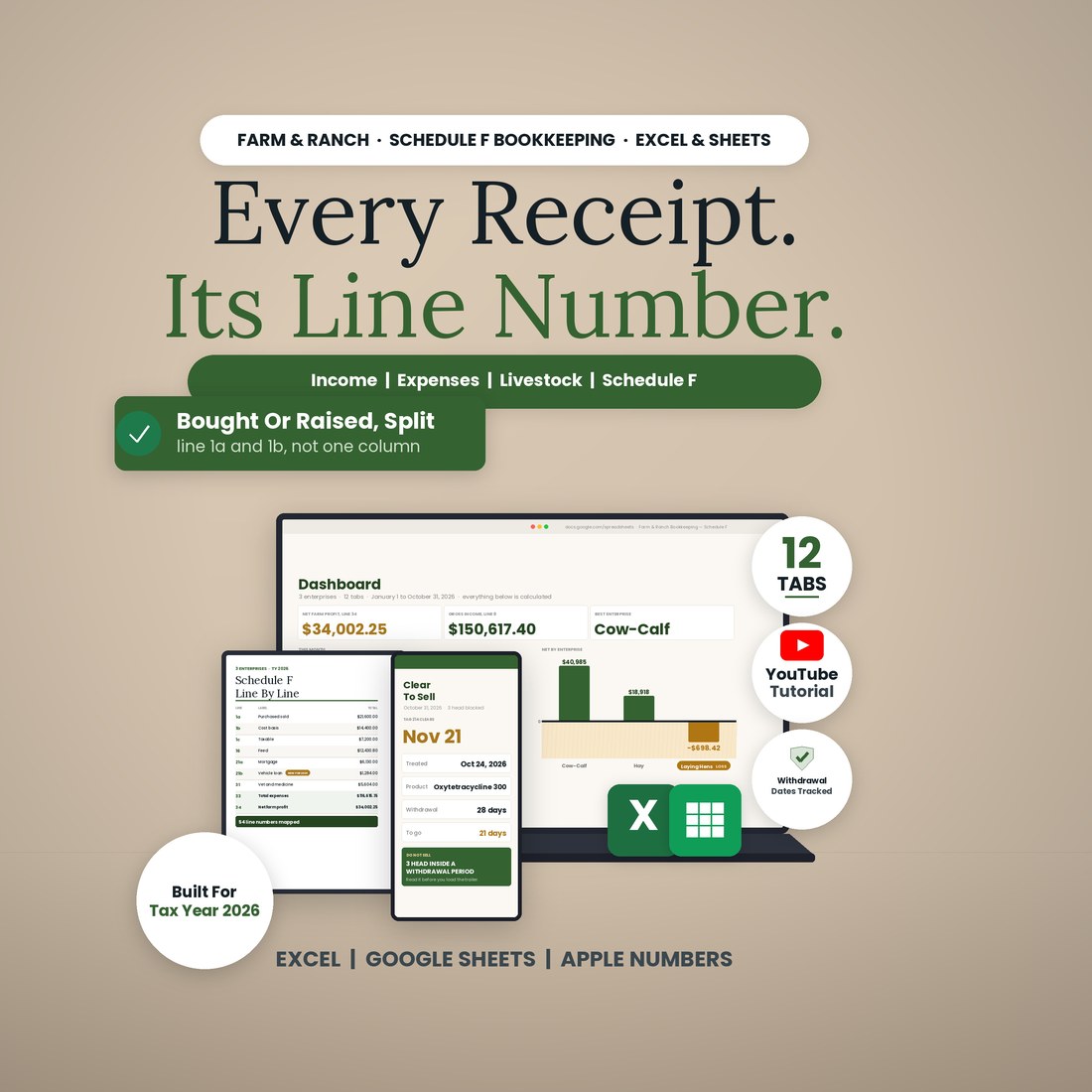
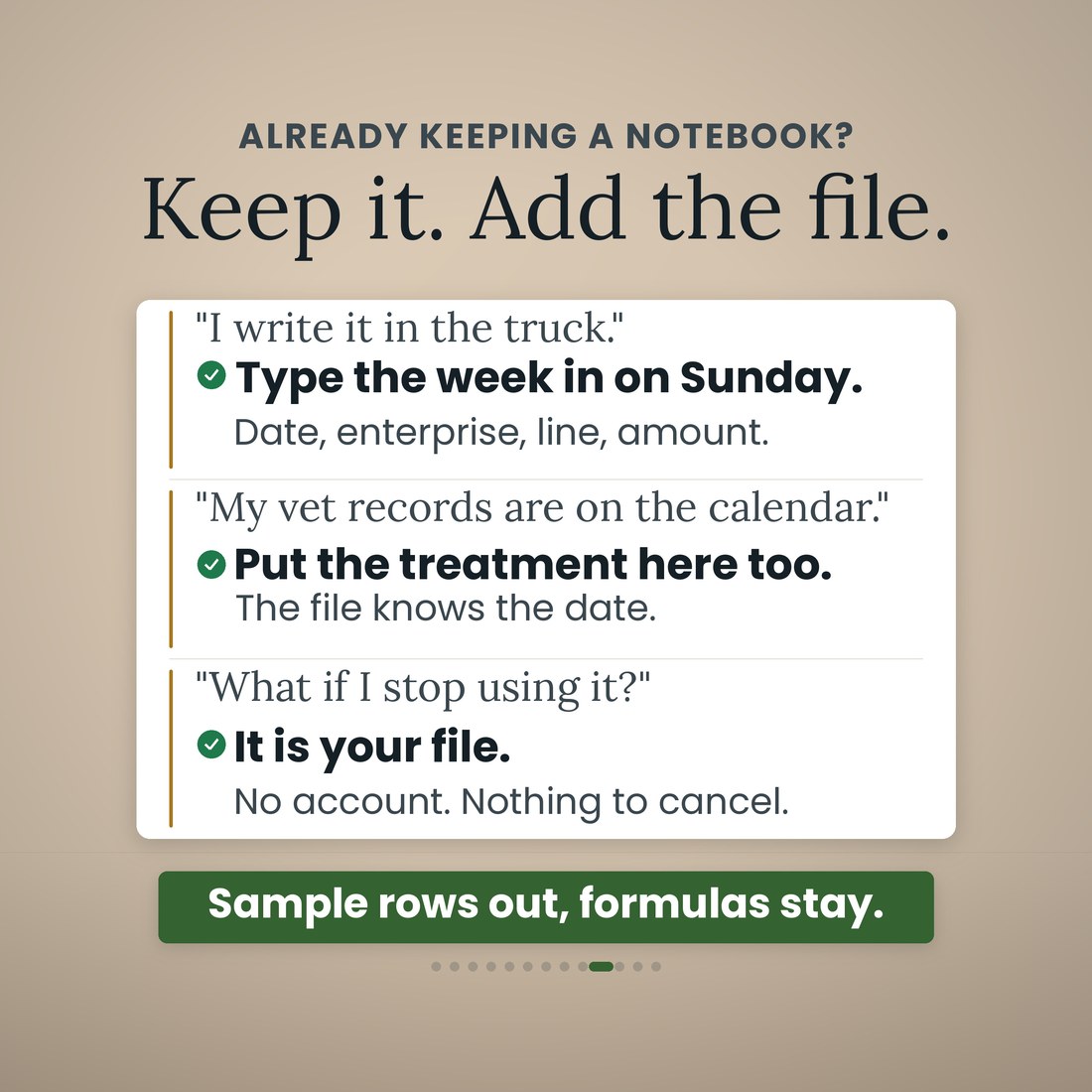
It is one workbook with 12 tabs and 7,657 formulas, and it opens the same way in Microsoft Excel, Google Sheets and Apple Numbers because every formula uses the portable function set — no add-ins, no macros, no login and nothing to install. You type in the cream cells only: your farm and your enterprises once, a row per sale, a row per receipt with its Schedule F line picked from a drop-down, a row per head, a treatment or a breeding when it happens, and your farm miles. The line totals, the cost basis on stock you bought, the clear-to-sell date, the cost per head per day on feed, the recovery period on equipment, the Schedule F page, the Dashboard and the Year View are all read, never typed. 54 Schedule F line numbers are mapped, 18 in Part I and 36 in Part II, with lettered sub-lines counted separately. A worked sample ships inside — Kestrel Draw Farm, a cow-calf, hay and egg operation in eastern Colorado, 62 cows on 140 acres with 220 laying hens, January 1 to October 31, 2026, 69 income rows, 143 receipts, 140 head, 40 treatments, 22 assets and 46 trips — so every tab has something to show. Clear the sample rows and the formulas stay.
What's Included
One workbook, 12 tabs, in four color editions:
- Farm-Ranch-Bookkeeping-Schedule-F.xlsx: the 12-tab workbook with 7,657 formulas, opening in Microsoft Excel, Google Sheets and Apple Numbers
- The same workbook in four color editions — Colorful, Light, Dark and Editorial — every one doing the same arithmetic
- A worked sample book inside: Kestrel Draw Farm, a cow-calf, hay and egg operation in eastern Colorado, ten months of 2026, 69 income rows, 143 receipts, 140 head, 40 treatments, 22 assets and 46 trips, so every tab works on open
- The Schedule F page laid out the way the form reads, lines 1a to 34 per enterprise and in total, ready to hand to your preparer
- A full narrated video walkthrough on YouTube, seven and a half minutes, every screen the real file, linked on your confirmation page
- Five .xlsx files in one ZIP, instant download. Nothing is shipped and there is nothing to install
Key Benefits
Why this one
A calf you raised is line 2 and the whole sale price is income. A steer you bought is line 1a, and what you paid for it is line 1b. In the worked sample, 12 feeder steers bought for $14,400.00 and sold for $21,600.00 report $7,200.00 on line 1c, not $21,600.00. Type Purchased in one cell on the Livestock tab and the file moves the sale and puts the cost basis where it belongs.
For tax year 2026 the IRS split Schedule F line 21 into 21a Mortgage, 21b Vehicle loan and 21c Other. The 2025 form carried only 21a and 21b, so 21b Vehicle loan is new this year and a category list built on last year's form puts the truck note on the wrong line. All 54 mapped line numbers here are the 2026 ones, and each one sits behind a drop-down.
Type the withdrawal days off the product label and the Breeding and Health tab does the date arithmetic. Treated October 24 with a 28-day product means clear to sell November 21, and the row reads DO NOT SELL until it is. Breeding works the same way, with gestation built in for cattle at 283 days, sheep at 147, goats at 150, hogs at 114 and horses at 340.
Every row carries an enterprise, so the year splits. In the sample book the cow-calf enterprise cleared $40,985.27 and the hay cleared $18,917.97, the laying hens lost $698.42, and general overhead that belongs to no one enterprise ran -$25,202.57. Those four add up to the $34,002.25 on line 34. That is not an argument for shutting the hens down. It is an argument for knowing.
The Equipment tab carries the Pub. 225 Table 7-1 recovery periods, so farm machinery and equipment placed in service new after 2017 sits at 5-year property rather than 7. The tax year 2026 section 179 cap of $2,560,000 and its $4,090,000 phase-out threshold are typed cells you can check and change. What the file will not do is compute MACRS tables, the mid-quarter convention or state depreciation, and it says so.
Microsoft Excel, Google Sheets and Apple Numbers. Every formula uses the portable function set, and the file was recalculated in LibreOffice and checked independently before shipping — 5,810 checks, no failures. No add-ins, no macros, no login, nothing to connect and nothing to subscribe to.
Who It's For
Built for
- Cow-calf, stocker and small ranch operators who keep their own books and hand a preparer a clean Schedule F
- Hay, row crop and mixed operations that want to know which enterprise paid for the year rather than which one felt busiest
- Homesteaders and hobby farms with laying hens, a few head and a feed bill, who are tired of one column called Expenses
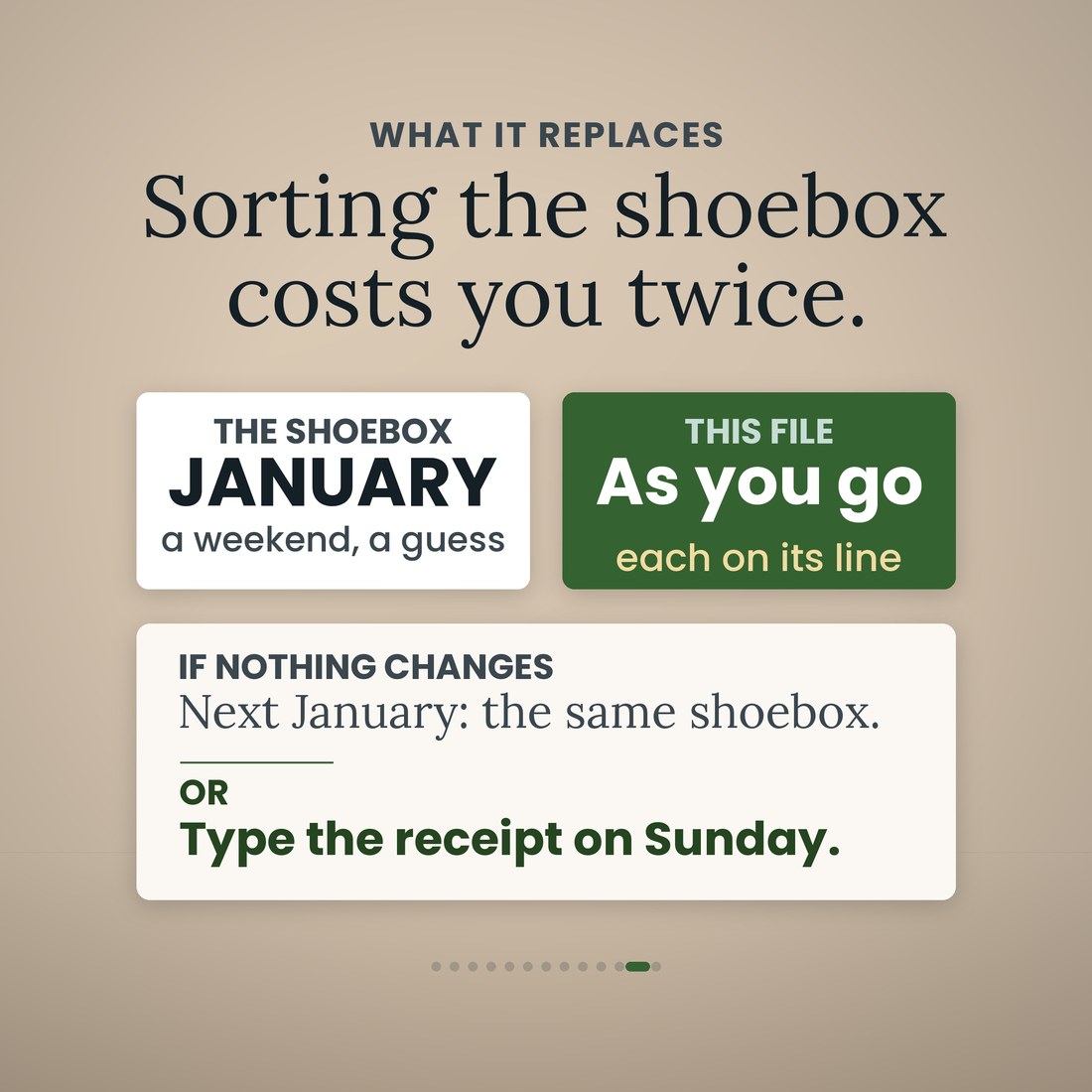
- Anyone who has carried a year of feed store tickets into January in a shoebox and lost a weekend to sorting them
How It Works
Up and running in minutes
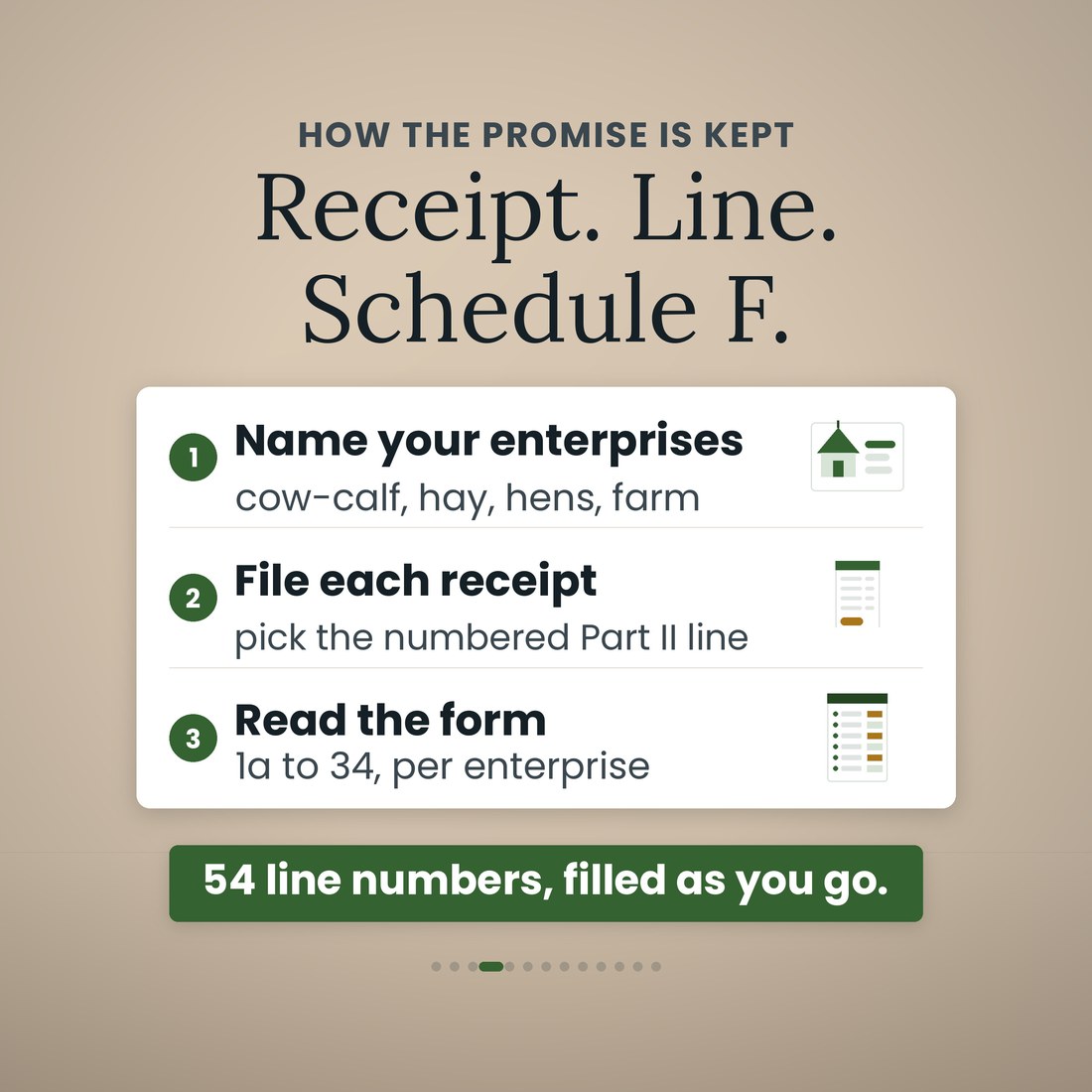
Your operation, and the enterprises you run — cow-calf, hay, hens, whatever they are — plus the mileage rate and the rules the file works to. Once.
One row per sale on the Income tab, on the Part I line it belongs to. Stock you bought carries what you paid, so the file nets the basis onto lines 1a, 1b and 1c instead of putting the whole check on line 2.
One row per receipt on the Expenses tab with the Schedule F Part II line picked from a drop-down, and farm miles in the mileage log at the 2026 standard rate of $0.725.
A row per head on Livestock, and a row per treatment or breeding on Breeding and Health. Type the withdrawal days off the label and the clear-to-sell date is worked out for you, with the row reading DO NOT SELL until then.
This month, this year, and which enterprise paid, then lines 1a to 34 with gross income on line 9, total expenses on line 33 and net farm profit or loss on line 34. Hand it to your preparer.
Why It's Different
Not another template
Most farm spreadsheets say Schedule F somewhere in the description and then hand you one column called Expenses. This one is built on the form. 54 line numbers are mapped, 18 in Part I and 36 in Part II with lettered sub-lines counted separately, and you pick the line from a drop-down as you file the receipt, so January is reading a page instead of sorting a shoebox. It is built for tax year 2026 rather than last year's form: line 21 splits three ways here, 21a Mortgage, 21b Vehicle loan and 21c Other, and since the 2025 form carried only 21a and 21b, a category list built on it puts your truck note on the wrong line. It also does the two things a general bookkeeping template cannot. Bought stock and raised stock land on different lines with the cost basis handled, so 12 feeder steers bought for $14,400.00 and sold for $21,600.00 report $7,200.00 on line 1c rather than $21,600.00, while a calf you raised is line 2 at the full sale price. And the animal records live in the same file as the money: type the withdrawal days off the product label and the row works out that an animal treated October 24 with a 28-day product is clear to sell November 21, reading DO NOT SELL until then, with gestation built in for cattle, sheep, goats, hogs and horses. Every row carries an enterprise, so the year tells you which one paid: on the sample, cow-calf $40,985.27, hay $18,917.97, laying hens -$698.42 and general overhead -$25,202.57, adding up to the $34,002.25 on line 34. It is honest about its limits too. It does not file a return or compute your tax, it does not decide whether your farm is a business or a hobby, it does not apply the excess farm loss, at-risk or passive-activity rules, and it does not compute MACRS tables, the mid-quarter convention or state depreciation. It does not replace the product label either: withdrawal days come from the bottle in your hand, and the file does the arithmetic on what you type.
Delivery & Compatibility
Instant, and it opens in what you already use
As soon as your order is complete you get instant access to download the ZIP, so you can name your enterprises tonight and file this week's feed store tickets on their lines.
Five .xlsx workbooks (Farm-Ranch-Bookkeeping-Schedule-F.xlsx plus the Colorful, Light, Dark and Editorial editions) delivered as one ZIP, instant download. Opens in Microsoft Excel, Google Sheets and Apple Numbers using the portable function set only — no add-ins, no macros, no login and nothing to install. The file ships with a worked sample book so every screen works on open; the images and video show that sample. It is built on the tax year 2026 Schedule F, and the 2026 standard mileage rate of $0.725, the section 179 cap of $2,560,000 with its $4,090,000 phase-out threshold, the Pub. 225 recovery-period table and the gestation table all sit in editable cells for you to check and maintain. Withdrawal days come from the product label in your hand; the file does the date arithmetic on what you type. This is a digital download; nothing is shipped.
FAQ
Questions, answered
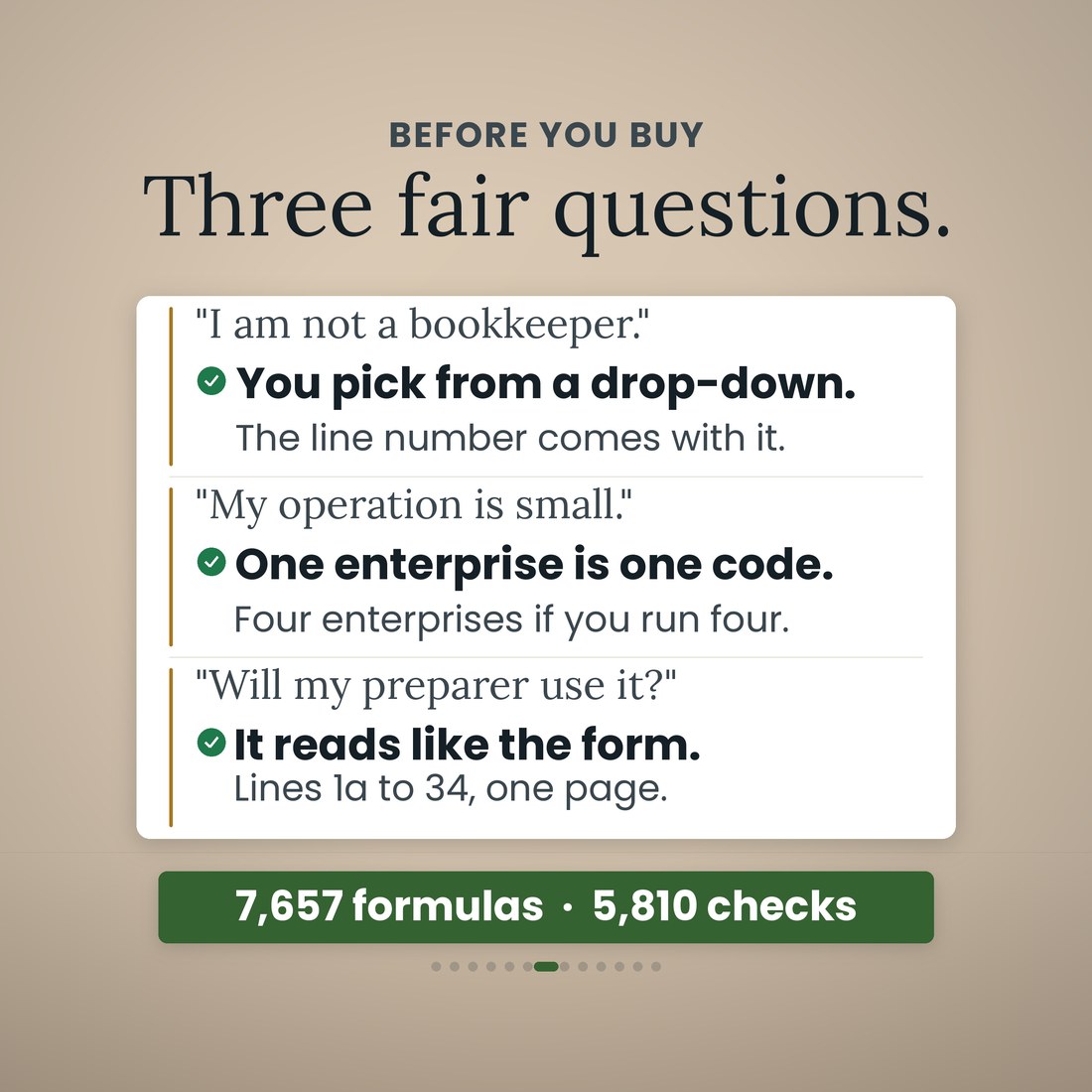
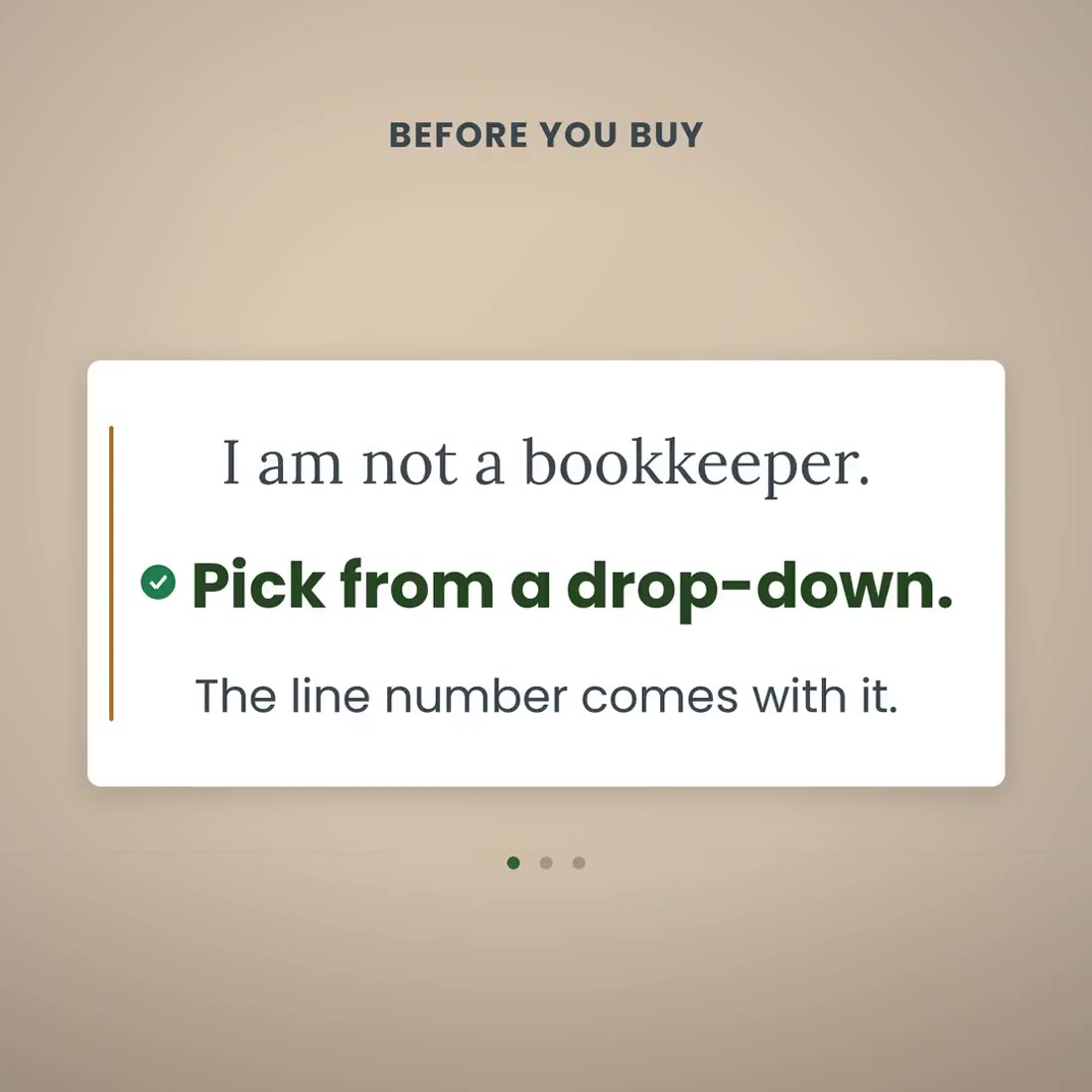
I am not a bookkeeper. Is this going to be too much?
You type in the cream cells and read the rest. A sale is a row, a receipt is a row with its line picked from a drop-down, and a treatment is a row. The line totals, the cost basis, the clear-to-sell date and the Schedule F page are all worked out. Start Here is three steps and one rule.
My operation is small. Is it worth it?
The worked sample runs 62 cows on 140 acres with 220 laying hens, and the file works the same way on something smaller. A small place is where one column called Expenses hurts most, because the feed, the vet, the fuel and the twine all belong on different Schedule F lines.
Will my tax preparer use it?
It reads like the form. Schedule F (Form 1040), lines 1a to 34, per enterprise and in total, with gross income on line 9, total expenses on line 33 and net farm profit or loss on line 34. Your preparer signs the return; the file does the arithmetic and keeps the receipts on the right lines.
What are the twelve tabs?
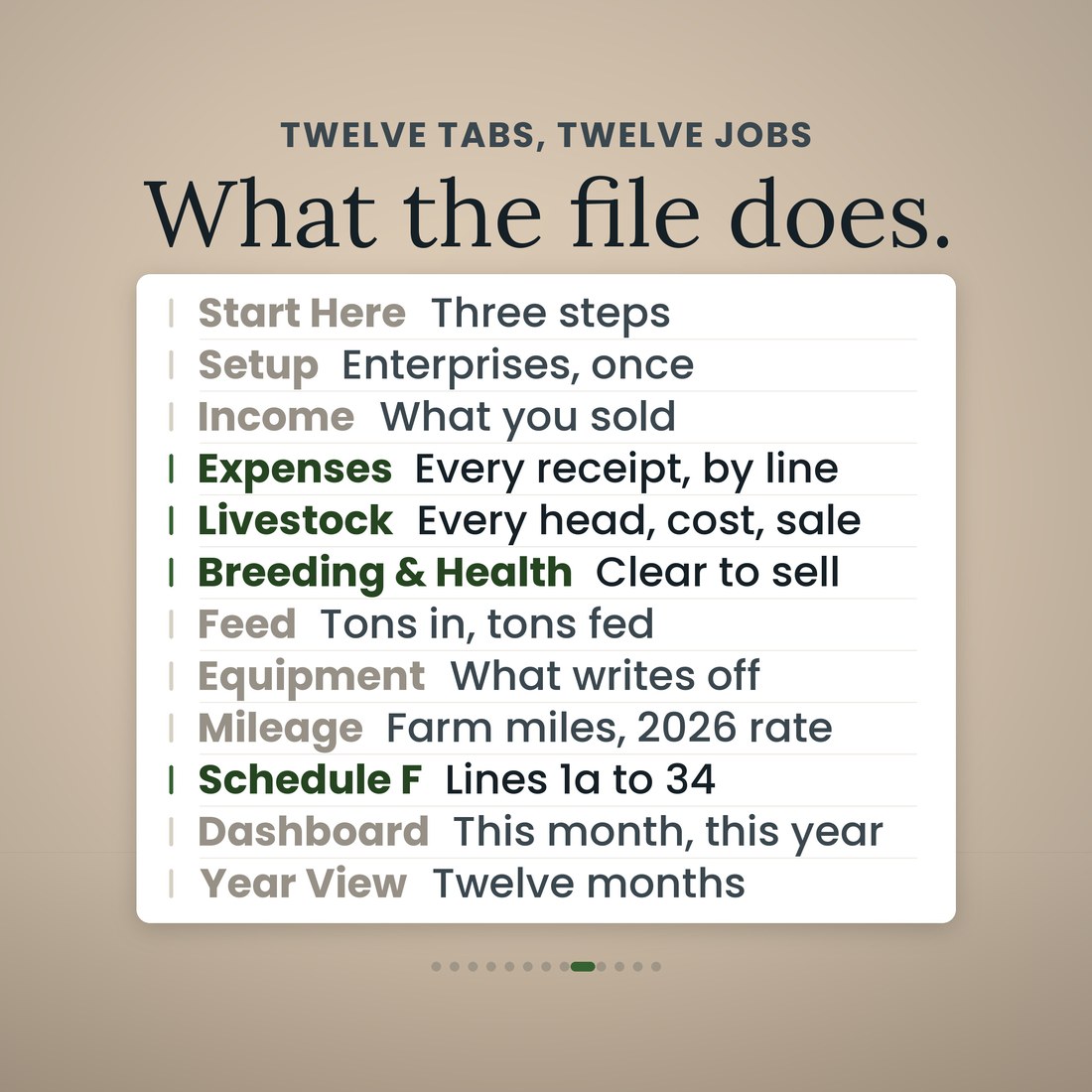
Start Here; Setup; Income; Expenses; Livestock; Breeding and Health; Feed; Equipment; Mileage; Schedule F; Dashboard; and Year View. Each does one job.
Why does the 2026 form matter?
For tax year 2026 the IRS split Schedule F line 21 three ways: 21a Mortgage, 21b Vehicle loan and 21c Other. The 2025 form carried only 21a and 21b, so 21b Vehicle loan is new this year and a list built on last year's form puts your truck note on the wrong line. All 54 mapped line numbers here are the 2026 ones.
How does it handle stock I bought instead of raised?
Type Purchased in one cell on the Livestock tab. The sale goes to line 1a, what you paid goes to line 1b, and line 1c carries the difference. In the sample, 12 feeder steers bought for $14,400.00 and sold for $21,600.00 report $7,200.00, not $21,600.00. Stock you raised stays on line 2 at the full sale price.
How do the withdrawal dates work?
You type the withdrawal days off the product label and the Breeding and Health tab does the date arithmetic. Treated October 24 with a 28-day product means clear to sell November 21, and the row reads DO NOT SELL until then. Breeding dates work the same way, with gestation for cattle at 283 days, sheep at 147, goats at 150, hogs at 114 and horses at 340. It does not replace the label.
What is the difference between the four color editions?
Only the look. Colorful, Light, Dark and Editorial are the same 12-tab workbook with the same formulas in a different palette, and all four ship in the download.
Is this tax advice?
No. It is a record-keeping tool that organizes your sales, receipts and animal records by Schedule F line from what you enter; it is not tax, legal, accounting or veterinary advice. It does not file a return or compute your tax and it does not decide whether your farm is a business or a hobby. The excess farm loss, at-risk and passive-activity rules, MACRS tables, the mid-quarter convention and state depreciation are your preparer's call.
For personal use. A record-keeping tool that organizes the sales, receipts and animal records you enter by Schedule F line; not tax, legal, accounting or veterinary advice. It does not file a return or compute your tax, and it does not decide whether your farm is a business or a hobby. The excess farm loss, at-risk and passive-activity rules, MACRS tables, the mid-quarter convention and state depreciation are your preparer's call. Withdrawal days come from the product label, not from this file. Your preparer signs the return. © 2026 NicheToolkitHub — no resale or redistribution.