
 ▶
▶





 ▶
▶Truck Maintenance & DOT Expiry Log
Red thirty days before it lapses.
The med card, the annual inspection, the IFTA return and the 2290 all come due in the same few weeks every fall, the dates are in the glovebox, and the first you hear of a lapse is a roadside inspection or a downgraded CDL. This file is one board. Type the issue date once, the board adds the cycle from the rule and counts down, amber sixty days out and red at thirty, so nothing lapses and nothing surprises you.
- Expiry Board, one row per document or date: type the issue date and it adds the cycle, or type the expiry straight off the card; days left, RED, AMBER, OK or EXPIRED in date order, a renew-by date and the cost
- Filing Calendar with the year's company filings dated by rule: IFTA quarterly returns, Form 2290, the MCS-150 update worked out from your USDOT number, IRP renewal in your base-state month, UCR and next year's IFTA license, each with a Filed-on box
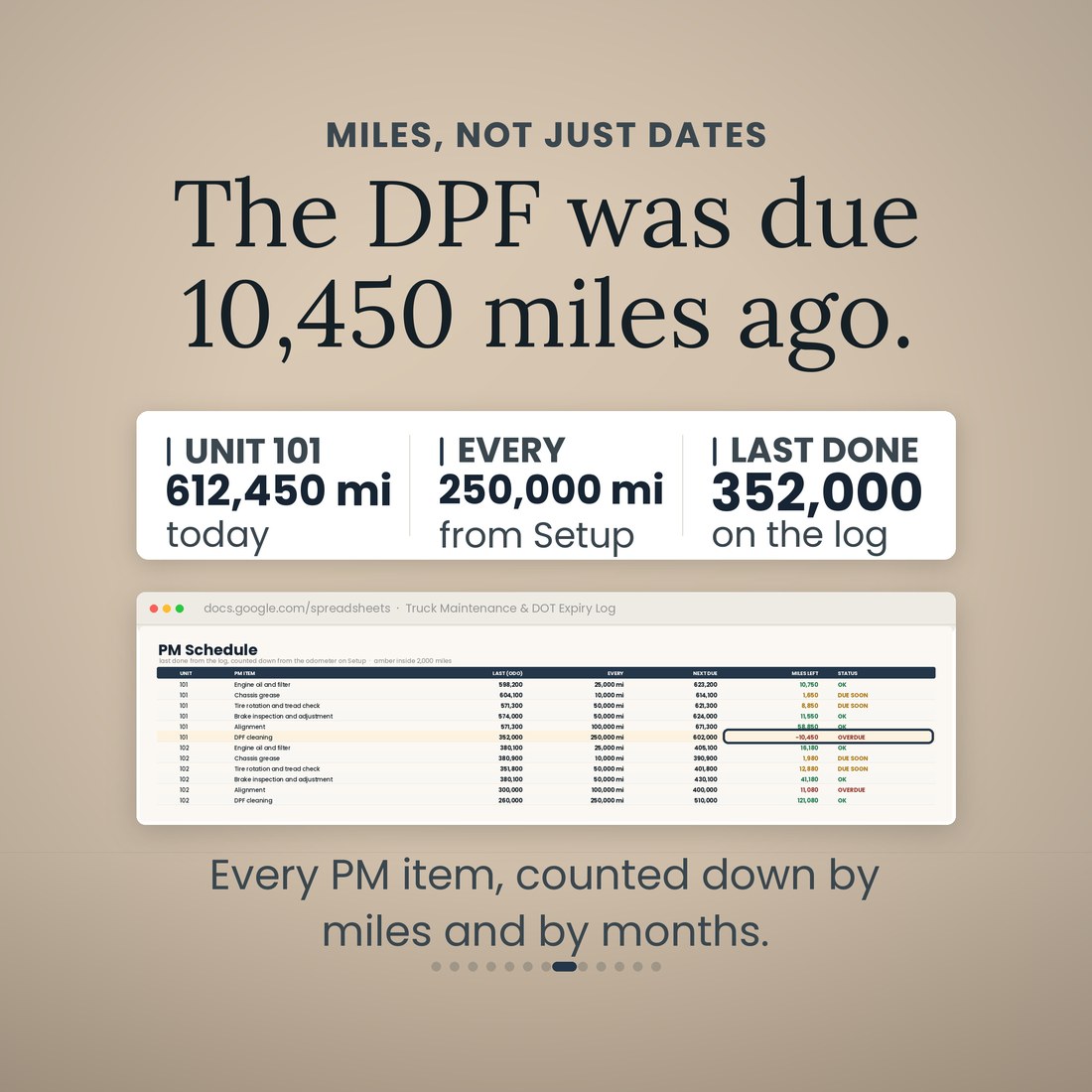
- PM Schedule crosses every unit with every PM item: last done from the log, next due by miles and by months, miles left, days left, OVERDUE, DUE SOON or OK; trailers run on months only
- Maintenance Log, one row per service, repair or roadside call: odometer, PM item from a drop-down, parts, labor, total, downtime days and invoice, with cost per mile per row
- DVIR & Defects, one row per driver write-up: safety-critical, out of service, repaired on, days open and repair cost, so a defect goes from found to fixed on the record
Overview
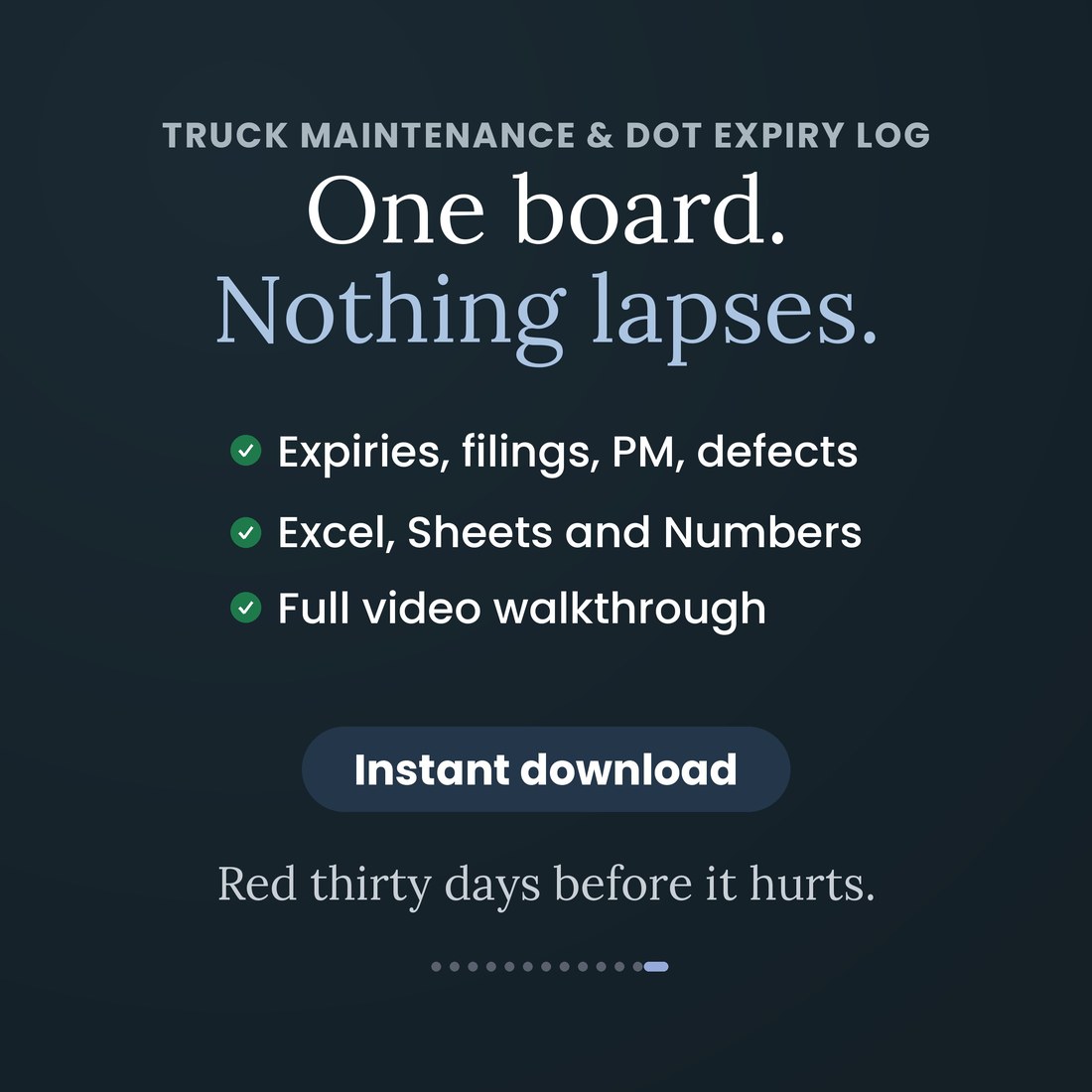
Red thirty days before it lapses.
The med card, the annual inspection, the IFTA return and the 2290 all come due in the same few weeks every fall, the dates are in the glovebox, and the first you hear of a lapse is a roadside inspection or a downgraded CDL. This file is one board. Type the issue date once, the board adds the cycle from the rule and counts down, amber sixty days out and red at thirty, so nothing lapses and nothing surprises you.
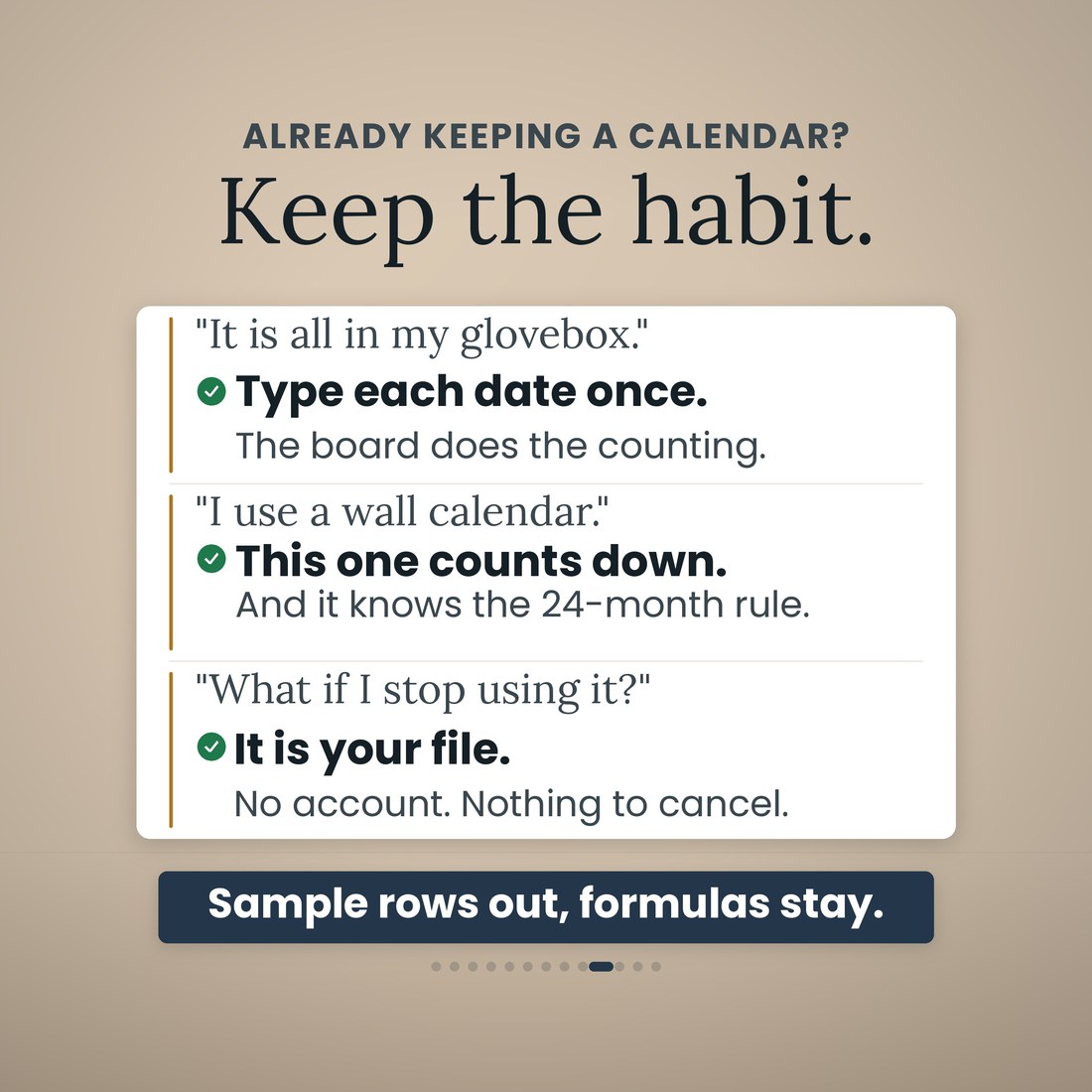
It is one workbook with 9 tabs and 3,992 formulas, and it opens the same way in Microsoft Excel, Google Sheets and Apple Numbers because every formula uses the portable function set — no add-ins, no macros, no login and nothing to install. No subscription and no per-truck monthly fee either. You type in the cream cells only: your trucks, drivers and rules once, each date as it is issued, and each service as it happens. The Expiry Board, the Filing Calendar, the PM Schedule and the Dashboard are all read, never typed. One truck is one row; the file holds eight units and eight drivers if you grow, twenty compliance items across driver, unit and company, the company filings for the year, 120 rows on the board, 250 on the Maintenance Log and 120 driver write-ups. A worked sample ships inside — two tractors, one trailer, two drivers, January to August 2026 — so every tab has something to show. Clear the sample rows and the formulas stay.
What's Included
One workbook, 9 tabs, in four color editions:
- Truck-Maintenance-DOT-Expiry-Log.xlsx: the 9-tab workbook with 3,992 formulas, opening in Microsoft Excel, Google Sheets and Apple Numbers
- The same workbook in four color editions — Colorful, Light, Dark and Editorial — every one doing the same arithmetic
- Twenty compliance items pre-loaded on Setup with their cycle, lead time and the 49 CFR rule each comes from, all editable
- A worked sample book inside: two tractors, one trailer, two drivers, eight months, so every tab works on open
- A full narrated video walkthrough on YouTube, linked on your confirmation page
- Five .xlsx files in one ZIP, instant download. Nothing is shipped and there is nothing to install
Key Benefits
Why this one
Type the issue date and the board adds the cycle from the rule: a medical certificate runs 24 months under 49 CFR 391.45, the annual inspection 12 months under 396.17, and the MCS-150 month and year are worked out from your USDOT number under 390.19. Every cycle is editable on Setup.
Two windows on Setup, and every date on the board is colored by them, in date order, with the count of red and amber and the soonest item at the bottom. On the sample, a medical certificate sits 23 days out in red and the Form 2290 is due in 5.
The PM Schedule counts every item down by miles and by months from the last entry on the log. On the sample, the DPF cleaning on unit 101 was due 10,450 miles ago — the kind of thing a wall calendar cannot tell you.
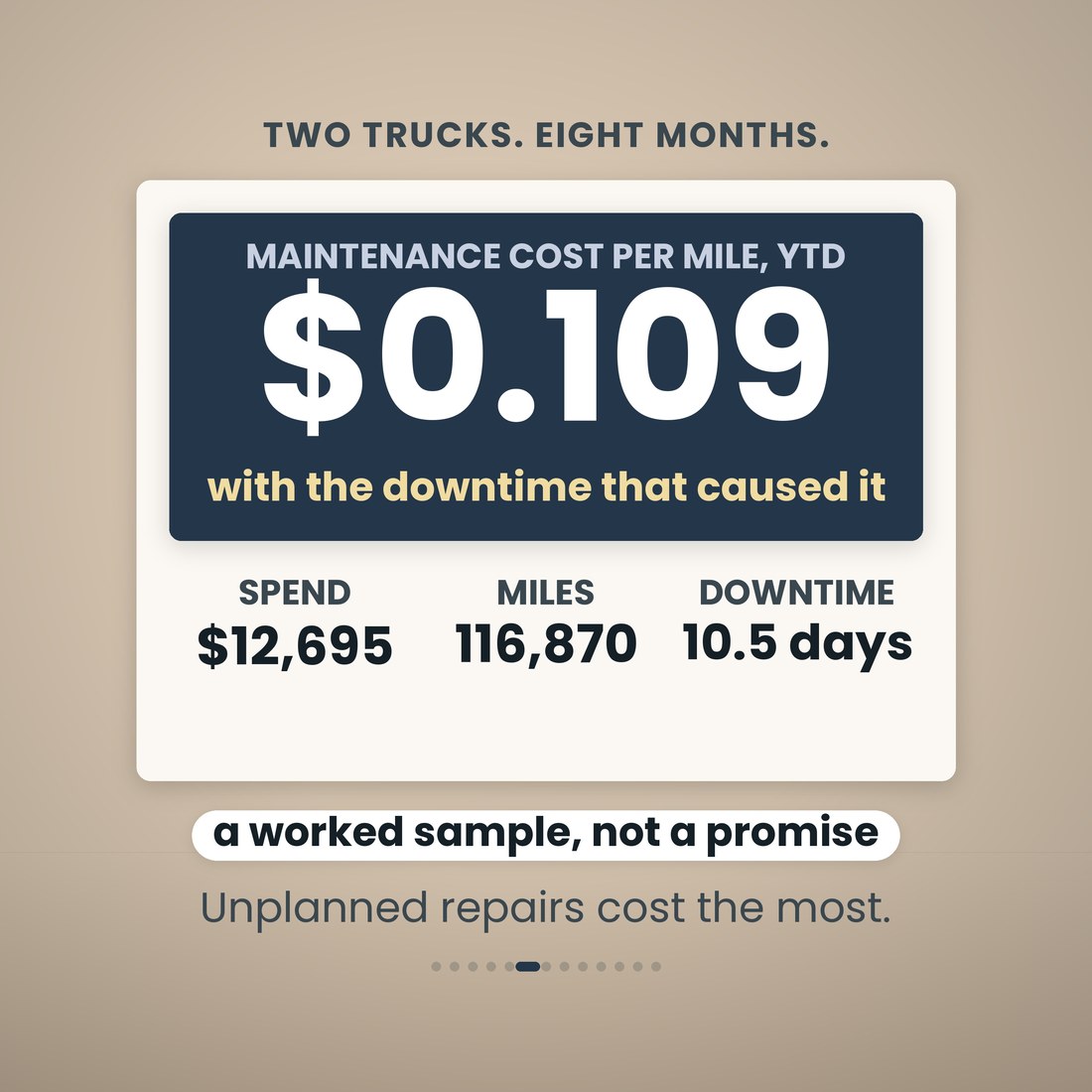
Parts, labor, downtime and invoice per row, and the Dashboard turns them into spend, cost per mile, downtime and preventive versus unplanned, fleet-wide and by unit. The sample runs $12,695 over 116,870 miles: $0.109 a mile and 10.5 days down.
DVIR & Defects holds one row per driver write-up with safety-critical, out of service, repaired on, days open and the repair cost, so an open defect is a number on the Dashboard rather than a note in a cab.
No subscription, no per-truck monthly fee, nothing to sync. Microsoft Excel, Google Sheets and Apple Numbers, with the portable function set only, no add-ins, no macros, no login.
Who It's For
Built for
- Owner-operators with their own authority who keep the DQ file, the inspection stickers and the 2290 straight themselves
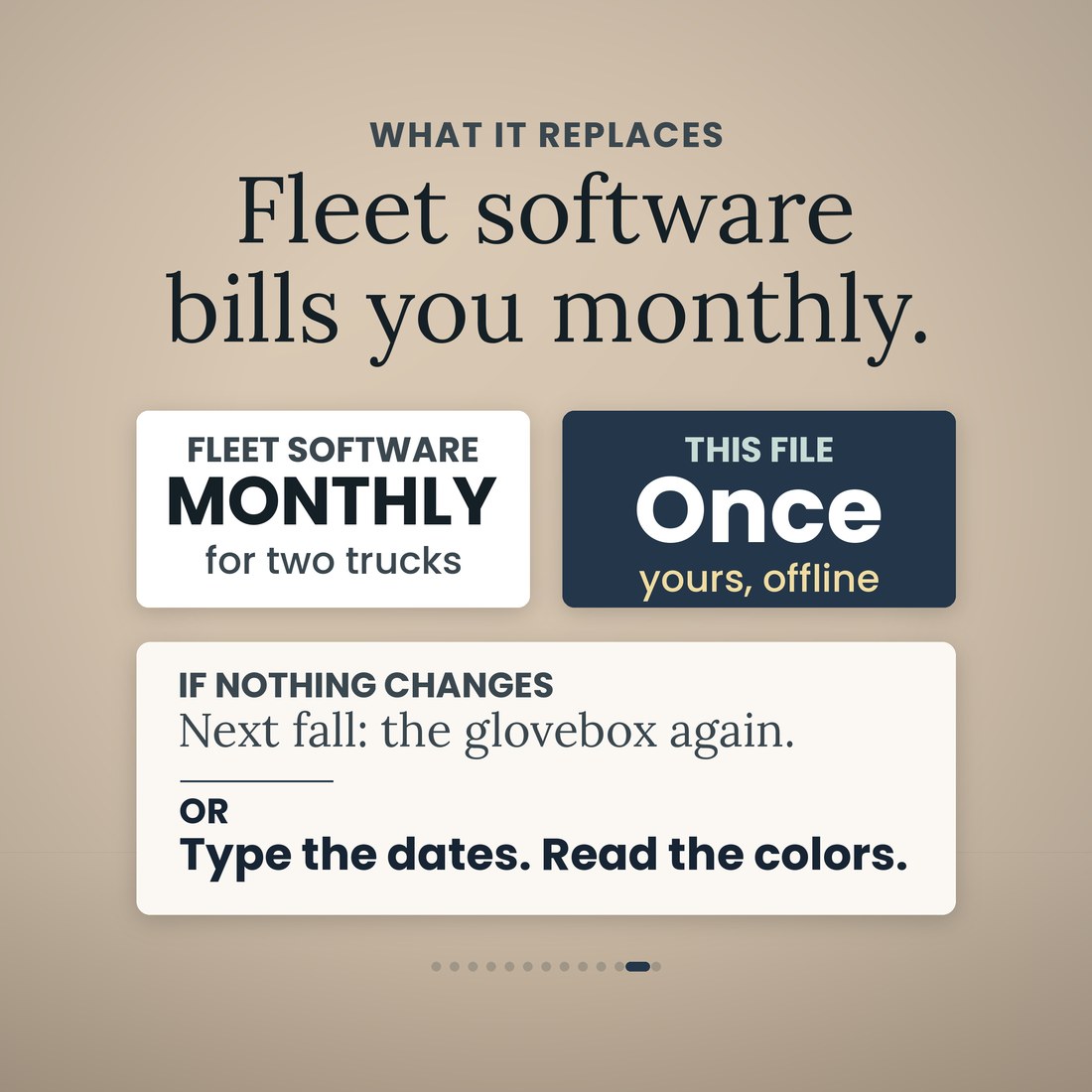
- Small fleets of one to eight trucks that are tired of paying fleet software by the month for a list of dates
- The person in the office who is asked, every fall, which one lapses first
- Anyone who wants the record on their own laptop, offline, with nothing to cancel
How It Works
Up and running in minutes
Company, USDOT number and base state; the amber and red windows; units with today's odometer; drivers; the twenty compliance items and the PM items by miles and months. Once.
One row per document on the Expiry Board. Type the issue date and the board adds the cycle, or type the expiry straight off the card.
One row per service, repair or roadside call on the Maintenance Log: odometer, PM item, parts, labor, downtime, invoice.
Red, amber and OK on the board in date order, OVERDUE and DUE SOON on the PM Schedule, and the Filing Calendar with a Filed-on box for each.
What turns red next, the next ten dates, maintenance spend, cost per mile, downtime, open defects, and the same by unit.
Why It's Different
Not another template
Most maintenance logs are a list of services, and most compliance trackers are a list of expiry dates you typed in yourself. This one knows the rules. Type the issue date and the board adds the cycle from the regulation it comes from; the MCS-150 due month and year are worked out from the digits of your USDOT number; the Filing Calendar dates the IFTA returns, the 2290, IRP, UCR and next year's IFTA license by rule rather than by memory. It also counts preventive maintenance the way trucks actually wear, by miles and by months at once, and it turns the log into cost per mile and downtime per unit. It is a record-keeping tool and it says so: the cycles shipped are the federal ones as of August 2026, your state, insurer or lease can be stricter, and the regulation is the rule, not the spreadsheet.
Delivery & Compatibility
Instant, and it opens in what you already use
As soon as your order is complete you get instant access to download the ZIP, so you can type the glovebox dates in tonight and see what turns red first.
Five .xlsx workbooks (the log plus Colorful, Light, Dark and Editorial editions) delivered as one ZIP, instant download. Opens in Microsoft Excel, Google Sheets and Apple Numbers using the portable function set only — no add-ins, no macros, no login and nothing to install. The file ships with a worked sample book so every screen works on open; the images and video show that sample. The compliance cycles shipped are the federal ones as of August 2026 and every one is editable on Setup. This is a digital download; nothing is shipped.
FAQ
Questions, answered
I only run one truck. Is this too much?
One truck is one row. The file holds eight units and eight drivers if you grow, twenty compliance items across driver, unit and company, and the company filings for the year. With one truck you fill one unit row and one driver row, and type the dates off your own cards.
I am not a spreadsheet person. How much do I have to type?
You type in the cream cells only: your trucks, drivers and rules once, each date as it is issued, and each service as it happens. Every other cell is a formula, 3,992 of them. The Expiry Board, the Filing Calendar, the PM Schedule and the Dashboard are all read, never typed.
Will it open on my laptop?
Yes. Microsoft Excel, Google Sheets and Apple Numbers, with no add-ins, no macros, no login and nothing to install. Every formula uses the portable function set, and the file was recalculated clean before shipping. No subscription, no per-truck monthly fee, and nothing to sync.
What are the nine tabs?
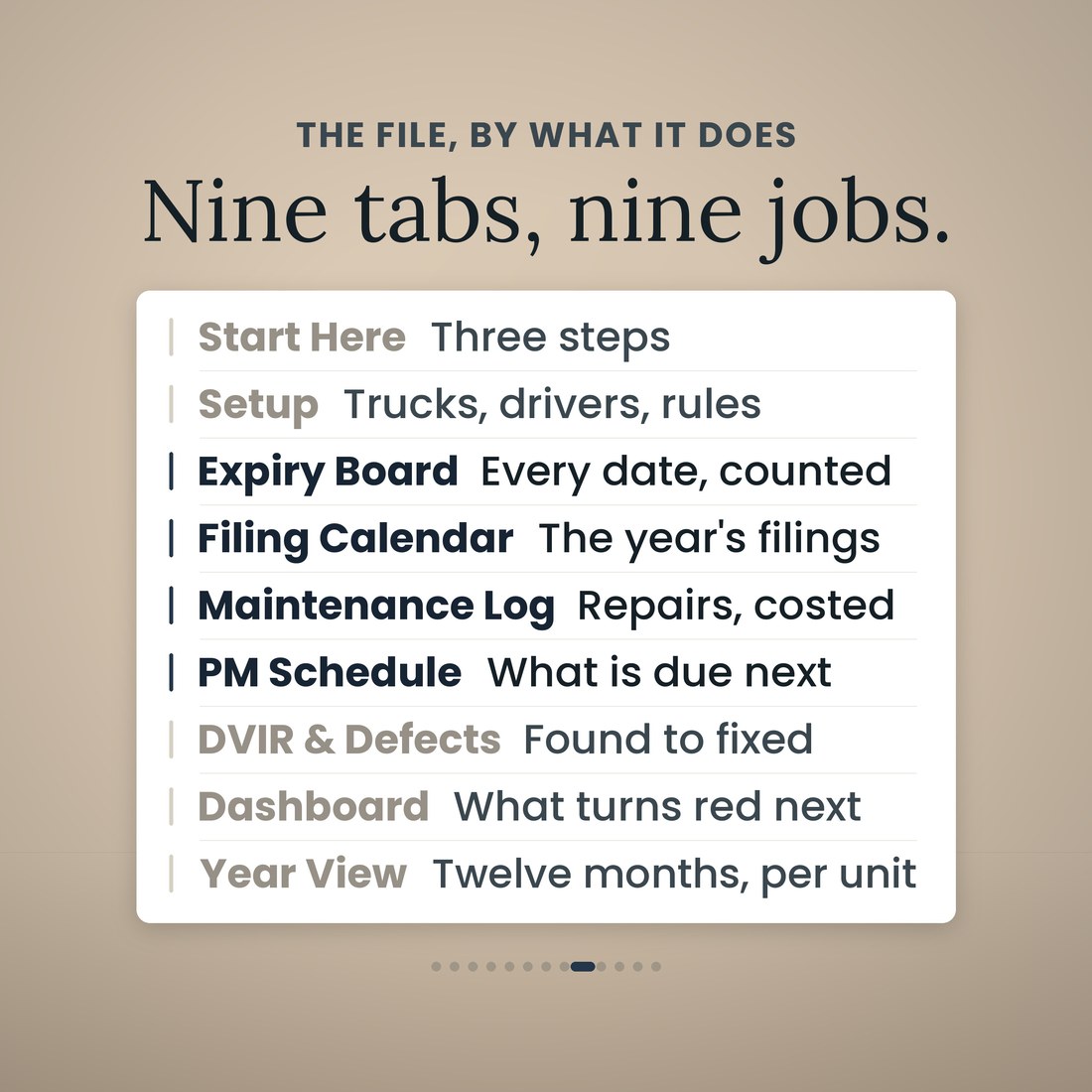
Start Here; Setup; Expiry Board; Filing Calendar; Maintenance Log; PM Schedule; DVIR and Defects; Dashboard; and Year View. Each does one job.
Which dates does it track?
Twenty compliance items ship on Setup across driver, unit and company: the medical examiner's certificate, CDL, the annual MVR review, the Clearinghouse annual query, the annual inspection, the fire extinguisher inspection, the IRP cab card, Form 2290, UCR, the MCS-150 update, the IFTA license and quarterly return, the insurance filings and the rest, each with its cycle, lead time and the rule it comes from, and every one editable. The Filing Calendar adds the year's company filings: IFTA quarterly returns, Form 2290, the MCS-150 update, IRP renewal, UCR and next year's IFTA license.
How does the MCS-150 date work?
The biennial update month comes from the last digit of your USDOT number (1 is January through 9 for September, 0 for October) and the year from the next-to-last digit: odd digit, odd-numbered years; even digit, even-numbered years (49 CFR 390.19). Setup works both out from the number you type and the Filing Calendar dates it. On the sample, USDOT 3412689 is due September 30, 2026.
Does the PM schedule work by miles or by months?
Both at once. Every unit is crossed with every PM item, the last service is read from the Maintenance Log, and the next is due by miles and by months, with miles left, days left and OVERDUE, DUE SOON or OK. Trailers run on months only. The warning window, 2,000 miles by default, is yours to change on Setup.
What is the difference between the four color editions?
Only the look. Colorful, Light, Dark and Editorial are the same 9-tab workbook with the same formulas in a different palette, and all four ship in the download.
Is this compliance advice?
No. It is a record-keeping tool that counts down the dates and services you enter against the cycles you set; it is not legal or compliance advice. The cycles shipped are the federal ones as of August 2026 (49 CFR 391.45, 391.25, 382.701, 396.17, 390.19; IRC 4481; the IFTA Agreement); your state, insurer or lease can be stricter, and the regulation is the rule, not the spreadsheet.
For personal and internal business use. A record-keeping tool that counts down the dates and services you enter against the cycles you set; not legal or compliance advice. The regulation is the rule, not the spreadsheet. © 2026 NicheToolkitHub — no resale or redistribution.