 ▶
▶
 ▶
▶Annual Budget Command Center 2027
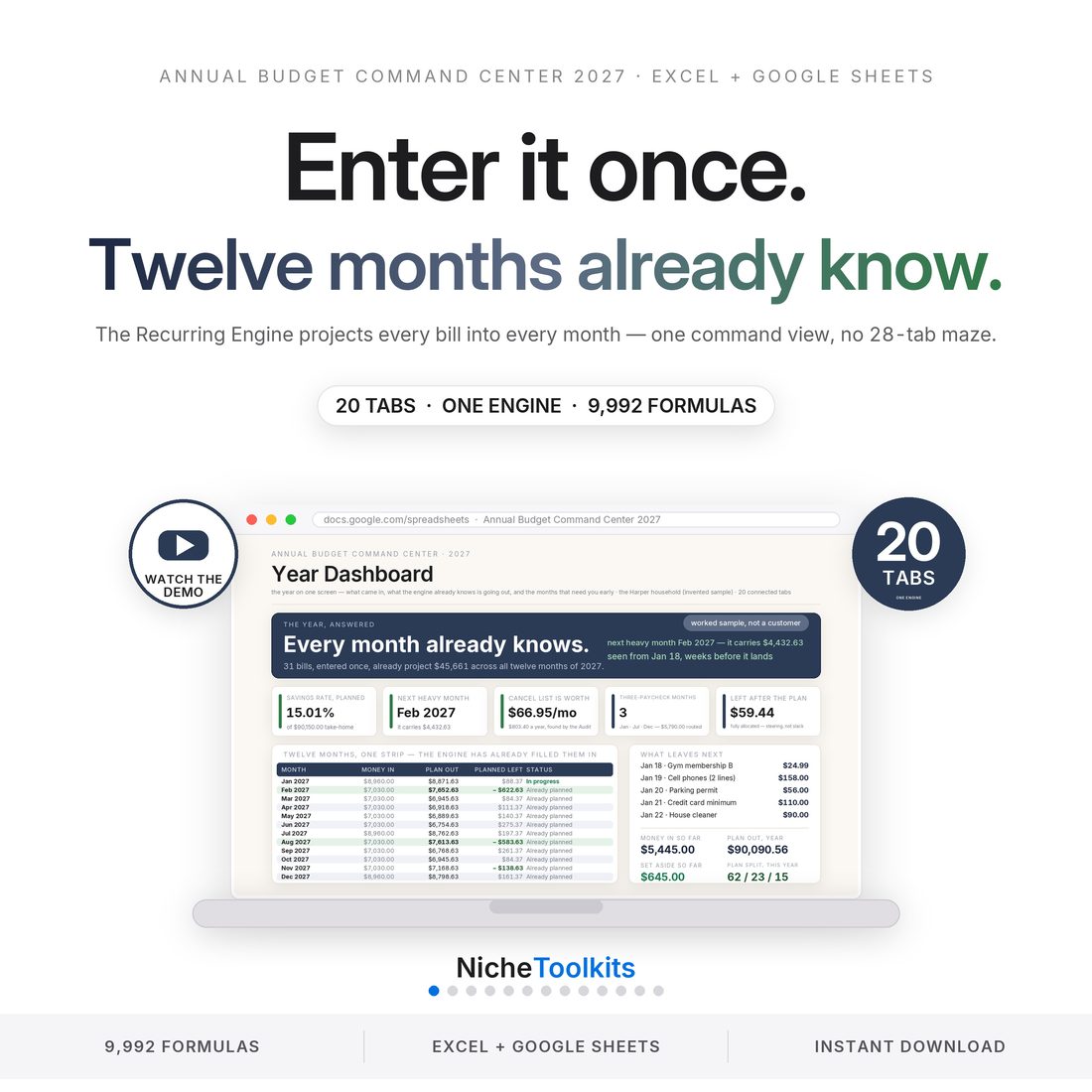
Enter it once. All twelve months already know.
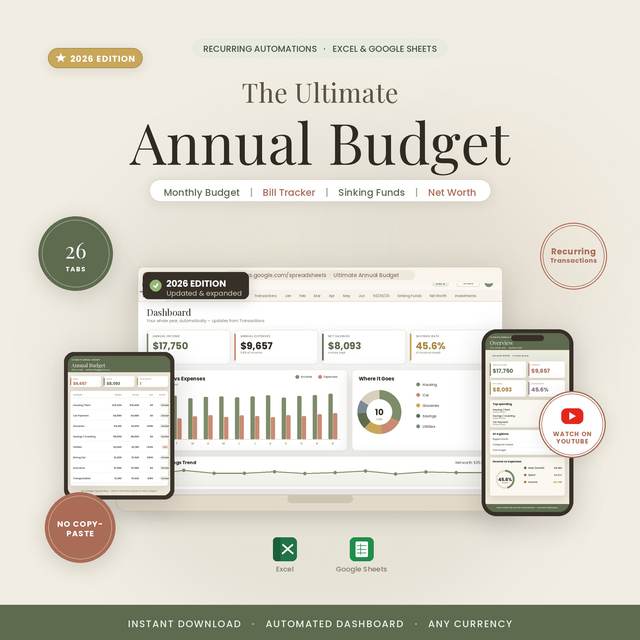
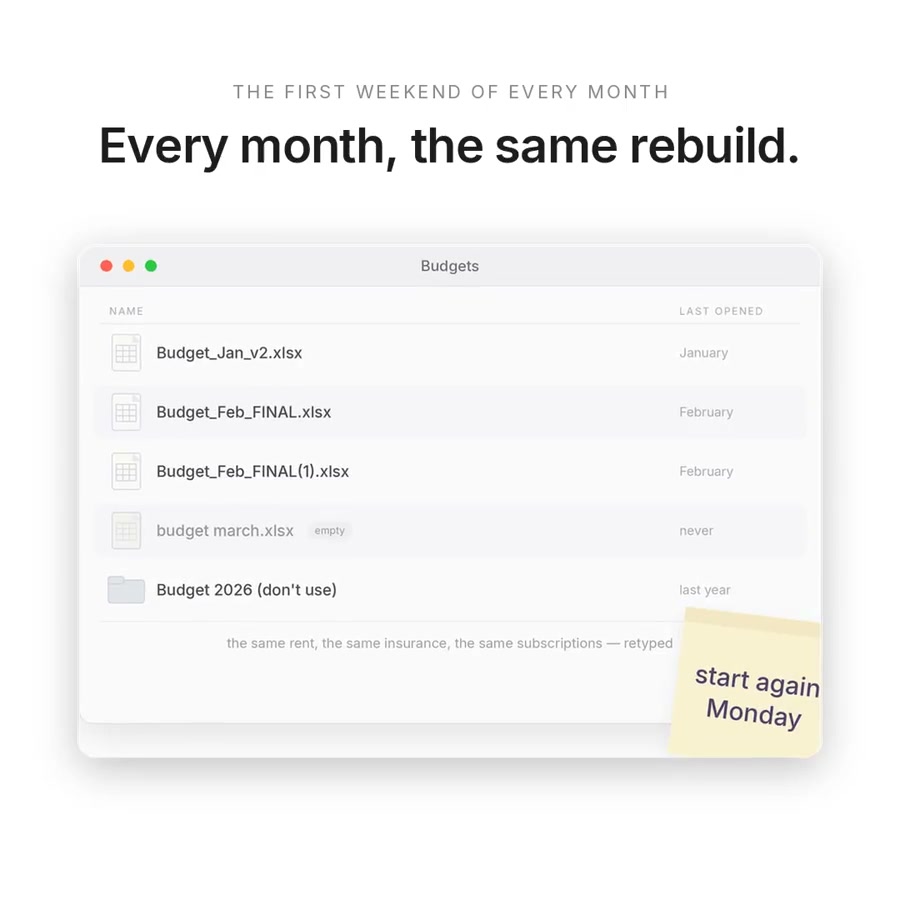
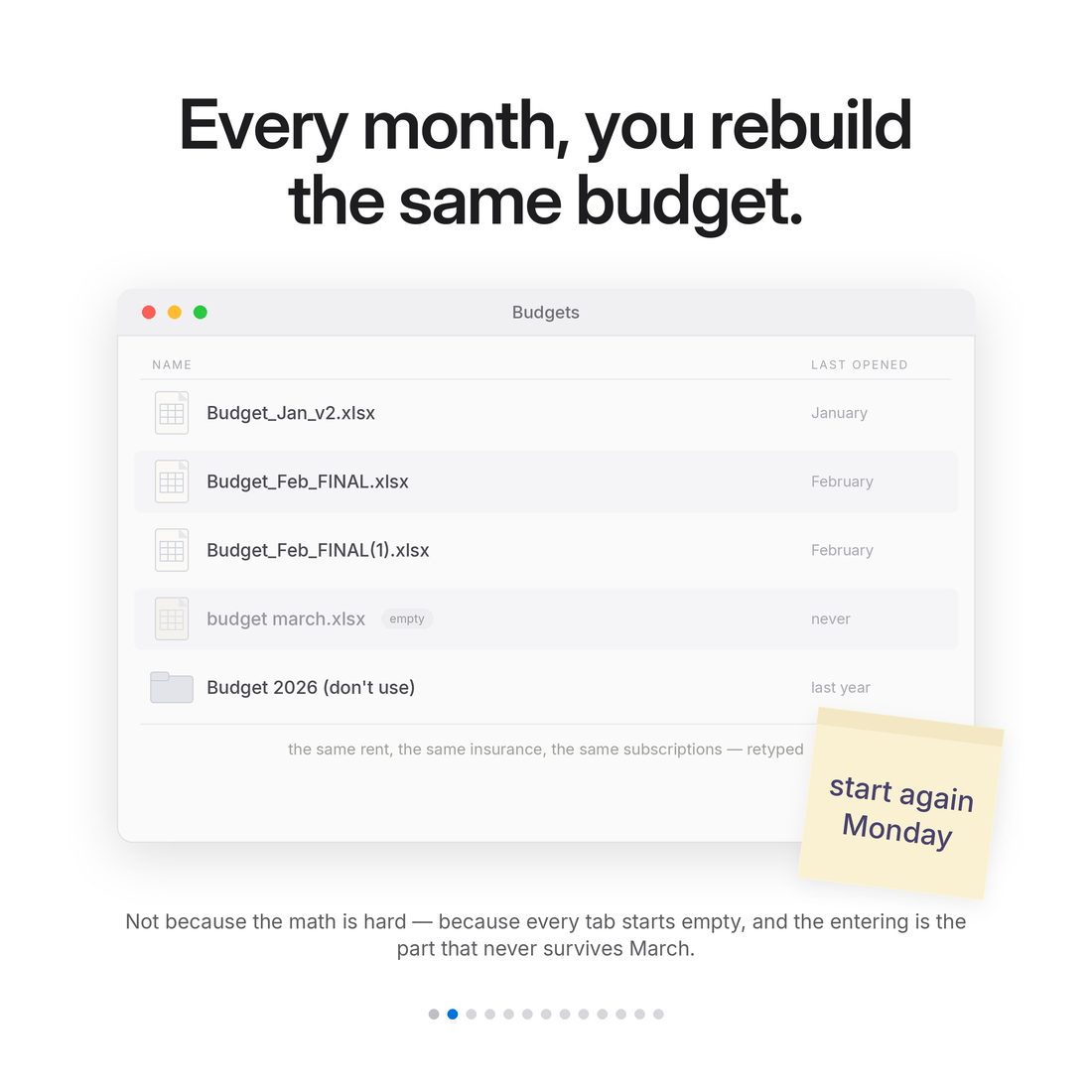
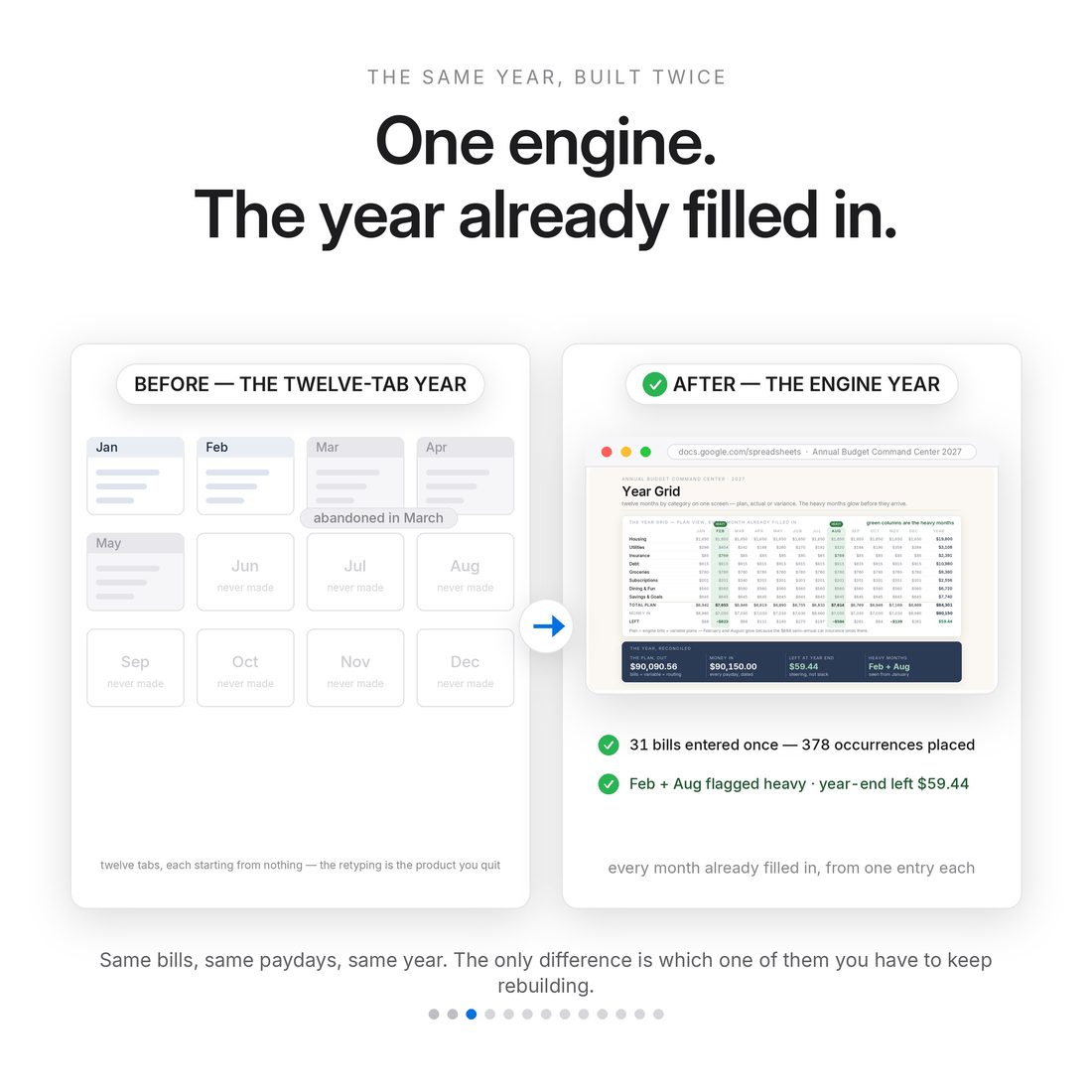
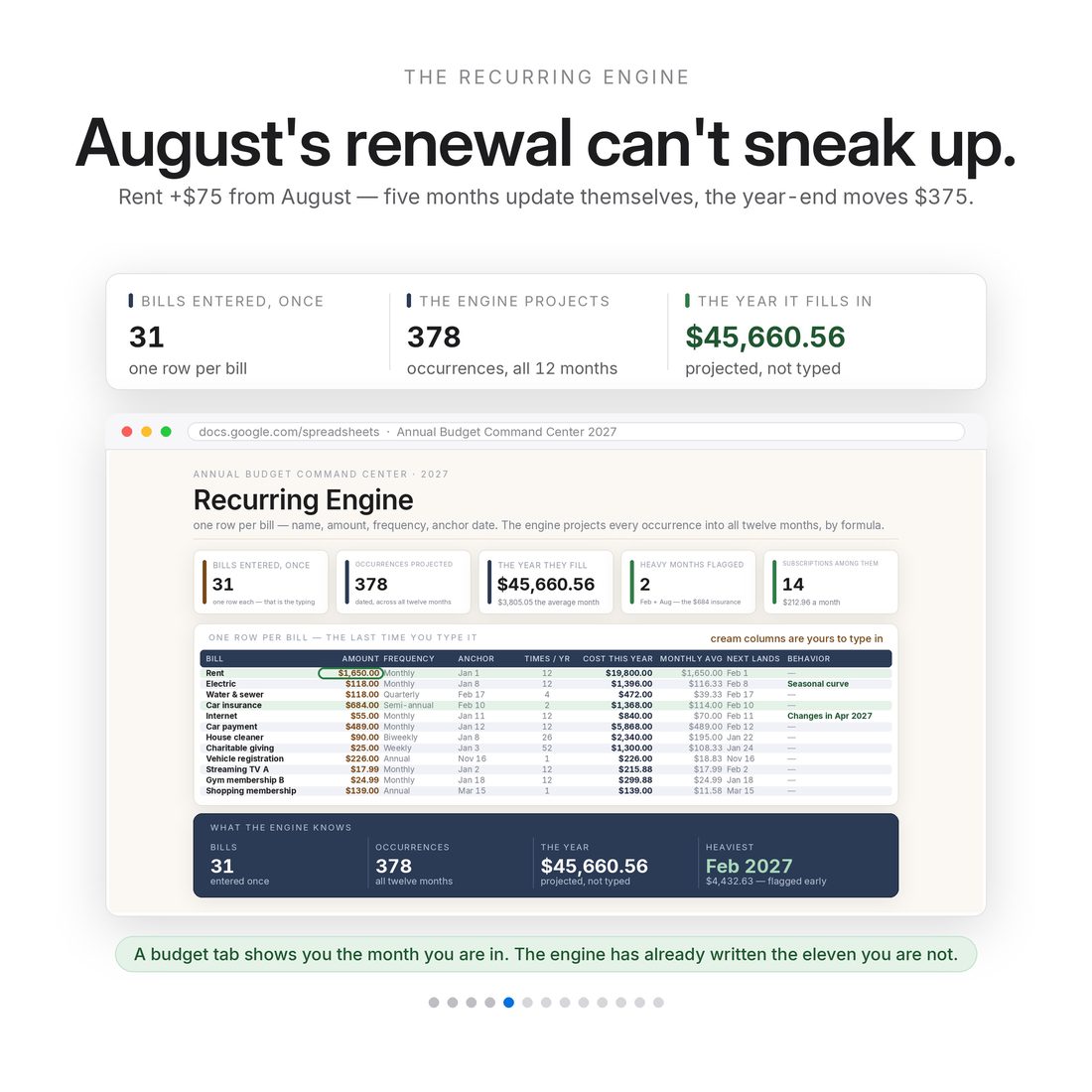
Most annual budgets die of re-entry. You copy January into February, February into March, and somewhere around spring the file quietly stops being true. The fix isn't more tabs — it's an engine. List each bill once, at any frequency, and the Recurring Engine projects every occurrence into every month of 2027. Change a number once and every month after it updates. In the sample, a $75 rent increase in August ripples through five months on its own and moves the year-end position from +$59 to −$316 — which is exactly the kind of thing you want to know in August, not December.
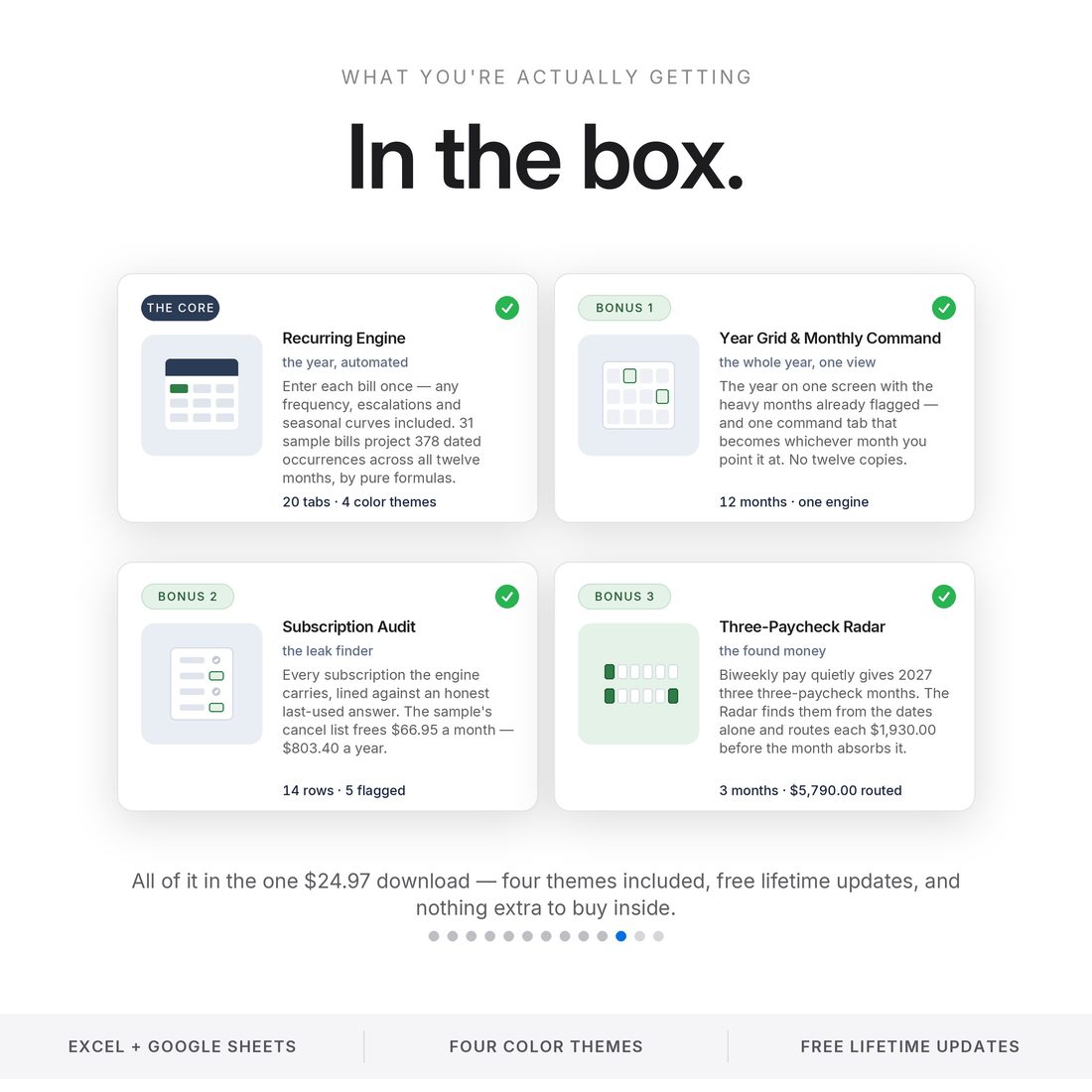
- Recurring Engine — one row per bill at any frequency, projected into all twelve months of 2027
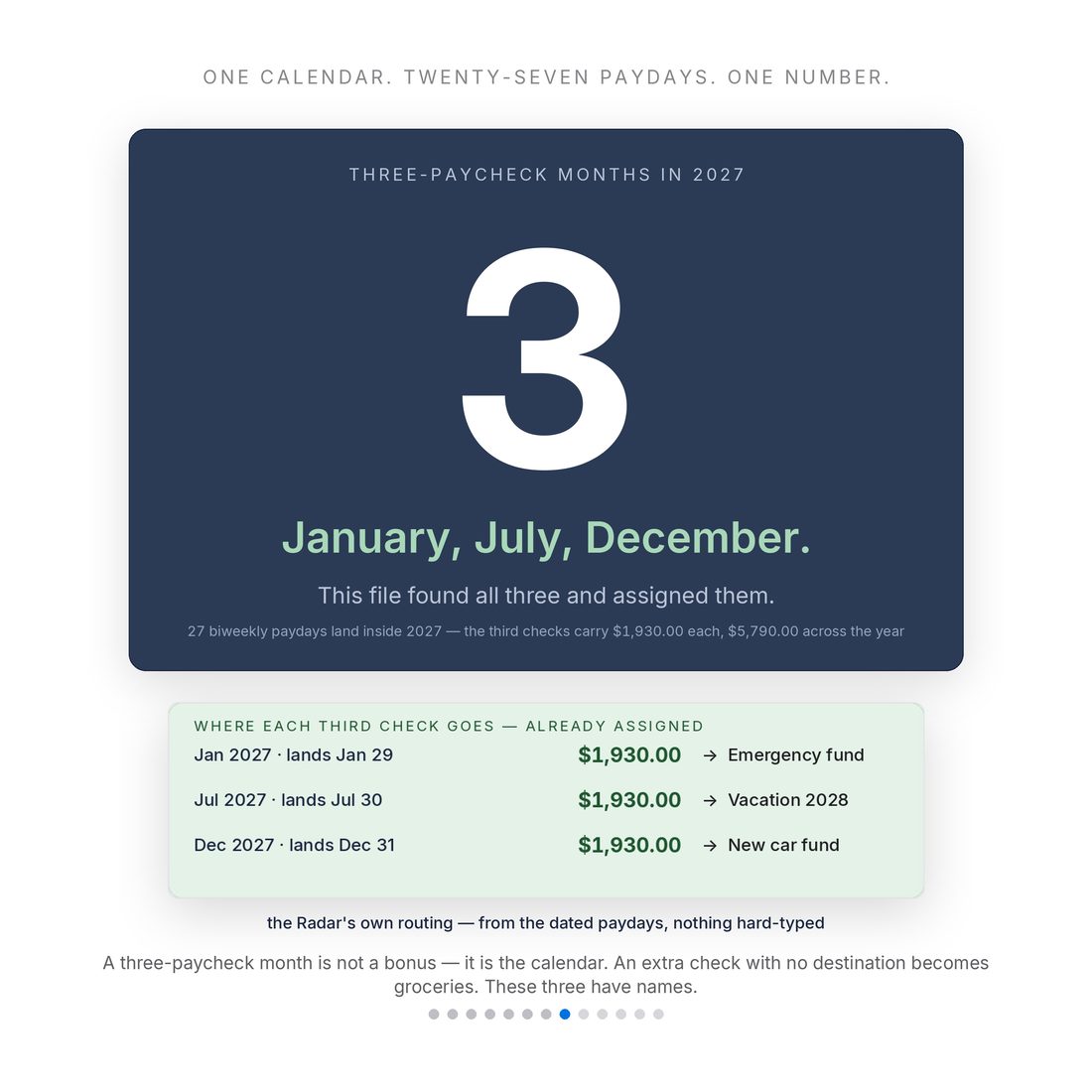
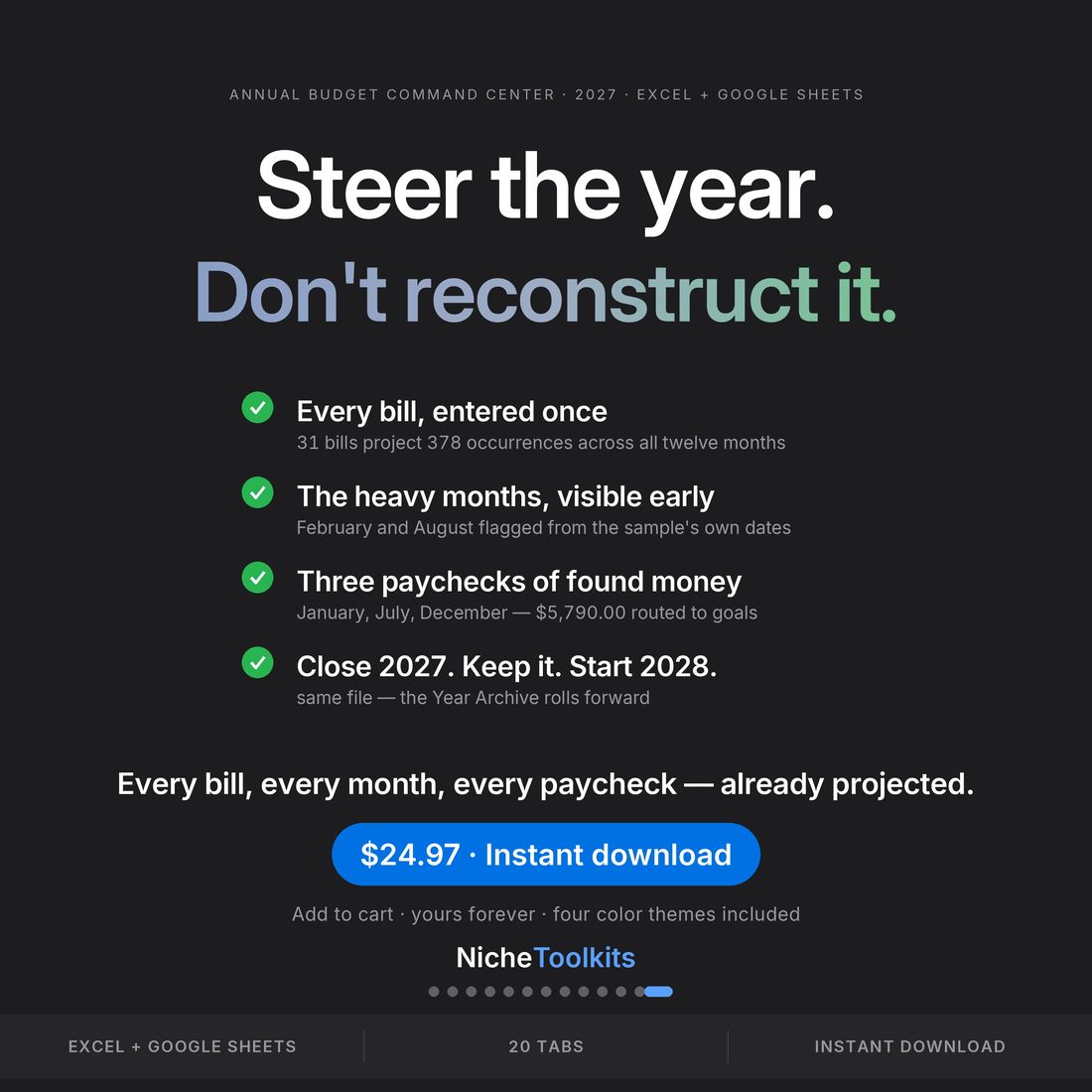
- Three-Paycheck Radar — paid biweekly from Jan 1, 2027 hands you three three-paycheck months (January, July, December), each extra check routed to a goal you pick
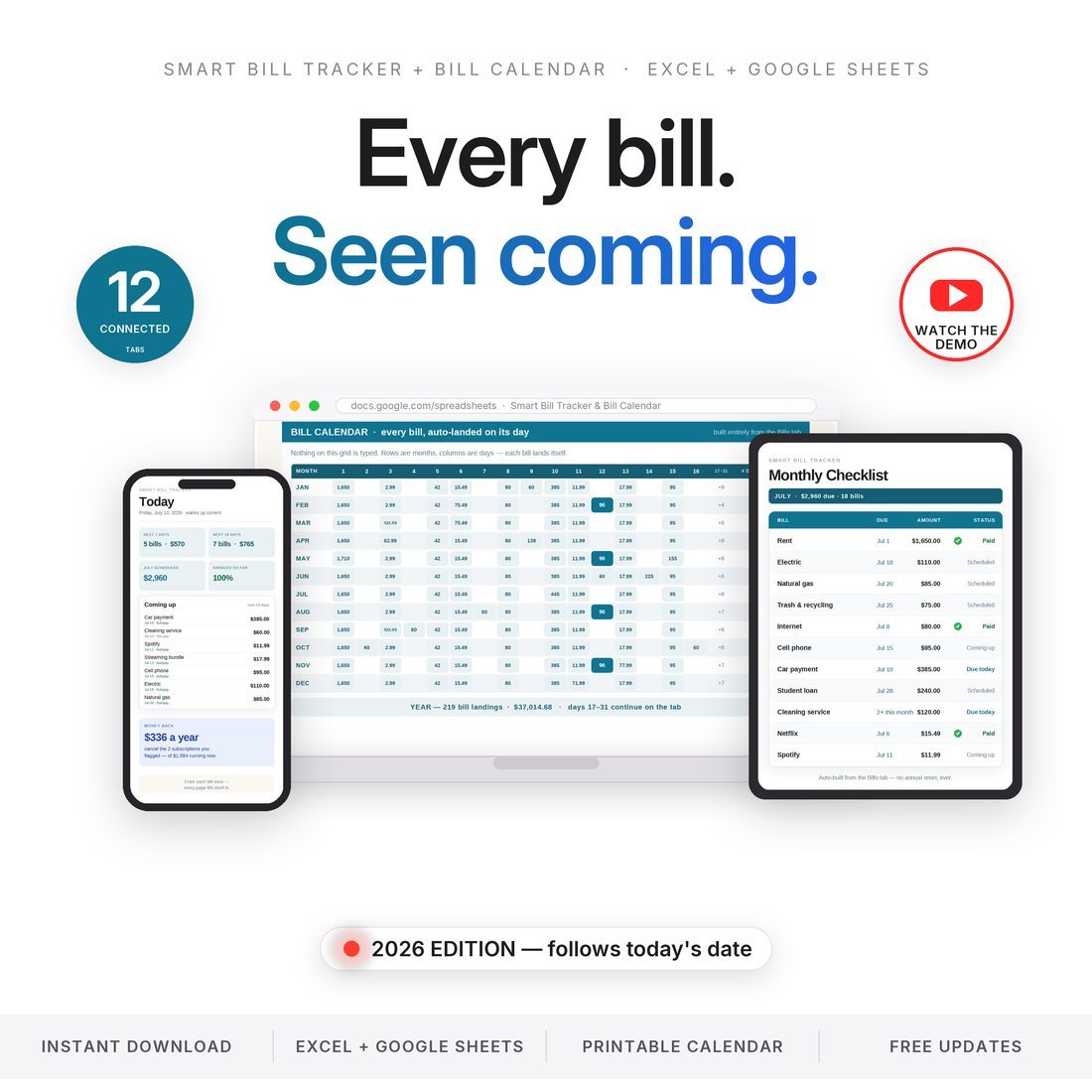
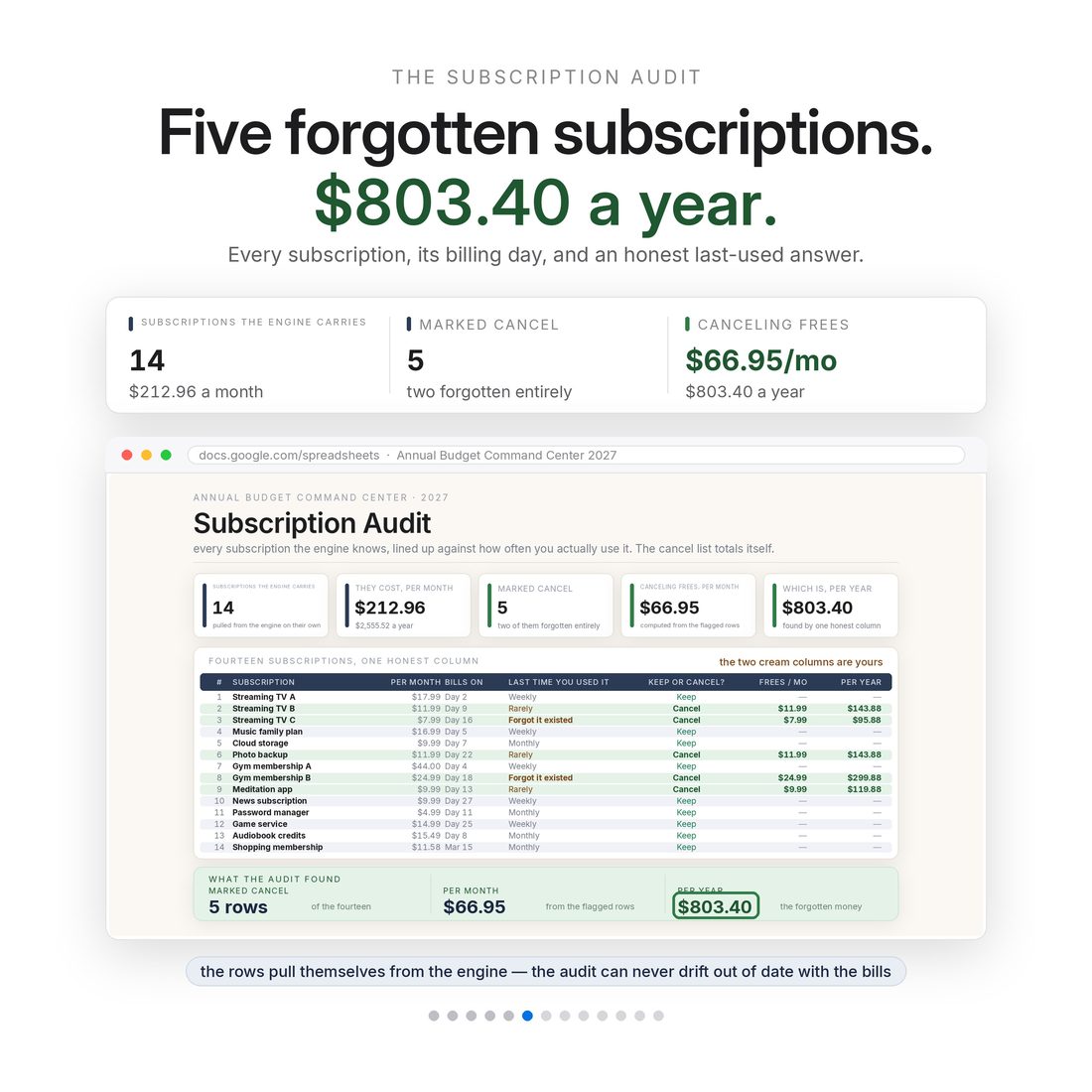
- Subscription Audit — the sample flags five forgotten subscriptions worth $66.95 a month, $803.40 a year
- Monthly Command — one tab with a month dropdown instead of twelve duplicate sheets
- Year Archive — close 2027, keep it, start 2028 in the same file. Bought once, used for years
Overview
Enter it once. All twelve months already know.
Most annual budgets die of re-entry. You copy January into February, February into March, and somewhere around spring the file quietly stops being true. The fix isn't more tabs — it's an engine. List each bill once, at any frequency, and the Recurring Engine projects every occurrence into every month of 2027. Change a number once and every month after it updates. In the sample, a $75 rent increase in August ripples through five months on its own and moves the year-end position from +$59 to −$316 — which is exactly the kind of thing you want to know in August, not December.
And instead of a 28-tab maze of duplicate month sheets, one Monthly Command view drives any month from a dropdown — so the file runs light, even on the Phone View tab built for your pocket.
What's Included
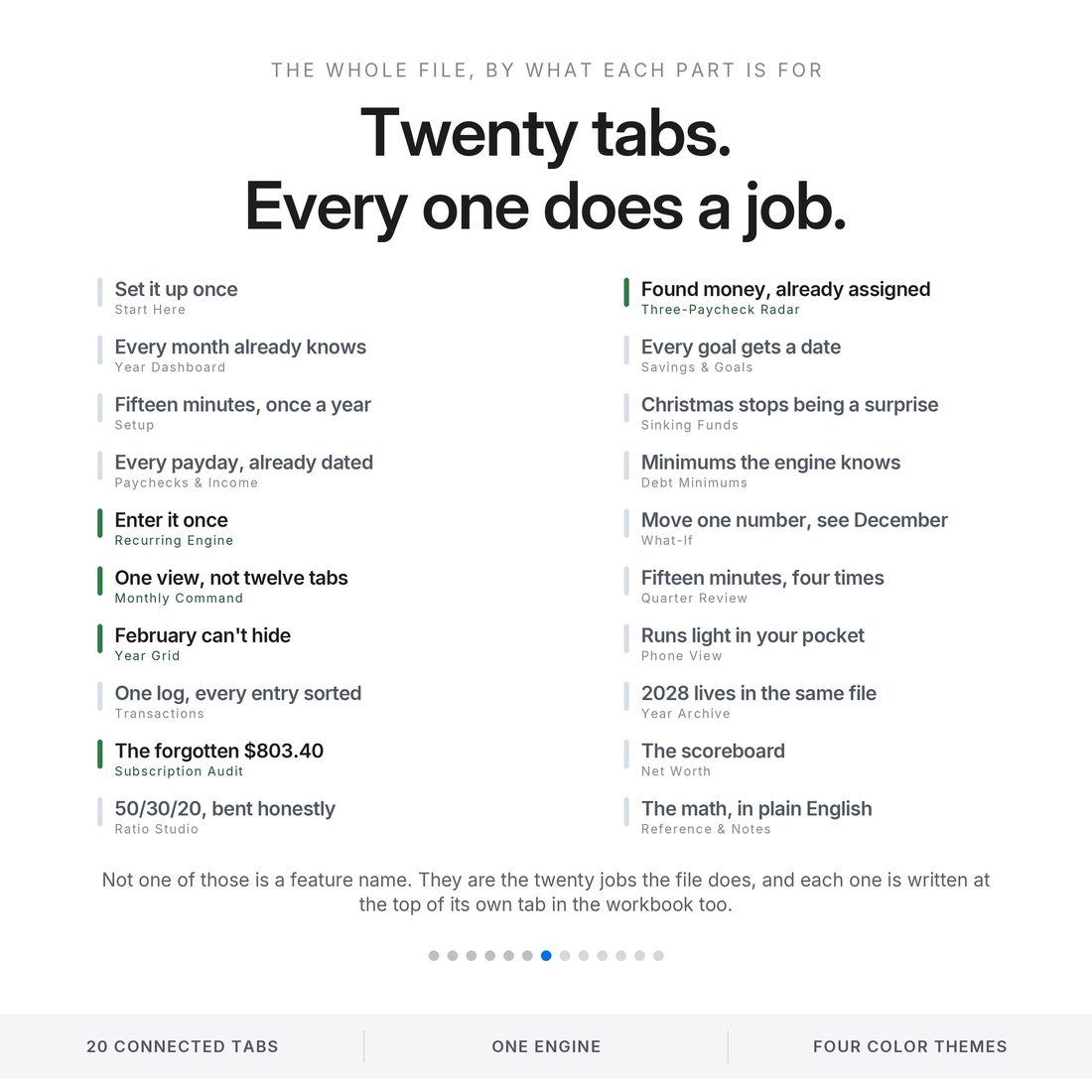
20 connected tabs:
- Four full themes — Editorial, Colorful, Light and Dark (.xlsx), the same complete engine in each
- Quick-Start-Guide.pdf — start to finish in minutes
- ACCESS-YOUR-TEMPLATE.pdf — one click opens your own copy in Google Sheets
- README and LICENSE — delivered as one ZIP, instant download
Key Benefits
Why this one
Weekly, biweekly, monthly, quarterly, semi-annual or annual — with escalation. The engine projects every occurrence, so a change in one cell rewrites the rest of the year.
A $75 rent increase in August moves through five months on its own and takes the year-end position from +$59.44 to −$315.56. You see it in August.
2027 hands biweekly earners three of them. The file finds January, July and December and routes each extra check to a goal instead of to nothing.
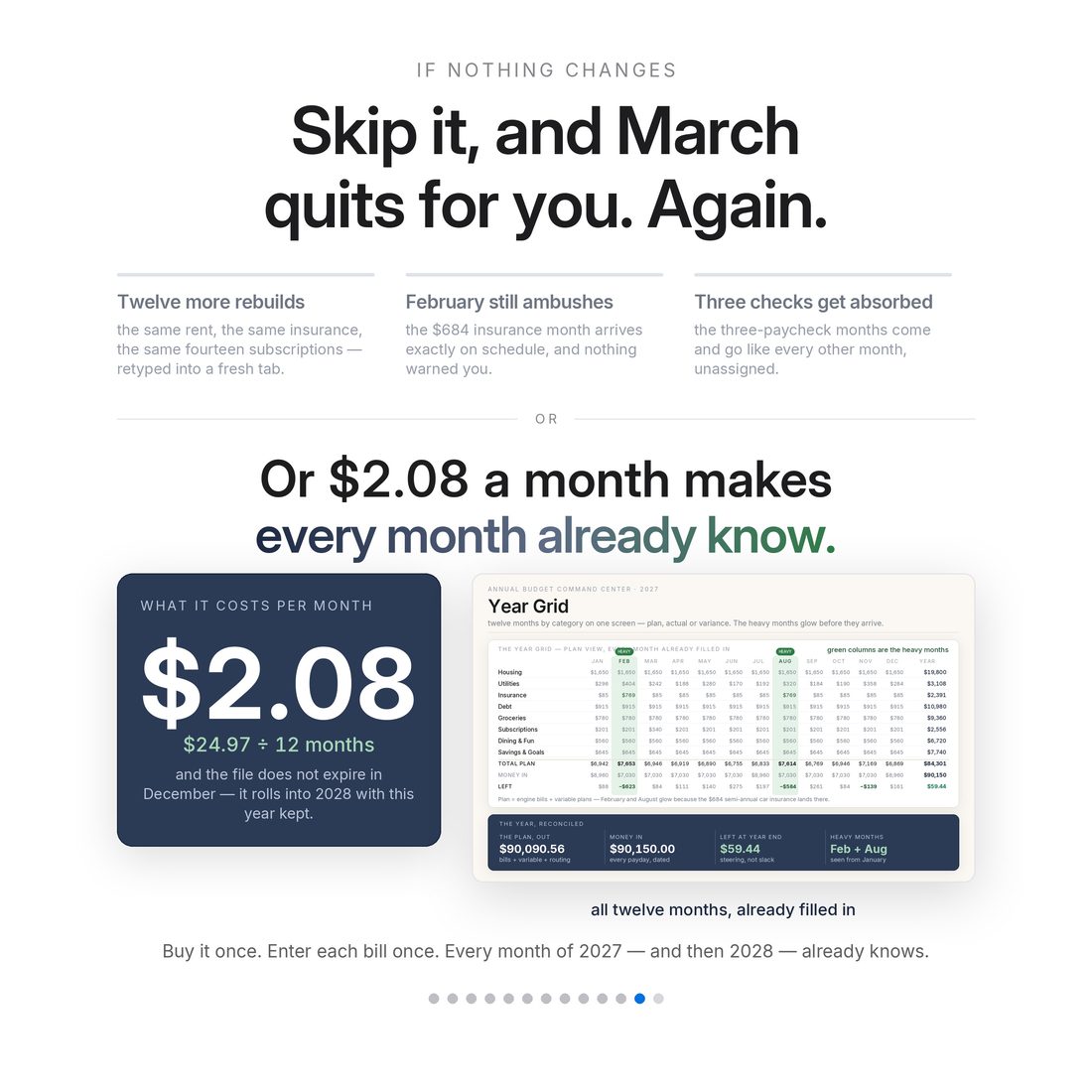
The sample's $684 semi-annual insurance makes February and August visibly hot on the Year Grid months before they land.
Every subscription with its billing day and an honest last-used answer. The sample's cancel list is $803.40 a year.
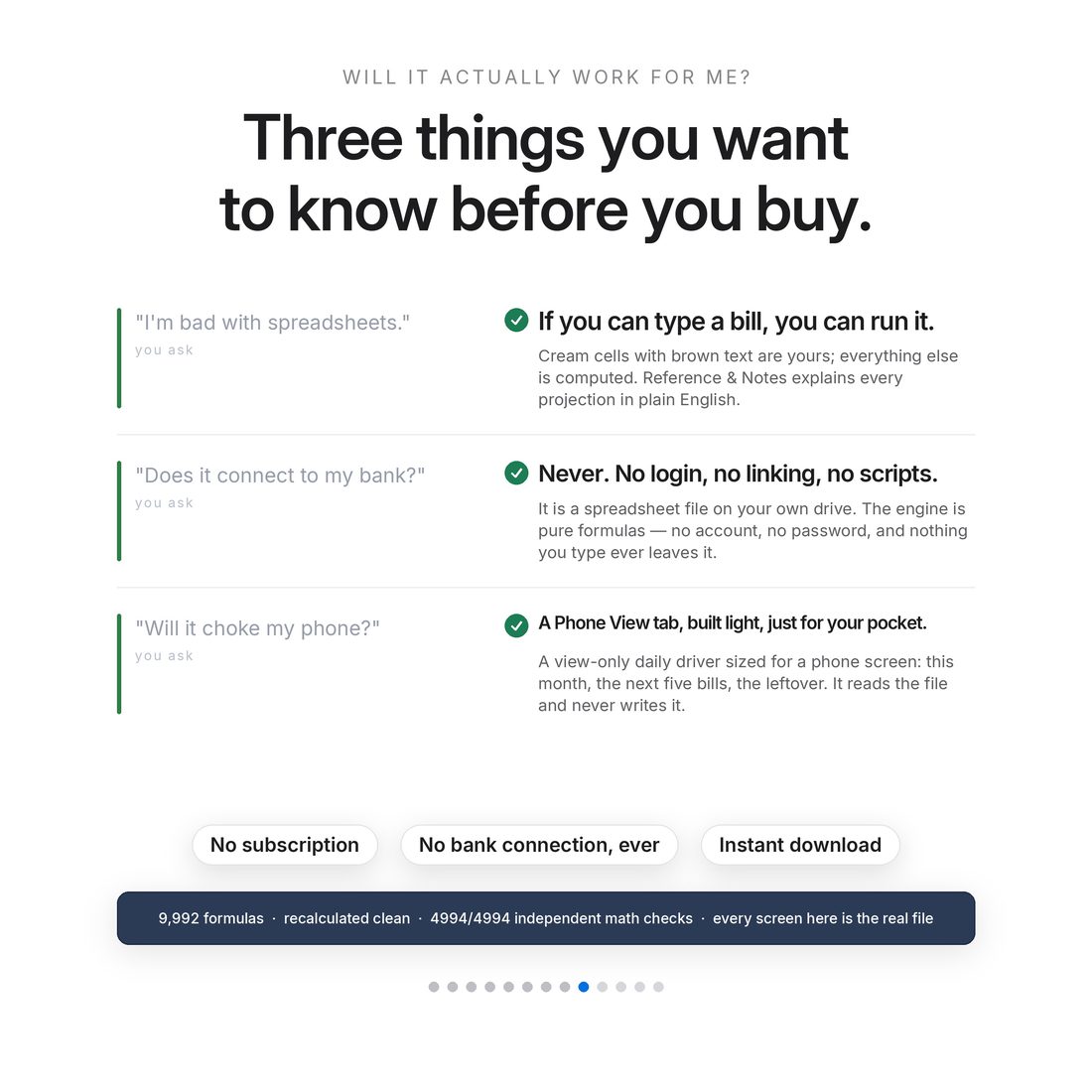
20 tabs · 9,992 formulas · 4,994 of 4,994 independent math checks. Pure formulas — no macros, no scripts, which is why the same file runs in both engines.
Who It's For
Built for
- Anyone who has abandoned an annual budget in March because maintaining it was the job
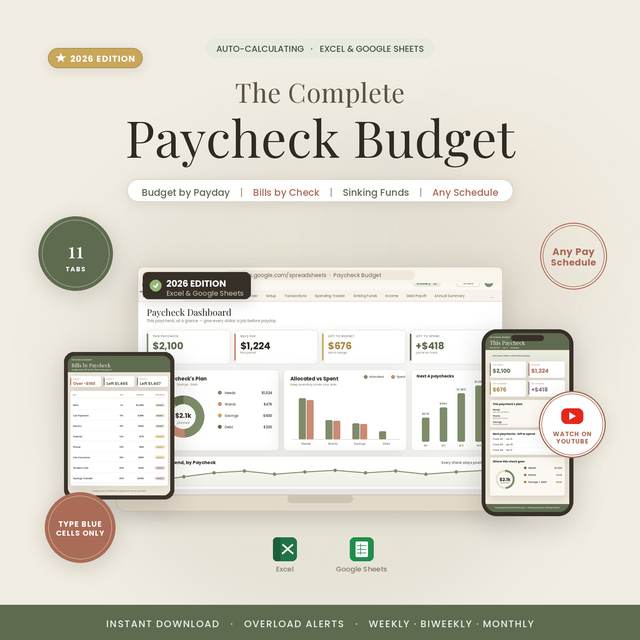
- Biweekly earners who want the three-paycheck months found and assigned before they arrive
- Households with irregular bills — quarterly, semi-annual, annual — that never fit a monthly template
- Anyone who suspects the subscriptions add up to more than they'd guess, and wants the real number
How It Works
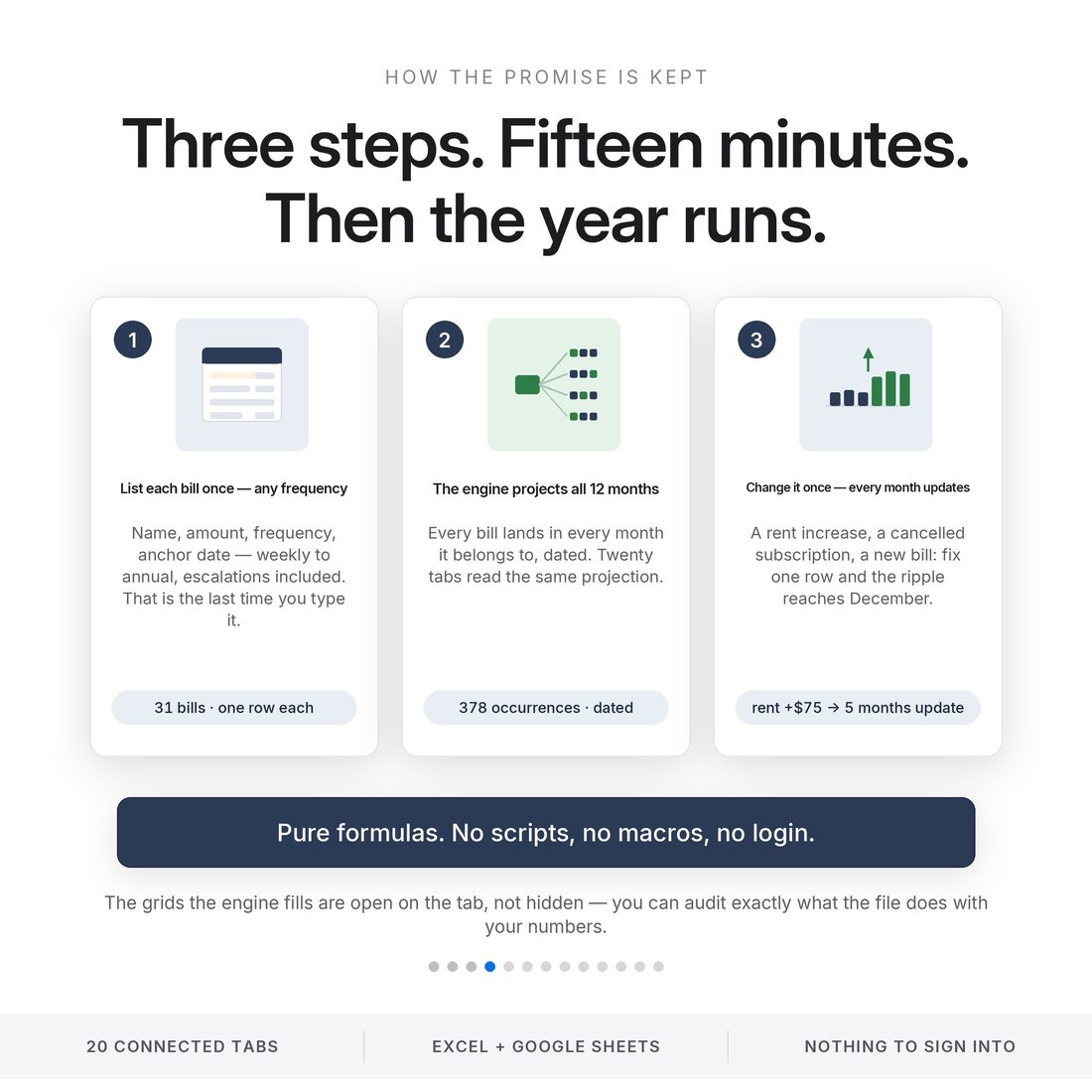
Up and running in minutes
The ACCESS-YOUR-TEMPLATE.pdf in your download opens your own copy in Google Sheets with one click
Any start month and year, both earners' pay schedules, opening balances and your ratio preset
Name, category, amount, frequency, anchor date and escalation — the Recurring Engine takes it from there
Monthly Command drives any month from a dropdown: projected bills, planned spend, actuals, leftover
Year Archive stores 2027 and starts 2028 in the same file — no second purchase
Why It's Different
Not another template
Most annual budget templates are twelve copies of a monthly template, which means twelve chances to fall out of date. This one has a single source of truth — the Recurring Engine — and every month reads from it. That is the difference between a file you maintain and a file that maintains itself.
Delivery & Compatibility
Instant, and works with what you use
As soon as your order is complete you get instant access to download your files. Prefer Google Sheets for real-time updates and dropdowns? It's fully optimized. More comfortable in Excel? It works just as well.
Built and tested in the latest Excel (Office 365). On Mac we recommend the Google Sheets version — the template is not compatible with Apple Numbers. Available in English. The template ships with sample data so every screen works on open; clear it whenever you're ready. The images and video show that sample data to demonstrate how it looks in use.
FAQ
Questions, answered
Does it work in Google Sheets?
Yes — one click. The ACCESS-YOUR-TEMPLATE.pdf in your download opens a copy straight into Google Sheets. The .xlsx works in Excel too. Pure formulas, no add-ons, no macros.
What does the Recurring Engine actually do?
You list each bill a single time with its frequency and anchor date. The engine projects every occurrence of it into every month of the year, including escalation. Change the amount once and every month after it updates itself.
Does it connect to my bank?
Never. No login, no linking, no scripts. That is also why the same file works in both Excel and Google Sheets.
What happens in 2028?
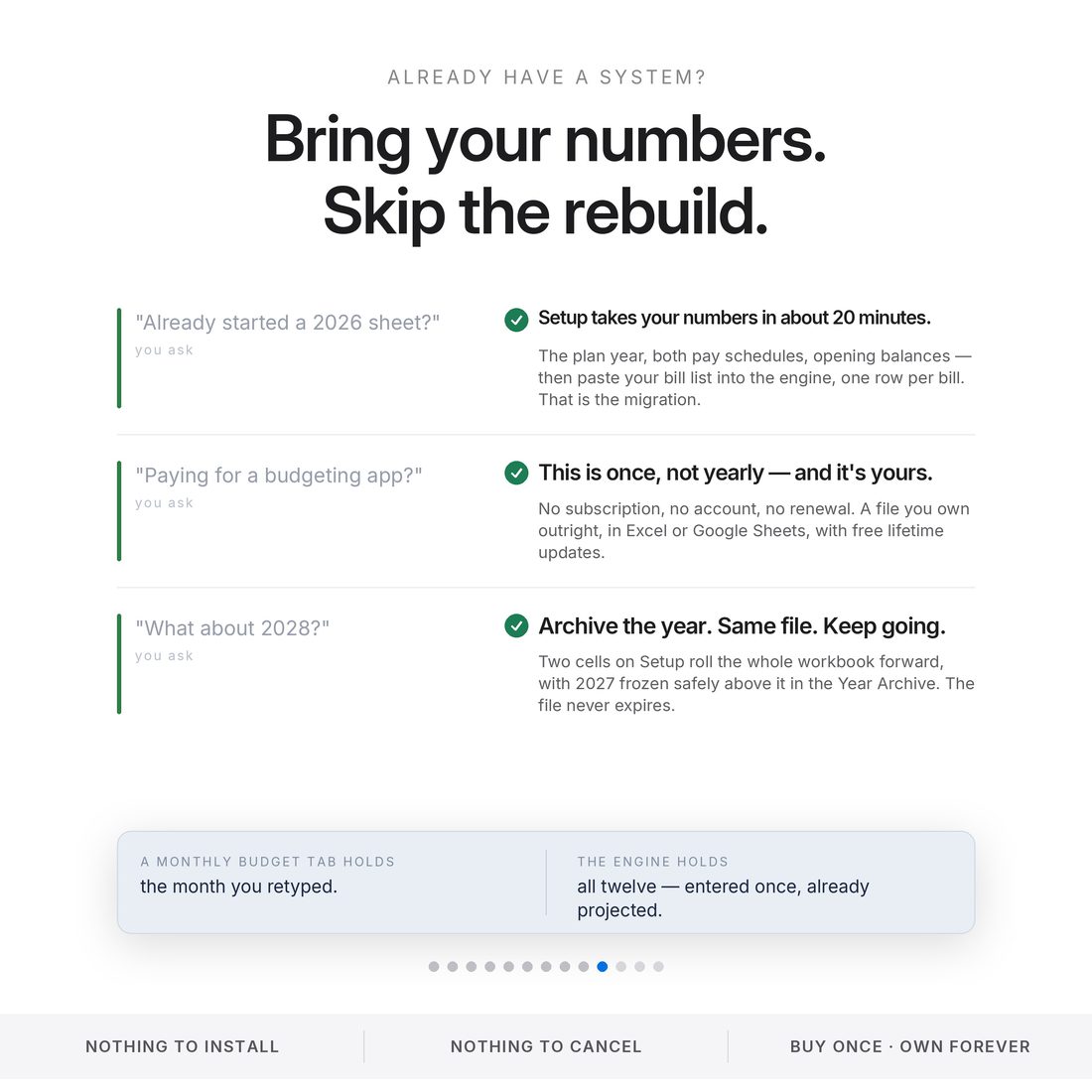
Archive the year and keep going in the same file — Setup takes any start month and year. You bought it once; it doesn't expire.
Is anything pre-loaded?
Yes — a complete sample household ships inside, including the three three-paycheck months, a $684 semi-annual insurance bill and a $803.40 subscription cancel list, so every screen works on open.
Can I get a refund on a digital download?
Because delivery is instant, all sales are final — but message us with any issue and we'll make it right.
This is a planning tool, not financial advice. All figures shown are from the included sample household and are computed by the file itself. Subscription statistics attributed to C+R Research and West Monroe. For personal use only. © 2026 NicheToolkitHub — no resale or redistribution.